

 Ugreen
 .png) Devia
Devia  Mayline
  (1).png) D-power
D-power .png) Araree
Araree  Apple Original
  Samsung Original
 .svg.png) Xiaomi
Xiaomi  LinQ
LinQ  JBL
JBL .png) Belkin
Belkin  1More
1More  Techmade
  Benks
Benks Clearance









List of products by brand Eco-Solution
Eco solution est une société française qui commercialise des produits de qualités tout en essayant de limiter son empreinte écologique. Elle propose des produits de qualité et de longue durée.
There are 20485 products.


Battery A2389 For MacBook Air 13" A2337
COMPATIBILITY: MACBOOK AIR 13" MODEL: A2337 YEAR: LATE-2020 MANUFACTURER REFERENCES: A2389, 923-05102 APPLE REFERENCES: 661-16086

Out-of-Stock
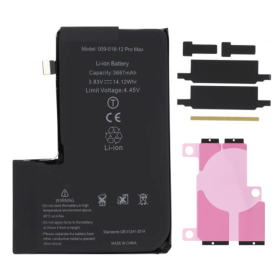
Battery A2466 3687mAh iPhone 12 Pro Max (ECO Fix) Direct Installation - No Pop-up / Health 100%
Use Repair Assistant to Finish an iPhone or iPad Repair
This Battery Without Logo
On an iPhone 12 or later running iOS 18, when a new Apple battery is installed,“Finish Repair” will appear next to Battery until you complete the repair using the Repair Assistant.
On an iPhone 12 or later running iOS 18, it is possible to reuse an original Apple battery on another iPhone of the same model.
The date of first use, capacity, and cycle count of your battery can be found in Settings > Battery > Battery Health.
How to Run Diagnostics & Finish Repair for iPhone Battery
1. Ensure your device is updated to iOS 18
2. Go to Settings > General > About > Parts & Service History
3. Tap "Restart & Finish Repair" to activate the Repair Assistant
4. Follow the on-screen instructions to complete the calibration
After completing this process, your battery will display 100% health, and there will be no pop-up warning about non-genuine parts.
Important Notes:
Your iPhone must be connected to Wi-Fi
Your battery level should be above 20%
If the process fails, restart your device and try again
If the repair is not completed, the battery may not function optimally, and some features (Face ID, Touch ID) may be disabled until calibration is finalized
Out-of-Stock
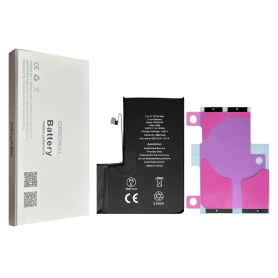
Battery A2466 3687mAh iPhone 12 Pro Max (No pop-up/Health 100%) Original BMS Required
ATTENTION: STATUS 100% - REQUIRES FLASHING
Out-of-Stock
Battery A2466 3687mAh iPhone 12 Pro Max (OEM) Direct Installation - No Pop-up / Health 100%
Use Repair Assistant to Finish an iPhone or iPad Repair
This Battery Without Logo
On an iPhone 12 or later running iOS 18, when a new Apple battery is installed,“Finish Repair” will appear next to Battery until you complete the repair using the Repair Assistant.
On an iPhone 12 or later running iOS 18, it is possible to reuse an original Apple battery on another iPhone of the same model.
The date of first use, capacity, and cycle count of your battery can be found in Settings > Battery > Battery Health.
How to Run Diagnostics & Finish Repair for iPhone Battery
1. Ensure your device is updated to iOS 18
2. Go to Settings > General > About > Parts & Service History
3. Tap "Restart & Finish Repair" to activate the Repair Assistant
4. Follow the on-screen instructions to complete the calibration
After completing this process, your battery will display 100% health, and there will be no pop-up warning about non-genuine parts.
Important Notes:
Your iPhone must be connected to Wi-Fi
Your battery level should be above 20%
If the process fails, restart your device and try again
If the repair is not completed, the battery may not function optimally, and some features (Face ID, Touch ID) may be disabled until calibration is finalized
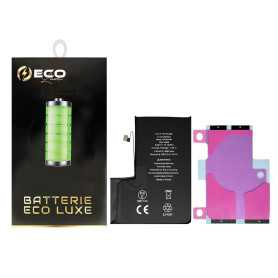
Out-of-Stock
Battery A2466 3687mAh iPhone 12 Pro Max + Adhesives - Chip Ti (ECO Luxe)
The Ti chip is used by Apple in its original battery.

Battery A2466 3687mAh iPhone 12 Pro Max +Adhesive Type - Pure Cobalt (ECO Ti)
Please note that for the Origine battery replacement on XR/XS/XSMax/11/11Pro/11ProMax/12/12 Mini/12 Pro/12 Pro Max, the phone will systematically indicate that the battery needs to be serviced. This information will not affect the normal use of the phone Battery for iPhone 12 Pro Max. This spare part will allow you to easily & quickly replace the battery of your iPhone 12 Pro Max.
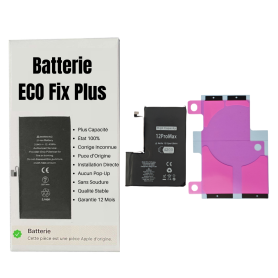
Out-of-Stock
Battery A2466 4000mAh iPhone 12 Pro Max (ECO Fix Plus) 130% Plus Durable - No Pop-up / Health 100%
Use Repair Assistant to Finish an iPhone or iPad Repair
This Battery Without Logo
On an iPhone 12 or later running iOS 18, when a new Apple battery is installed,“Finish Repair” will appear next to Battery until you complete the repair using the Repair Assistant.
On an iPhone 12 or later running iOS 18, it is possible to reuse an original Apple battery on another iPhone of the same model.
The date of first use, capacity, and cycle count of your battery can be found in Settings > Battery > Battery Health.
How to Run Diagnostics & Finish Repair for iPhone Battery
1. Ensure your device is updated to iOS 18
2. Go to Settings > General > About > Parts & Service History
3. Tap "Restart & Finish Repair" to activate the Repair Assistant
4. Follow the on-screen instructions to complete the calibration
After completing this process, your battery will display 100% health, and there will be no pop-up warning about non-genuine parts.
Important Notes:
Your iPhone must be connected to Wi-Fi
Your battery level should be above 20%
If the process fails, restart your device and try again
If the repair is not completed, the battery may not function optimally, and some features (Face ID, Touch ID) may be disabled until calibration is finalized
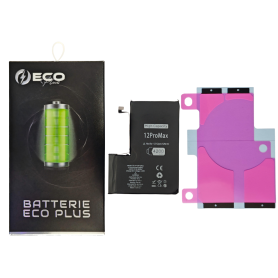
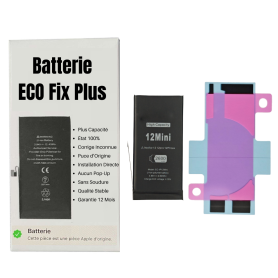
Battery A2471 2227mAh iPhone 12 mini (ECO Fix Plus) 130% Plus Durable - No Pop-up / Health 100%
Use Repair Assistant to Finish an iPhone or iPad Repair
This Battery Without Logo
On an iPhone 12 or later running iOS 18, when a new Apple battery is installed,“Finish Repair” will appear next to Battery until you complete the repair using the Repair Assistant.
On an iPhone 12 or later running iOS 18, it is possible to reuse an original Apple battery on another iPhone of the same model.
The date of first use, capacity, and cycle count of your battery can be found in Settings > Battery > Battery Health.
How to Run Diagnostics & Finish Repair for iPhone Battery
1. Ensure your device is updated to iOS 18
2. Go to Settings > General > About > Parts & Service History
3. Tap "Restart & Finish Repair" to activate the Repair Assistant
4. Follow the on-screen instructions to complete the calibration
After completing this process, your battery will display 100% health, and there will be no pop-up warning about non-genuine parts.
Important Notes:
Your iPhone must be connected to Wi-Fi
Your battery level should be above 20%
If the process fails, restart your device and try again
If the repair is not completed, the battery may not function optimally, and some features (Face ID, Touch ID) may be disabled until calibration is finalized
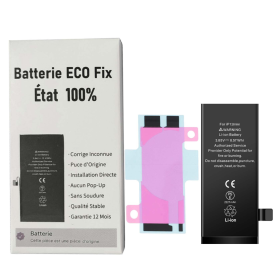
Battery A2471 2227mAh iPhone 12 mini (ECO Fix) Direct Installation - No Pop-up / Health 100%
Use Repair Assistant to Finish an iPhone or iPad Repair
This Battery Without Logo
On an iPhone 12 or later running iOS 18, when a new Apple battery is installed,“Finish Repair” will appear next to Battery until you complete the repair using the Repair Assistant.
On an iPhone 12 or later running iOS 18, it is possible to reuse an original Apple battery on another iPhone of the same model.
The date of first use, capacity, and cycle count of your battery can be found in Settings > Battery > Battery Health.
How to Run Diagnostics & Finish Repair for iPhone Battery
1. Ensure your device is updated to iOS 18
2. Go to Settings > General > About > Parts & Service History
3. Tap "Restart & Finish Repair" to activate the Repair Assistant
4. Follow the on-screen instructions to complete the calibration
After completing this process, your battery will display 100% health, and there will be no pop-up warning about non-genuine parts.
Important Notes:
Your iPhone must be connected to Wi-Fi
Your battery level should be above 20%
If the process fails, restart your device and try again
If the repair is not completed, the battery may not function optimally, and some features (Face ID, Touch ID) may be disabled until calibration is finalized

Out-of-Stock
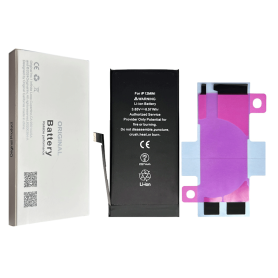
Battery A2471 2227mAh iPhone 12 Mini (No pop-up/Health 100%) Original BMS Required
Key Features of Battery A2471 2227mAh iPhone 12 Mini
High Capacity: With a robust 2227mAh capacity, this battery ensures long-lasting power for your iPhone 12 Mini, keeping you connected and productive throughout the day.
No Pop-up Warnings: Designed to integrate seamlessly with your device, this battery eliminates annoying pop-up warnings, offering a smooth user experience.
Optimal Health: Engineered to maintain 100% health, this battery ensures reliable performance and longevity, comparable to your iPhone’s original battery at the time of purchase.
Original Battery Management System (BMS) Required: For optimal performance, this battery works best with the original BMS of your device, ensuring efficient power management and safety.
Compatibility: Exclusively designed for the iPhone 12 Mini, guaranteeing a perfect fit and optimal performance with Apple’s specifications.
Safety Standards: Manufactured under strict quality control standards to prevent overheating, short-circuiting, and overcharging, ensuring your safety and the longevity of your device.
Cost-Effective Solution: Offers a budget-friendly alternative to purchasing a new device, breathing new life into your existing iPhone 12 Mini.
Experience reliable power and uninterrupted performance with the Battery A2471 for iPhone 12 Mini.
High Capacity: With a robust 2227mAh capacity, this battery ensures long-lasting power for your iPhone 12 Mini, keeping you connected and productive throughout the day.
No Pop-up Warnings: Designed to integrate seamlessly with your device, this battery eliminates annoying pop-up warnings, offering a smooth user experience.
Optimal Health: Engineered to maintain 100% health, this battery ensures reliable performance and longevity, comparable to your iPhone’s original battery at the time of purchase.
Original Battery Management System (BMS) Required: For optimal performance, this battery works best with the original BMS of your device, ensuring efficient power management and safety.
Compatibility: Exclusively designed for the iPhone 12 Mini, guaranteeing a perfect fit and optimal performance with Apple’s specifications.
Safety Standards: Manufactured under strict quality control standards to prevent overheating, short-circuiting, and overcharging, ensuring your safety and the longevity of your device.
Cost-Effective Solution: Offers a budget-friendly alternative to purchasing a new device, breathing new life into your existing iPhone 12 Mini.
Experience reliable power and uninterrupted performance with the Battery A2471 for iPhone 12 Mini.
Out-of-Stock
Battery A2471 2227mAh iPhone 12 mini (OEM) Diagnostic Show Genuine
Use Repair Assistant to Finish an iPhone or iPad Repair
This Battery Without Logo
On an iPhone 12 or later running iOS 18, when a new Apple battery is installed,“Finish Repair” will appear next to Battery until you complete the repair using the Repair Assistant.
On an iPhone 12 or later running iOS 18, it is possible to reuse an original Apple battery on another iPhone of the same model.
The date of first use, capacity, and cycle count of your battery can be found in Settings > Battery > Battery Health.
How to Run Diagnostics & Finish Repair for iPhone Battery
1. Ensure your device is updated to iOS 18
2. Go to Settings > General > About > Parts & Service History
3. Tap "Restart & Finish Repair" to activate the Repair Assistant
4. Follow the on-screen instructions to complete the calibration
After completing this process, your battery will display 100% health, and there will be no pop-up warning about non-genuine parts.
Important Notes:
Your iPhone must be connected to Wi-Fi
Your battery level should be above 20%
If the process fails, restart your device and try again
If the repair is not completed, the battery may not function optimally, and some features (Face ID, Touch ID) may be disabled until calibration is finalized
Out-of-Stock
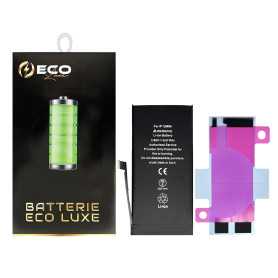
Battery A2471 2227mAh iPhone 12 mini + Adhesives - Chip Ti (ECO Luxe)
The Ti chip is used by Apple in its original battery.

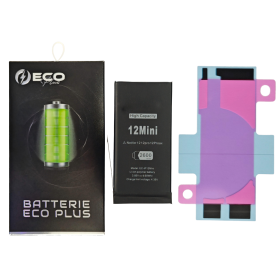
Battery A2471 2227mAh iPhone 12 Mini with Adhesive - Pure Cobalt (ECO Ti)
Please note that when replacing the Origine battery on the XR/XS/XSMax/11/11Pro/11ProMax/12/12 Mini/12 Pro/12 Pro Max, the phone will systematically indicate that the battery needs to be serviced. This information will not affect the normal use of the phone Battery for iPhone 12 Mini. This spare part will allow you to easily & quickly replace the battery of your iPhone 12 Mini.
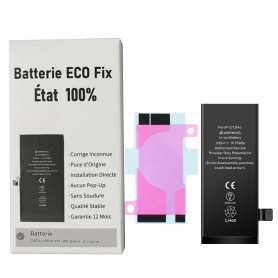
Out-of-Stock
Battery A2479 2815mAh iPhone 12 / 12 Pro (ECO Fix) Direct Installation - No Pop-up / Health 100%
Use Repair Assistant to Finish an iPhone or iPad Repair
This Battery Without Logo
On an iPhone 12 or later running iOS 18, when a new Apple battery is installed,“Finish Repair” will appear next to Battery until you complete the repair using the Repair Assistant.
On an iPhone 12 or later running iOS 18, it is possible to reuse an original Apple battery on another iPhone of the same model.
The date of first use, capacity, and cycle count of your battery can be found in Settings > Battery > Battery Health.
How to Run Diagnostics & Finish Repair for iPhone Battery
1. Ensure your device is updated to iOS 18
2. Go to Settings > General > About > Parts & Service History
3. Tap "Restart & Finish Repair" to activate the Repair Assistant
4. Follow the on-screen instructions to complete the calibration
After completing this process, your battery will display 100% health, and there will be no pop-up warning about non-genuine parts.
Important Notes:
Your iPhone must be connected to Wi-Fi
Your battery level should be above 20%
If the process fails, restart your device and try again
If the repair is not completed, the battery may not function optimally, and some features (Face ID, Touch ID) may be disabled until calibration is finalized
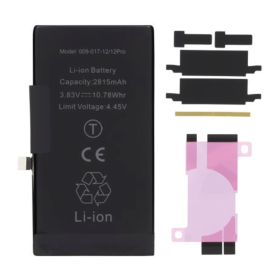
Out-of-Stock
Battery A2479 2815mAh iPhone 12 / 12 Pro (No pop-up/Health 100%) Original BMS Required
ATTENTION: STATUS 100% - REQUIRES FLASHING
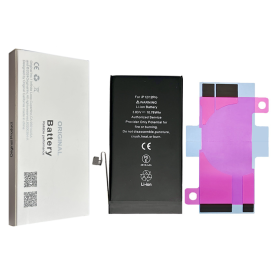
Battery A2479 2815mAh iPhone 12 / 12 Pro (OEM) Diagnostic Show Genuine
Use Repair Assistant to Finish an iPhone or iPad Repair
This Battery Without Logo
On an iPhone 12 or later running iOS 18, when a new Apple battery is installed,“Finish Repair” will appear next to Battery until you complete the repair using the Repair Assistant.
On an iPhone 12 or later running iOS 18, it is possible to reuse an original Apple battery on another iPhone of the same model.
The date of first use, capacity, and cycle count of your battery can be found in Settings > Battery > Battery Health.
How to Run Diagnostics & Finish Repair for iPhone Battery
1. Ensure your device is updated to iOS 18
2. Go to Settings > General > About > Parts & Service History
3. Tap "Restart & Finish Repair" to activate the Repair Assistant
4. Follow the on-screen instructions to complete the calibration
After completing this process, your battery will display 100% health, and there will be no pop-up warning about non-genuine parts.
Important Notes:
Your iPhone must be connected to Wi-Fi
Your battery level should be above 20%
If the process fails, restart your device and try again
If the repair is not completed, the battery may not function optimally, and some features (Face ID, Touch ID) may be disabled until calibration is finalized
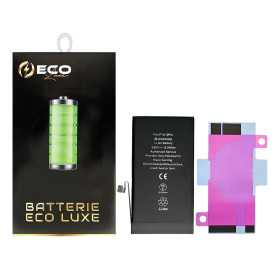
Out-of-Stock
Battery A2479 2815mAh iPhone 12 / 12 Pro + Adhesives - Chip Ti (ECO Luxe)
The Ti chip is used by Apple in its original battery.

Out-of-Stock
Battery A2479 2815mAh iPhone 12 / 12 Pro +Adhesive Type - Pure Cobalt (ECO Ti)
Please note that for the replacement of the original battery on the iPhone XR/XS/XSMax/11/11Pro/11ProMax/12/12 Mini/12 Pro/12 Pro Max, the phone will systematically indicate that the battery needs to be serviced. This information will not affect the normal use of the phone Battery for iPhone 12/12 Pro. This spare part will allow you to easily & quickly replace the battery of your iPhone 12/12 Pro.

Out-of-Stock
Battery A2479 3350mAh iPhone 12 / 12 Pro (ECO Fix Plus) 130% Plus Durable - No Pop-up / 100% Condition
Use Repair Assistant to Finish an iPhone or iPad Repair
This Battery Without Logo
On an iPhone 12 or later running iOS 18, when a new Apple battery is installed,“Finish Repair” will appear next to Battery until you complete the repair using the Repair Assistant.
On an iPhone 12 or later running iOS 18, it is possible to reuse an original Apple battery on another iPhone of the same model.
The date of first use, capacity, and cycle count of your battery can be found in Settings > Battery > Battery Health.
How to Run Diagnostics & Finish Repair for iPhone Battery
1. Ensure your device is updated to iOS 18
2. Go to Settings > General > About > Parts & Service History
3. Tap "Restart & Finish Repair" to activate the Repair Assistant
4. Follow the on-screen instructions to complete the calibration
After completing this process, your battery will display 100% health, and there will be no pop-up warning about non-genuine parts.
Important Notes:
Your iPhone must be connected to Wi-Fi
Your battery level should be above 20%
If the process fails, restart your device and try again
If the repair is not completed, the battery may not function optimally, and some features (Face ID, Touch ID) may be disabled until calibration is finalized
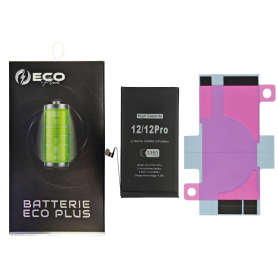

Out-of-Stock
Battery A2479 3800mAh iPhone 12 / 12 Pro with Tools
Key Features of Battery A2479 3200mAh for iPhone 12 / 12 Pro with Tools:
High Capacity: Boasting a powerful 3200mAh capacity, the Battery A2479 enhances your iPhone 12 / 12 Pro's lifespan, offering extended usage time and reducing the need for frequent recharges.
Premium Quality: Crafted with advanced lithium-ion technology, this replacement battery guarantees superior performance and reliability, meeting OEM specifications to ensure optimal compatibility and safety.
Tool Kit Included: Comes complete with a comprehensive set of precision tools, including screwdrivers and pry tools, facilitating easy and hassle-free installation for both novices and skilled users.
Safety Assured: Equipped with built-in smart chips providing multiple protections against overcharging, overheating, and short-circuiting to keep your device secure and functioning seamlessly.
Certified Standards: Conforms to international safety standards and certifications such as CE, FCC, and RoHS, ensuring environmentally friendly materials and safe, trusted performance.
Improved Performance: Offers stable voltage and current output, enhancing device performance and battery life without compromising on speed or efficiency.
Customer Support: Backed by a friendly customer service team ready to assist with any queries, ensuring a smooth and satisfactory user experience.
High Capacity: Boasting a powerful 3200mAh capacity, the Battery A2479 enhances your iPhone 12 / 12 Pro's lifespan, offering extended usage time and reducing the need for frequent recharges.
Premium Quality: Crafted with advanced lithium-ion technology, this replacement battery guarantees superior performance and reliability, meeting OEM specifications to ensure optimal compatibility and safety.
Tool Kit Included: Comes complete with a comprehensive set of precision tools, including screwdrivers and pry tools, facilitating easy and hassle-free installation for both novices and skilled users.
Safety Assured: Equipped with built-in smart chips providing multiple protections against overcharging, overheating, and short-circuiting to keep your device secure and functioning seamlessly.
Certified Standards: Conforms to international safety standards and certifications such as CE, FCC, and RoHS, ensuring environmentally friendly materials and safe, trusted performance.
Improved Performance: Offers stable voltage and current output, enhancing device performance and battery life without compromising on speed or efficiency.
Customer Support: Backed by a friendly customer service team ready to assist with any queries, ensuring a smooth and satisfactory user experience.
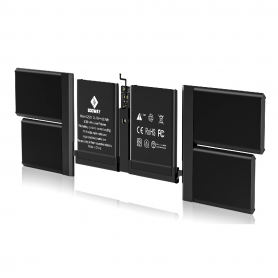
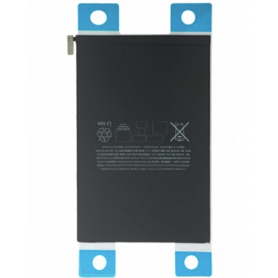
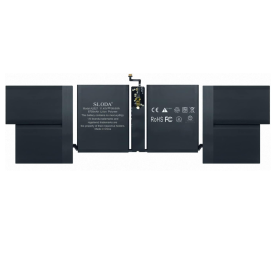
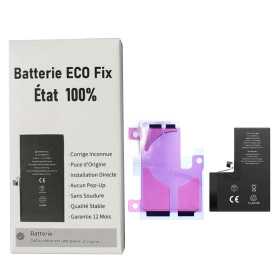
Out-of-Stock
Battery A2653 4352mAh iPhone 13 Pro Max (ECO Fix) Direct Installation - No Pop-up / Health 100%
Use Repair Assistant to Finish an iPhone or iPad Repair
This Battery Without Logo
On an iPhone 12 or later running iOS 18, when a new Apple battery is installed,“Finish Repair” will appear next to Battery until you complete the repair using the Repair Assistant.
On an iPhone 12 or later running iOS 18, it is possible to reuse an original Apple battery on another iPhone of the same model.
The date of first use, capacity, and cycle count of your battery can be found in Settings > Battery > Battery Health.
How to Run Diagnostics & Finish Repair for iPhone Battery
1. Ensure your device is updated to iOS 18
2. Go to Settings > General > About > Parts & Service History
3. Tap "Restart & Finish Repair" to activate the Repair Assistant
4. Follow the on-screen instructions to complete the calibration
After completing this process, your battery will display 100% health, and there will be no pop-up warning about non-genuine parts.
Important Notes:
Your iPhone must be connected to Wi-Fi
Your battery level should be above 20%
If the process fails, restart your device and try again
If the repair is not completed, the battery may not function optimally, and some features (Face ID, Touch ID) may be disabled until calibration is finalized
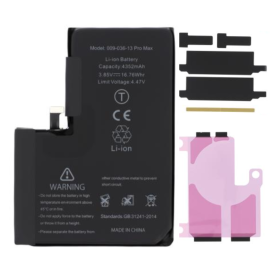
Out-of-Stock
Battery A2653 4352mAh iPhone 13 Pro Max (No pop-up/Health 100%) Original BMS Required
ATTENTION: STATUS 100% - REQUIRES FLASHING
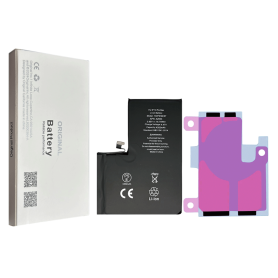
Out-of-Stock
Battery A2653 4352mAh iPhone 13 Pro Max (OEM) Diagnostic Show Genuine
Use Repair Assistant to Finish an iPhone or iPad Repair
This Battery Without Logo
On an iPhone 12 or later running iOS 18, when a new Apple battery is installed,“Finish Repair” will appear next to Battery until you complete the repair using the Repair Assistant.
On an iPhone 12 or later running iOS 18, it is possible to reuse an original Apple battery on another iPhone of the same model.
The date of first use, capacity, and cycle count of your battery can be found in Settings > Battery > Battery Health.
How to Run Diagnostics & Finish Repair for iPhone Battery
1. Ensure your device is updated to iOS 18
2. Go to Settings > General > About > Parts & Service History
3. Tap "Restart & Finish Repair" to activate the Repair Assistant
4. Follow the on-screen instructions to complete the calibration
After completing this process, your battery will display 100% health, and there will be no pop-up warning about non-genuine parts.
Important Notes:
Your iPhone must be connected to Wi-Fi
Your battery level should be above 20%
If the process fails, restart your device and try again
If the repair is not completed, the battery may not function optimally, and some features (Face ID, Touch ID) may be disabled until calibration is finalized
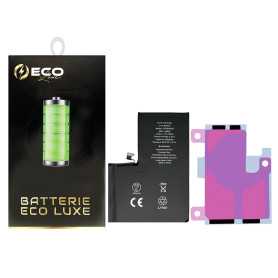

Out-of-Stock
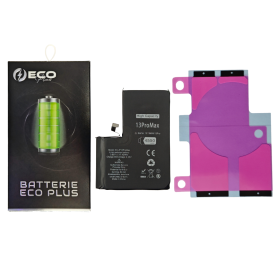
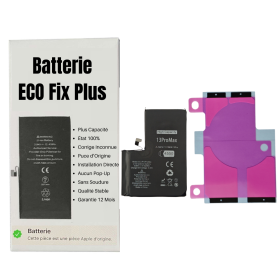
Battery A2653 4352mAh iPhone 13 Pro Max with Adhesives - Pure Cobalt (ECO Ti)
Please note that for original battery replacement on the XR/XS/XSMax/11/11Pro/11ProMax/12/12 Mini/12 Pro/12 Pro Max, the phone will systematically indicate that the battery needs to be serviced. This information will not affect the normal use of the phone Battery for iPhone 13 Pro Max. This spare part will allow you to easily & quickly replace the battery of your iPhone 13 Pro Max.
Out-of-Stock
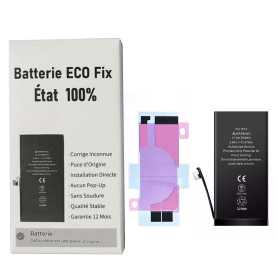
Battery A2653 4650mAh iPhone 13 Pro Max (ECO Fix Plus) 130% Plus Durable - No Pop-up / Health 100%
Use Repair Assistant to Finish an iPhone or iPad Repair
This Battery Without Logo
On an iPhone 12 or later running iOS 18, when a new Apple battery is installed,“Finish Repair” will appear next to Battery until you complete the repair using the Repair Assistant.
On an iPhone 12 or later running iOS 18, it is possible to reuse an original Apple battery on another iPhone of the same model.
The date of first use, capacity, and cycle count of your battery can be found in Settings > Battery > Battery Health.
How to Run Diagnostics & Finish Repair for iPhone Battery
1. Ensure your device is updated to iOS 18
2. Go to Settings > General > About > Parts & Service History
3. Tap "Restart & Finish Repair" to activate the Repair Assistant
4. Follow the on-screen instructions to complete the calibration
After completing this process, your battery will display 100% health, and there will be no pop-up warning about non-genuine parts.
Important Notes:
Your iPhone must be connected to Wi-Fi
Your battery level should be above 20%
If the process fails, restart your device and try again
If the repair is not completed, the battery may not function optimally, and some features (Face ID, Touch ID) may be disabled until calibration is finalized
Out-of-Stock
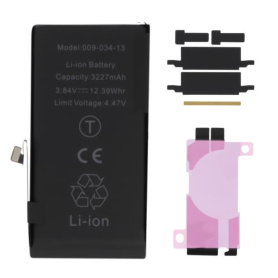
Battery A2655 3232mAh iPhone 13 (ECO Fix) Direct Installation - No Pop-up / Health 100%
Use Repair Assistant to Finish an iPhone or iPad Repair
This Battery Without Logo
On an iPhone 12 or later running iOS 18, when a new Apple battery is installed,“Finish Repair” will appear next to Battery until you complete the repair using the Repair Assistant.
On an iPhone 12 or later running iOS 18, it is possible to reuse an original Apple battery on another iPhone of the same model.
The date of first use, capacity, and cycle count of your battery can be found in Settings > Battery > Battery Health.
How to Run Diagnostics & Finish Repair for iPhone Battery
1. Ensure your device is updated to iOS 18
2. Go to Settings > General > About > Parts & Service History
3. Tap "Restart & Finish Repair" to activate the Repair Assistant
4. Follow the on-screen instructions to complete the calibration
After completing this process, your battery will display 100% health, and there will be no pop-up warning about non-genuine parts.
Important Notes:
Your iPhone must be connected to Wi-Fi
Your battery level should be above 20%
If the process fails, restart your device and try again
If the repair is not completed, the battery may not function optimally, and some features (Face ID, Touch ID) may be disabled until calibration is finalized
Out-of-Stock
Battery A2655 3232mAh iPhone 13 (No pop-up/Health 100%) Original BMS Required
ATTENTION: STATUS 100% - REQUIRES FLASHING

Out-of-Stock
Battery A2655 3232mAh iPhone 13 (OEM) Diagnostic Show Genuine
Use Repair Assistant to Finish an iPhone or iPad Repair
This Battery Without Logo
On an iPhone 12 or later running iOS 18, when a new Apple battery is installed,“Finish Repair” will appear next to Battery until you complete the repair using the Repair Assistant.
On an iPhone 12 or later running iOS 18, it is possible to reuse an original Apple battery on another iPhone of the same model.
The date of first use, capacity, and cycle count of your battery can be found in Settings > Battery > Battery Health.
How to Run Diagnostics & Finish Repair for iPhone Battery
1. Ensure your device is updated to iOS 18
2. Go to Settings > General > About > Parts & Service History
3. Tap "Restart & Finish Repair" to activate the Repair Assistant
4. Follow the on-screen instructions to complete the calibration
After completing this process, your battery will display 100% health, and there will be no pop-up warning about non-genuine parts.
Important Notes:
Your iPhone must be connected to Wi-Fi
Your battery level should be above 20%
If the process fails, restart your device and try again
If the repair is not completed, the battery may not function optimally, and some features (Face ID, Touch ID) may be disabled until calibration is finalized

Out-of-Stock
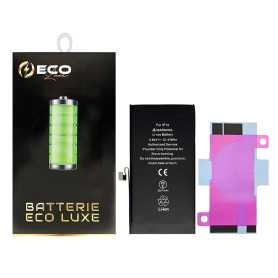
Battery A2655 3232mAh iPhone 13 (Service Pack) - 661-21991
Key Features of Battery iPhone 13 (Service Pack) - 661-21991
Perfect Compatibility: Specifically designed to fit the iPhone 13, ensuring seamless integration and optimal performance.
Genuine Replacement: This is an authentic Apple service pack battery, guaranteeing the reliability and longevity you expect from original Apple parts.
Optimal Performance: Restores your iPhone 13's battery life to its original capacity, offering extended usage and minimizing the need for frequent charging.
High-Efficiency Charging: Supports fast and efficient charging while maintaining stable power output, enhancing your device's overall battery management.
Safety Assured: Built with high-quality cells and equipped with multiple safety features to prevent overcharging, overheating, and short-circuiting, ensuring the safety of both the battery and your device.
Easy Installation: Comes with necessary tools for installation and guidelines, making it user-friendly for those familiar with DIY repairs.
Eco-Friendly Disposal: Complies with environmental regulations, and Apple offers recycling programs to dispose of old batteries responsibly.
Note: Professional installation is recommended to ensure proper handling and warranty protection.
Perfect Compatibility: Specifically designed to fit the iPhone 13, ensuring seamless integration and optimal performance.
Genuine Replacement: This is an authentic Apple service pack battery, guaranteeing the reliability and longevity you expect from original Apple parts.
Optimal Performance: Restores your iPhone 13's battery life to its original capacity, offering extended usage and minimizing the need for frequent charging.
High-Efficiency Charging: Supports fast and efficient charging while maintaining stable power output, enhancing your device's overall battery management.
Safety Assured: Built with high-quality cells and equipped with multiple safety features to prevent overcharging, overheating, and short-circuiting, ensuring the safety of both the battery and your device.
Easy Installation: Comes with necessary tools for installation and guidelines, making it user-friendly for those familiar with DIY repairs.
Eco-Friendly Disposal: Complies with environmental regulations, and Apple offers recycling programs to dispose of old batteries responsibly.
Note: Professional installation is recommended to ensure proper handling and warranty protection.

Out-of-Stock
Battery A2655 3232mAh iPhone 13 with Adhesives - Pure Cobalt (ECO Ti)
Please note that for battery replacement with Origine battery XR/XS/XSMax/11/11Pro/11ProMax , the phone will systematically indicate that the battery needs to be serviced. This information will not affect the normal use of the phone iPhone 13 Internal Battery New 0 Cycle + Adhesives - Grade AAA
Out-of-Stock
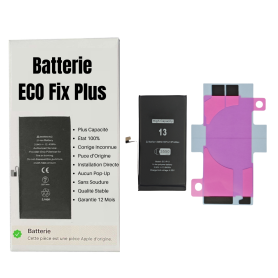
Battery A2655 3530mAh iPhone 13 (ECO Fix Plus) 130% Plus Durable - No Pop-up / Health 100%
Use Repair Assistant to Finish an iPhone or iPad Repair
This Battery Without Logo
On an iPhone 12 or later running iOS 18, when a new Apple battery is installed,“Finish Repair” will appear next to Battery until you complete the repair using the Repair Assistant.
On an iPhone 12 or later running iOS 18, it is possible to reuse an original Apple battery on another iPhone of the same model.
The date of first use, capacity, and cycle count of your battery can be found in Settings > Battery > Battery Health.
How to Run Diagnostics & Finish Repair for iPhone Battery
1. Ensure your device is updated to iOS 18
2. Go to Settings > General > About > Parts & Service History
3. Tap "Restart & Finish Repair" to activate the Repair Assistant
4. Follow the on-screen instructions to complete the calibration
After completing this process, your battery will display 100% health, and there will be no pop-up warning about non-genuine parts.
Important Notes:
Your iPhone must be connected to Wi-Fi
Your battery level should be above 20%
If the process fails, restart your device and try again
If the repair is not completed, the battery may not function optimally, and some features (Face ID, Touch ID) may be disabled until calibration is finalized
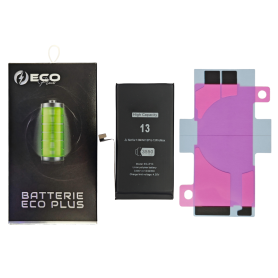
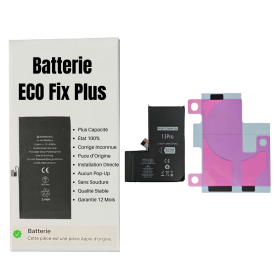
Battery A2656 2580mAh iPhone 13 Pro (ECO Fix Plus) 130% Plus Durable - No Pop-up / Health 100%
Use Repair Assistant to Finish an iPhone or iPad Repair
This Battery Without Logo
On an iPhone 12 or later running iOS 18, when a new Apple battery is installed,“Finish Repair” will appear next to Battery until you complete the repair using the Repair Assistant.
On an iPhone 12 or later running iOS 18, it is possible to reuse an original Apple battery on another iPhone of the same model.
The date of first use, capacity, and cycle count of your battery can be found in Settings > Battery > Battery Health.
How to Run Diagnostics & Finish Repair for iPhone Battery
1. Ensure your device is updated to iOS 18
2. Go to Settings > General > About > Parts & Service History
3. Tap "Restart & Finish Repair" to activate the Repair Assistant
4. Follow the on-screen instructions to complete the calibration
After completing this process, your battery will display 100% health, and there will be no pop-up warning about non-genuine parts.
Important Notes:
Your iPhone must be connected to Wi-Fi
Your battery level should be above 20%
If the process fails, restart your device and try again
If the repair is not completed, the battery may not function optimally, and some features (Face ID, Touch ID) may be disabled until calibration is finalized
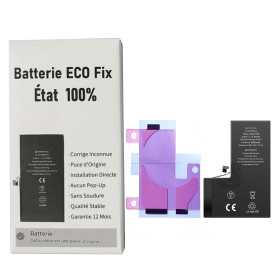
Out-of-Stock
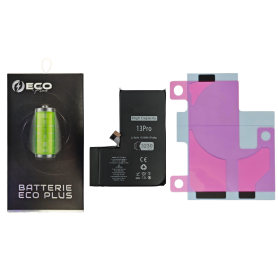
Battery A2656 3095mAh iPhone 13 Pro (ECO Fix) Direct Installation - No Pop-up / Health 100%
Use Repair Assistant to Finish an iPhone or iPad Repair
This Battery Without Logo
On an iPhone 12 or later running iOS 18, when a new Apple battery is installed,“Finish Repair” will appear next to Battery until you complete the repair using the Repair Assistant.
On an iPhone 12 or later running iOS 18, it is possible to reuse an original Apple battery on another iPhone of the same model.
The date of first use, capacity, and cycle count of your battery can be found in Settings > Battery > Battery Health.
How to Run Diagnostics & Finish Repair for iPhone Battery
1. Ensure your device is updated to iOS 18
2. Go to Settings > General > About > Parts & Service History
3. Tap "Restart & Finish Repair" to activate the Repair Assistant
4. Follow the on-screen instructions to complete the calibration
After completing this process, your battery will display 100% health, and there will be no pop-up warning about non-genuine parts.
Important Notes:
Your iPhone must be connected to Wi-Fi
Your battery level should be above 20%
If the process fails, restart your device and try again
If the repair is not completed, the battery may not function optimally, and some features (Face ID, Touch ID) may be disabled until calibration is finalized
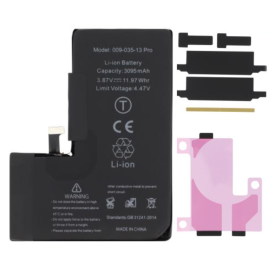
Out-of-Stock
Battery A2656 3095mAh iPhone 13 Pro (No pop-up/Health 100%) Original BMS Required
ATTENTION: STATUS 100% - REQUIRES FLASHING
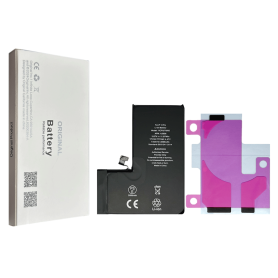
Battery A2656 3095mAh iPhone 13 Pro (OEM) Diagnostic Show Genuine
Use Repair Assistant to Finish an iPhone or iPad Repair
This Battery Without Logo
On an iPhone 12 or later running iOS 18, when a new Apple battery is installed,“Finish Repair” will appear next to Battery until you complete the repair using the Repair Assistant.
On an iPhone 12 or later running iOS 18, it is possible to reuse an original Apple battery on another iPhone of the same model.
The date of first use, capacity, and cycle count of your battery can be found in Settings > Battery > Battery Health.
How to Run Diagnostics & Finish Repair for iPhone Battery
1. Ensure your device is updated to iOS 18
2. Go to Settings > General > About > Parts & Service History
3. Tap "Restart & Finish Repair" to activate the Repair Assistant
4. Follow the on-screen instructions to complete the calibration
After completing this process, your battery will display 100% health, and there will be no pop-up warning about non-genuine parts.
Important Notes:
Your iPhone must be connected to Wi-Fi
Your battery level should be above 20%
If the process fails, restart your device and try again
If the repair is not completed, the battery may not function optimally, and some features (Face ID, Touch ID) may be disabled until calibration is finalized
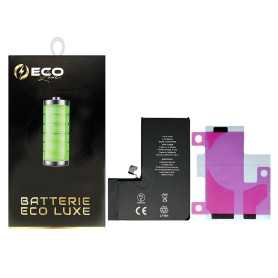

Battery A2656 3095mAh iPhone 13 Pro with Adhesives - Pure Cobalt (ECO Ti)
Please note that for the replacement of the Origine battery on XR/XS/XSMax/11/11Pro/11ProMax , the phone will systematically indicate that the battery needs servicing. This information will not affect the normal use of the phone iPhone 13 Pro Internal Battery New 0 Cycle + Adhesives - Grade AAA
Out-of-Stock
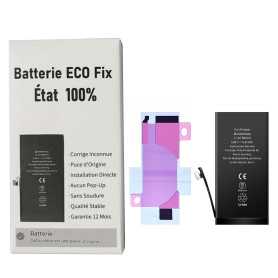
Battery A2660 2406mAh iPhone 13 mini (ECO Fix) Direct Installation - No Pop-up / Health 100%
Use Repair Assistant to Finish an iPhone or iPad Repair
This Battery Without Logo
On an iPhone 12 or later running iOS 18, when a new Apple battery is installed,“Finish Repair” will appear next to Battery until you complete the repair using the Repair Assistant.
On an iPhone 12 or later running iOS 18, it is possible to reuse an original Apple battery on another iPhone of the same model.
The date of first use, capacity, and cycle count of your battery can be found in Settings > Battery > Battery Health.
How to Run Diagnostics & Finish Repair for iPhone Battery
1. Ensure your device is updated to iOS 18
2. Go to Settings > General > About > Parts & Service History
3. Tap "Restart & Finish Repair" to activate the Repair Assistant
4. Follow the on-screen instructions to complete the calibration
After completing this process, your battery will display 100% health, and there will be no pop-up warning about non-genuine parts.
Important Notes:
Your iPhone must be connected to Wi-Fi
Your battery level should be above 20%
If the process fails, restart your device and try again
If the repair is not completed, the battery may not function optimally, and some features (Face ID, Touch ID) may be disabled until calibration is finalized
Out-of-Stock
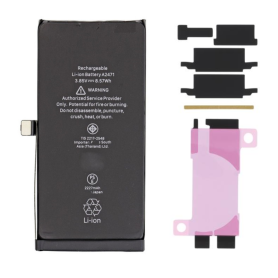
Battery A2660 2406mAh iPhone 13 Mini (No pop-up/Health 100%) Original BMS Required
ATTENTION: STATUS 100% - REQUIRES FLASHING
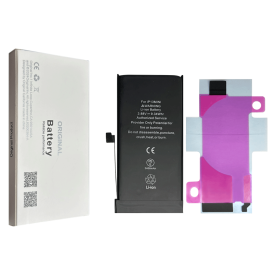
Battery A2660 2406mAh iPhone 13 mini (OEM) Diagnostic Show Genuine
Use Repair Assistant to Finish an iPhone or iPad Repair
This Battery Without Logo
On an iPhone 12 or later running iOS 18, when a new Apple battery is installed,“Finish Repair” will appear next to Battery until you complete the repair using the Repair Assistant.
On an iPhone 12 or later running iOS 18, it is possible to reuse an original Apple battery on another iPhone of the same model.
The date of first use, capacity, and cycle count of your battery can be found in Settings > Battery > Battery Health.
How to Run Diagnostics & Finish Repair for iPhone Battery
1. Ensure your device is updated to iOS 18
2. Go to Settings > General > About > Parts & Service History
3. Tap "Restart & Finish Repair" to activate the Repair Assistant
4. Follow the on-screen instructions to complete the calibration
After completing this process, your battery will display 100% health, and there will be no pop-up warning about non-genuine parts.
Important Notes:
Your iPhone must be connected to Wi-Fi
Your battery level should be above 20%
If the process fails, restart your device and try again
If the repair is not completed, the battery may not function optimally, and some features (Face ID, Touch ID) may be disabled until calibration is finalized
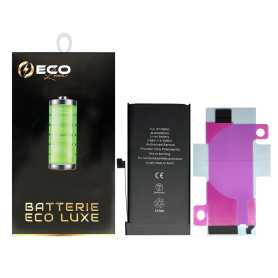

Out-of-Stock
Battery A2660 2406mAh iPhone 13 Mini with Adhesives - Pure Cobalt (ECO Ti)
Please note that for the Origine battery replacement on XR/XS/XSMax/11/11Pro/11ProMax/12/12 Mini/12 Pro/12 Pro Max, the phone will systematically indicate that the battery needs service. This information will not affect the normal use of the phone Battery for iPhone 13 Mini. This spare part will allow you to easily & quickly replace the battery of your iPhone 12 Mini.
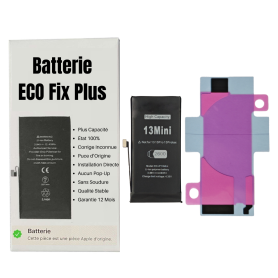
Battery A2660 3300mAh iPhone 13 mini (ECO Fix Plus) 130% Plus Durable - No Pop-up / Health 100%
Use Repair Assistant to Finish an iPhone or iPad Repair
This Battery Without Logo
On an iPhone 12 or later running iOS 18, when a new Apple battery is installed,“Finish Repair” will appear next to Battery until you complete the repair using the Repair Assistant.
On an iPhone 12 or later running iOS 18, it is possible to reuse an original Apple battery on another iPhone of the same model.
The date of first use, capacity, and cycle count of your battery can be found in Settings > Battery > Battery Health.
How to Run Diagnostics & Finish Repair for iPhone Battery
1. Ensure your device is updated to iOS 18
2. Go to Settings > General > About > Parts & Service History
3. Tap "Restart & Finish Repair" to activate the Repair Assistant
4. Follow the on-screen instructions to complete the calibration
After completing this process, your battery will display 100% health, and there will be no pop-up warning about non-genuine parts.
Important Notes:
Your iPhone must be connected to Wi-Fi
Your battery level should be above 20%
If the process fails, restart your device and try again
If the repair is not completed, the battery may not function optimally, and some features (Face ID, Touch ID) may be disabled until calibration is finalized

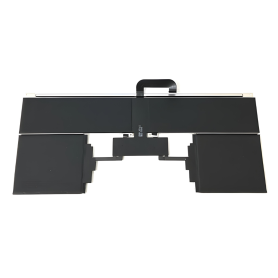
Out-of-Stock
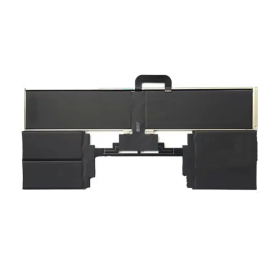
Battery A2797 For MacBook Air 15" A2941 (2023)
Specifications : Reference: A1819 Voltage: 11.41V Capacity: 4314 mAh Cell type: Li-Polymer Compatibility : MacBook Pro 13" Touch Bar - A1706 - EMC 3163 MacBook Pro 13" Touch Bar - A1706 - EMC 3071

Out-of-Stock
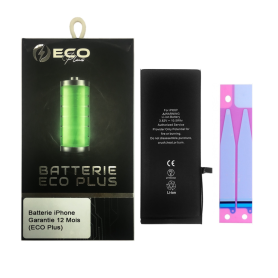
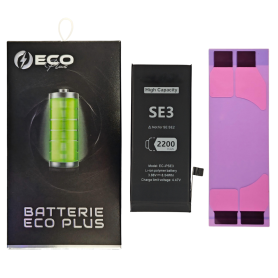
Battery A2819 2018mAh iPhone SE 2022 (SE3) (ECO Fix) Direct Installation - No Pop-up / Health 100%
Use Repair Assistant to Finish an iPhone or iPad Repair
This Battery Without Logo
On an iPhone 12 or later running iOS 18, when a new Apple battery is installed,“Finish Repair” will appear next to Battery until you complete the repair using the Repair Assistant.
On an iPhone 12 or later running iOS 18, it is possible to reuse an original Apple battery on another iPhone of the same model.
The date of first use, capacity, and cycle count of your battery can be found in Settings > Battery > Battery Health.
How to Run Diagnostics & Finish Repair for iPhone Battery
1. Ensure your device is updated to iOS 18
2. Go to Settings > General > About > Parts & Service History
3. Tap "Restart & Finish Repair" to activate the Repair Assistant
4. Follow the on-screen instructions to complete the calibration
After completing this process, your battery will display 100% health, and there will be no pop-up warning about non-genuine parts.
Important Notes:
Your iPhone must be connected to Wi-Fi
Your battery level should be above 20%
If the process fails, restart your device and try again
If the repair is not completed, the battery may not function optimally, and some features (Face ID, Touch ID) may be disabled until calibration is finalized
Out-of-Stock

Battery A2819 2018mAh iPhone SE 2022 with Adhesives - Pure Cobalt (ECO Ti)
New Internal Battery for iPhone SE 2022 0 Cycle + Adhesives - Grade AAA
Out-of-Stock
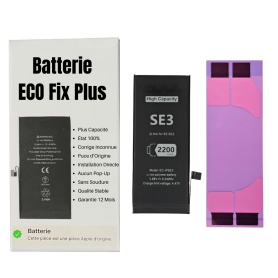
Battery A2819 4500mAh iPhone SE 2022 (SE3) (ECO Fix Plus) 130% Plus Durable - No Pop-up / Health 100%
Use Repair Assistant to Finish an iPhone or iPad Repair
This Battery Without Logo
On an iPhone 12 or later running iOS 18, when a new Apple battery is installed,“Finish Repair” will appear next to Battery until you complete the repair using the Repair Assistant.
On an iPhone 12 or later running iOS 18, it is possible to reuse an original Apple battery on another iPhone of the same model.
The date of first use, capacity, and cycle count of your battery can be found in Settings > Battery > Battery Health.
How to Run Diagnostics & Finish Repair for iPhone Battery
1. Ensure your device is updated to iOS 18
2. Go to Settings > General > About > Parts & Service History
3. Tap "Restart & Finish Repair" to activate the Repair Assistant
4. Follow the on-screen instructions to complete the calibration
After completing this process, your battery will display 100% health, and there will be no pop-up warning about non-genuine parts.
Important Notes:
Your iPhone must be connected to Wi-Fi
Your battery level should be above 20%
If the process fails, restart your device and try again
If the repair is not completed, the battery may not function optimally, and some features (Face ID, Touch ID) may be disabled until calibration is finalized
Out-of-Stock
Battery A2830 4323mAh iPhone 14 Pro Max (ECO Fix) Direct Installation - No Pop-up / Health 100%
Use Repair Assistant to Finish an iPhone or iPad Repair
This Battery Without Logo
On an iPhone 12 or later running iOS 18, when a new Apple battery is installed,“Finish Repair” will appear next to Battery until you complete the repair using the Repair Assistant.
On an iPhone 12 or later running iOS 18, it is possible to reuse an original Apple battery on another iPhone of the same model.
The date of first use, capacity, and cycle count of your battery can be found in Settings > Battery > Battery Health.
How to Run Diagnostics & Finish Repair for iPhone Battery
1. Ensure your device is updated to iOS 18
2. Go to Settings > General > About > Parts & Service History
3. Tap "Restart & Finish Repair" to activate the Repair Assistant
4. Follow the on-screen instructions to complete the calibration
After completing this process, your battery will display 100% health, and there will be no pop-up warning about non-genuine parts.
Important Notes:
Your iPhone must be connected to Wi-Fi
Your battery level should be above 20%
If the process fails, restart your device and try again
If the repair is not completed, the battery may not function optimally, and some features (Face ID, Touch ID) may be disabled until calibration is finalized
Out-of-Stock
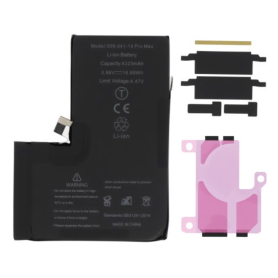
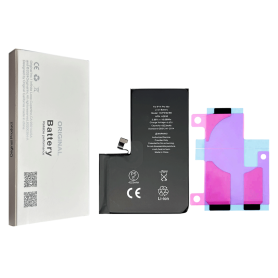
Battery A2830 4323mAh iPhone 14 Pro Max (No pop-up/Health 100%) Original BMS Required
ATTENTION: STATUS 100% - REQUIRES FLASHING
Out-of-Stock
Battery A2830 4323mAh iPhone 14 Pro Max (OEM) Diagnostic Show Genuine
Use Repair Assistant to Finish an iPhone or iPad Repair
This Battery Without Logo
On an iPhone 12 or later running iOS 18, when a new Apple battery is installed,“Finish Repair” will appear next to Battery until you complete the repair using the Repair Assistant.
On an iPhone 12 or later running iOS 18, it is possible to reuse an original Apple battery on another iPhone of the same model.
The date of first use, capacity, and cycle count of your battery can be found in Settings > Battery > Battery Health.
How to Run Diagnostics & Finish Repair for iPhone Battery
1. Ensure your device is updated to iOS 18
2. Go to Settings > General > About > Parts & Service History
3. Tap "Restart & Finish Repair" to activate the Repair Assistant
4. Follow the on-screen instructions to complete the calibration
After completing this process, your battery will display 100% health, and there will be no pop-up warning about non-genuine parts.
Important Notes:
Your iPhone must be connected to Wi-Fi
Your battery level should be above 20%
If the process fails, restart your device and try again
If the repair is not completed, the battery may not function optimally, and some features (Face ID, Touch ID) may be disabled until calibration is finalized

Out-of-Stock
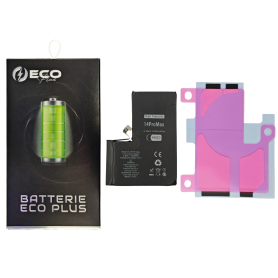
Battery A2830 4323mAh iPhone 14 Pro Max + Adhesive Type - Pure Cobalt (ECO Ti)
Battery iPhone 14 Pro Max + Adhesive Type - Pure Cobalt (ECO)

Out-of-Stock
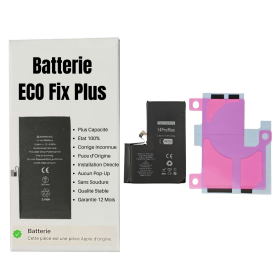
Battery A2830 4690mAh iPhone 14 Pro Max (ECO Fix Plus) 130% Plus Durable - No Pop-up / Health 100%
Use Repair Assistant to Finish an iPhone or iPad Repair
This Battery Without Logo
On an iPhone 12 or later running iOS 18, when a new Apple battery is installed,“Finish Repair” will appear next to Battery until you complete the repair using the Repair Assistant.
On an iPhone 12 or later running iOS 18, it is possible to reuse an original Apple battery on another iPhone of the same model.
The date of first use, capacity, and cycle count of your battery can be found in Settings > Battery > Battery Health.
How to Run Diagnostics & Finish Repair for iPhone Battery
1. Ensure your device is updated to iOS 18
2. Go to Settings > General > About > Parts & Service History
3. Tap "Restart & Finish Repair" to activate the Repair Assistant
4. Follow the on-screen instructions to complete the calibration
After completing this process, your battery will display 100% health, and there will be no pop-up warning about non-genuine parts.
Important Notes:
Your iPhone must be connected to Wi-Fi
Your battery level should be above 20%
If the process fails, restart your device and try again
If the repair is not completed, the battery may not function optimally, and some features (Face ID, Touch ID) may be disabled until calibration is finalized

Out-of-Stock
Battery A2850 4325mAh iPhone 14 Plus (ECO Fix) Direct Installation - No Pop-up / Health 100%
Use Repair Assistant to Finish an iPhone or iPad Repair
This Battery Without Logo
On an iPhone 12 or later running iOS 18, when a new Apple battery is installed,“Finish Repair” will appear next to Battery until you complete the repair using the Repair Assistant.
On an iPhone 12 or later running iOS 18, it is possible to reuse an original Apple battery on another iPhone of the same model.
The date of first use, capacity, and cycle count of your battery can be found in Settings > Battery > Battery Health.
How to Run Diagnostics & Finish Repair for iPhone Battery
1. Ensure your device is updated to iOS 18
2. Go to Settings > General > About > Parts & Service History
3. Tap "Restart & Finish Repair" to activate the Repair Assistant
4. Follow the on-screen instructions to complete the calibration
After completing this process, your battery will display 100% health, and there will be no pop-up warning about non-genuine parts.
Important Notes:
Your iPhone must be connected to Wi-Fi
Your battery level should be above 20%
If the process fails, restart your device and try again
If the repair is not completed, the battery may not function optimally, and some features (Face ID, Touch ID) may be disabled until calibration is finalized
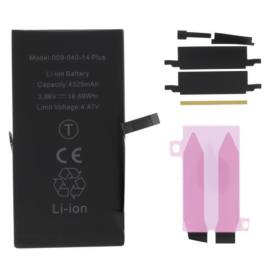
Battery A2850 4325mAh iPhone 14 Plus (No pop-up/Health 100%) Original BMS Required
ATTENTION: STATUS 100% - REQUIRES FLASHING
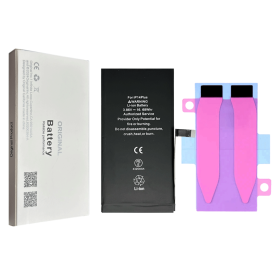
Out-of-Stock
Battery A2850 4325mAh iPhone 14 Plus (OEM) Diagnostic Show Genuine
Use Repair Assistant to Finish an iPhone or iPad Repair
This Battery Without Logo
On an iPhone 12 or later running iOS 18, when a new Apple battery is installed,“Finish Repair” will appear next to Battery until you complete the repair using the Repair Assistant.
On an iPhone 12 or later running iOS 18, it is possible to reuse an original Apple battery on another iPhone of the same model.
The date of first use, capacity, and cycle count of your battery can be found in Settings > Battery > Battery Health.
How to Run Diagnostics & Finish Repair for iPhone Battery
1. Ensure your device is updated to iOS 18
2. Go to Settings > General > About > Parts & Service History
3. Tap "Restart & Finish Repair" to activate the Repair Assistant
4. Follow the on-screen instructions to complete the calibration
After completing this process, your battery will display 100% health, and there will be no pop-up warning about non-genuine parts.
Important Notes:
Your iPhone must be connected to Wi-Fi
Your battery level should be above 20%
If the process fails, restart your device and try again
If the repair is not completed, the battery may not function optimally, and some features (Face ID, Touch ID) may be disabled until calibration is finalized
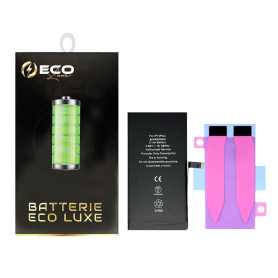

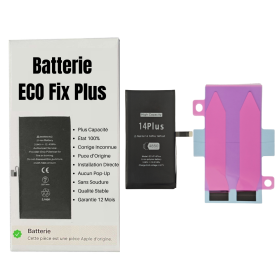
Battery A2850 4770mAh iPhone 14 Plus (ECO Fix Plus) 130% Plus Durable - No Pop-up / Health 100%
Use Repair Assistant to Finish an iPhone or iPad Repair
This Battery Without Logo
On an iPhone 12 or later running iOS 18, when a new Apple battery is installed,“Finish Repair” will appear next to Battery until you complete the repair using the Repair Assistant.
On an iPhone 12 or later running iOS 18, it is possible to reuse an original Apple battery on another iPhone of the same model.
The date of first use, capacity, and cycle count of your battery can be found in Settings > Battery > Battery Health.
How to Run Diagnostics & Finish Repair for iPhone Battery
1. Ensure your device is updated to iOS 18
2. Go to Settings > General > About > Parts & Service History
3. Tap "Restart & Finish Repair" to activate the Repair Assistant
4. Follow the on-screen instructions to complete the calibration
After completing this process, your battery will display 100% health, and there will be no pop-up warning about non-genuine parts.
Important Notes:
Your iPhone must be connected to Wi-Fi
Your battery level should be above 20%
If the process fails, restart your device and try again
If the repair is not completed, the battery may not function optimally, and some features (Face ID, Touch ID) may be disabled until calibration is finalized
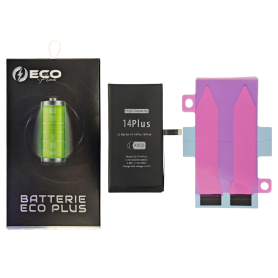
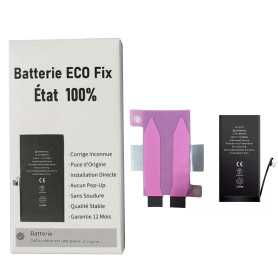
Out-of-Stock
Battery A2863 3279mAh iPhone 14 (ECO Fix) Direct Installation - No Pop-up / Health 100%
Use Repair Assistant to Finish an iPhone or iPad Repair
This Battery Without Logo
On an iPhone 12 or later running iOS 18, when a new Apple battery is installed,“Finish Repair” will appear next to Battery until you complete the repair using the Repair Assistant.
On an iPhone 12 or later running iOS 18, it is possible to reuse an original Apple battery on another iPhone of the same model.
The date of first use, capacity, and cycle count of your battery can be found in Settings > Battery > Battery Health.
How to Run Diagnostics & Finish Repair for iPhone Battery
1. Ensure your device is updated to iOS 18
2. Go to Settings > General > About > Parts & Service History
3. Tap "Restart & Finish Repair" to activate the Repair Assistant
4. Follow the on-screen instructions to complete the calibration
After completing this process, your battery will display 100% health, and there will be no pop-up warning about non-genuine parts.
Important Notes:
Your iPhone must be connected to Wi-Fi
Your battery level should be above 20%
If the process fails, restart your device and try again
If the repair is not completed, the battery may not function optimally, and some features (Face ID, Touch ID) may be disabled until calibration is finalized
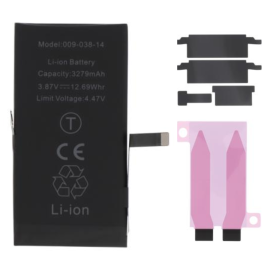
Out-of-Stock
Battery A2863 3279mAh iPhone 14 (No pop-up/Health 100%) Original BMS Required
ATTENTION: STATUS 100% - REQUIRES FLASHING
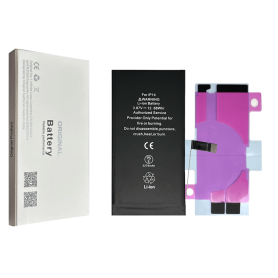
Out-of-Stock
Battery A2863 3279mAh iPhone 14 (OEM) Diagnostic Show Genuine
Use Repair Assistant to Finish an iPhone or iPad Repair
This Battery Without Logo
On an iPhone 12 or later running iOS 18, when a new Apple battery is installed,“Finish Repair” will appear next to Battery until you complete the repair using the Repair Assistant.
On an iPhone 12 or later running iOS 18, it is possible to reuse an original Apple battery on another iPhone of the same model.
The date of first use, capacity, and cycle count of your battery can be found in Settings > Battery > Battery Health.
How to Run Diagnostics & Finish Repair for iPhone Battery
1. Ensure your device is updated to iOS 18
2. Go to Settings > General > About > Parts & Service History
3. Tap "Restart & Finish Repair" to activate the Repair Assistant
4. Follow the on-screen instructions to complete the calibration
After completing this process, your battery will display 100% health, and there will be no pop-up warning about non-genuine parts.
Important Notes:
Your iPhone must be connected to Wi-Fi
Your battery level should be above 20%
If the process fails, restart your device and try again
If the repair is not completed, the battery may not function optimally, and some features (Face ID, Touch ID) may be disabled until calibration is finalized


Out-of-Stock
Battery A2863 3279mAh iPhone 14 with Adhesives - Pure Cobalt (ECO Ti)
iPhone 14 Battery with Adhesives - Pure Cobalt (ECO)
Out-of-Stock
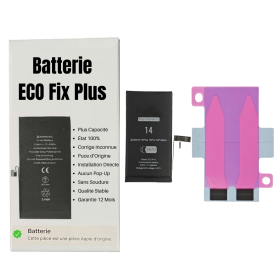
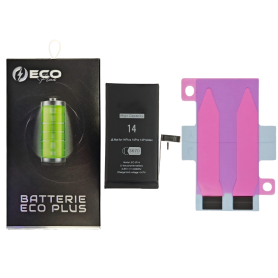
Battery A2863 3590mAh iPhone 14 (ECO Fix Plus) 130% Plus Durable - No Pop-up / Health 100%
Use Repair Assistant to Finish an iPhone or iPad Repair
This Battery Without Logo
On an iPhone 12 or later running iOS 18, when a new Apple battery is installed,“Finish Repair” will appear next to Battery until you complete the repair using the Repair Assistant.
On an iPhone 12 or later running iOS 18, it is possible to reuse an original Apple battery on another iPhone of the same model.
The date of first use, capacity, and cycle count of your battery can be found in Settings > Battery > Battery Health.
How to Run Diagnostics & Finish Repair for iPhone Battery
1. Ensure your device is updated to iOS 18
2. Go to Settings > General > About > Parts & Service History
3. Tap "Restart & Finish Repair" to activate the Repair Assistant
4. Follow the on-screen instructions to complete the calibration
After completing this process, your battery will display 100% health, and there will be no pop-up warning about non-genuine parts.
Important Notes:
Your iPhone must be connected to Wi-Fi
Your battery level should be above 20%
If the process fails, restart your device and try again
If the repair is not completed, the battery may not function optimally, and some features (Face ID, Touch ID) may be disabled until calibration is finalized
Battery A2866 3200mAh iPhone 14 Pro (ECO Fix) Direct Installation - No Pop-up / Health 100%
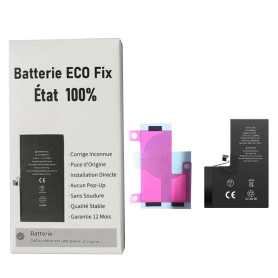
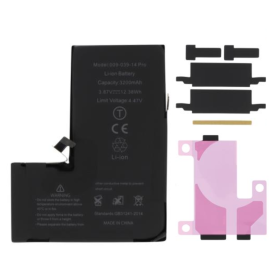
Use Repair Assistant to Finish an iPhone or iPad Repair
This Battery Without Logo
On an iPhone 12 or later running iOS 18, when a new Apple battery is installed,“Finish Repair” will appear next to Battery until you complete the repair using the Repair Assistant.
On an iPhone 12 or later running iOS 18, it is possible to reuse an original Apple battery on another iPhone of the same model.
The date of first use, capacity, and cycle count of your battery can be found in Settings > Battery > Battery Health.
How to Run Diagnostics & Finish Repair for iPhone Battery
1. Ensure your device is updated to iOS 18
2. Go to Settings > General > About > Parts & Service History
3. Tap "Restart & Finish Repair" to activate the Repair Assistant
4. Follow the on-screen instructions to complete the calibration
After completing this process, your battery will display 100% health, and there will be no pop-up warning about non-genuine parts.
Important Notes:
Your iPhone must be connected to Wi-Fi
Your battery level should be above 20%
If the process fails, restart your device and try again
If the repair is not completed, the battery may not function optimally, and some features (Face ID, Touch ID) may be disabled until calibration is finalized
Out-of-Stock
Battery A2866 3200mAh iPhone 14 Pro (No pop-up/Health 100%) Original BMS Required
ATTENTION: STATUS 100% - REQUIRES FLASHING
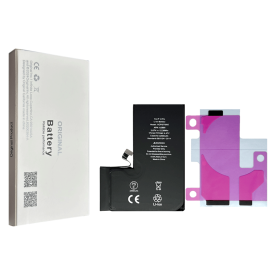
Battery A2866 3200mAh iPhone 14 Pro (OEM) Diagnostic Show Genuine
Use Repair Assistant to Finish an iPhone or iPad Repair
This Battery Without Logo
On an iPhone 12 or later running iOS 18, when a new Apple battery is installed,“Finish Repair” will appear next to Battery until you complete the repair using the Repair Assistant.
On an iPhone 12 or later running iOS 18, it is possible to reuse an original Apple battery on another iPhone of the same model.
The date of first use, capacity, and cycle count of your battery can be found in Settings > Battery > Battery Health.
How to Run Diagnostics & Finish Repair for iPhone Battery
1. Ensure your device is updated to iOS 18
2. Go to Settings > General > About > Parts & Service History
3. Tap "Restart & Finish Repair" to activate the Repair Assistant
4. Follow the on-screen instructions to complete the calibration
After completing this process, your battery will display 100% health, and there will be no pop-up warning about non-genuine parts.
Important Notes:
Your iPhone must be connected to Wi-Fi
Your battery level should be above 20%
If the process fails, restart your device and try again
If the repair is not completed, the battery may not function optimally, and some features (Face ID, Touch ID) may be disabled until calibration is finalized


Out-of-Stock
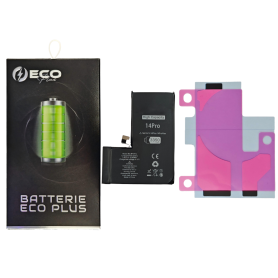
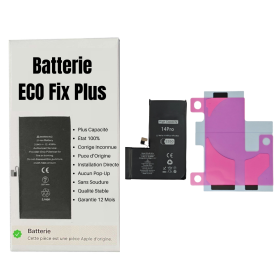
Battery A2866 3200mAh iPhone 14 Pro with Adhesive - Pure Cobalt (ECO Ti)
A2866 battery for iPhone 14 Pro, 3200 mAh capacity.Reference: A2866Capacity: 3200 mAhComposition: Pure CobaltIncluded: adhesivesBattery to be installed in a workshop as a replacement for the existing battery. Handling reserved for professionals.
Out-of-Stock
Battery A2866 3400mAh iPhone 14 Pro (ECO Fix Plus) 130% Plus Durable - No Pop-up / Health 100%
Use Repair Assistant to Finish an iPhone or iPad Repair
This Battery Without Logo
On an iPhone 12 or later running iOS 18, when a new Apple battery is installed,“Finish Repair” will appear next to Battery until you complete the repair using the Repair Assistant.
On an iPhone 12 or later running iOS 18, it is possible to reuse an original Apple battery on another iPhone of the same model.
The date of first use, capacity, and cycle count of your battery can be found in Settings > Battery > Battery Health.
How to Run Diagnostics & Finish Repair for iPhone Battery
1. Ensure your device is updated to iOS 18
2. Go to Settings > General > About > Parts & Service History
3. Tap "Restart & Finish Repair" to activate the Repair Assistant
4. Follow the on-screen instructions to complete the calibration
After completing this process, your battery will display 100% health, and there will be no pop-up warning about non-genuine parts.
Important Notes:
Your iPhone must be connected to Wi-Fi
Your battery level should be above 20%
If the process fails, restart your device and try again
If the repair is not completed, the battery may not function optimally, and some features (Face ID, Touch ID) may be disabled until calibration is finalized
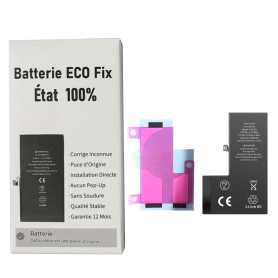
Battery A3011 3274mAh iPhone 15 Pro (ECO Fix) Direct Installation - No Pop-up / Health 100%
Use Repair Assistant to Finish an iPhone or iPad Repair
This Battery Without Logo
On an iPhone 12 or later running iOS 18, when a new Apple battery is installed,“Finish Repair” will appear next to Battery until you complete the repair using the Repair Assistant.
On an iPhone 12 or later running iOS 18, it is possible to reuse an original Apple battery on another iPhone of the same model.
The date of first use, capacity, and cycle count of your battery can be found in Settings > Battery > Battery Health.
How to Run Diagnostics & Finish Repair for iPhone Battery
1. Ensure your device is updated to iOS 18
2. Go to Settings > General > About > Parts & Service History
3. Tap "Restart & Finish Repair" to activate the Repair Assistant
4. Follow the on-screen instructions to complete the calibration
After completing this process, your battery will display 100% health, and there will be no pop-up warning about non-genuine parts.
Important Notes:
Your iPhone must be connected to Wi-Fi
Your battery level should be above 20%
If the process fails, restart your device and try again
If the repair is not completed, the battery may not function optimally, and some features (Face ID, Touch ID) may be disabled until calibration is finalized
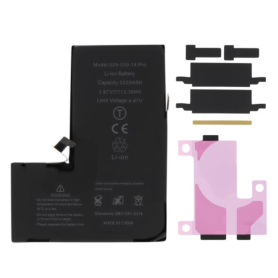
Out-of-Stock
Battery A3011 3274mAh iPhone 15 Pro (No pop-up/Health 100%) Original BMS Required
ATTENTION: STATUS 100% - REQUIRES FLASHING
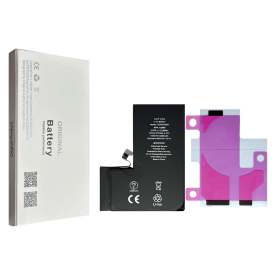
Out-of-Stock
Battery A3011 3274mAh iPhone 15 Pro (OEM) Diagnostic Show Genuine
Use Repair Assistant to Finish an iPhone or iPad Repair
This Battery Without Logo
On an iPhone 12 or later running iOS 18, when a new Apple battery is installed,“Finish Repair” will appear next to Battery until you complete the repair using the Repair Assistant.
On an iPhone 12 or later running iOS 18, it is possible to reuse an original Apple battery on another iPhone of the same model.
The date of first use, capacity, and cycle count of your battery can be found in Settings > Battery > Battery Health.
How to Run Diagnostics & Finish Repair for iPhone Battery
1. Ensure your device is updated to iOS 18
2. Go to Settings > General > About > Parts & Service History
3. Tap "Restart & Finish Repair" to activate the Repair Assistant
4. Follow the on-screen instructions to complete the calibration
After completing this process, your battery will display 100% health, and there will be no pop-up warning about non-genuine parts.
Important Notes:
Your iPhone must be connected to Wi-Fi
Your battery level should be above 20%
If the process fails, restart your device and try again
If the repair is not completed, the battery may not function optimally, and some features (Face ID, Touch ID) may be disabled until calibration is finalized
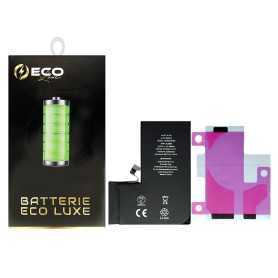

Out-of-Stock
Battery A3011 3274mAh iPhone 15 Pro - Modified US Version SIM Card
Key Features of Battery A3011 3274mAh iPhone 15 Pro with Adhesives - Pure Cobalt (ECO Ti) - Modified US Version SIM Card:
High Capacity: Boasting a robust 3274mAh capacity, this battery ensures extended usage time, keeping your iPhone 15 Pro powered throughout the day.
Pure Cobalt Technology: Engineered with Pure Cobalt (ECO Ti), this battery offers enhanced energy density and longevity, providing a reliable and sustainable power source.
Eco-Friendly Design: The ECO Ti technology not only boosts performance but also reduces environmental impact, aligning with eco-conscious consumer values.
Optimized for iPhone 15 Pro: Specifically designed for seamless compatibility with the iPhone 15 Pro, ensuring optimal performance and safety.
Adhesive Included: Comes with high-quality adhesives for easy and secure installation, ensuring the battery stays firmly in place.
Modified US Version SIM Card: Tailored for the US market, this version includes a modified SIM card slot for enhanced connectivity and compatibility with US carriers.
Enhanced Safety Features: Built-in safeguards protect against overcharging, overheating, and short-circuiting, ensuring both user safety and device integrity.
Reliable Performance: Delivers consistent power output, supporting all functionalities of the iPhone 15 Pro without compromise.
Easy Installation: Designed for straightforward installation, making it accessible for both professionals and DIY enthusiasts.
High Capacity: Boasting a robust 3274mAh capacity, this battery ensures extended usage time, keeping your iPhone 15 Pro powered throughout the day.
Pure Cobalt Technology: Engineered with Pure Cobalt (ECO Ti), this battery offers enhanced energy density and longevity, providing a reliable and sustainable power source.
Eco-Friendly Design: The ECO Ti technology not only boosts performance but also reduces environmental impact, aligning with eco-conscious consumer values.
Optimized for iPhone 15 Pro: Specifically designed for seamless compatibility with the iPhone 15 Pro, ensuring optimal performance and safety.
Adhesive Included: Comes with high-quality adhesives for easy and secure installation, ensuring the battery stays firmly in place.
Modified US Version SIM Card: Tailored for the US market, this version includes a modified SIM card slot for enhanced connectivity and compatibility with US carriers.
Enhanced Safety Features: Built-in safeguards protect against overcharging, overheating, and short-circuiting, ensuring both user safety and device integrity.
Reliable Performance: Delivers consistent power output, supporting all functionalities of the iPhone 15 Pro without compromise.
Easy Installation: Designed for straightforward installation, making it accessible for both professionals and DIY enthusiasts.

Out-of-Stock
Battery A3011 3274mAh iPhone 15 Pro with Adhesives - Pure Cobalt (ECO Ti)
Battery compatible with iPhone 15 Pro. Delivered with: Adhesives.
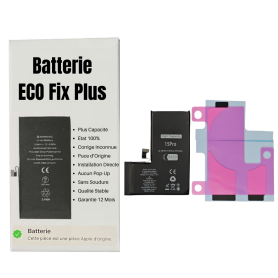
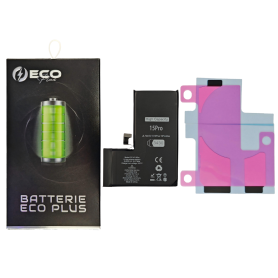
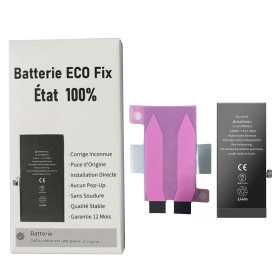
Battery A3011 3430mAh iPhone 15 Pro (ECO Fix Plus) 130% Plus Durable - No Pop-up / Health 100%
Use Repair Assistant to Finish an iPhone or iPad Repair
This Battery Without Logo
On an iPhone 12 or later running iOS 18, when a new Apple battery is installed,“Finish Repair” will appear next to Battery until you complete the repair using the Repair Assistant.
On an iPhone 12 or later running iOS 18, it is possible to reuse an original Apple battery on another iPhone of the same model.
The date of first use, capacity, and cycle count of your battery can be found in Settings > Battery > Battery Health.
How to Run Diagnostics & Finish Repair for iPhone Battery
1. Ensure your device is updated to iOS 18
2. Go to Settings > General > About > Parts & Service History
3. Tap "Restart & Finish Repair" to activate the Repair Assistant
4. Follow the on-screen instructions to complete the calibration
After completing this process, your battery will display 100% health, and there will be no pop-up warning about non-genuine parts.
Important Notes:
Your iPhone must be connected to Wi-Fi
Your battery level should be above 20%
If the process fails, restart your device and try again
If the repair is not completed, the battery may not function optimally, and some features (Face ID, Touch ID) may be disabled until calibration is finalized
Out-of-Stock
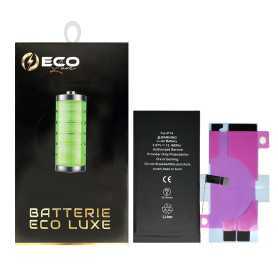
Battery A3018 3349mAh iPhone 15 (ECO Fix) Direct Installation - No Pop-up / Health 100%
Use Repair Assistant to Finish an iPhone or iPad Repair
This Battery Without Logo
On an iPhone 12 or later running iOS 18, when a new Apple battery is installed,“Finish Repair” will appear next to Battery until you complete the repair using the Repair Assistant.
On an iPhone 12 or later running iOS 18, it is possible to reuse an original Apple battery on another iPhone of the same model.
The date of first use, capacity, and cycle count of your battery can be found in Settings > Battery > Battery Health.
How to Run Diagnostics & Finish Repair for iPhone Battery
1. Ensure your device is updated to iOS 18
2. Go to Settings > General > About > Parts & Service History
3. Tap "Restart & Finish Repair" to activate the Repair Assistant
4. Follow the on-screen instructions to complete the calibration
After completing this process, your battery will display 100% health, and there will be no pop-up warning about non-genuine parts.
Important Notes:
Your iPhone must be connected to Wi-Fi
Your battery level should be above 20%
If the process fails, restart your device and try again
If the repair is not completed, the battery may not function optimally, and some features (Face ID, Touch ID) may be disabled until calibration is finalized

Out-of-Stock
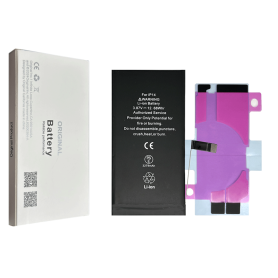
Battery A3018 3349mAh iPhone 15 (No pop-up/Health 100%) Original BMS Required
ATTENTION: STATUS 100% - REQUIRES FLASHING
Out-of-Stock
Battery A3018 3349mAh iPhone 15 (OEM) Diagnostic Show Genuine
Use Repair Assistant to Finish an iPhone or iPad Repair
This Battery Without Logo
On an iPhone 12 or later running iOS 18, when a new Apple battery is installed,“Finish Repair” will appear next to Battery until you complete the repair using the Repair Assistant.
On an iPhone 12 or later running iOS 18, it is possible to reuse an original Apple battery on another iPhone of the same model.
The date of first use, capacity, and cycle count of your battery can be found in Settings > Battery > Battery Health.
How to Run Diagnostics & Finish Repair for iPhone Battery
1. Ensure your device is updated to iOS 18
2. Go to Settings > General > About > Parts & Service History
3. Tap "Restart & Finish Repair" to activate the Repair Assistant
4. Follow the on-screen instructions to complete the calibration
After completing this process, your battery will display 100% health, and there will be no pop-up warning about non-genuine parts.
Important Notes:
Your iPhone must be connected to Wi-Fi
Your battery level should be above 20%
If the process fails, restart your device and try again
If the repair is not completed, the battery may not function optimally, and some features (Face ID, Touch ID) may be disabled until calibration is finalized
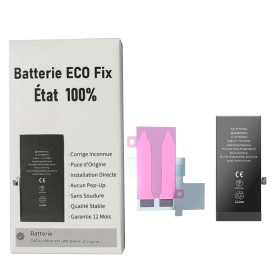
Out-of-Stock
Battery A3018 3349mAh iPhone 15 Plus (ECO Fix) Diagnostics / Battery Health 100% / Fix Unknown Part Message
Use Repair Assistant to Finish an iPhone or iPad Repair
This Battery Without Logo
On an iPhone 12 or later running iOS 18, when a new Apple battery is installed,“Finish Repair” will appear next to Battery until you complete the repair using the Repair Assistant.
On an iPhone 12 or later running iOS 18, it is possible to reuse an original Apple battery on another iPhone of the same model.
The date of first use, capacity, and cycle count of your battery can be found in Settings > Battery > Battery Health.
How to Run Diagnostics & Finish Repair for iPhone Battery
1. Ensure your device is updated to iOS 18
2. Go to Settings > General > About > Parts & Service History
3. Tap "Restart & Finish Repair" to activate the Repair Assistant
4. Follow the on-screen instructions to complete the calibration
After completing this process, your battery will display 100% health, and there will be no pop-up warning about non-genuine parts.
Important Notes:
Your iPhone must be connected to Wi-Fi
Your battery level should be above 20%
If the process fails, restart your device and try again
If the repair is not completed, the battery may not function optimally, and some features (Face ID, Touch ID) may be disabled until calibration is finalized
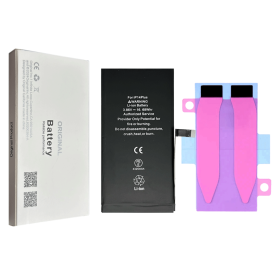
Out-of-Stock
Battery A3018 3349mAh iPhone 15 Plus (OEM) Diagnostic Show Genuine
Use Repair Assistant to Finish an iPhone or iPad Repair
This Battery Without Logo
On an iPhone 12 or later running iOS 18, when a new Apple battery is installed,“Finish Repair” will appear next to Battery until you complete the repair using the Repair Assistant.
On an iPhone 12 or later running iOS 18, it is possible to reuse an original Apple battery on another iPhone of the same model.
The date of first use, capacity, and cycle count of your battery can be found in Settings > Battery > Battery Health.
How to Run Diagnostics & Finish Repair for iPhone Battery
1. Ensure your device is updated to iOS 18
2. Go to Settings > General > About > Parts & Service History
3. Tap "Restart & Finish Repair" to activate the Repair Assistant
4. Follow the on-screen instructions to complete the calibration
After completing this process, your battery will display 100% health, and there will be no pop-up warning about non-genuine parts.
Important Notes:
Your iPhone must be connected to Wi-Fi
Your battery level should be above 20%
If the process fails, restart your device and try again
If the repair is not completed, the battery may not function optimally, and some features (Face ID, Touch ID) may be disabled until calibration is finalized
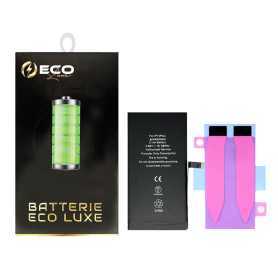


Out-of-Stock
Battery A3018 3349mAh iPhone 15 with Adhesive - Pure Cobalt (ECO Ti)
iPhone 14 Battery with Adhesives - Pure Cobalt (ECO)
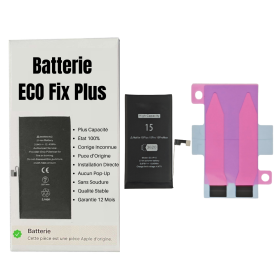
Out-of-Stock
Battery A3018 3620mAh iPhone 15 (ECO Fix Plus) 130% Plus Durable - No Pop-up / Health 100%
Use Repair Assistant to Finish an iPhone or iPad Repair
This Battery Without Logo
On an iPhone 12 or later running iOS 18, when a new Apple battery is installed,“Finish Repair” will appear next to Battery until you complete the repair using the Repair Assistant.
On an iPhone 12 or later running iOS 18, it is possible to reuse an original Apple battery on another iPhone of the same model.
The date of first use, capacity, and cycle count of your battery can be found in Settings > Battery > Battery Health.
How to Run Diagnostics & Finish Repair for iPhone Battery
1. Ensure your device is updated to iOS 18
2. Go to Settings > General > About > Parts & Service History
3. Tap "Restart & Finish Repair" to activate the Repair Assistant
4. Follow the on-screen instructions to complete the calibration
After completing this process, your battery will display 100% health, and there will be no pop-up warning about non-genuine parts.
Important Notes:
Your iPhone must be connected to Wi-Fi
Your battery level should be above 20%
If the process fails, restart your device and try again
If the repair is not completed, the battery may not function optimally, and some features (Face ID, Touch ID) may be disabled until calibration is finalized
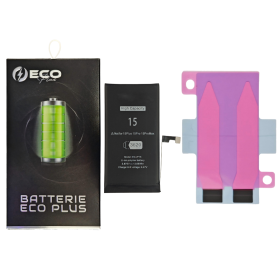
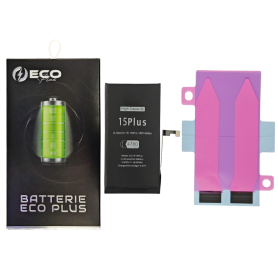
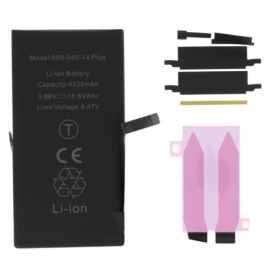
Out-of-Stock
Battery A3039 4383mAh iPhone 15 Plus (No Pop-up/Health 100%) Original BMS Required
ATTENTION: STATUS 100% - REQUIRES FLASHING

Out-of-Stock
Battery A3039 4780mAh iPhone 15 Plus (ECO Fix Plus) 130% Plus Durable - No Pop-up / Health 100%
Use Repair Assistant to Finish an iPhone or iPad Repair
This Battery Without Logo
On an iPhone 12 or later running iOS 18, when a new Apple battery is installed,“Finish Repair” will appear next to Battery until you complete the repair using the Repair Assistant.
On an iPhone 12 or later running iOS 18, it is possible to reuse an original Apple battery on another iPhone of the same model.
The date of first use, capacity, and cycle count of your battery can be found in Settings > Battery > Battery Health.
How to Run Diagnostics & Finish Repair for iPhone Battery
1. Ensure your device is updated to iOS 18
2. Go to Settings > General > About > Parts & Service History
3. Tap "Restart & Finish Repair" to activate the Repair Assistant
4. Follow the on-screen instructions to complete the calibration
After completing this process, your battery will display 100% health, and there will be no pop-up warning about non-genuine parts.
Important Notes:
Your iPhone must be connected to Wi-Fi
Your battery level should be above 20%
If the process fails, restart your device and try again
If the repair is not completed, the battery may not function optimally, and some features (Face ID, Touch ID) may be disabled until calibration is finalized
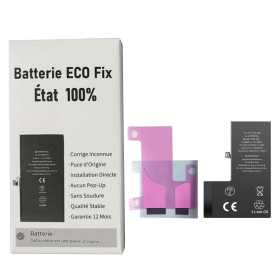
Out-of-Stock
Battery A3121 4422mAh iPhone 15 Pro Max (ECO Fix) Direct Installation - No Pop-up / Health 100%
Use Repair Assistant to Finish an iPhone or iPad Repair
This Battery Without Logo
On an iPhone 12 or later running iOS 18, when a new Apple battery is installed,“Finish Repair” will appear next to Battery until you complete the repair using the Repair Assistant.
On an iPhone 12 or later running iOS 18, it is possible to reuse an original Apple battery on another iPhone of the same model.
The date of first use, capacity, and cycle count of your battery can be found in Settings > Battery > Battery Health.
How to Run Diagnostics & Finish Repair for iPhone Battery
1. Ensure your device is updated to iOS 18
2. Go to Settings > General > About > Parts & Service History
3. Tap "Restart & Finish Repair" to activate the Repair Assistant
4. Follow the on-screen instructions to complete the calibration
After completing this process, your battery will display 100% health, and there will be no pop-up warning about non-genuine parts.
Important Notes:
Your iPhone must be connected to Wi-Fi
Your battery level should be above 20%
If the process fails, restart your device and try again
If the repair is not completed, the battery may not function optimally, and some features (Face ID, Touch ID) may be disabled until calibration is finalized
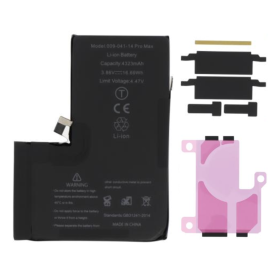
Out-of-Stock
Battery A3121 4422mAh iPhone 15 Pro Max (No pop-up/Health 100%) Original BMS Required
ATTENTION: STATUS 100% - REQUIRES FLASHING
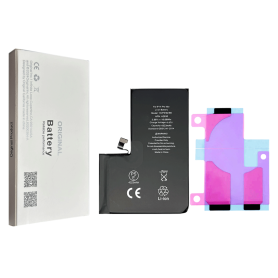
Out-of-Stock
Battery A3121 4422mAh iPhone 15 Pro Max (OEM) Diagnostic Show Genuine
Use Repair Assistant to Finish an iPhone or iPad Repair
This Battery Without Logo
On an iPhone 12 or later running iOS 18, when a new Apple battery is installed,“Finish Repair” will appear next to Battery until you complete the repair using the Repair Assistant.
On an iPhone 12 or later running iOS 18, it is possible to reuse an original Apple battery on another iPhone of the same model.
The date of first use, capacity, and cycle count of your battery can be found in Settings > Battery > Battery Health.
How to Run Diagnostics & Finish Repair for iPhone Battery
1. Ensure your device is updated to iOS 18
2. Go to Settings > General > About > Parts & Service History
3. Tap "Restart & Finish Repair" to activate the Repair Assistant
4. Follow the on-screen instructions to complete the calibration
After completing this process, your battery will display 100% health, and there will be no pop-up warning about non-genuine parts.
Important Notes:
Your iPhone must be connected to Wi-Fi
Your battery level should be above 20%
If the process fails, restart your device and try again
If the repair is not completed, the battery may not function optimally, and some features (Face ID, Touch ID) may be disabled until calibration is finalized

Out-of-Stock
Battery A3121 4422mAh iPhone 15 Pro Max + Adhesive Type - Pure Cobalt (ECO Ti)
Battery iPhone 15 Pro Max + Adhesive Type - Pure Cobalt (ECO)
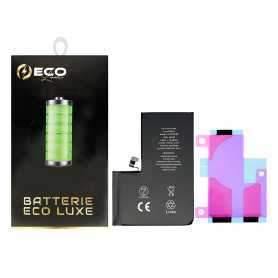

Out-of-Stock
Battery A3121 4422mAh iPhone 15 Pro Max - Modified US Version SIM Card
Key Features of Battery A3121 4422mAh iPhone 15 Pro Max - Modified US Version SIM Card:
High Capacity: Boasting a robust 4422mAh capacity, this battery ensures extended usage time, allowing you to enjoy your iPhone 15 Pro Max for longer periods without frequent recharging.
Optimized Performance: Specifically designed for the iPhone 15 Pro Max, this battery provides optimal performance, ensuring smooth operation and efficient power management for all your apps and features.
Modified US Version: Tailored for the US market, this version includes a modified SIM card slot, enhancing compatibility with a wide range of US carriers for seamless connectivity.
Advanced Safety Features: Equipped with state-of-the-art safety mechanisms, including overcharge protection, temperature control, and short-circuit prevention, ensuring both user safety and battery longevity.
Eco-Friendly Design: Constructed with environmentally friendly materials, this battery supports sustainable practices while delivering high performance.
Easy Installation: Designed for hassle-free installation, allowing users to replace their battery with minimal effort and without the need for professional assistance.
Warranty Included: Comes with a comprehensive warranty, providing peace of mind and assurance of quality and reliability.
High Capacity: Boasting a robust 4422mAh capacity, this battery ensures extended usage time, allowing you to enjoy your iPhone 15 Pro Max for longer periods without frequent recharging.
Optimized Performance: Specifically designed for the iPhone 15 Pro Max, this battery provides optimal performance, ensuring smooth operation and efficient power management for all your apps and features.
Modified US Version: Tailored for the US market, this version includes a modified SIM card slot, enhancing compatibility with a wide range of US carriers for seamless connectivity.
Advanced Safety Features: Equipped with state-of-the-art safety mechanisms, including overcharge protection, temperature control, and short-circuit prevention, ensuring both user safety and battery longevity.
Eco-Friendly Design: Constructed with environmentally friendly materials, this battery supports sustainable practices while delivering high performance.
Easy Installation: Designed for hassle-free installation, allowing users to replace their battery with minimal effort and without the need for professional assistance.
Warranty Included: Comes with a comprehensive warranty, providing peace of mind and assurance of quality and reliability.
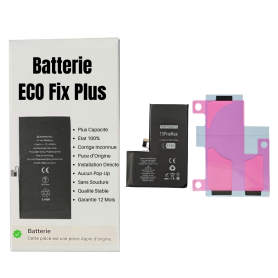
Out-of-Stock
Battery A3121 4640mAh iPhone 15 Pro Max (ECO Fix Plus) 130% Plus Durable - No Pop-up / Health 100%
Use Repair Assistant to Finish an iPhone or iPad Repair
This Battery Without Logo
On an iPhone 12 or later running iOS 18, when a new Apple battery is installed,“Finish Repair” will appear next to Battery until you complete the repair using the Repair Assistant.
On an iPhone 12 or later running iOS 18, it is possible to reuse an original Apple battery on another iPhone of the same model.
The date of first use, capacity, and cycle count of your battery can be found in Settings > Battery > Battery Health.
How to Run Diagnostics & Finish Repair for iPhone Battery
1. Ensure your device is updated to iOS 18
2. Go to Settings > General > About > Parts & Service History
3. Tap "Restart & Finish Repair" to activate the Repair Assistant
4. Follow the on-screen instructions to complete the calibration
After completing this process, your battery will display 100% health, and there will be no pop-up warning about non-genuine parts.
Important Notes:
Your iPhone must be connected to Wi-Fi
Your battery level should be above 20%
If the process fails, restart your device and try again
If the repair is not completed, the battery may not function optimally, and some features (Face ID, Touch ID) may be disabled until calibration is finalized