

 Ugreen
 .png) Devia
Devia  Mayline
  (1).png) D-power
D-power .png) Araree
Araree  Apple Original
  Samsung Original
 .svg.png) Xiaomi
Xiaomi  LinQ
LinQ  JBL
JBL .png) Belkin
Belkin  1More
1More  Techmade
  Benks
Benks Clearance





List of products by brand Eco-Solution
Eco solution est une société française qui commercialise des produits de qualités tout en essayant de limiter son empreinte écologique. Elle propose des produits de qualité et de longue durée.
There are 20485 products.
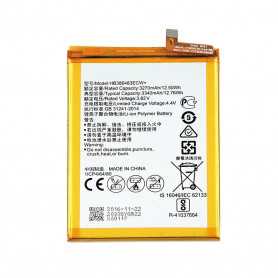
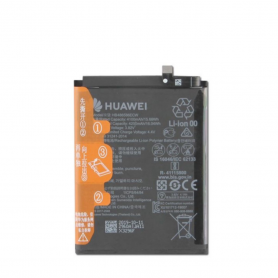
Batterie HB386483ECW Huawei Honor 6X (BLN-AL10)
EAN:8002126280870
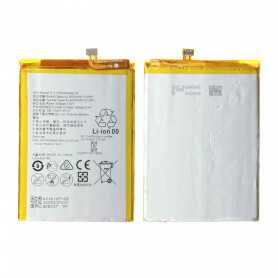
Batterie HB396693ECW Huawei Mate 8
Included: The Lithium battery Capacity: 3.8V - 4000mAh Condition: NewBattery model: HB396693ECWModel: Huawei Mate 8 EAN:8002126280818
Out-of-Stock
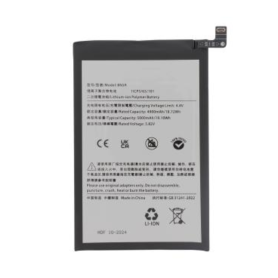
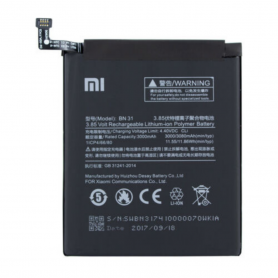
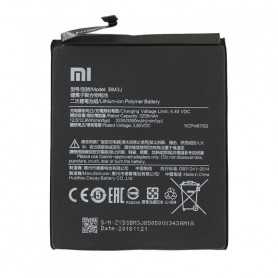
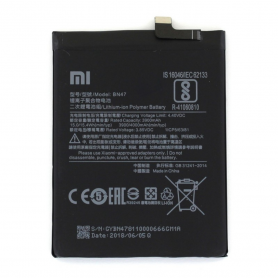
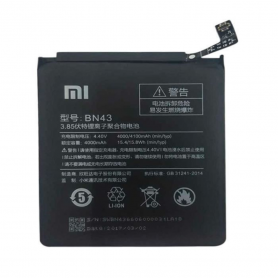
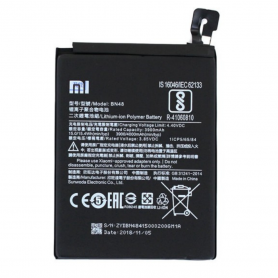
Batterie Redmi A3
Key Features of the Batterie Redmi A3:
High Capacity: The Batterie Redmi A3 boasts an impressive capacity designed to keep your device powered throughout the day, reducing the need for frequent recharging.
Long-lasting Performance: Engineered for efficiency, this battery extends the operational period between charges, ensuring that you stay connected longer without interruptions.
Enhanced Durability: Constructed with high-quality materials, the Batterie Redmi A3 is designed for longevity, resistant to wear and tear associated with regular use.
Fast Charging Capability: Equipped with fast-charging technology, this battery reduces downtimes by allowing quicker power recovery, keeping your device ready for action.
Safety Features: Integrated with multiple safety mechanisms, including overcharge and short circuit protection, the battery ensures user safety while providing reliable power.
Optimized for Redmi Devices: Specifically designed for compatibility with Redmi smartphones, the Batterie Redmi A3 seamlessly integrates with your device for optimal performance.
Eco-friendly Design: Made with environmentally friendly materials, this battery supports sustainability while delivering top-notch functionality.
Lightweight and Compact: Despite its high capacity, the Batterie Redmi A3 remains lightweight and compact, not adding unnecessary bulk to your device.
High Capacity: The Batterie Redmi A3 boasts an impressive capacity designed to keep your device powered throughout the day, reducing the need for frequent recharging.
Long-lasting Performance: Engineered for efficiency, this battery extends the operational period between charges, ensuring that you stay connected longer without interruptions.
Enhanced Durability: Constructed with high-quality materials, the Batterie Redmi A3 is designed for longevity, resistant to wear and tear associated with regular use.
Fast Charging Capability: Equipped with fast-charging technology, this battery reduces downtimes by allowing quicker power recovery, keeping your device ready for action.
Safety Features: Integrated with multiple safety mechanisms, including overcharge and short circuit protection, the battery ensures user safety while providing reliable power.
Optimized for Redmi Devices: Specifically designed for compatibility with Redmi smartphones, the Batterie Redmi A3 seamlessly integrates with your device for optimal performance.
Eco-friendly Design: Made with environmentally friendly materials, this battery supports sustainability while delivering top-notch functionality.
Lightweight and Compact: Despite its high capacity, the Batterie Redmi A3 remains lightweight and compact, not adding unnecessary bulk to your device.
Out-of-Stock
Battery 106ES 4674mAh for iPhone 16 Plus (ECO Fix) Direct Installation - No Pop-up / Health 100%
Use Repair Assistant to Finish an iPhone or iPad Repair
This Battery Without Logo
On an iPhone 12 or later running iOS 18, when a new Apple battery is installed,“Finish Repair” will appear next to Battery until you complete the repair using the Repair Assistant.
On an iPhone 12 or later running iOS 18, it is possible to reuse an original Apple battery on another iPhone of the same model.
The date of first use, capacity, and cycle count of your battery can be found in Settings > Battery > Battery Health.
How to Run Diagnostics & Finish Repair for iPhone Battery
1. Ensure your device is updated to iOS 18
2. Go to Settings > General > About > Parts & Service History
3. Tap "Restart & Finish Repair" to activate the Repair Assistant
4. Follow the on-screen instructions to complete the calibration
After completing this process, your battery will display 100% health, and there will be no pop-up warning about non-genuine parts.
Important Notes:
Your iPhone must be connected to Wi-Fi
Your battery level should be above 20%
If the process fails, restart your device and try again
If the repair is not completed, the battery may not function optimally, and some features (Face ID, Touch ID) may be disabled until calibration is finalized
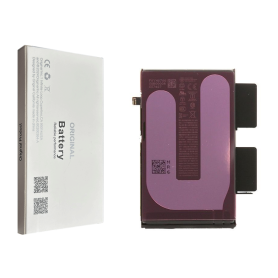
Out-of-Stock
Battery 106ES 4674mAh iPhone 16 Plus (OEM) Diagnostic Shows Genuine Part
Battery 106ES 4674mAh iPhone 16 Plus (OEM) Diagnostic Shows Genuine Part
This logo-free battery is intended for professional repair. After fitting it to an iPhone 16 Plus running iOS 18, use Repair Assistant to finish calibration and view battery health and parts history.
Finish an iPhone repair with Repair Assistant
Connect to Wi-Fi and charge above 20%.
Open Settings > General > About > Parts and Service History.
Tap Restart & Finish Repair and follow the on-screen steps.
If calibration fails, restart the device and try again.

Out-of-Stock
Battery 106ES 4674mAh iPhone 16 Plus with Adhesives - Pure Cobalt (ECO Ti)
iPhone 14 Battery with Adhesives - Pure Cobalt (ECO)

Out-of-Stock
Battery 2203B 3582mAh for iPhone 16 Pro (ECO Fix) Direct Installation - No Pop-up / Health 100%
Use Repair Assistant to Finish an iPhone or iPad Repair
This Battery Without Logo
On an iPhone 12 or later running iOS 18, when a new Apple battery is installed,“Finish Repair” will appear next to Battery until you complete the repair using the Repair Assistant.
On an iPhone 12 or later running iOS 18, it is possible to reuse an original Apple battery on another iPhone of the same model.
The date of first use, capacity, and cycle count of your battery can be found in Settings > Battery > Battery Health.
How to Run Diagnostics & Finish Repair for iPhone Battery
1. Ensure your device is updated to iOS 18
2. Go to Settings > General > About > Parts & Service History
3. Tap "Restart & Finish Repair" to activate the Repair Assistant
4. Follow the on-screen instructions to complete the calibration
After completing this process, your battery will display 100% health, and there will be no pop-up warning about non-genuine parts.
Important Notes:
Your iPhone must be connected to Wi-Fi
Your battery level should be above 20%
If the process fails, restart your device and try again
If the repair is not completed, the battery may not function optimally, and some features (Face ID, Touch ID) may be disabled until calibration is finalized

Out-of-Stock
Battery 2203B 3582mAh iPhone 16 Pro (OEM) Diagnostic Shows Genuine Part
Battery 2203B 3582mAh iPhone 16 Pro (OEM) Diagnostic Shows Genuine Part
This logo-free battery is intended for professional repair. After fitting it to an iPhone 16 Pro running iOS 18, use Repair Assistant to finish calibration and view battery health and parts history.
Finish an iPhone repair with Repair Assistant
Connect to Wi-Fi and charge above 20%.
Open Settings > General > About > Parts and Service History.
Tap Restart & Finish Repair and follow the on-screen steps.
If calibration fails, restart the device and try again.

Out-of-Stock
Battery 2203B 3582mAh iPhone 16 Pro with Adhesives - Pure Cobalt (ECO Ti)
Battery for the iPhone 16 Pro model. Supplied with: Adhesives.
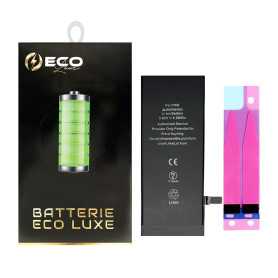
Battery 616-00036/616-00033 1715mAh iPhone 6S 3.8V + Adhesives - Chip Ti (ECO Luxe) Original Alternative
The Ti chip is used by Apple in its original battery.

Battery 616-00036/616-00033 1715mAh iPhone 6S with Adhesives - Pure Cobalt (ECO Ti)
Battery for iPhone 6S. This spare part will allow you to easily & quickly replace the battery of your iPhone 6S. EAN:6943948193486
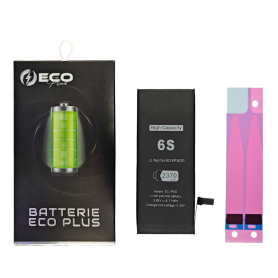
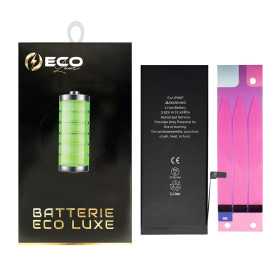
Battery 616-00045/616-00042 2750mAh iPhone 6S Plus 3.82V + Adhesives - Chip Ti (ECO Luxe) Original Alternative
The Ti chip is used by Apple in its original battery.

Battery 616-00045/616-00042 2750mAh iPhone 6S Plus with Adhesives - Pure Cobalt (ECO Ti)
Battery for iPhone 6S Plus. This spare part will allow you to easily & quickly replace the battery of your iPhone 6S Plus. EAN: 6943948193493
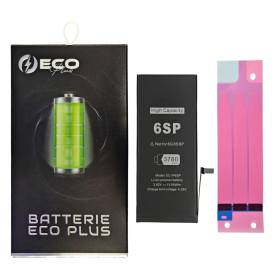
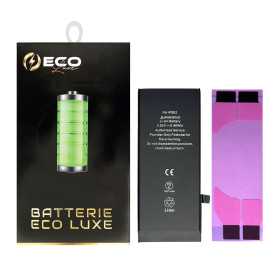
Battery 616-00106 1624mAh iPhone SE + Adhesives - Chip Ti (ECO Luxe) Original Alternative
The Ti chip is used by Apple in its original battery.

Battery 616-00106 1624mAh iPhone SE 2016 with Adhesive - Pure Cobalt (ECO Ti)
Li-ion battery Capacity: 1624 mAh Voltage: 3.8V / 6.21 Whr Battery life: up to 14h talk time / 13h on 4G EAN: 7907613232220
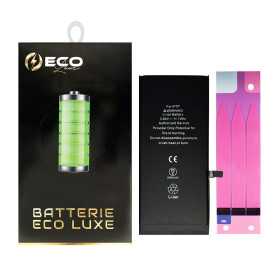
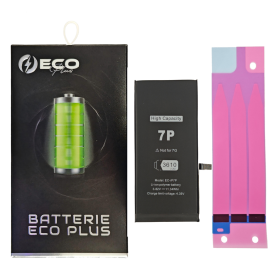
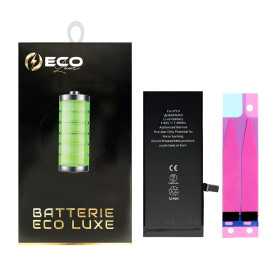
Battery 616-00249 2900mAh iPhone 7 Plus 3.82V + Adhesives - Chip Ti (ECO Luxe) Original Alternative
The Ti chip is used by Apple in its original battery.

Battery 616-00249 2900mAh iPhone 7 Plus with Adhesive - Pure Cobalt (ECO Ti)
Battery for iPhone 7 Plus. This spare part will allow you to easily & quickly replace the battery of your iPhone 7 Plus. EAN: 6169957565605
Out-of-Stock
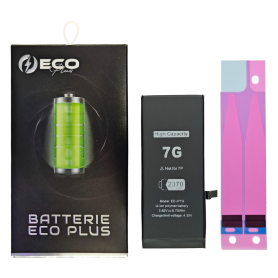
Battery 616-00255 1960mAh iPhone 7 3.8V + Adhesives - Chip Ti (ECO Luxe) Original Alternative
The Ti chip is used by Apple in its original battery.

Out-of-Stock
Battery 616-00255 1960mAh iPhone 7 with Adhesives - Pure Cobalt (ECO Ti)
Battery for iPhone 7. This spare part will allow you to easily & quickly replace the battery of your iPhone 7. EAN: 6169957565599

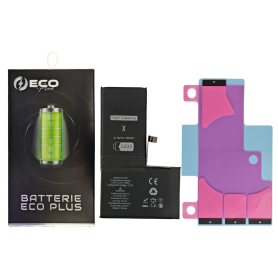
Battery 616-00351/616-00346 2716mAh iPhone X +Adhesive Type - Pure Cobalt (ECO Ti)
Battery for iPhone X. This spare part will allow you to easily & quickly replace the battery of your iPhone X. EAN: 8002126282409
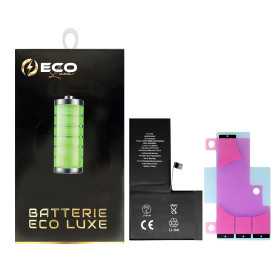
Battery 616-00351/616-00346 2716mAh iPhone X 3.81V + Adhesives - Chip Ti (ECO Luxe) Original Alternative
The Ti chip is used by Apple in its original battery.
Out-of-Stock
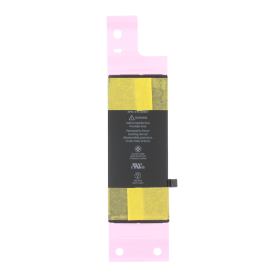
Battery 616-00357/616-00361 1821mAh iPhone 8 (Service Pack) - 661-08935
Batterie pour iPhone 8. Cette pièce détachée vous permettra de remplacer facilement & rapidement la batterie de votre iPhone 7 Plus.
EAN: 8002126277979
EAN: 8002126277979
Out-of-Stock
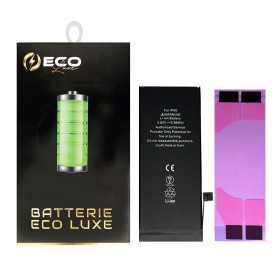
Battery 616-00357/616-00361 1821mAh iPhone 8 3.8V + Adhesives - Chip Ti (ECO Luxe) Original Alternative
The Ti chip is used by Apple in its original battery.

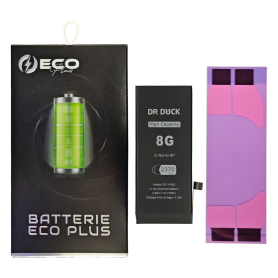
Battery 616-00357/616-00361 1821mAh iPhone 8 with Adhesive - Pure Cobalt (ECO Ti)
Batterie pour iPhone 8. Cette pièce détachée vous permettra de remplacer facilement & rapidement la batterie de votre iPhone 7 Plus.
EAN: 8002126277979
EAN: 8002126277979
Out-of-Stock
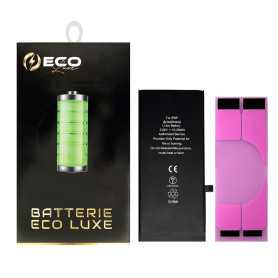
Battery 616-00364/616-00367 2691mAh iPhone 8 Plus 3.8V + Adhesives - Chip Ti (ECO Luxe) Original Alternative
The Ti chip is used by Apple in its original battery.

Battery 616-00364/616-00367 2691mAh iPhone 8 Plus with Adhesive - Pure Cobalt (ECO Ti)
Battery for iPhone 8 Plus. This spare part will allow you to easily & quickly replace the battery of your iPhone 8 Plus. EAN: 8002126277986
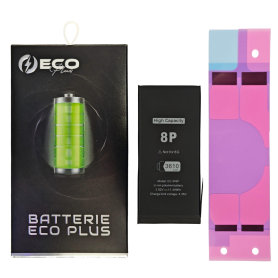
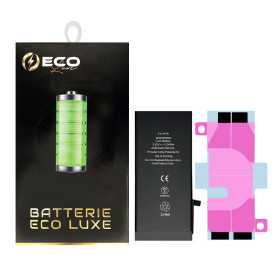
Battery 616-00471/616-00524 2942mAh iPhone XR + Adhesives - Chip Ti (ECO Luxe) Original Alternative
The Ti chip is used by Apple in its original battery.

Battery 616-00471/616-00524 2942mAh iPhone XR with Adhesive - Pure Cobalt (ECO Ti)
Please note that for original battery replacement on XR/XS/XSMax/11/11Pro/11ProMax, the phone will systematically indicate that the battery needs to be serviced. This notice does not affect normal use of the phone Battery for iPhone XR. This spare part will allow you to easily & quickly replace the battery of your iPhone XR.
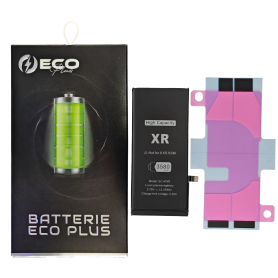
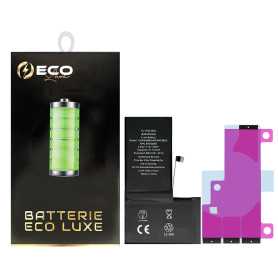
Out-of-Stock
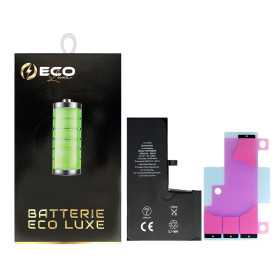
Battery 616-00507/00505/00499 3174mAh iPhone XS Max + Adhesives - Chip Ti (ECO Luxe) Original Alternative
The Ti chip is used by Apple in its original battery.

Out-of-Stock
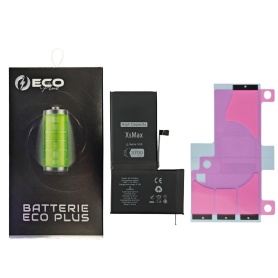
Battery 616-00507/00505/00499 3174mAh iPhone XS Max +Adhesive Type - Pure Cobalt (ECO Ti)
Please note that for original battery replacement on XR/XS/XSMax/11/11Pro/11ProMax, the phone will systematically indicate that the battery needs to be serviced. This information will not affect the normal use of the phone Battery 616-00507 iPhone XS Max EAN:8414717537797
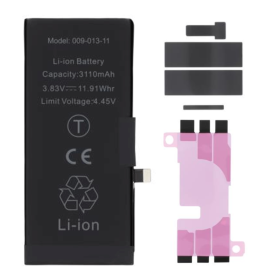
Battery 616-00514 2658mAh iPhone XS 3.82V + Adhesives - Chip Ti (ECO Luxe) Original Alternative
The Ti chip is used by Apple in its original battery.

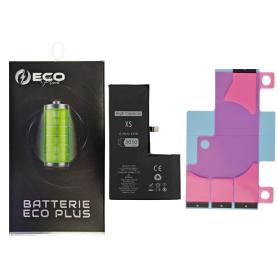
Battery 616-00514 2658mAh iPhone XS with Adhesive - Pure Cobalt (ECO Ti)
Please note that for original battery replacement on XR/XS/XSMax/11/11Pro/11ProMax, the phone will systematically indicate that the battery needs service. This information will not affect normal use of the phone Battery 616-00512 iPhone XS EAN:8414717537773
Out-of-Stock
Battery 616-00641/616-00644 3110mAh iPhone 11 (No pop-up/Health 100%) Original BMS Required
ATTENTION: STATUS 100% - REQUIRES FLASHING
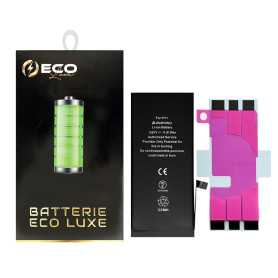
Out-of-Stock
Battery 616-00641/616-00644 3110mAh iPhone 11 + Adhesives - Chip Ti (ECO Luxe)
The Ti chip is used by Apple in its original battery.
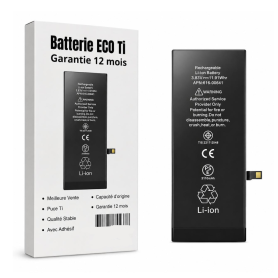
Out-of-Stock
Battery 616-00641/616-00644 3110mAh iPhone 11 +Adhesive Type - Pure Cobalt (ECO Ti)
Please note that for original battery replacement on XR/XS/XSMax/11/11Pro/11ProMax, the phone will systematically indicate that the battery needs to be serviced. This information will not affect the normal use of the phone Battery for iPhone 11. This spare part will allow you to easily & quickly replace the battery of your iPhone 11. EAN: 7371101080448
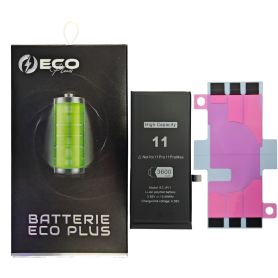
Out-of-Stock
Battery 616-00641/616-00644 3600mAh iPhone 11 130% More Durable (ECO Plus)
Battery compatible with iPhone 11 130% More Durable (ECO Plus).
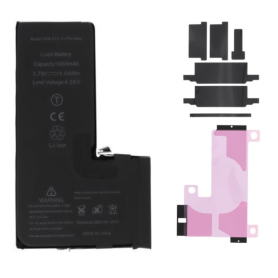
Out-of-Stock
Battery 616-00651/616-00653 3969mAh iPhone 11 Pro Max (No pop-up/Health 100%) Original BMS Required
ATTENTION: STATUS 100% - REQUIRES FLASHING
Out-of-Stock
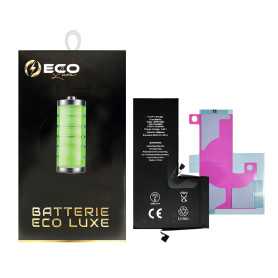
Battery 616-00651/616-00653 3969mAh iPhone 11 Pro Max + Adhesives - Chip Ti (ECO Luxe)
The Ti chip is used by Apple in its original battery.

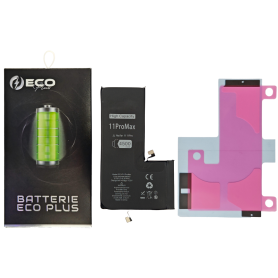
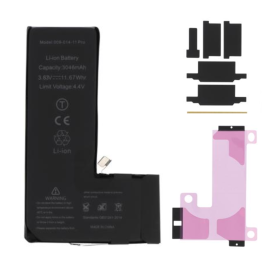
Battery 616-00651/616-00653 3969mAh iPhone 11 Pro Max with Adhesive - Pure Cobalt (ECO Ti)
Please note that for the replacement of the Origine battery on iPhone XR/XS/XSMax/11/11Pro/11ProMax , the phone will systematically indicate that the battery needs to be serviced. This information will not affect the normal use of the phone New Internal Battery for iPhone 11 Pro Max 0 Cycle + Adhesives - Grade AAA
Out-of-Stock
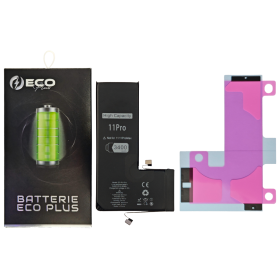
Battery 616-00659/616-00660 3046mAh iPhone 11 Pro (No pop-up/Health 100%) Original BMS Required
ATTENTION: STATUS 100% - REQUIRES FLASHING
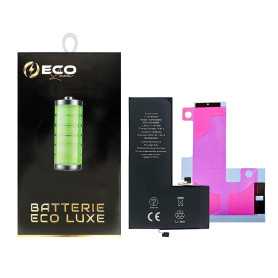
Battery 616-00659/616-00660 3046mAh iPhone 11 Pro + Adhesives - Chip Ti (ECO Luxe)
The Ti chip is used by Apple in its original battery.

Battery 616-00659/616-00660 3046mAh iPhone 11 Pro with Adhesive - Pure Cobalt (ECO Ti)
Please note that for the replacement of the Origine battery on iPhone XR/XS/XSMax/11/11Pro/11ProMax, the phone will systematically indicate that the battery needs service. This information will not affect normal use of the phone New Internal iPhone 11 Pro Battery 0 Cycle + Adhesives - Grade AAA

Out-of-Stock
Battery 616-0513/0512/0521/0520 1420mAh iPhone 4 with Adhesives - Pure Cobalt (ECO Ti)
Battery for iPhone 4. This spare part will allow you to easily & quickly replace the battery of your iPhone 4. EAN: 7371101080424

Out-of-Stock
Battery 616-0580/0581/0582/0579 1430mAh iPhone 4S with Adhesives - Pure Cobalt (ECO Ti)
Battery for iPhone 4S. This spare part will allow you to easily & quickly replace the battery of your iPhone 4S. EAN: 7371101080431

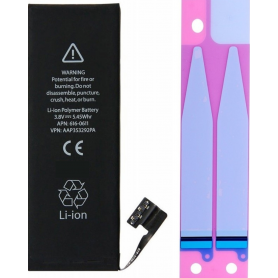
Battery 616-0613/0610 1440mAh iPhone 5 with Adhesives - Pure Cobalt (ECO Ti)
Battery for iPhone 5. This spare part will allow you to easily & quickly replace the battery of your iPhone 5. EAN: 6943948193547
Out-of-Stock
Battery 616-0721/0720/0722/0667/0730/0762 1510mAh/1560mAh iPhone 5C / 5S with Adhesives - Pure Cobalt (ECO Ti)
Battery for iPhone 5S/5C. This spare part will allow you to easily & quickly replace the battery of your iPhone 5S/5C. EAN: 7371101080417
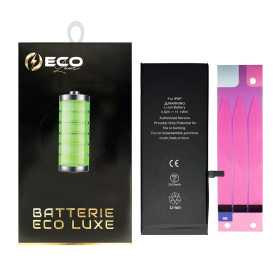
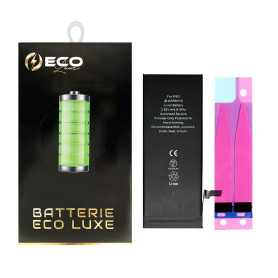
Battery 616-0765/616-0802 2915mAh iPhone 6 Plus - Ti Chip (ECO Luxe) Original Alternative
The Ti chip is used by Apple in its original battery.

Battery 616-0765/616-0802 2915mAh iPhone 6 Plus with Adhesives - Pure Cobalt (ECO Ti)
Spare parts for iPhone 6plus, including batteries, are parts requiring quality and production precision. This is why all our batteries are manually checked by our technicians in France, in order to offer you quality spare parts that will meet your expectations. EAN: 7371101080455
Out-of-Stock
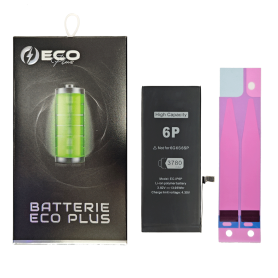
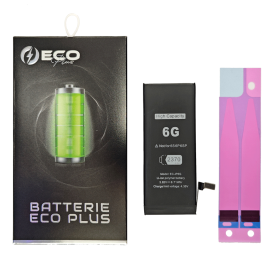
Battery 616-0809/0805/0807/0806 1810mAh iPhone 6 - Ti Chip (ECO Luxe) Original Alternative
The Ti chip is used by Apple in its original battery.

Battery 616-0809/0805/0807/0806 1810mAh iPhone 6 with Adhesives - Pure Cobalt (ECO Ti)
Battery for iPhone 6. This spare part will allow you to easily & quickly replace the battery of your iPhone 6. EAN: 7371101080448
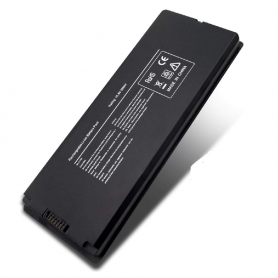
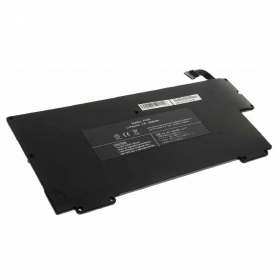
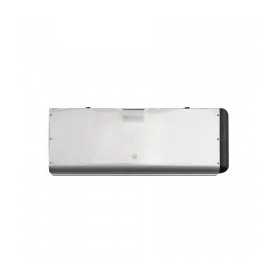
Battery A1280 MacBook Unibody 13" A1278 2008
Name: Battery Laptop Model: A1278 Battery Model: A1280 Year: 2008 PPN: 020-6082-A APN: N/A Voltage/Watts:10.80V--45.0Wh Capacity: 4400mAh Battery Type: lithium-polymer Packing: Anti-static Plastic Bag+Foam (inside)+Individual Carton Packing Box (outside)
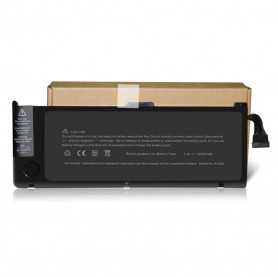
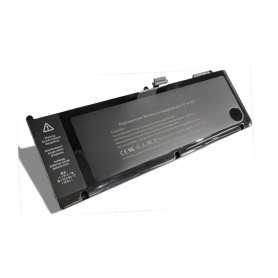
Battery A1321 For MacBook Pro Unibody 15'' 2009 - 2010 A1286
This battery can replace the original MacBook Pro 15" batteries and offer you equivalent battery life. Specifications: Original Apple OEM Voltage: 10.95V MAh: 73Wh Compatibility: MacBook Pro 15" - A1286 - EMC 2353 MacBook Pro 15" 2.66 Ghz - A1286 - EMC 2325 MacBook Pro 15" 2.53 Ghz - A1286 - EMC 2324
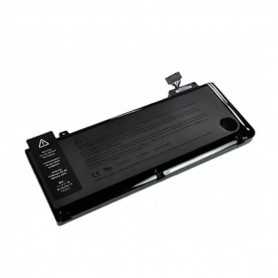
Battery A1322 For MacBook Pro 13 "2009 - 2012 A1278
Technical specifications: Originale Apple OEM Voltage: 10.95V MAh: 63.5Wh/5600mah Compatibility: MacBook Pro 13" - A1278 - EMC 2326 MacBook Pro 13" - A1278 - EMC 2351 MacBook Pro 13" - A1278 - EMC 2419 MacBook Pro 13" - A1278 - EMC 2555 MacBook Pro 13" - A1278 - EMC 2554
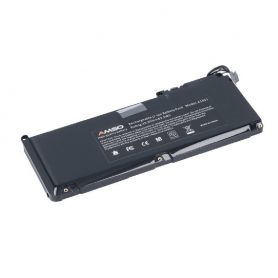
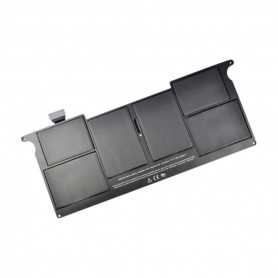
Battery A1375 for MacBook Air 11 '' A1370
Technical Specifications: Original Apple OEM Voltage: 7.3V MAh: 35wh Compatibility: MacBook Air 11" - A1370 - EMC 2393
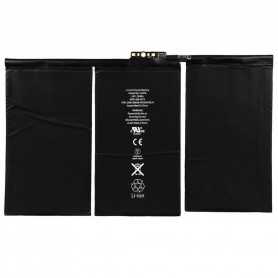
Battery A1376 iPad 2 (A1395/1396/1397)
Included: The lithium battery Capacity: 3.8V Condition: NewBattery model: A1376Model: Apple iPad 2 EAN: 6984377850595
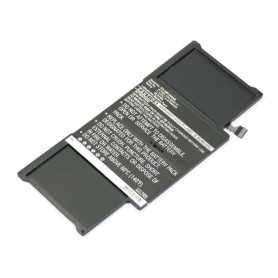
Battery A1377 for MacBook Air 13 " A1369
Technical characteristics: Original Apple OEM Voltage: 7.3V MAh: 50wh
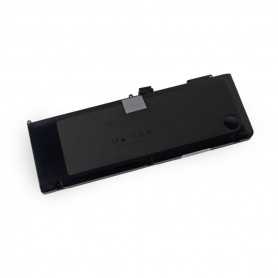
Battery A1382 for MacBook Pro Unibody 15 '' 2011 - 2012 A1286
Technical specifications: Original Apple OEM Voltage: 10.95V MAh: 77.5mah Compatibility: MacBook Pro 15" - A1286 - EMC 2353-1 MacBook Pro 15" - A1286 - EMC 2563 MacBook Pro 15" - A1286 - EMC 2556
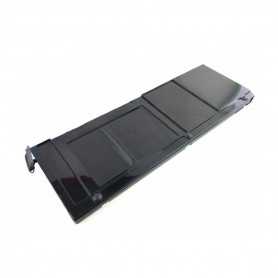
Battery A1383 for MacBook Pro Unibody 17 " 2011-2012 A1297
Technical specifications: Original Apple OEM Voltage: 10.95V MAh: 95wh Compatibility: MacBook Pro 17" - A1297 - EMC 2352-1 MacBook Pro 17" - A1297 - EMC 2564
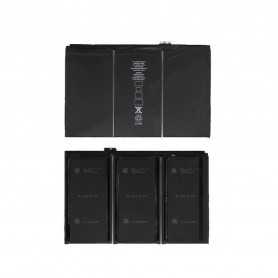
Battery A1389 iPad 3 / 4 (A1416/1430/1403/1458/1459/1460)
Included: Lithium battery Type: OriginCapacity: 3.7V - 11500mAh Condition: NewBattery model: A1389Model: Apple iPad 3 / 4 EAN:6984377850601
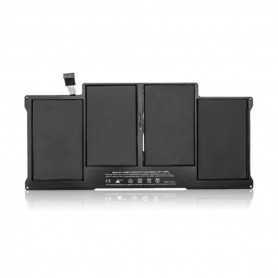
Battery A1405 For MacBook Air 13" A1369
Specifications: Reference: A1405 / A1496 Voltage: 7.6V Capacity: 7150 mAh Cell type: Li-Polymer Compatibility: MacBook Air 13" - A1369 - EMC 2469 MacBook Air 13" - A1466 - EMC 2559 MacBook Air 13" - A1466 - EMC 2632 MacBook Air 13" - A1466 - EMC 2925
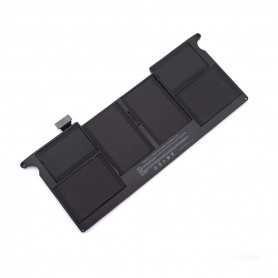
Battery A1406 / A1495 for MacBook Air 11 " A1370 / A1465
Model: A1406 / A1495 Spare part type: Batteries Fault type: Charging Battery reference: A1406 MacBook Air compatibility: MacBook Air 11" - A1370 - EMC 2471, MacBook Air 11" - A1465 - EMC 2558
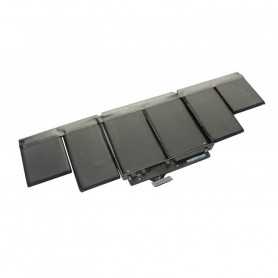
Battery A1417 for MacBook Pro Retina 15 " A1398
Specifications: Reference: A1417 Voltage: 10.95V Capacity: 8460 mAh Cell type: Li-Polymer Compatibility: MacBook Pro Retina 15" 2.3 Ghz - A1398 - EMC 2745 MacBook Pro Retina 15" 2.0 Ghz - A1398 - EMC 2674 MacBook Pro Retina 15" - A1398 - EMC 2673 MacBook Pro Retina 15" - A1398 - EMC 2512
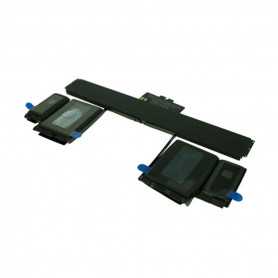
Battery A1437 for MacBook Pro 13 " 2012 - 2013 A1425
COMPATIBILITY: MACBOOK PRO RETINA 13" MODEL: A1425 YEAR: 2012 TO EARLY-2013 MANUFACTURER REFERENCES: A1437, 020-7653-A 020-7652-A, 020-7851-A APPLE REFERENCES: 611-7016, 661-7455
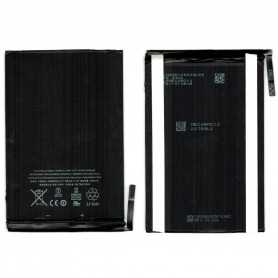
Battery A1445 iPad Mini (A1432 / A1454 / A1455)
Included: Lithium battery Type: OrigineCapacity: 3.72V - 4440mAh Condition: NewBattery model: A1445Model: Apple iPad Mini EAN: 6984377850632

Out-of-Stock
Battery A1484 iPad Air/5e/6e/7e/8e/9e (A1474/1475/1476/A1822/A1823/A1893/A1954/A2197/A2198/A2200/A2270/A2428/A2429/A2430)
Included: Lithium battery Capacity: 3.73V - 8827mAh Condition: NewBattery model: A1484 Model: iPad Air (A1474/1475/1476) / iPad 2017 9.7" (5th Gen) (A1822/A1823) / iPad 2018 9.7" (6th Gen) (A1893/A1954) iPad 10.2" (iPad 7th/8th) (A2197/A2198/A2200/A2270/A2428/A2429/A2430) EAN:6919605024455
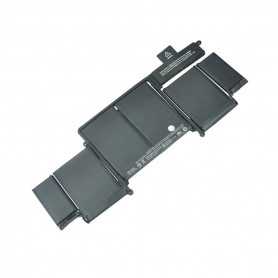
Battery A1493 for MacBook Pro Retina 13 " A1502
Specifications : Reference: A1493 Voltage: 11.34V Capacity: 6330 mAh Cell type: Li-Polymer Compatibility : MacBook Pro Retina 13" - A1502 - EMC 2875 MacBook Pro Retina 13" - A1502 - EMC 2678
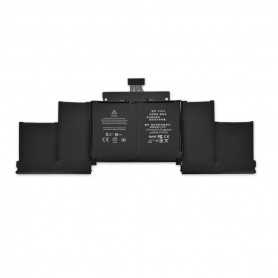
Battery A1494 for MacBook Pro Retina 15 " A1398
Specifications : Reference : A1494 Voltage : 11.26V Capacity : 8440 mAh Cell type : Li-Polymer Compatibility : MacBook Pro Retina 15" - A1398 - EMC 2876
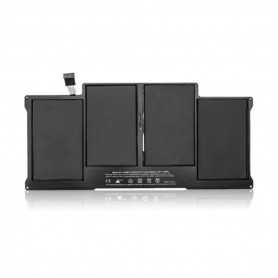
Battery A1496 For MacBook Air 13" A1466
Specifications : Reference: A1405 / A1496 Voltage: 7.6V Capacity: 7150 mAh Cell type: Li-Polymer Compatibility : MacBook Air 13" - A1369 - EMC 2469 MacBook Air 13" - A1466 - EMC 2559 MacBook Air 13" - A1466 - EMC 2632 MacBook Air 13" - A1466 - EMC 2925
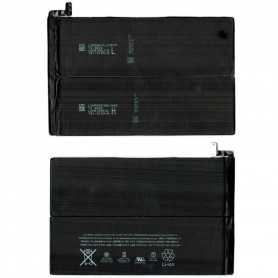
Battery A1512 iPad Mini 2 / 3 (A1489/A1490/A1491A1599/A1600/A1601)
Included: Lithium battery Capacity: 3.73V - 6471mAh Condition: NewBattery model: A1512Model: Apple iPad Mini 2/3 EAN: 6984377850656
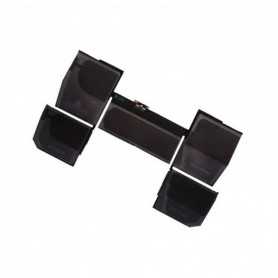
Battery A1527 MacBook 12" A1534
Specifications : Reference: A1527 Voltage: 7.55V Capacity: 5263 mAh Cell type: Li-Polymer Compatibility : MacBook Retina 12" - A1534 - EMC 2746 MacBook Retina 12" - A1534 - EMC 2991 MacBook Retina 12" - A1534 - EMC 3099
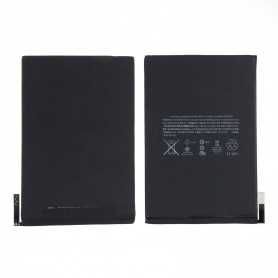
Battery A1546 iPad Mini 4 (A1538 / A1550)
Included: The Lithium battery Type: OrigineCapacity: 3.8 V - 5124 mAh Condition: NewBattery model: A1546Model: Apple iPad Mini 4 EAN: 6984377850717
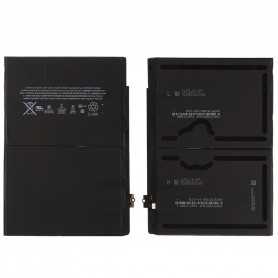
Battery A1547 iPad Air 2 (A1566/1567)
Included: The Lithium battery Type: OrigineCapacity: 3.7V - 7340mAh Condition: NewBattery model: A1547Model: Apple iPad Air 2 EAN: 6984377850748
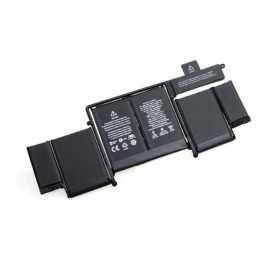
Battery A1582 for MacBook Pro Retina 13 " A1502
Specifications : Reference : A1502 Voltage : 11.42V Capacity : 6559 mAh Cell type : Li-Polymer Compatibility : MacBook Pro Retina 13" - A1502 - EMC 2835
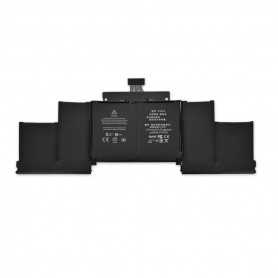
Battery A1618 for MacBook Pro Retina 15 " A1398
Specifications: Reference: A1618 Voltage: 11.26V Capacity: 8755 mAh Cell type: Li-Polymer Compatibility: MacBook Pro Retina 15" - A1398 - EMC 2910 MacBook Pro Retina 15" - A1398 - EMC 2910
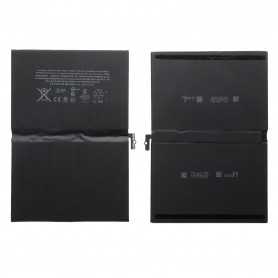
Battery A1664 iPad Pro 9.7" (A1673/1674/1675)
Condition: NewBattery model: A1664Model: Apple iPad Pro 9.7" (A1673/1674/1675) EAN:8011655908247
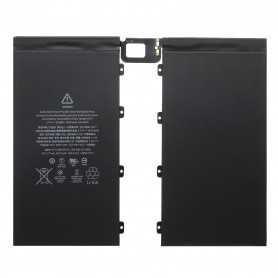
Battery A1677 iPad Pro 12.9" (A1584 / A1652)
Included: Lithium battery Capacity: Condition: NewBattery model: A1577Model: Apple iPad Pro 12.9" EAN:8011655908216
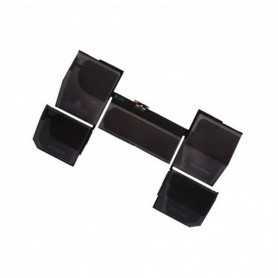
Battery A1705 MacBook 12" A1534
Specifications: Reference: A1527 Voltage: 7.55V Capacity: 5263 mAh Cell type: Li-Polymer Compatibility: MacBook Retina 12" - A1534 - EMC 2746 MacBook Retina 12" - A1534 - EMC 2991 MacBook Retina 12" - A1534 - EMC 3099
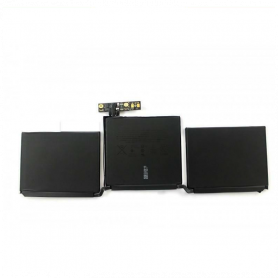
Battery A1713 / A2171 for MacBook Pro 13 " A1708 / A2159 / A2289 / A2338
Specifications :
Reference : A1713
Voltage : 11.4V
Capacity : 4781 mAh
Cell type : Li-Polymer
Compatibility :
MacBook Pro 13" - A1708 - EMC 3164
MacBook Pro 13" - A1708 - EMC 2978
Reference : A1713
Voltage : 11.4V
Capacity : 4781 mAh
Cell type : Li-Polymer
Compatibility :
MacBook Pro 13" - A1708 - EMC 3164
MacBook Pro 13" - A1708 - EMC 2978
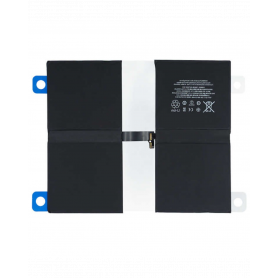
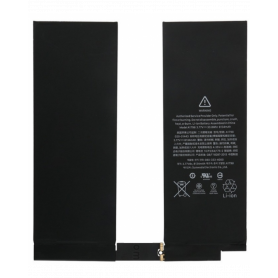
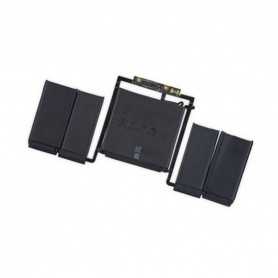
Battery A1819 for MacBook Pro 13 " Touch Bar A1706
Specifications : Reference: A1819 Voltage: 11.41V Capacity: 4314 mAh Cell type: Li-Polymer Compatibility : MacBook Pro 13" Touch Bar - A1706 - EMC 3163 MacBook Pro 13" Touch Bar - A1706 - EMC 3071
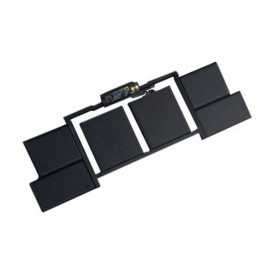
Battery A1820 for MacBook Pro 15 " A1707
Specifications : Reference: A1820 Voltage: 10.65V Capacity: 6667 mAh Cell type: Li-Polymer Compatibility : MacBook Pro 15" - A1707 - EMC 3162 MacBook Pro 15" - A1707 - EMC 3072
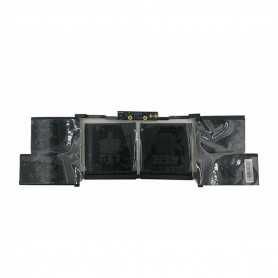
Battery A1953 For MacBook Pro 15 "2018 - 2019 A1990
COMPATIBILITY: MACBOOK PRO 15" MODEL: A1990 YEAR: 2018 TO MID-2019 MANUFACTURER REFERENCES: A1953 APPLE REFERENCES: 661-10345, 661-10346, 661-10347, 661-10348
Out-of-Stock
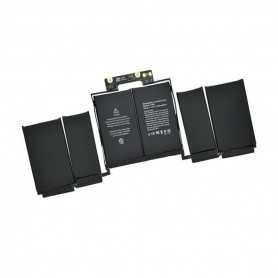
Battery A1964 for MacBook Pro 13 " 2017 - 2018 A1989/A2251
Battery A1964 for MacBook Pro 13 " 2017 - 2018 A1989/A2251
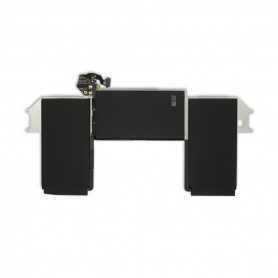
Battery A1965 for MacBook Air 13 " 2012 - 2013 A1932 A2179
COMPATIBILITY: MACBOOK AIR 13" MODEL: A1932 AND A2179 YEAR: 2018 TO EARLY 2020 MANUFACTURER REFERENCES: A1965 APPLE REFERENCES: 923-03022, 661-11676, 661-15395
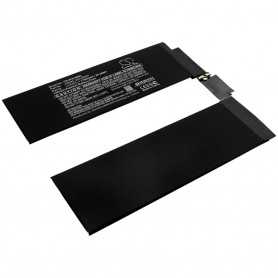
Battery A2113 MacBook Pro Retina 16" Touchbar A2141 2019
Name: Battery Laptop Model: A2141 Battery Model: A2113 Year: 2019 PPN: 616-00535 APN: N/A Voltage/Watts:11.36V-99.8Wh Capacity: 8790mAh Battery Type: Lithium-polymer Packing: Anti-static Plastic Bag+Foam(inside)+Individual Carton Packing Box(outside)
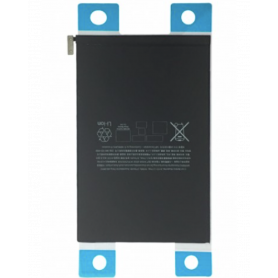
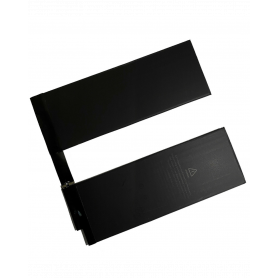
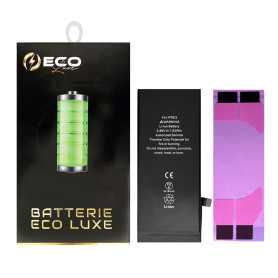
Battery A2312 1821mAh iPhone SE 2020 + Adhesives - Chip Ti (ECO Luxe) Original Alternative
The Ti chip is used by Apple in its original battery.

Battery A2312 1821mAh iPhone SE 2020 with Adhesive - Pure Cobalt (ECO Ti)
iPhone SE 2020 Internal Battery New 0 Cycle + Adhesives - Grade AAA