

 Ugreen
 .png) Devia
Devia  Mayline
  (1).png) D-power
D-power .png) Araree
Araree  Apple Original
  Samsung Original
 .svg.png) Xiaomi
Xiaomi  LinQ
LinQ  JBL
JBL .png) Belkin
Belkin  1More
1More  Techmade
  Benks
Benks Clearance

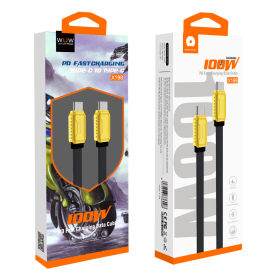


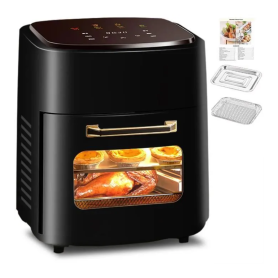
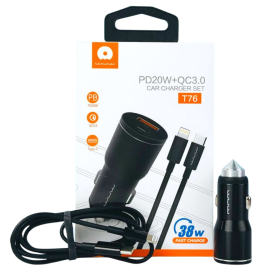
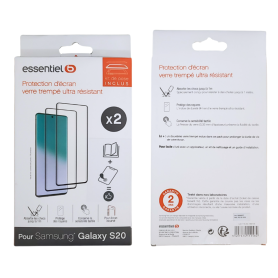


Repair Parts
There are 23787 products.

Battery HB5066A1EGW Honor X7a
Main Features of the HB5066A1EGW Battery Honor X7a: Perfect compatibility: Specially designed for the Honor X7a, ensuring seamless integration and optimal performance. Advanced technology: Made with high-quality materials and advanced lithium-ion technology, it offers better energy efficiency and extended lifespan. Enhanced safety: Integrates protections against overcharging, overheating, and short circuits, ensuring safe and reliable daily use. Consistent performance: Provides stable power so your Honor X7a operates at its full potential, even when running demanding applications. Easy installation: Simple replacement designed to fit perfectly without requiring in-depth technical skills. Choose the HB5066A1EGW Battery to bring your Honor X7a back to life and enjoy an improved user experience.

Honor X7 2MP Rear Camera Depth
Key Features - Depth 2MP Rear Camera Honor X7: The Depth 2MP rear camera of the Honor X7 is an essential asset for capturing photos with a professional bokeh effect, highlighting your subject while artistically blurring the background. Ideal for portraits, this secondary camera works together with other lenses to deliver an impressive depth of field, enhancing the visual quality of every photograph. The advanced depth-detection technology allows for fast and accurate focusing, perfect for capturing spontaneous moments with optimal clarity. With seamless integration into the Honor X7 camera system, it enriches your photographic experience without compromising ease of use. Whether you are a photography enthusiast or an everyday user, the Depth 2MP rear camera adds an extra dimension to your creativity, allowing you to explore new perspectives and capture unforgettable memories with elegant precision.

Honor X7 2MP Macro Rear Camera
The Honor X7 with its 2MP Macro Rear Camera is designed to enhance your photography experience by capturing intricate details up close. This feature allows you to explore and photograph subjects as close as 4cm, perfect for capturing the fine textures and patterns often missed by standard lenses.
Key features include:
2MP Macro Lens: Ideal for detailed, close-up shots, enabling you to capture the subtle details with precision.
High Resolution: Supports high-resolution photos, ensuring clarity and sharpness in every shot.
User-Friendly Interface: Intuitive camera app interface with easy access to macro mode, making it simple for both beginners and experienced photographers to use.
Versatile Photography Options: Complements other camera features for a complete photography experience, including portrait mode, night mode, and AI enhancements.
Lightweight and Portable Design: The lightweight design makes it easy to carry your device anywhere, ensuring you're always ready to capture the perfect shot.
Affordable Excellence: Delivers a premium photography experience at an affordable price, making advanced photography accessible to more users.
Whether you're capturing the intricate patterns of a flower or the fine details of everyday objects, the Honor X7's macro camera empowers your creativity.
Key features include:
2MP Macro Lens: Ideal for detailed, close-up shots, enabling you to capture the subtle details with precision.
High Resolution: Supports high-resolution photos, ensuring clarity and sharpness in every shot.
User-Friendly Interface: Intuitive camera app interface with easy access to macro mode, making it simple for both beginners and experienced photographers to use.
Versatile Photography Options: Complements other camera features for a complete photography experience, including portrait mode, night mode, and AI enhancements.
Lightweight and Portable Design: The lightweight design makes it easy to carry your device anywhere, ensuring you're always ready to capture the perfect shot.
Affordable Excellence: Delivers a premium photography experience at an affordable price, making advanced photography accessible to more users.
Whether you're capturing the intricate patterns of a flower or the fine details of everyday objects, the Honor X7's macro camera empowers your creativity.
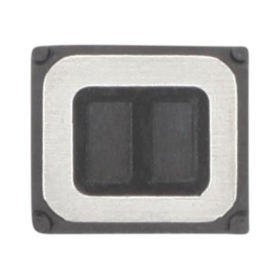
Honor X6b Internal Earphone
Key Features of Honor X8b Rear Glass (Original Disassembled) Green - Grade A:
Authentic Originality: This rear glass is sourced directly from original equipment, ensuring it matches perfectly with the Honor X8b in both design and functionality. As an authentic component, it maintains the integrity of the phone’s appearance and durability.
Premium Grade A Quality: Classified as Grade A, this rear glass guarantees the highest quality standards, free from scratches and defects. It provides a pristine finish that matches the original look of the Honor X8b, preserving its sleek and stylish aesthetic.
Vibrant Green Finish: The bold, vibrant green color adds a unique and modern touch to your device, enhancing its visual appeal. It's perfect for users looking to refresh the look of their phone with a distinctive color.
Precision Fit: Designed specifically for the Honor X8b, this rear glass fits seamlessly, ensuring easy and precise installation without the need for modifications. Its design aligns perfectly with the phone’s dimensions and features.
Durable Construction: Built to withstand everyday wear and tear, it offers excellent protection for the rear of your phone. Its robust construction helps shield the internal components from impacts and scratches.
Cost-Effective Repair Solution: Ideal for replacing damaged or broken rear glass, this product provides a cost-effective solution, extending the life and functionality of your device without the expense of a new phone.
Sustainable Choice: By opting for a disassembled original part, users contribute to environmental sustainability by reducing e-waste and promoting the reuse of perfectly functioning components.
This product is ideal for users seeking a reliable and aesthetically pleasing replacement for their Honor X8b rear glass, offering the perfect blend of quality, style, and functionality.
Authentic Originality: This rear glass is sourced directly from original equipment, ensuring it matches perfectly with the Honor X8b in both design and functionality. As an authentic component, it maintains the integrity of the phone’s appearance and durability.
Premium Grade A Quality: Classified as Grade A, this rear glass guarantees the highest quality standards, free from scratches and defects. It provides a pristine finish that matches the original look of the Honor X8b, preserving its sleek and stylish aesthetic.
Vibrant Green Finish: The bold, vibrant green color adds a unique and modern touch to your device, enhancing its visual appeal. It's perfect for users looking to refresh the look of their phone with a distinctive color.
Precision Fit: Designed specifically for the Honor X8b, this rear glass fits seamlessly, ensuring easy and precise installation without the need for modifications. Its design aligns perfectly with the phone’s dimensions and features.
Durable Construction: Built to withstand everyday wear and tear, it offers excellent protection for the rear of your phone. Its robust construction helps shield the internal components from impacts and scratches.
Cost-Effective Repair Solution: Ideal for replacing damaged or broken rear glass, this product provides a cost-effective solution, extending the life and functionality of your device without the expense of a new phone.
Sustainable Choice: By opting for a disassembled original part, users contribute to environmental sustainability by reducing e-waste and promoting the reuse of perfectly functioning components.
This product is ideal for users seeking a reliable and aesthetically pleasing replacement for their Honor X8b rear glass, offering the perfect blend of quality, style, and functionality.
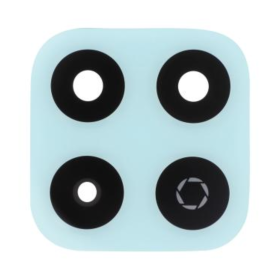
Camera Lens Honor X6b
Key Features of Honor X8b Rear Glass (Original Disassembled) Green - Grade A:
Authentic Originality: This rear glass is sourced directly from original equipment, ensuring it matches perfectly with the Honor X8b in both design and functionality. As an authentic component, it maintains the integrity of the phone’s appearance and durability.
Premium Grade A Quality: Classified as Grade A, this rear glass guarantees the highest quality standards, free from scratches and defects. It provides a pristine finish that matches the original look of the Honor X8b, preserving its sleek and stylish aesthetic.
Vibrant Green Finish: The bold, vibrant green color adds a unique and modern touch to your device, enhancing its visual appeal. It's perfect for users looking to refresh the look of their phone with a distinctive color.
Precision Fit: Designed specifically for the Honor X8b, this rear glass fits seamlessly, ensuring easy and precise installation without the need for modifications. Its design aligns perfectly with the phone’s dimensions and features.
Durable Construction: Built to withstand everyday wear and tear, it offers excellent protection for the rear of your phone. Its robust construction helps shield the internal components from impacts and scratches.
Cost-Effective Repair Solution: Ideal for replacing damaged or broken rear glass, this product provides a cost-effective solution, extending the life and functionality of your device without the expense of a new phone.
Sustainable Choice: By opting for a disassembled original part, users contribute to environmental sustainability by reducing e-waste and promoting the reuse of perfectly functioning components.
This product is ideal for users seeking a reliable and aesthetically pleasing replacement for their Honor X8b rear glass, offering the perfect blend of quality, style, and functionality.
Authentic Originality: This rear glass is sourced directly from original equipment, ensuring it matches perfectly with the Honor X8b in both design and functionality. As an authentic component, it maintains the integrity of the phone’s appearance and durability.
Premium Grade A Quality: Classified as Grade A, this rear glass guarantees the highest quality standards, free from scratches and defects. It provides a pristine finish that matches the original look of the Honor X8b, preserving its sleek and stylish aesthetic.
Vibrant Green Finish: The bold, vibrant green color adds a unique and modern touch to your device, enhancing its visual appeal. It's perfect for users looking to refresh the look of their phone with a distinctive color.
Precision Fit: Designed specifically for the Honor X8b, this rear glass fits seamlessly, ensuring easy and precise installation without the need for modifications. Its design aligns perfectly with the phone’s dimensions and features.
Durable Construction: Built to withstand everyday wear and tear, it offers excellent protection for the rear of your phone. Its robust construction helps shield the internal components from impacts and scratches.
Cost-Effective Repair Solution: Ideal for replacing damaged or broken rear glass, this product provides a cost-effective solution, extending the life and functionality of your device without the expense of a new phone.
Sustainable Choice: By opting for a disassembled original part, users contribute to environmental sustainability by reducing e-waste and promoting the reuse of perfectly functioning components.
This product is ideal for users seeking a reliable and aesthetically pleasing replacement for their Honor X8b rear glass, offering the perfect blend of quality, style, and functionality.
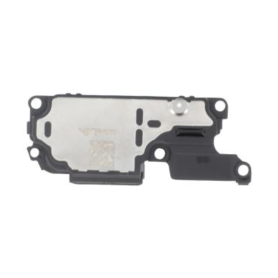
Honor X6b Speaker
Key Features of Honor X8b Rear Glass (Original Disassembled) Green - Grade A:
Authentic Originality: This rear glass is sourced directly from original equipment, ensuring it matches perfectly with the Honor X8b in both design and functionality. As an authentic component, it maintains the integrity of the phone’s appearance and durability.
Premium Grade A Quality: Classified as Grade A, this rear glass guarantees the highest quality standards, free from scratches and defects. It provides a pristine finish that matches the original look of the Honor X8b, preserving its sleek and stylish aesthetic.
Vibrant Green Finish: The bold, vibrant green color adds a unique and modern touch to your device, enhancing its visual appeal. It's perfect for users looking to refresh the look of their phone with a distinctive color.
Precision Fit: Designed specifically for the Honor X8b, this rear glass fits seamlessly, ensuring easy and precise installation without the need for modifications. Its design aligns perfectly with the phone’s dimensions and features.
Durable Construction: Built to withstand everyday wear and tear, it offers excellent protection for the rear of your phone. Its robust construction helps shield the internal components from impacts and scratches.
Cost-Effective Repair Solution: Ideal for replacing damaged or broken rear glass, this product provides a cost-effective solution, extending the life and functionality of your device without the expense of a new phone.
Sustainable Choice: By opting for a disassembled original part, users contribute to environmental sustainability by reducing e-waste and promoting the reuse of perfectly functioning components.
This product is ideal for users seeking a reliable and aesthetically pleasing replacement for their Honor X8b rear glass, offering the perfect blend of quality, style, and functionality.
Authentic Originality: This rear glass is sourced directly from original equipment, ensuring it matches perfectly with the Honor X8b in both design and functionality. As an authentic component, it maintains the integrity of the phone’s appearance and durability.
Premium Grade A Quality: Classified as Grade A, this rear glass guarantees the highest quality standards, free from scratches and defects. It provides a pristine finish that matches the original look of the Honor X8b, preserving its sleek and stylish aesthetic.
Vibrant Green Finish: The bold, vibrant green color adds a unique and modern touch to your device, enhancing its visual appeal. It's perfect for users looking to refresh the look of their phone with a distinctive color.
Precision Fit: Designed specifically for the Honor X8b, this rear glass fits seamlessly, ensuring easy and precise installation without the need for modifications. Its design aligns perfectly with the phone’s dimensions and features.
Durable Construction: Built to withstand everyday wear and tear, it offers excellent protection for the rear of your phone. Its robust construction helps shield the internal components from impacts and scratches.
Cost-Effective Repair Solution: Ideal for replacing damaged or broken rear glass, this product provides a cost-effective solution, extending the life and functionality of your device without the expense of a new phone.
Sustainable Choice: By opting for a disassembled original part, users contribute to environmental sustainability by reducing e-waste and promoting the reuse of perfectly functioning components.
This product is ideal for users seeking a reliable and aesthetically pleasing replacement for their Honor X8b rear glass, offering the perfect blend of quality, style, and functionality.
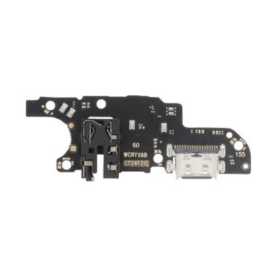
Honor X6b Charging Connector
Key Features of Honor X8b Rear Glass (Original Disassembled) Green - Grade A:
Authentic Originality: This rear glass is sourced directly from original equipment, ensuring it matches perfectly with the Honor X8b in both design and functionality. As an authentic component, it maintains the integrity of the phone’s appearance and durability.
Premium Grade A Quality: Classified as Grade A, this rear glass guarantees the highest quality standards, free from scratches and defects. It provides a pristine finish that matches the original look of the Honor X8b, preserving its sleek and stylish aesthetic.
Vibrant Green Finish: The bold, vibrant green color adds a unique and modern touch to your device, enhancing its visual appeal. It's perfect for users looking to refresh the look of their phone with a distinctive color.
Precision Fit: Designed specifically for the Honor X8b, this rear glass fits seamlessly, ensuring easy and precise installation without the need for modifications. Its design aligns perfectly with the phone’s dimensions and features.
Durable Construction: Built to withstand everyday wear and tear, it offers excellent protection for the rear of your phone. Its robust construction helps shield the internal components from impacts and scratches.
Cost-Effective Repair Solution: Ideal for replacing damaged or broken rear glass, this product provides a cost-effective solution, extending the life and functionality of your device without the expense of a new phone.
Sustainable Choice: By opting for a disassembled original part, users contribute to environmental sustainability by reducing e-waste and promoting the reuse of perfectly functioning components.
This product is ideal for users seeking a reliable and aesthetically pleasing replacement for their Honor X8b rear glass, offering the perfect blend of quality, style, and functionality.
Authentic Originality: This rear glass is sourced directly from original equipment, ensuring it matches perfectly with the Honor X8b in both design and functionality. As an authentic component, it maintains the integrity of the phone’s appearance and durability.
Premium Grade A Quality: Classified as Grade A, this rear glass guarantees the highest quality standards, free from scratches and defects. It provides a pristine finish that matches the original look of the Honor X8b, preserving its sleek and stylish aesthetic.
Vibrant Green Finish: The bold, vibrant green color adds a unique and modern touch to your device, enhancing its visual appeal. It's perfect for users looking to refresh the look of their phone with a distinctive color.
Precision Fit: Designed specifically for the Honor X8b, this rear glass fits seamlessly, ensuring easy and precise installation without the need for modifications. Its design aligns perfectly with the phone’s dimensions and features.
Durable Construction: Built to withstand everyday wear and tear, it offers excellent protection for the rear of your phone. Its robust construction helps shield the internal components from impacts and scratches.
Cost-Effective Repair Solution: Ideal for replacing damaged or broken rear glass, this product provides a cost-effective solution, extending the life and functionality of your device without the expense of a new phone.
Sustainable Choice: By opting for a disassembled original part, users contribute to environmental sustainability by reducing e-waste and promoting the reuse of perfectly functioning components.
This product is ideal for users seeking a reliable and aesthetically pleasing replacement for their Honor X8b rear glass, offering the perfect blend of quality, style, and functionality.
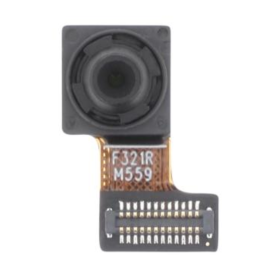
Front Camera for Honor X6b
Key Features of Honor X8b Rear Glass (Original Disassembled) Green - Grade A:
Authentic Originality: This rear glass is sourced directly from original equipment, ensuring it matches perfectly with the Honor X8b in both design and functionality. As an authentic component, it maintains the integrity of the phone’s appearance and durability.
Premium Grade A Quality: Classified as Grade A, this rear glass guarantees the highest quality standards, free from scratches and defects. It provides a pristine finish that matches the original look of the Honor X8b, preserving its sleek and stylish aesthetic.
Vibrant Green Finish: The bold, vibrant green color adds a unique and modern touch to your device, enhancing its visual appeal. It's perfect for users looking to refresh the look of their phone with a distinctive color.
Precision Fit: Designed specifically for the Honor X8b, this rear glass fits seamlessly, ensuring easy and precise installation without the need for modifications. Its design aligns perfectly with the phone’s dimensions and features.
Durable Construction: Built to withstand everyday wear and tear, it offers excellent protection for the rear of your phone. Its robust construction helps shield the internal components from impacts and scratches.
Cost-Effective Repair Solution: Ideal for replacing damaged or broken rear glass, this product provides a cost-effective solution, extending the life and functionality of your device without the expense of a new phone.
Sustainable Choice: By opting for a disassembled original part, users contribute to environmental sustainability by reducing e-waste and promoting the reuse of perfectly functioning components.
This product is ideal for users seeking a reliable and aesthetically pleasing replacement for their Honor X8b rear glass, offering the perfect blend of quality, style, and functionality.
Authentic Originality: This rear glass is sourced directly from original equipment, ensuring it matches perfectly with the Honor X8b in both design and functionality. As an authentic component, it maintains the integrity of the phone’s appearance and durability.
Premium Grade A Quality: Classified as Grade A, this rear glass guarantees the highest quality standards, free from scratches and defects. It provides a pristine finish that matches the original look of the Honor X8b, preserving its sleek and stylish aesthetic.
Vibrant Green Finish: The bold, vibrant green color adds a unique and modern touch to your device, enhancing its visual appeal. It's perfect for users looking to refresh the look of their phone with a distinctive color.
Precision Fit: Designed specifically for the Honor X8b, this rear glass fits seamlessly, ensuring easy and precise installation without the need for modifications. Its design aligns perfectly with the phone’s dimensions and features.
Durable Construction: Built to withstand everyday wear and tear, it offers excellent protection for the rear of your phone. Its robust construction helps shield the internal components from impacts and scratches.
Cost-Effective Repair Solution: Ideal for replacing damaged or broken rear glass, this product provides a cost-effective solution, extending the life and functionality of your device without the expense of a new phone.
Sustainable Choice: By opting for a disassembled original part, users contribute to environmental sustainability by reducing e-waste and promoting the reuse of perfectly functioning components.
This product is ideal for users seeking a reliable and aesthetically pleasing replacement for their Honor X8b rear glass, offering the perfect blend of quality, style, and functionality.
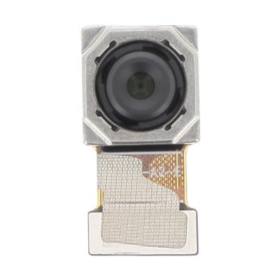
50MP Main Rear Camera Honor X6b
Key Features of Honor X8b Rear Glass (Original Disassembled) Green - Grade A:
Authentic Originality: This rear glass is sourced directly from original equipment, ensuring it matches perfectly with the Honor X8b in both design and functionality. As an authentic component, it maintains the integrity of the phone’s appearance and durability.
Premium Grade A Quality: Classified as Grade A, this rear glass guarantees the highest quality standards, free from scratches and defects. It provides a pristine finish that matches the original look of the Honor X8b, preserving its sleek and stylish aesthetic.
Vibrant Green Finish: The bold, vibrant green color adds a unique and modern touch to your device, enhancing its visual appeal. It's perfect for users looking to refresh the look of their phone with a distinctive color.
Precision Fit: Designed specifically for the Honor X8b, this rear glass fits seamlessly, ensuring easy and precise installation without the need for modifications. Its design aligns perfectly with the phone’s dimensions and features.
Durable Construction: Built to withstand everyday wear and tear, it offers excellent protection for the rear of your phone. Its robust construction helps shield the internal components from impacts and scratches.
Cost-Effective Repair Solution: Ideal for replacing damaged or broken rear glass, this product provides a cost-effective solution, extending the life and functionality of your device without the expense of a new phone.
Sustainable Choice: By opting for a disassembled original part, users contribute to environmental sustainability by reducing e-waste and promoting the reuse of perfectly functioning components.
This product is ideal for users seeking a reliable and aesthetically pleasing replacement for their Honor X8b rear glass, offering the perfect blend of quality, style, and functionality.
Authentic Originality: This rear glass is sourced directly from original equipment, ensuring it matches perfectly with the Honor X8b in both design and functionality. As an authentic component, it maintains the integrity of the phone’s appearance and durability.
Premium Grade A Quality: Classified as Grade A, this rear glass guarantees the highest quality standards, free from scratches and defects. It provides a pristine finish that matches the original look of the Honor X8b, preserving its sleek and stylish aesthetic.
Vibrant Green Finish: The bold, vibrant green color adds a unique and modern touch to your device, enhancing its visual appeal. It's perfect for users looking to refresh the look of their phone with a distinctive color.
Precision Fit: Designed specifically for the Honor X8b, this rear glass fits seamlessly, ensuring easy and precise installation without the need for modifications. Its design aligns perfectly with the phone’s dimensions and features.
Durable Construction: Built to withstand everyday wear and tear, it offers excellent protection for the rear of your phone. Its robust construction helps shield the internal components from impacts and scratches.
Cost-Effective Repair Solution: Ideal for replacing damaged or broken rear glass, this product provides a cost-effective solution, extending the life and functionality of your device without the expense of a new phone.
Sustainable Choice: By opting for a disassembled original part, users contribute to environmental sustainability by reducing e-waste and promoting the reuse of perfectly functioning components.
This product is ideal for users seeking a reliable and aesthetically pleasing replacement for their Honor X8b rear glass, offering the perfect blend of quality, style, and functionality.
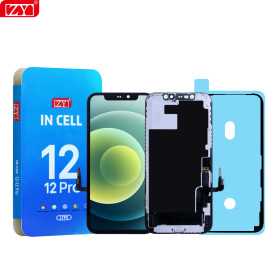
Screen iPhone 12 / 12 Pro (INCELL) ZY - COF - FHD1080p - Diagnosable
Use Repair Assistant to Finish an iPhone or iPad Repair
On an iPhone 12 or later running iOS 18, when a new Apple screen is installed,“Finish Repair” will appear next to Screen until you complete the repair using the Repair Assistant.
On an iPhone 12 or later running iOS 18, it is possible to reuse an original Apple screen on another iPhone of the same model.
The date of first use and the condition of the screen can be found in Settings > General > About > Parts & Service History.
How to Run Diagnostics & Finish Repair for iPhone Screen
1. Ensure your device is updated to iOS 18
2. Go to Settings > General > About > Parts & Service History
3. Tap "Restart & Finish Repair" to activate the Repair Assistant
4. Follow the on-screen instructions to complete the calibration
After completing this process, your screen will be fully functional, and there will be no pop-up warning about non-genuine parts.
Important Notes:
Your iPhone must be connected to Wi-Fi
Your battery level should be above 20%
If the process fails, restart your device and try again
If the repair is not completed, the screen may not function optimally, and some features (True Tone, Face ID) may be disabled until calibration is finalized
Out-of-Stock
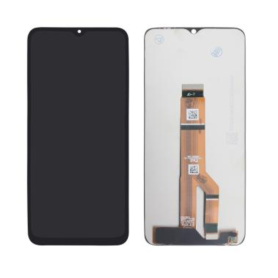
Honor X6b Screen (No Frame)
Key Features of Honor X8b Rear Glass (Original Disassembled) Green - Grade A:
Authentic Originality: This rear glass is sourced directly from original equipment, ensuring it matches perfectly with the Honor X8b in both design and functionality. As an authentic component, it maintains the integrity of the phone’s appearance and durability.
Premium Grade A Quality: Classified as Grade A, this rear glass guarantees the highest quality standards, free from scratches and defects. It provides a pristine finish that matches the original look of the Honor X8b, preserving its sleek and stylish aesthetic.
Vibrant Green Finish: The bold, vibrant green color adds a unique and modern touch to your device, enhancing its visual appeal. It's perfect for users looking to refresh the look of their phone with a distinctive color.
Precision Fit: Designed specifically for the Honor X8b, this rear glass fits seamlessly, ensuring easy and precise installation without the need for modifications. Its design aligns perfectly with the phone’s dimensions and features.
Durable Construction: Built to withstand everyday wear and tear, it offers excellent protection for the rear of your phone. Its robust construction helps shield the internal components from impacts and scratches.
Cost-Effective Repair Solution: Ideal for replacing damaged or broken rear glass, this product provides a cost-effective solution, extending the life and functionality of your device without the expense of a new phone.
Sustainable Choice: By opting for a disassembled original part, users contribute to environmental sustainability by reducing e-waste and promoting the reuse of perfectly functioning components.
This product is ideal for users seeking a reliable and aesthetically pleasing replacement for their Honor X8b rear glass, offering the perfect blend of quality, style, and functionality.
Authentic Originality: This rear glass is sourced directly from original equipment, ensuring it matches perfectly with the Honor X8b in both design and functionality. As an authentic component, it maintains the integrity of the phone’s appearance and durability.
Premium Grade A Quality: Classified as Grade A, this rear glass guarantees the highest quality standards, free from scratches and defects. It provides a pristine finish that matches the original look of the Honor X8b, preserving its sleek and stylish aesthetic.
Vibrant Green Finish: The bold, vibrant green color adds a unique and modern touch to your device, enhancing its visual appeal. It's perfect for users looking to refresh the look of their phone with a distinctive color.
Precision Fit: Designed specifically for the Honor X8b, this rear glass fits seamlessly, ensuring easy and precise installation without the need for modifications. Its design aligns perfectly with the phone’s dimensions and features.
Durable Construction: Built to withstand everyday wear and tear, it offers excellent protection for the rear of your phone. Its robust construction helps shield the internal components from impacts and scratches.
Cost-Effective Repair Solution: Ideal for replacing damaged or broken rear glass, this product provides a cost-effective solution, extending the life and functionality of your device without the expense of a new phone.
Sustainable Choice: By opting for a disassembled original part, users contribute to environmental sustainability by reducing e-waste and promoting the reuse of perfectly functioning components.
This product is ideal for users seeking a reliable and aesthetically pleasing replacement for their Honor X8b rear glass, offering the perfect blend of quality, style, and functionality.
Out-of-Stock
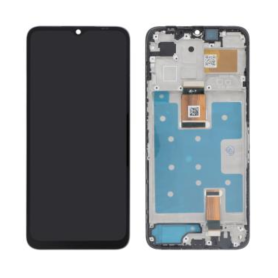
Honor X6b Black Screen + Chassis
The Honor X6b Black Screen + Chassis offers a seamless integration of functionality and design, tailored for those seeking to restore or upgrade their smartphone experience. Key features include:
High-Quality Display: The Honor X6b screen boasts a vibrant and sharp display, ensuring superior clarity and color accuracy, ideal for both everyday use and immersive multimedia experiences.
Durable Build: The chassis is crafted with precision-engineered materials that offer robust protection, ensuring your device is safeguarded against daily wear and tear.
Perfect Fit: Designed to align perfectly with the Honor X6b model, ensuring easy installation and eliminating compatibility issues for an effortless upgrade or repair.
Aesthetic Appeal: The sleek black finish provides a modern and professional look, enhancing the overall design of the smartphone.
Functionality: Retains full touchscreen responsiveness, allowing for smooth navigation and interaction with the device's features.
Cost-Effective Solution: Offers a budget-friendly option for repairing a damaged screen or refreshing the device's appearance without needing a full replacement.
This product is ideal for tech-savvy individuals and repair enthusiasts looking for quality parts to extend the life and enhance the appearance of their Honor X6b smartphones.
High-Quality Display: The Honor X6b screen boasts a vibrant and sharp display, ensuring superior clarity and color accuracy, ideal for both everyday use and immersive multimedia experiences.
Durable Build: The chassis is crafted with precision-engineered materials that offer robust protection, ensuring your device is safeguarded against daily wear and tear.
Perfect Fit: Designed to align perfectly with the Honor X6b model, ensuring easy installation and eliminating compatibility issues for an effortless upgrade or repair.
Aesthetic Appeal: The sleek black finish provides a modern and professional look, enhancing the overall design of the smartphone.
Functionality: Retains full touchscreen responsiveness, allowing for smooth navigation and interaction with the device's features.
Cost-Effective Solution: Offers a budget-friendly option for repairing a damaged screen or refreshing the device's appearance without needing a full replacement.
This product is ideal for tech-savvy individuals and repair enthusiasts looking for quality parts to extend the life and enhance the appearance of their Honor X6b smartphones.

Out-of-Stock
Screen iPhone 12 Mini (INCELL) ZY - COF - FHD1080p - Diagnosable
Use Repair Assistant to Finish an iPhone or iPad Repair
On an iPhone 12 or later running iOS 18, when a new Apple screen is installed,“Finish Repair” will appear next to Screen until you complete the repair using the Repair Assistant.
On an iPhone 12 or later running iOS 18, it is possible to reuse an original Apple screen on another iPhone of the same model.
The date of first use and the condition of the screen can be found in Settings > General > About > Parts & Service History.
How to Run Diagnostics & Finish Repair for iPhone Screen
1. Ensure your device is updated to iOS 18
2. Go to Settings > General > About > Parts & Service History
3. Tap "Restart & Finish Repair" to activate the Repair Assistant
4. Follow the on-screen instructions to complete the calibration
After completing this process, your screen will be fully functional, and there will be no pop-up warning about non-genuine parts.
Important Notes:
Your iPhone must be connected to Wi-Fi
Your battery level should be above 20%
If the process fails, restart your device and try again
If the repair is not completed, the screen may not function optimally, and some features (True Tone, Face ID) may be disabled until calibration is finalized
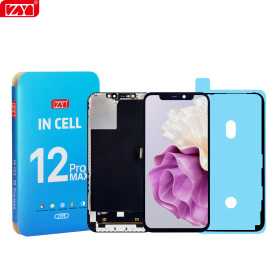
Screen iPhone 12 Pro Max (INCELL) ZY - COF - FHD1080p - Diagnosable
Use Repair Assistant to Finish an iPhone or iPad Repair
On an iPhone 12 or later running iOS 18, when a new Apple screen is installed,“Finish Repair” will appear next to Screen until you complete the repair using the Repair Assistant.
On an iPhone 12 or later running iOS 18, it is possible to reuse an original Apple screen on another iPhone of the same model.
The date of first use and the condition of the screen can be found in Settings > General > About > Parts & Service History.
How to Run Diagnostics & Finish Repair for iPhone Screen
1. Ensure your device is updated to iOS 18
2. Go to Settings > General > About > Parts & Service History
3. Tap "Restart & Finish Repair" to activate the Repair Assistant
4. Follow the on-screen instructions to complete the calibration
After completing this process, your screen will be fully functional, and there will be no pop-up warning about non-genuine parts.
Important Notes:
Your iPhone must be connected to Wi-Fi
Your battery level should be above 20%
If the process fails, restart your device and try again
If the repair is not completed, the screen may not function optimally, and some features (True Tone, Face ID) may be disabled until calibration is finalized
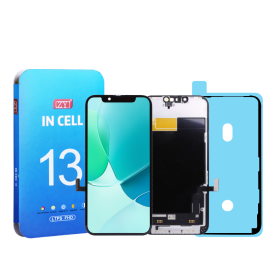
Out-of-Stock
Screen iPhone 13 (INCELL) ZY - COF - FHD1080p - Diagnosable
Use Repair Assistant to Finish an iPhone or iPad Repair
On an iPhone 12 or later running iOS 18, when a new Apple screen is installed,“Finish Repair” will appear next to Screen until you complete the repair using the Repair Assistant.
On an iPhone 12 or later running iOS 18, it is possible to reuse an original Apple screen on another iPhone of the same model.
The date of first use and the condition of the screen can be found in Settings > General > About > Parts & Service History.
How to Run Diagnostics & Finish Repair for iPhone Screen
1. Ensure your device is updated to iOS 18
2. Go to Settings > General > About > Parts & Service History
3. Tap "Restart & Finish Repair" to activate the Repair Assistant
4. Follow the on-screen instructions to complete the calibration
After completing this process, your screen will be fully functional, and there will be no pop-up warning about non-genuine parts.
Important Notes:
Your iPhone must be connected to Wi-Fi
Your battery level should be above 20%
If the process fails, restart your device and try again
If the repair is not completed, the screen may not function optimally, and some features (True Tone, Face ID) may be disabled until calibration is finalized
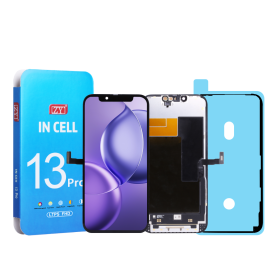
Screen iPhone 13 Pro (INCELL) ZY - COF - FHD1080p - 120Hz - Diagnosable
Use Repair Assistant to Finish an iPhone or iPad Repair
On an iPhone 12 or later running iOS 18, when a new Apple screen is installed,“Finish Repair” will appear next to Screen until you complete the repair using the Repair Assistant.
On an iPhone 12 or later running iOS 18, it is possible to reuse an original Apple screen on another iPhone of the same model.
The date of first use and the condition of the screen can be found in Settings > General > About > Parts & Service History.
How to Run Diagnostics & Finish Repair for iPhone Screen
1. Ensure your device is updated to iOS 18
2. Go to Settings > General > About > Parts & Service History
3. Tap "Restart & Finish Repair" to activate the Repair Assistant
4. Follow the on-screen instructions to complete the calibration
After completing this process, your screen will be fully functional, and there will be no pop-up warning about non-genuine parts.
Important Notes:
Your iPhone must be connected to Wi-Fi
Your battery level should be above 20%
If the process fails, restart your device and try again
If the repair is not completed, the screen may not function optimally, and some features (True Tone, Face ID) may be disabled until calibration is finalized
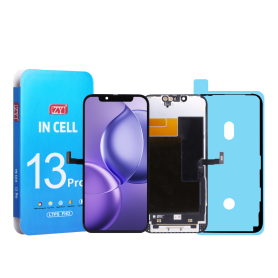
Screen iPhone 13 Pro Max (INCELL) ZY - COF - FHD1080p - 120Hz - Diagnosable
Use Repair Assistant to Finish an iPhone or iPad Repair
On an iPhone 12 or later running iOS 18, when a new Apple screen is installed,“Finish Repair” will appear next to Screen until you complete the repair using the Repair Assistant.
On an iPhone 12 or later running iOS 18, it is possible to reuse an original Apple screen on another iPhone of the same model.
The date of first use and the condition of the screen can be found in Settings > General > About > Parts & Service History.
How to Run Diagnostics & Finish Repair for iPhone Screen
1. Ensure your device is updated to iOS 18
2. Go to Settings > General > About > Parts & Service History
3. Tap "Restart & Finish Repair" to activate the Repair Assistant
4. Follow the on-screen instructions to complete the calibration
After completing this process, your screen will be fully functional, and there will be no pop-up warning about non-genuine parts.
Important Notes:
Your iPhone must be connected to Wi-Fi
Your battery level should be above 20%
If the process fails, restart your device and try again
If the repair is not completed, the screen may not function optimally, and some features (True Tone, Face ID) may be disabled until calibration is finalized
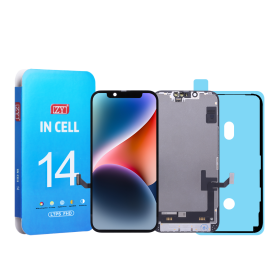
Screen iPhone 14 (INCELL) ZY - COF - FHD1080p - Diagnosable
Use Repair Assistant to Finish an iPhone or iPad Repair
On an iPhone 12 or later running iOS 18, when a new Apple screen is installed,“Finish Repair” will appear next to Screen until you complete the repair using the Repair Assistant.
On an iPhone 12 or later running iOS 18, it is possible to reuse an original Apple screen on another iPhone of the same model.
The date of first use and the condition of the screen can be found in Settings > General > About > Parts & Service History.
How to Run Diagnostics & Finish Repair for iPhone Screen
1. Ensure your device is updated to iOS 18
2. Go to Settings > General > About > Parts & Service History
3. Tap "Restart & Finish Repair" to activate the Repair Assistant
4. Follow the on-screen instructions to complete the calibration
After completing this process, your screen will be fully functional, and there will be no pop-up warning about non-genuine parts.
Important Notes:
Your iPhone must be connected to Wi-Fi
Your battery level should be above 20%
If the process fails, restart your device and try again
If the repair is not completed, the screen may not function optimally, and some features (True Tone, Face ID) may be disabled until calibration is finalized
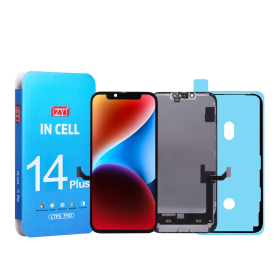
Screen iPhone 14 Plus (INCELL) ZY - COF - FHD1080p - Diagnosable
Use Repair Assistant to Finish an iPhone or iPad Repair
On an iPhone 12 or later running iOS 18, when a new Apple screen is installed,“Finish Repair” will appear next to Screen until you complete the repair using the Repair Assistant.
On an iPhone 12 or later running iOS 18, it is possible to reuse an original Apple screen on another iPhone of the same model.
The date of first use and the condition of the screen can be found in Settings > General > About > Parts & Service History.
How to Run Diagnostics & Finish Repair for iPhone Screen
1. Ensure your device is updated to iOS 18
2. Go to Settings > General > About > Parts & Service History
3. Tap "Restart & Finish Repair" to activate the Repair Assistant
4. Follow the on-screen instructions to complete the calibration
After completing this process, your screen will be fully functional, and there will be no pop-up warning about non-genuine parts.
Important Notes:
Your iPhone must be connected to Wi-Fi
Your battery level should be above 20%
If the process fails, restart your device and try again
If the repair is not completed, the screen may not function optimally, and some features (True Tone, Face ID) may be disabled until calibration is finalized
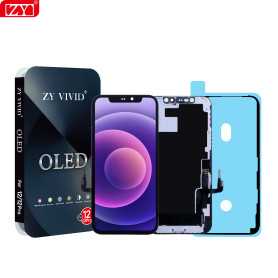
Screen iPhone 12 / 12 Pro (OLED) ZY - Diagnosable
Use Repair Assistant to Finish an iPhone or iPad Repair
On an iPhone 12 or later running iOS 18, when a new Apple screen is installed,“Finish Repair” will appear next to Screen until you complete the repair using the Repair Assistant.
On an iPhone 12 or later running iOS 18, it is possible to reuse an original Apple screen on another iPhone of the same model.
The date of first use and the condition of the screen can be found in Settings > General > About > Parts & Service History.
How to Run Diagnostics & Finish Repair for iPhone Screen
1. Ensure your device is updated to iOS 18
2. Go to Settings > General > About > Parts & Service History
3. Tap "Restart & Finish Repair" to activate the Repair Assistant
4. Follow the on-screen instructions to complete the calibration
After completing this process, your screen will be fully functional, and there will be no pop-up warning about non-genuine parts.
Important Notes:
Your iPhone must be connected to Wi-Fi
Your battery level should be above 20%
If the process fails, restart your device and try again
If the repair is not completed, the screen may not function optimally, and some features (True Tone, Face ID) may be disabled until calibration is finalized
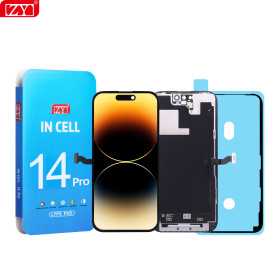
Screen iPhone 14 Pro (INCELL) ZY - COF - FHD1080p - 120Hz - Diagnosable
Use Repair Assistant to Finish an iPhone or iPad Repair
On an iPhone 12 or later running iOS 18, when a new Apple screen is installed,“Finish Repair” will appear next to Screen until you complete the repair using the Repair Assistant.
On an iPhone 12 or later running iOS 18, it is possible to reuse an original Apple screen on another iPhone of the same model.
The date of first use and the condition of the screen can be found in Settings > General > About > Parts & Service History.
How to Run Diagnostics & Finish Repair for iPhone Screen
1. Ensure your device is updated to iOS 18
2. Go to Settings > General > About > Parts & Service History
3. Tap "Restart & Finish Repair" to activate the Repair Assistant
4. Follow the on-screen instructions to complete the calibration
After completing this process, your screen will be fully functional, and there will be no pop-up warning about non-genuine parts.
Important Notes:
Your iPhone must be connected to Wi-Fi
Your battery level should be above 20%
If the process fails, restart your device and try again
If the repair is not completed, the screen may not function optimally, and some features (True Tone, Face ID) may be disabled until calibration is finalized
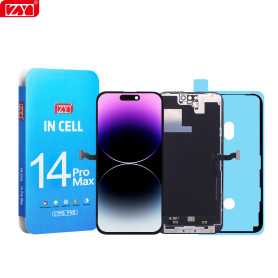
Screen iPhone 14 Pro Max (INCELL) ZY - COF - FHD1080p - 120Hz - Diagnosable
Use Repair Assistant to Finish an iPhone or iPad Repair
On an iPhone 12 or later running iOS 18, when a new Apple screen is installed,“Finish Repair” will appear next to Screen until you complete the repair using the Repair Assistant.
On an iPhone 12 or later running iOS 18, it is possible to reuse an original Apple screen on another iPhone of the same model.
The date of first use and the condition of the screen can be found in Settings > General > About > Parts & Service History.
How to Run Diagnostics & Finish Repair for iPhone Screen
1. Ensure your device is updated to iOS 18
2. Go to Settings > General > About > Parts & Service History
3. Tap "Restart & Finish Repair" to activate the Repair Assistant
4. Follow the on-screen instructions to complete the calibration
After completing this process, your screen will be fully functional, and there will be no pop-up warning about non-genuine parts.
Important Notes:
Your iPhone must be connected to Wi-Fi
Your battery level should be above 20%
If the process fails, restart your device and try again
If the repair is not completed, the screen may not function optimally, and some features (True Tone, Face ID) may be disabled until calibration is finalized
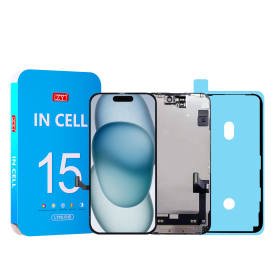
Screen iPhone 15 (INCELL) ZY - COF - FHD1080p - Diagnosable
Use Repair Assistant to Finish an iPhone or iPad Repair
On an iPhone 12 or later running iOS 18, when a new Apple screen is installed,“Finish Repair” will appear next to Screen until you complete the repair using the Repair Assistant.
On an iPhone 12 or later running iOS 18, it is possible to reuse an original Apple screen on another iPhone of the same model.
The date of first use and the condition of the screen can be found in Settings > General > About > Parts & Service History.
How to Run Diagnostics & Finish Repair for iPhone Screen
1. Ensure your device is updated to iOS 18
2. Go to Settings > General > About > Parts & Service History
3. Tap "Restart & Finish Repair" to activate the Repair Assistant
4. Follow the on-screen instructions to complete the calibration
After completing this process, your screen will be fully functional, and there will be no pop-up warning about non-genuine parts.
Important Notes:
Your iPhone must be connected to Wi-Fi
Your battery level should be above 20%
If the process fails, restart your device and try again
If the repair is not completed, the screen may not function optimally, and some features (True Tone, Face ID) may be disabled until calibration is finalized
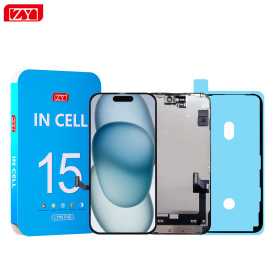
Screen iPhone 15 Plus (INCELL) ZY - COF - FHD1080p - Diagnosable
Use Repair Assistant to Finish an iPhone or iPad Repair
On an iPhone 12 or later running iOS 18, when a new Apple screen is installed,“Finish Repair” will appear next to Screen until you complete the repair using the Repair Assistant.
On an iPhone 12 or later running iOS 18, it is possible to reuse an original Apple screen on another iPhone of the same model.
The date of first use and the condition of the screen can be found in Settings > General > About > Parts & Service History.
How to Run Diagnostics & Finish Repair for iPhone Screen
1. Ensure your device is updated to iOS 18
2. Go to Settings > General > About > Parts & Service History
3. Tap "Restart & Finish Repair" to activate the Repair Assistant
4. Follow the on-screen instructions to complete the calibration
After completing this process, your screen will be fully functional, and there will be no pop-up warning about non-genuine parts.
Important Notes:
Your iPhone must be connected to Wi-Fi
Your battery level should be above 20%
If the process fails, restart your device and try again
If the repair is not completed, the screen may not function optimally, and some features (True Tone, Face ID) may be disabled until calibration is finalized
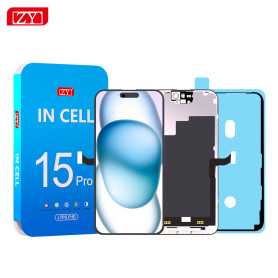
Screen iPhone 15 Pro (INCELL) ZY - COF - FHD1080p - 120Hz - Diagnosable
Use Repair Assistant to Finish an iPhone or iPad Repair
On an iPhone 12 or later running iOS 18, when a new Apple screen is installed,“Finish Repair” will appear next to Screen until you complete the repair using the Repair Assistant.
On an iPhone 12 or later running iOS 18, it is possible to reuse an original Apple screen on another iPhone of the same model.
The date of first use and the condition of the screen can be found in Settings > General > About > Parts & Service History.
How to Run Diagnostics & Finish Repair for iPhone Screen
1. Ensure your device is updated to iOS 18
2. Go to Settings > General > About > Parts & Service History
3. Tap "Restart & Finish Repair" to activate the Repair Assistant
4. Follow the on-screen instructions to complete the calibration
After completing this process, your screen will be fully functional, and there will be no pop-up warning about non-genuine parts.
Important Notes:
Your iPhone must be connected to Wi-Fi
Your battery level should be above 20%
If the process fails, restart your device and try again
If the repair is not completed, the screen may not function optimally, and some features (True Tone, Face ID) may be disabled until calibration is finalized
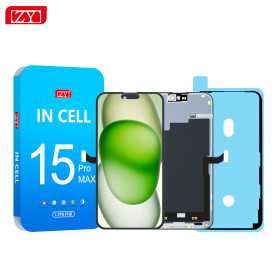
Screen iPhone 15 Pro Max (INCELL) ZY - COF - FHD1080p - 120Hz - Diagnosable
Use Repair Assistant to Finish an iPhone or iPad Repair
On an iPhone 12 or later running iOS 18, when a new Apple screen is installed,“Finish Repair” will appear next to Screen until you complete the repair using the Repair Assistant.
On an iPhone 12 or later running iOS 18, it is possible to reuse an original Apple screen on another iPhone of the same model.
The date of first use and the condition of the screen can be found in Settings > General > About > Parts & Service History.
How to Run Diagnostics & Finish Repair for iPhone Screen
1. Ensure your device is updated to iOS 18
2. Go to Settings > General > About > Parts & Service History
3. Tap "Restart & Finish Repair" to activate the Repair Assistant
4. Follow the on-screen instructions to complete the calibration
After completing this process, your screen will be fully functional, and there will be no pop-up warning about non-genuine parts.
Important Notes:
Your iPhone must be connected to Wi-Fi
Your battery level should be above 20%
If the process fails, restart your device and try again
If the repair is not completed, the screen may not function optimally, and some features (True Tone, Face ID) may be disabled until calibration is finalized
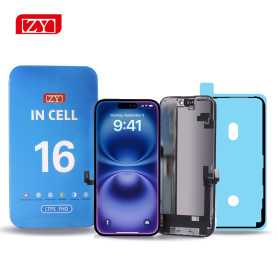
Screen iPhone 16 (INCELL) ZY - COF - FHD1080p - Diagnosable
Use Repair Assistant to Finish an iPhone or iPad Repair
On an iPhone 12 or later running iOS 18, when a new Apple screen is installed,“Finish Repair” will appear next to Screen until you complete the repair using the Repair Assistant.
On an iPhone 12 or later running iOS 18, it is possible to reuse an original Apple screen on another iPhone of the same model.
The date of first use and the condition of the screen can be found in Settings > General > About > Parts & Service History.
How to Run Diagnostics & Finish Repair for iPhone Screen
1. Ensure your device is updated to iOS 18
2. Go to Settings > General > About > Parts & Service History
3. Tap "Restart & Finish Repair" to activate the Repair Assistant
4. Follow the on-screen instructions to complete the calibration
After completing this process, your screen will be fully functional, and there will be no pop-up warning about non-genuine parts.
Important Notes:
Your iPhone must be connected to Wi-Fi
Your battery level should be above 20%
If the process fails, restart your device and try again
If the repair is not completed, the screen may not function optimally, and some features (True Tone, Face ID) may be disabled until calibration is finalized
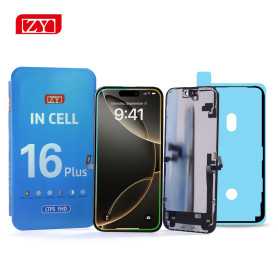
Screen iPhone 16 Plus (INCELL) ZY - COF - FHD1080p - Diagnosable
Use Repair Assistant to Finish an iPhone or iPad Repair
On an iPhone 12 or later running iOS 18, when a new Apple screen is installed,“Finish Repair” will appear next to Screen until you complete the repair using the Repair Assistant.
On an iPhone 12 or later running iOS 18, it is possible to reuse an original Apple screen on another iPhone of the same model.
The date of first use and the condition of the screen can be found in Settings > General > About > Parts & Service History.
How to Run Diagnostics & Finish Repair for iPhone Screen
1. Ensure your device is updated to iOS 18
2. Go to Settings > General > About > Parts & Service History
3. Tap "Restart & Finish Repair" to activate the Repair Assistant
4. Follow the on-screen instructions to complete the calibration
After completing this process, your screen will be fully functional, and there will be no pop-up warning about non-genuine parts.
Important Notes:
Your iPhone must be connected to Wi-Fi
Your battery level should be above 20%
If the process fails, restart your device and try again
If the repair is not completed, the screen may not function optimally, and some features (True Tone, Face ID) may be disabled until calibration is finalized
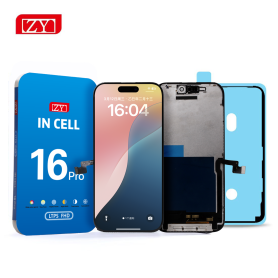
Screen iPhone 16 Pro (INCELL) ZY - COF - FHD1080p - 120Hz - Diagnosable
Use Repair Assistant to Finish an iPhone or iPad Repair
On an iPhone 12 or later running iOS 18, when a new Apple screen is installed,“Finish Repair” will appear next to Screen until you complete the repair using the Repair Assistant.
On an iPhone 12 or later running iOS 18, it is possible to reuse an original Apple screen on another iPhone of the same model.
The date of first use and the condition of the screen can be found in Settings > General > About > Parts & Service History.
How to Run Diagnostics & Finish Repair for iPhone Screen
1. Ensure your device is updated to iOS 18
2. Go to Settings > General > About > Parts & Service History
3. Tap "Restart & Finish Repair" to activate the Repair Assistant
4. Follow the on-screen instructions to complete the calibration
After completing this process, your screen will be fully functional, and there will be no pop-up warning about non-genuine parts.
Important Notes:
Your iPhone must be connected to Wi-Fi
Your battery level should be above 20%
If the process fails, restart your device and try again
If the repair is not completed, the screen may not function optimally, and some features (True Tone, Face ID) may be disabled until calibration is finalized
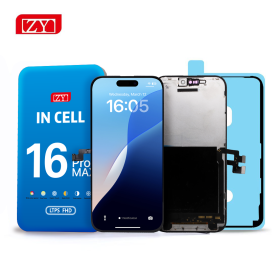
Screen iPhone 16 Pro Max (INCELL) ZY - COF - FHD1080p - 120Hz - Diagnosable
Use Repair Assistant to Finish an iPhone or iPad Repair
On an iPhone 12 or later running iOS 18, when a new Apple screen is installed,“Finish Repair” will appear next to Screen until you complete the repair using the Repair Assistant.
On an iPhone 12 or later running iOS 18, it is possible to reuse an original Apple screen on another iPhone of the same model.
The date of first use and the condition of the screen can be found in Settings > General > About > Parts & Service History.
How to Run Diagnostics & Finish Repair for iPhone Screen
1. Ensure your device is updated to iOS 18
2. Go to Settings > General > About > Parts & Service History
3. Tap "Restart & Finish Repair" to activate the Repair Assistant
4. Follow the on-screen instructions to complete the calibration
After completing this process, your screen will be fully functional, and there will be no pop-up warning about non-genuine parts.
Important Notes:
Your iPhone must be connected to Wi-Fi
Your battery level should be above 20%
If the process fails, restart your device and try again
If the repair is not completed, the screen may not function optimally, and some features (True Tone, Face ID) may be disabled until calibration is finalized
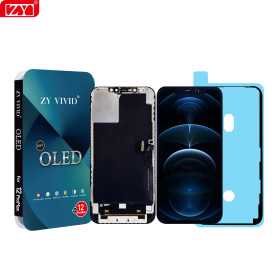
Screen iPhone 12 Pro Max (OLED) ZY - Diagnosable
Use Repair Assistant to Finish an iPhone or iPad Repair
On an iPhone 12 or later running iOS 18, when a new Apple screen is installed,“Finish Repair” will appear next to Screen until you complete the repair using the Repair Assistant.
On an iPhone 12 or later running iOS 18, it is possible to reuse an original Apple screen on another iPhone of the same model.
The date of first use and the condition of the screen can be found in Settings > General > About > Parts & Service History.
How to Run Diagnostics & Finish Repair for iPhone Screen
1. Ensure your device is updated to iOS 18
2. Go to Settings > General > About > Parts & Service History
3. Tap "Restart & Finish Repair" to activate the Repair Assistant
4. Follow the on-screen instructions to complete the calibration
After completing this process, your screen will be fully functional, and there will be no pop-up warning about non-genuine parts.
Important Notes:
Your iPhone must be connected to Wi-Fi
Your battery level should be above 20%
If the process fails, restart your device and try again
If the repair is not completed, the screen may not function optimally, and some features (True Tone, Face ID) may be disabled until calibration is finalized
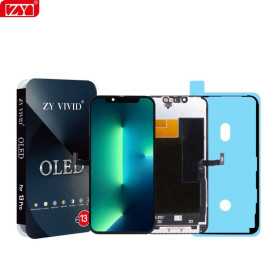
Screen iPhone 13 (OLED) ZY - Diagnosable
Use Repair Assistant to Finish an iPhone or iPad Repair
On an iPhone 12 or later running iOS 18, when a new Apple screen is installed,“Finish Repair” will appear next to Screen until you complete the repair using the Repair Assistant.
On an iPhone 12 or later running iOS 18, it is possible to reuse an original Apple screen on another iPhone of the same model.
The date of first use and the condition of the screen can be found in Settings > General > About > Parts & Service History.
How to Run Diagnostics & Finish Repair for iPhone Screen
1. Ensure your device is updated to iOS 18
2. Go to Settings > General > About > Parts & Service History
3. Tap "Restart & Finish Repair" to activate the Repair Assistant
4. Follow the on-screen instructions to complete the calibration
After completing this process, your screen will be fully functional, and there will be no pop-up warning about non-genuine parts.
Important Notes:
Your iPhone must be connected to Wi-Fi
Your battery level should be above 20%
If the process fails, restart your device and try again
If the repair is not completed, the screen may not function optimally, and some features (True Tone, Face ID) may be disabled until calibration is finalized
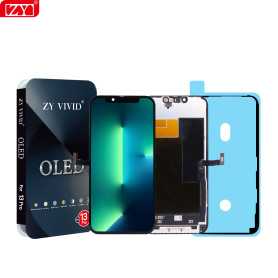
Out-of-Stock
Screen iPhone 13 Pro (OLED) ZY - 120Hz - Diagnosable
Use Repair Assistant to Finish an iPhone or iPad Repair
On an iPhone 12 or later running iOS 18, when a new Apple screen is installed,“Finish Repair” will appear next to Screen until you complete the repair using the Repair Assistant.
On an iPhone 12 or later running iOS 18, it is possible to reuse an original Apple screen on another iPhone of the same model.
The date of first use and the condition of the screen can be found in Settings > General > About > Parts & Service History.
How to Run Diagnostics & Finish Repair for iPhone Screen
1. Ensure your device is updated to iOS 18
2. Go to Settings > General > About > Parts & Service History
3. Tap "Restart & Finish Repair" to activate the Repair Assistant
4. Follow the on-screen instructions to complete the calibration
After completing this process, your screen will be fully functional, and there will be no pop-up warning about non-genuine parts.
Important Notes:
Your iPhone must be connected to Wi-Fi
Your battery level should be above 20%
If the process fails, restart your device and try again
If the repair is not completed, the screen may not function optimally, and some features (True Tone, Face ID) may be disabled until calibration is finalized
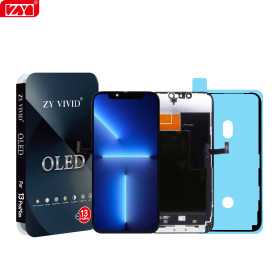
Screen iPhone 13 Pro Max (OLED) ZY - 120Hz - Diagnosable
Use Repair Assistant to Finish an iPhone or iPad Repair
On an iPhone 12 or later running iOS 18, when a new Apple screen is installed,“Finish Repair” will appear next to Screen until you complete the repair using the Repair Assistant.
On an iPhone 12 or later running iOS 18, it is possible to reuse an original Apple screen on another iPhone of the same model.
The date of first use and the condition of the screen can be found in Settings > General > About > Parts & Service History.
How to Run Diagnostics & Finish Repair for iPhone Screen
1. Ensure your device is updated to iOS 18
2. Go to Settings > General > About > Parts & Service History
3. Tap "Restart & Finish Repair" to activate the Repair Assistant
4. Follow the on-screen instructions to complete the calibration
After completing this process, your screen will be fully functional, and there will be no pop-up warning about non-genuine parts.
Important Notes:
Your iPhone must be connected to Wi-Fi
Your battery level should be above 20%
If the process fails, restart your device and try again
If the repair is not completed, the screen may not function optimally, and some features (True Tone, Face ID) may be disabled until calibration is finalized
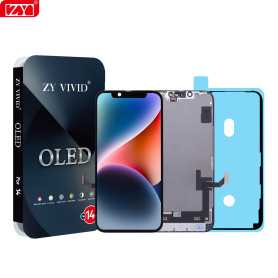
Screen iPhone 14 (OLED) ZY - Diagnosable
Use Repair Assistant to Finish an iPhone or iPad Repair
On an iPhone 12 or later running iOS 18, when a new Apple screen is installed,“Finish Repair” will appear next to Screen until you complete the repair using the Repair Assistant.
On an iPhone 12 or later running iOS 18, it is possible to reuse an original Apple screen on another iPhone of the same model.
The date of first use and the condition of the screen can be found in Settings > General > About > Parts & Service History.
How to Run Diagnostics & Finish Repair for iPhone Screen
1. Ensure your device is updated to iOS 18
2. Go to Settings > General > About > Parts & Service History
3. Tap "Restart & Finish Repair" to activate the Repair Assistant
4. Follow the on-screen instructions to complete the calibration
After completing this process, your screen will be fully functional, and there will be no pop-up warning about non-genuine parts.
Important Notes:
Your iPhone must be connected to Wi-Fi
Your battery level should be above 20%
If the process fails, restart your device and try again
If the repair is not completed, the screen may not function optimally, and some features (True Tone, Face ID) may be disabled until calibration is finalized
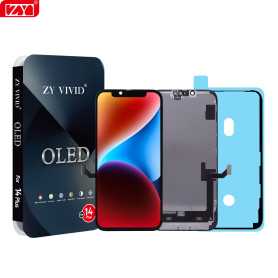
Screen iPhone 14 Plus (OLED) ZY - Diagnosable
Use Repair Assistant to Finish an iPhone or iPad Repair
On an iPhone 12 or later running iOS 18, when a new Apple screen is installed,“Finish Repair” will appear next to Screen until you complete the repair using the Repair Assistant.
On an iPhone 12 or later running iOS 18, it is possible to reuse an original Apple screen on another iPhone of the same model.
The date of first use and the condition of the screen can be found in Settings > General > About > Parts & Service History.
How to Run Diagnostics & Finish Repair for iPhone Screen
1. Ensure your device is updated to iOS 18
2. Go to Settings > General > About > Parts & Service History
3. Tap "Restart & Finish Repair" to activate the Repair Assistant
4. Follow the on-screen instructions to complete the calibration
After completing this process, your screen will be fully functional, and there will be no pop-up warning about non-genuine parts.
Important Notes:
Your iPhone must be connected to Wi-Fi
Your battery level should be above 20%
If the process fails, restart your device and try again
If the repair is not completed, the screen may not function optimally, and some features (True Tone, Face ID) may be disabled until calibration is finalized
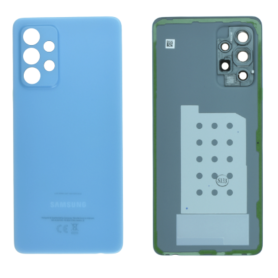
Samsung Galaxy A52 (A525F) Blue Back Glass (Original Removed) Without Lens Frame - Grade A
The Samsung Galaxy A52 (A525F) Blue Rear Glass (Original Removed) Without Lens Frame - Grade A is a premium replacement component designed to restore the sleek look of your device. Key features include:
Authentic Original Part: This replacement rear glass has been carefully removed from an original device, ensuring genuine Samsung quality and fit.
Grade A Quality: Inspected for pristine condition, it retains the aesthetic allure without significant signs of wear, offering an excellent solution for repair without compromising on quality.
Vibrant Blue Color: Features the stunning and stylish blue hue that perfectly matches the original design, enhancing the overall appearance of your phone.
Lens Frame Excluded: Designed specifically for users who only need to replace the rear glass panel without the additional lens frame, providing a cost-effective and targeted repair option.
Precision Fit: Engineered to align seamlessly with the Samsung Galaxy A52, ensuring easy installation and a snug fit that maintains the device's structural integrity.
Durable and Reliable: Crafted from high-quality materials for durability, ensuring it withstands daily wear and tear while preserving the phone's original look and feel.
This replacement rear glass is ideal for repair technicians and DIY enthusiasts seeking a high-quality, authentic replacement part.
Authentic Original Part: This replacement rear glass has been carefully removed from an original device, ensuring genuine Samsung quality and fit.
Grade A Quality: Inspected for pristine condition, it retains the aesthetic allure without significant signs of wear, offering an excellent solution for repair without compromising on quality.
Vibrant Blue Color: Features the stunning and stylish blue hue that perfectly matches the original design, enhancing the overall appearance of your phone.
Lens Frame Excluded: Designed specifically for users who only need to replace the rear glass panel without the additional lens frame, providing a cost-effective and targeted repair option.
Precision Fit: Engineered to align seamlessly with the Samsung Galaxy A52, ensuring easy installation and a snug fit that maintains the device's structural integrity.
Durable and Reliable: Crafted from high-quality materials for durability, ensuring it withstands daily wear and tear while preserving the phone's original look and feel.
This replacement rear glass is ideal for repair technicians and DIY enthusiasts seeking a high-quality, authentic replacement part.
Out-of-Stock
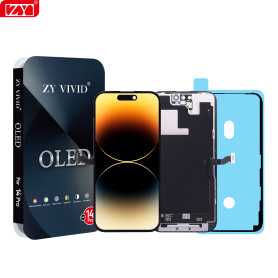
Screen iPhone 14 Pro (OLED) ZY - 120Hz - Diagnosable
Use Repair Assistant to Finish an iPhone or iPad Repair
On an iPhone 12 or later running iOS 18, when a new Apple screen is installed,“Finish Repair” will appear next to Screen until you complete the repair using the Repair Assistant.
On an iPhone 12 or later running iOS 18, it is possible to reuse an original Apple screen on another iPhone of the same model.
The date of first use and the condition of the screen can be found in Settings > General > About > Parts & Service History.
How to Run Diagnostics & Finish Repair for iPhone Screen
1. Ensure your device is updated to iOS 18
2. Go to Settings > General > About > Parts & Service History
3. Tap "Restart & Finish Repair" to activate the Repair Assistant
4. Follow the on-screen instructions to complete the calibration
After completing this process, your screen will be fully functional, and there will be no pop-up warning about non-genuine parts.
Important Notes:
Your iPhone must be connected to Wi-Fi
Your battery level should be above 20%
If the process fails, restart your device and try again
If the repair is not completed, the screen may not function optimally, and some features (True Tone, Face ID) may be disabled until calibration is finalized
Out-of-Stock
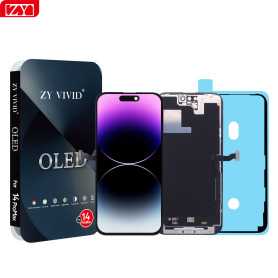
Screen iPhone 14 Pro Max (OLED) ZY - 120Hz - Diagnosable
Use Repair Assistant to Finish an iPhone or iPad Repair
On an iPhone 12 or later running iOS 18, when a new Apple screen is installed,“Finish Repair” will appear next to Screen until you complete the repair using the Repair Assistant.
On an iPhone 12 or later running iOS 18, it is possible to reuse an original Apple screen on another iPhone of the same model.
The date of first use and the condition of the screen can be found in Settings > General > About > Parts & Service History.
How to Run Diagnostics & Finish Repair for iPhone Screen
1. Ensure your device is updated to iOS 18
2. Go to Settings > General > About > Parts & Service History
3. Tap "Restart & Finish Repair" to activate the Repair Assistant
4. Follow the on-screen instructions to complete the calibration
After completing this process, your screen will be fully functional, and there will be no pop-up warning about non-genuine parts.
Important Notes:
Your iPhone must be connected to Wi-Fi
Your battery level should be above 20%
If the process fails, restart your device and try again
If the repair is not completed, the screen may not function optimally, and some features (True Tone, Face ID) may be disabled until calibration is finalized
Out-of-Stock
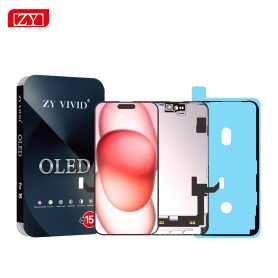
Screen iPhone 15 (OLED) ZY - Diagnosable
Use Repair Assistant to Finish an iPhone or iPad Repair
On an iPhone 12 or later running iOS 18, when a new Apple screen is installed,“Finish Repair” will appear next to Screen until you complete the repair using the Repair Assistant.
On an iPhone 12 or later running iOS 18, it is possible to reuse an original Apple screen on another iPhone of the same model.
The date of first use and the condition of the screen can be found in Settings > General > About > Parts & Service History.
How to Run Diagnostics & Finish Repair for iPhone Screen
1. Ensure your device is updated to iOS 18
2. Go to Settings > General > About > Parts & Service History
3. Tap "Restart & Finish Repair" to activate the Repair Assistant
4. Follow the on-screen instructions to complete the calibration
After completing this process, your screen will be fully functional, and there will be no pop-up warning about non-genuine parts.
Important Notes:
Your iPhone must be connected to Wi-Fi
Your battery level should be above 20%
If the process fails, restart your device and try again
If the repair is not completed, the screen may not function optimally, and some features (True Tone, Face ID) may be disabled until calibration is finalized
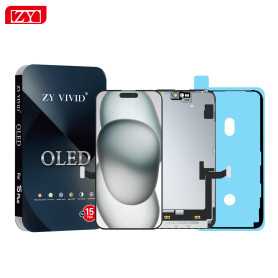
Screen iPhone 15 Plus (OLED) ZY - Diagnosable
Use Repair Assistant to Finish an iPhone or iPad Repair
On an iPhone 12 or later running iOS 18, when a new Apple screen is installed,“Finish Repair” will appear next to Screen until you complete the repair using the Repair Assistant.
On an iPhone 12 or later running iOS 18, it is possible to reuse an original Apple screen on another iPhone of the same model.
The date of first use and the condition of the screen can be found in Settings > General > About > Parts & Service History.
How to Run Diagnostics & Finish Repair for iPhone Screen
1. Ensure your device is updated to iOS 18
2. Go to Settings > General > About > Parts & Service History
3. Tap "Restart & Finish Repair" to activate the Repair Assistant
4. Follow the on-screen instructions to complete the calibration
After completing this process, your screen will be fully functional, and there will be no pop-up warning about non-genuine parts.
Important Notes:
Your iPhone must be connected to Wi-Fi
Your battery level should be above 20%
If the process fails, restart your device and try again
If the repair is not completed, the screen may not function optimally, and some features (True Tone, Face ID) may be disabled until calibration is finalized
Out-of-Stock
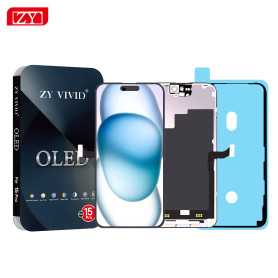
Screen iPhone 15 Pro (OLED) ZY - 120Hz - Diagnosable
Use Repair Assistant to Finish an iPhone or iPad Repair
On an iPhone 12 or later running iOS 18, when a new Apple screen is installed,“Finish Repair” will appear next to Screen until you complete the repair using the Repair Assistant.
On an iPhone 12 or later running iOS 18, it is possible to reuse an original Apple screen on another iPhone of the same model.
The date of first use and the condition of the screen can be found in Settings > General > About > Parts & Service History.
How to Run Diagnostics & Finish Repair for iPhone Screen
1. Ensure your device is updated to iOS 18
2. Go to Settings > General > About > Parts & Service History
3. Tap "Restart & Finish Repair" to activate the Repair Assistant
4. Follow the on-screen instructions to complete the calibration
After completing this process, your screen will be fully functional, and there will be no pop-up warning about non-genuine parts.
Important Notes:
Your iPhone must be connected to Wi-Fi
Your battery level should be above 20%
If the process fails, restart your device and try again
If the repair is not completed, the screen may not function optimally, and some features (True Tone, Face ID) may be disabled until calibration is finalized
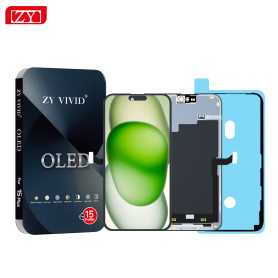
Screen iPhone 15 Pro Max (OLED) ZY - Diagnosable
Use Repair Assistant to Finish an iPhone or iPad Repair
On an iPhone 12 or later running iOS 18, when a new Apple screen is installed,“Finish Repair” will appear next to Screen until you complete the repair using the Repair Assistant.
On an iPhone 12 or later running iOS 18, it is possible to reuse an original Apple screen on another iPhone of the same model.
The date of first use and the condition of the screen can be found in Settings > General > About > Parts & Service History.
How to Run Diagnostics & Finish Repair for iPhone Screen
1. Ensure your device is updated to iOS 18
2. Go to Settings > General > About > Parts & Service History
3. Tap "Restart & Finish Repair" to activate the Repair Assistant
4. Follow the on-screen instructions to complete the calibration
After completing this process, your screen will be fully functional, and there will be no pop-up warning about non-genuine parts.
Important Notes:
Your iPhone must be connected to Wi-Fi
Your battery level should be above 20%
If the process fails, restart your device and try again
If the repair is not completed, the screen may not function optimally, and some features (True Tone, Face ID) may be disabled until calibration is finalized
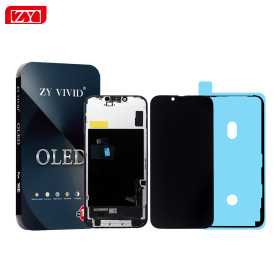
Out-of-Stock
Screen iPhone 16 (OLED) ZY - Diagnosable
Use Repair Assistant to Finish an iPhone or iPad Repair
On an iPhone 12 or later running iOS 18, when a new Apple screen is installed,“Finish Repair” will appear next to Screen until you complete the repair using the Repair Assistant.
On an iPhone 12 or later running iOS 18, it is possible to reuse an original Apple screen on another iPhone of the same model.
The date of first use and the condition of the screen can be found in Settings > General > About > Parts & Service History.
How to Run Diagnostics & Finish Repair for iPhone Screen
1. Ensure your device is updated to iOS 18
2. Go to Settings > General > About > Parts & Service History
3. Tap "Restart & Finish Repair" to activate the Repair Assistant
4. Follow the on-screen instructions to complete the calibration
After completing this process, your screen will be fully functional, and there will be no pop-up warning about non-genuine parts.
Important Notes:
Your iPhone must be connected to Wi-Fi
Your battery level should be above 20%
If the process fails, restart your device and try again
If the repair is not completed, the screen may not function optimally, and some features (True Tone, Face ID) may be disabled until calibration is finalized
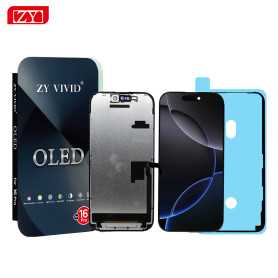
Screen iPhone 16 Plus (OLED) ZY - Diagnosable
Use Repair Assistant to Finish an iPhone or iPad Repair
On an iPhone 12 or later running iOS 18, when a new Apple screen is installed,“Finish Repair” will appear next to Screen until you complete the repair using the Repair Assistant.
On an iPhone 12 or later running iOS 18, it is possible to reuse an original Apple screen on another iPhone of the same model.
The date of first use and the condition of the screen can be found in Settings > General > About > Parts & Service History.
How to Run Diagnostics & Finish Repair for iPhone Screen
1. Ensure your device is updated to iOS 18
2. Go to Settings > General > About > Parts & Service History
3. Tap "Restart & Finish Repair" to activate the Repair Assistant
4. Follow the on-screen instructions to complete the calibration
After completing this process, your screen will be fully functional, and there will be no pop-up warning about non-genuine parts.
Important Notes:
Your iPhone must be connected to Wi-Fi
Your battery level should be above 20%
If the process fails, restart your device and try again
If the repair is not completed, the screen may not function optimally, and some features (True Tone, Face ID) may be disabled until calibration is finalized
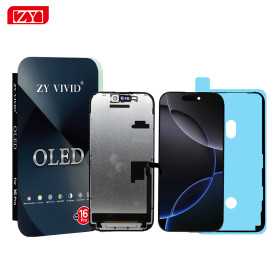
Out-of-Stock
Screen iPhone 16 Pro (OLED) ZY - 120Hz - Diagnosable
Use Repair Assistant to Finish an iPhone or iPad Repair
On an iPhone 12 or later running iOS 18, when a new Apple screen is installed,“Finish Repair” will appear next to Screen until you complete the repair using the Repair Assistant.
On an iPhone 12 or later running iOS 18, it is possible to reuse an original Apple screen on another iPhone of the same model.
The date of first use and the condition of the screen can be found in Settings > General > About > Parts & Service History.
How to Run Diagnostics & Finish Repair for iPhone Screen
1. Ensure your device is updated to iOS 18
2. Go to Settings > General > About > Parts & Service History
3. Tap "Restart & Finish Repair" to activate the Repair Assistant
4. Follow the on-screen instructions to complete the calibration
After completing this process, your screen will be fully functional, and there will be no pop-up warning about non-genuine parts.
Important Notes:
Your iPhone must be connected to Wi-Fi
Your battery level should be above 20%
If the process fails, restart your device and try again
If the repair is not completed, the screen may not function optimally, and some features (True Tone, Face ID) may be disabled until calibration is finalized
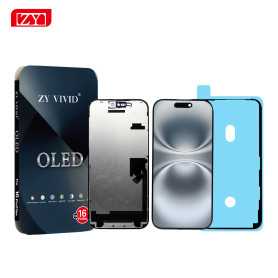
Out-of-Stock
Screen iPhone 16 Pro Max (SOFT OLED) ZY - 120Hz - Diagnosable
Use Repair Assistant to Finish an iPhone or iPad Repair
On an iPhone 12 or later running iOS 18, when a new Apple screen is installed,“Finish Repair” will appear next to Screen until you complete the repair using the Repair Assistant.
On an iPhone 12 or later running iOS 18, it is possible to reuse an original Apple screen on another iPhone of the same model.
The date of first use and the condition of the screen can be found in Settings > General > About > Parts & Service History.
How to Run Diagnostics & Finish Repair for iPhone Screen
1. Ensure your device is updated to iOS 18
2. Go to Settings > General > About > Parts & Service History
3. Tap "Restart & Finish Repair" to activate the Repair Assistant
4. Follow the on-screen instructions to complete the calibration
After completing this process, your screen will be fully functional, and there will be no pop-up warning about non-genuine parts.
Important Notes:
Your iPhone must be connected to Wi-Fi
Your battery level should be above 20%
If the process fails, restart your device and try again
If the repair is not completed, the screen may not function optimally, and some features (True Tone, Face ID) may be disabled until calibration is finalized
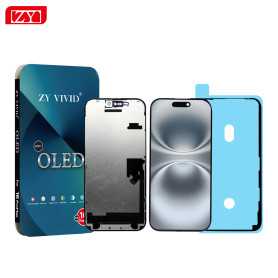
Screen iPhone 16 Pro Max (Soft OLED) ZY - 120Hz - Diagnosable
Use Repair Assistant to Finish an iPhone or iPad Repair
On an iPhone 12 or later running iOS 18, when a new Apple screen is installed,“Finish Repair” will appear next to Screen until you complete the repair using the Repair Assistant.
On an iPhone 12 or later running iOS 18, it is possible to reuse an original Apple screen on another iPhone of the same model.
The date of first use and the condition of the screen can be found in Settings > General > About > Parts & Service History.
How to Run Diagnostics & Finish Repair for iPhone Screen
1. Ensure your device is updated to iOS 18
2. Go to Settings > General > About > Parts & Service History
3. Tap "Restart & Finish Repair" to activate the Repair Assistant
4. Follow the on-screen instructions to complete the calibration
After completing this process, your screen will be fully functional, and there will be no pop-up warning about non-genuine parts.
Important Notes:
Your iPhone must be connected to Wi-Fi
Your battery level should be above 20%
If the process fails, restart your device and try again
If the repair is not completed, the screen may not function optimally, and some features (True Tone, Face ID) may be disabled until calibration is finalized
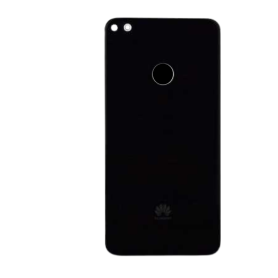
Out-of-Stock
Back Glass Huawei P8 Lite 2017 Black (Original Disassembled) - Grade A
Rear Window Huawei P8 Lite 2017 Black (Original Disassembled) - Grade A
Authentic Original Part: This rear window is an authentic, original component specifically designed for the Huawei P8 Lite 2017, ensuring seamless integration and perfect compatibility with your device.
Grade A Quality: Rated as Grade A, this disassembled part is in excellent condition, offering pristine quality and minimal signs of wear. It guarantees a like-new appearance, enhancing your phone's aesthetic appeal.
Precision Fit: Manufactured to precisely match the specifications of the Huawei P8 Lite 2017, this rear window provides a snug, secure fit, maintaining the phone's structural integrity and sleek design.
Durable Material: Crafted from high-quality materials, this replacement part ensures durability and longevity, offering reliable protection to the internal components of your smartphone.
Easy Installation: Designed for user-friendly installation, it can be easily attached or replaced by professionals or skilled DIY enthusiasts, restoring your device to optimal condition.
Cost-Effective Solution: An economical alternative to purchasing a new phone, this replacement rear window revitalizes your device, extending its lifespan and maintaining its market value.
Black Finish: The elegant black finish complements the original design, preserving the smartphone's timeless look and style.
Authentic Original Part: This rear window is an authentic, original component specifically designed for the Huawei P8 Lite 2017, ensuring seamless integration and perfect compatibility with your device.
Grade A Quality: Rated as Grade A, this disassembled part is in excellent condition, offering pristine quality and minimal signs of wear. It guarantees a like-new appearance, enhancing your phone's aesthetic appeal.
Precision Fit: Manufactured to precisely match the specifications of the Huawei P8 Lite 2017, this rear window provides a snug, secure fit, maintaining the phone's structural integrity and sleek design.
Durable Material: Crafted from high-quality materials, this replacement part ensures durability and longevity, offering reliable protection to the internal components of your smartphone.
Easy Installation: Designed for user-friendly installation, it can be easily attached or replaced by professionals or skilled DIY enthusiasts, restoring your device to optimal condition.
Cost-Effective Solution: An economical alternative to purchasing a new phone, this replacement rear window revitalizes your device, extending its lifespan and maintaining its market value.
Black Finish: The elegant black finish complements the original design, preserving the smartphone's timeless look and style.
Camera Lens Honor X6a
Key Features of Honor X6a Rear Glass Without Lens Frame (Original Disassembled) Black - Grade A:
Authentic Quality: This rear glass panel is an original part, ensuring a perfect fit and finish identical to the factory specifications of the Honor X6a. It seamlessly matches the device's original design, maintaining the aesthetic integrity of your smartphone.
Grade A Condition: Classified as Grade A, this glass exhibits minimal to no signs of prior usage. It is carefully disassembled and checked to meet high-quality standards, offering a pristine appearance almost indistinguishable from new.
Precision Engineering: Crafted to replace your phone’s rear with precision, this glass panel promises a snug fit. Its accurate dimensions guarantee easy installation without compromising your phone's structural integrity.
Durability and Protection: Made from robust materials, this rear glass not only enhances the look of your phone but also provides an extra layer of protection. It effectively shields the phone’s internal components from dust and scratches.
Stylish Black Finish: The sleek black color of the rear glass adds a touch of elegance and sophistication to your device. It complements any color variation of the Honor X6a, offering a uniform and professional appearance.
Compatibility: Specifically designed for the Honor X6a, ensuring compatibility and easy integration with the phone’s existing components, making it an ideal replacement part for damaged or cracked rear glass.
Eco-Friendly Option: By utilizing an original disassembled component, this product supports environmental sustainability through recycling and reusing quality smartphone parts, reducing electronic waste.
Choose this high-grade replacement to restore your Honor X6a to its original glory with ease and confidence.
Authentic Quality: This rear glass panel is an original part, ensuring a perfect fit and finish identical to the factory specifications of the Honor X6a. It seamlessly matches the device's original design, maintaining the aesthetic integrity of your smartphone.
Grade A Condition: Classified as Grade A, this glass exhibits minimal to no signs of prior usage. It is carefully disassembled and checked to meet high-quality standards, offering a pristine appearance almost indistinguishable from new.
Precision Engineering: Crafted to replace your phone’s rear with precision, this glass panel promises a snug fit. Its accurate dimensions guarantee easy installation without compromising your phone's structural integrity.
Durability and Protection: Made from robust materials, this rear glass not only enhances the look of your phone but also provides an extra layer of protection. It effectively shields the phone’s internal components from dust and scratches.
Stylish Black Finish: The sleek black color of the rear glass adds a touch of elegance and sophistication to your device. It complements any color variation of the Honor X6a, offering a uniform and professional appearance.
Compatibility: Specifically designed for the Honor X6a, ensuring compatibility and easy integration with the phone’s existing components, making it an ideal replacement part for damaged or cracked rear glass.
Eco-Friendly Option: By utilizing an original disassembled component, this product supports environmental sustainability through recycling and reusing quality smartphone parts, reducing electronic waste.
Choose this high-grade replacement to restore your Honor X6a to its original glory with ease and confidence.
Honor X6a Internal Earpiece
Key Features of Honor X6a Internal Earpiece:
Superior Sound Quality: The Honor X6a Internal Earpiece delivers crisp and clear audio, ensuring optimal communication for calls and media playback.
Precision Fit: Designed specifically for the Honor X6a model, this earpiece integrates seamlessly, providing a snug and secure fit that supports prolonged use without discomfort.
High-Quality Material: Crafted from durable and high-grade materials, the earpiece not only enhances sound transmission but also ensures longevity and resistance to wear.
Noise Isolation: Engineered to minimize external noise interference, offering users an immersive and focused audio experience, ideal for busy environments.
OEM Component: As an original equipment manufacturer (OEM) part, it maintains the device’s authenticity and performance, ensuring reliability and compatibility with the Honor X6a.
Easy Installation: Designed for straightforward installation, the earpiece can be easily replaced by professionals, minimizing downtime and restoring full device functionality quickly.
Lightweight Design: The compact and lightweight structure of the earpiece ensures it does not add any unnecessary bulk, preserving the device’s sleek profile.
These features collectively make the Honor X6a Internal Earpiece an essential component for maintaining your device’s audio functionality.
Superior Sound Quality: The Honor X6a Internal Earpiece delivers crisp and clear audio, ensuring optimal communication for calls and media playback.
Precision Fit: Designed specifically for the Honor X6a model, this earpiece integrates seamlessly, providing a snug and secure fit that supports prolonged use without discomfort.
High-Quality Material: Crafted from durable and high-grade materials, the earpiece not only enhances sound transmission but also ensures longevity and resistance to wear.
Noise Isolation: Engineered to minimize external noise interference, offering users an immersive and focused audio experience, ideal for busy environments.
OEM Component: As an original equipment manufacturer (OEM) part, it maintains the device’s authenticity and performance, ensuring reliability and compatibility with the Honor X6a.
Easy Installation: Designed for straightforward installation, the earpiece can be easily replaced by professionals, minimizing downtime and restoring full device functionality quickly.
Lightweight Design: The compact and lightweight structure of the earpiece ensures it does not add any unnecessary bulk, preserving the device’s sleek profile.
These features collectively make the Honor X6a Internal Earpiece an essential component for maintaining your device’s audio functionality.

Out-of-Stock
HUAWEI Nova 5T Frameless Back Glass with Purple Lens (Original Removed) - Grade A
HUAWEI Nova 5T Frameless Rear Glass with Purple Lens (Original Removed) - Grade A
Key Features:
Premium Quality: Grade A pre-owned with meticulous attention to detail, ensuring excellent condition and reliable performance akin to a brand new product.
Frameless Design: Features a seamless, frameless rear glass that offers a sleek and modern aesthetic, enhancing the overall look of your Huawei Nova 5T.
Distinctive Purple Lens: Comes with a unique purple lens that adds a touch of elegance and sophistication to your device while maintaining optimal camera functionality.
High Durability: Manufactured with high-quality materials to withstand daily wear and tear, providing robust protection without compromising on style.
Perfect Compatibility: Specifically designed for the Huawei Nova 5T, ensuring a perfect fit and easy installation, maintaining the phone's original functionality and performance.
Enhanced Aesthetic Appeal: The glossy finish and vibrant colors rejuvenate your device, giving it a fresh and appealing look.
Environmentally Conscious: By choosing this Grade A pre-owned product, you're making an environmentally sustainable choice, reducing electronic waste and promoting recycling.
Cost-Effective Solution: Offers a budget-friendly alternative to expensive repairs or replacements without sacrificing quality and functionality.
Ideal for Huawei Nova 5T users seeking to restore their device's original appeal with an added touch of luxury and style.
Key Features:
Premium Quality: Grade A pre-owned with meticulous attention to detail, ensuring excellent condition and reliable performance akin to a brand new product.
Frameless Design: Features a seamless, frameless rear glass that offers a sleek and modern aesthetic, enhancing the overall look of your Huawei Nova 5T.
Distinctive Purple Lens: Comes with a unique purple lens that adds a touch of elegance and sophistication to your device while maintaining optimal camera functionality.
High Durability: Manufactured with high-quality materials to withstand daily wear and tear, providing robust protection without compromising on style.
Perfect Compatibility: Specifically designed for the Huawei Nova 5T, ensuring a perfect fit and easy installation, maintaining the phone's original functionality and performance.
Enhanced Aesthetic Appeal: The glossy finish and vibrant colors rejuvenate your device, giving it a fresh and appealing look.
Environmentally Conscious: By choosing this Grade A pre-owned product, you're making an environmentally sustainable choice, reducing electronic waste and promoting recycling.
Cost-Effective Solution: Offers a budget-friendly alternative to expensive repairs or replacements without sacrificing quality and functionality.
Ideal for Huawei Nova 5T users seeking to restore their device's original appeal with an added touch of luxury and style.
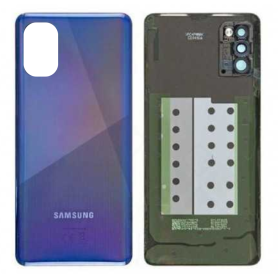
Out-of-Stock
Back Glass Samsung Galaxy A41 (A415F) Blue Without Lens Contour (Original Disassembled) - Grade A
Key Features of Rear Window Samsung Galaxy A41 (A415F) Blue Without Lens Contour (Original Disassembled) - Grade A:
Original Quality: Crafted as an original part, this rear window offers the same quality and durability as the one that initially comes with the Samsung Galaxy A41, ensuring a seamless replacement experience.
Grade A Condition: This component is in Grade A condition, meaning it has been meticulously inspected and verified to be free from any significant marks, scratches, or other imperfections. Expect reliability akin to a brand-new piece.
Perfect Fit: Designed specifically for the Samsung Galaxy A41 (A415F), it guarantees a precise fit, maintaining the device's sleek design and ensuring optimal functionality without any misalignment issues.
Enhanced Aesthetics: The elegant blue finish enhances the phone's appearance, offering a vibrant and stylish look that mirrors the original aesthetic of the device.
Easy Installation: As an original disassembled part, it is prepared for straightforward installation, ideal for both professional repair technicians and DIY enthusiasts seeking a hassle-free replacement process.
No Lens Contour: This version excludes the lens contour, allowing for customizable use with separate camera lens components if needed, offering versatility in repairs and replacements.
This product encapsulates the essential elements for those seeking to restore their Samsung Galaxy A41's back aesthetics and functionality effectively.
Original Quality: Crafted as an original part, this rear window offers the same quality and durability as the one that initially comes with the Samsung Galaxy A41, ensuring a seamless replacement experience.
Grade A Condition: This component is in Grade A condition, meaning it has been meticulously inspected and verified to be free from any significant marks, scratches, or other imperfections. Expect reliability akin to a brand-new piece.
Perfect Fit: Designed specifically for the Samsung Galaxy A41 (A415F), it guarantees a precise fit, maintaining the device's sleek design and ensuring optimal functionality without any misalignment issues.
Enhanced Aesthetics: The elegant blue finish enhances the phone's appearance, offering a vibrant and stylish look that mirrors the original aesthetic of the device.
Easy Installation: As an original disassembled part, it is prepared for straightforward installation, ideal for both professional repair technicians and DIY enthusiasts seeking a hassle-free replacement process.
No Lens Contour: This version excludes the lens contour, allowing for customizable use with separate camera lens components if needed, offering versatility in repairs and replacements.
This product encapsulates the essential elements for those seeking to restore their Samsung Galaxy A41's back aesthetics and functionality effectively.
Out-of-Stock
Huawei P20 Back Glass without Contour Lens Blue (Original Disassembled) - Grade A
Key Features of Huawei P20 Rear Glass without Contour Lens Blue (Original Disassembled) - Grade A
Premium Quality: Crafted from original materials, this rear glass is a Grade A component, ensuring top-notch quality and seamless compatibility with your Huawei P20.
Authentic Design: As an original disassembled part, it retains the authentic aesthetic of the Huawei P20, featuring the exact blue hue that perfectly matches the device’s original look.
Perfect Fit: Designed for precision, this rear glass fits perfectly on your Huawei P20, ensuring a smooth and snug installation without the need for complicated adjustments.
Durability: Manufactured to meet original standards, this rear glass offers robust protection against everyday wear, scratches, and minor impacts, helping maintain your device's sleek appearance.
Without Contour Lens: Intended for those who specifically need the rear glass replacement, it excludes the contour lens, making it an ideal choice for targeted repairs or replacements.
Cost-Effective Solution: By opting for a disassembled, original part, you receive a high-quality replacement at a fraction of the cost compared to a complete back panel replacement.
Eco-Friendly Choice: Utilizing disassembled parts contributes to reduced electronic waste, marking a conscious choice towards sustainability.
Premium Quality: Crafted from original materials, this rear glass is a Grade A component, ensuring top-notch quality and seamless compatibility with your Huawei P20.
Authentic Design: As an original disassembled part, it retains the authentic aesthetic of the Huawei P20, featuring the exact blue hue that perfectly matches the device’s original look.
Perfect Fit: Designed for precision, this rear glass fits perfectly on your Huawei P20, ensuring a smooth and snug installation without the need for complicated adjustments.
Durability: Manufactured to meet original standards, this rear glass offers robust protection against everyday wear, scratches, and minor impacts, helping maintain your device's sleek appearance.
Without Contour Lens: Intended for those who specifically need the rear glass replacement, it excludes the contour lens, making it an ideal choice for targeted repairs or replacements.
Cost-Effective Solution: By opting for a disassembled, original part, you receive a high-quality replacement at a fraction of the cost compared to a complete back panel replacement.
Eco-Friendly Choice: Utilizing disassembled parts contributes to reduced electronic waste, marking a conscious choice towards sustainability.
Back Glass Samsung Galaxy Note 10 (N970) (Original Disassembled) Rose - Grade A
The Rear Window for the Samsung Galaxy Note 10 (N970) in Rose is a premium replacement part designed to restore your device's original aesthetic and functionality. Key features of this product include:
Original Disassembled Part: This rear window is an authentic, original part, ensuring a perfect fit and seamless integration with your Galaxy Note 10. Being disassembled from an original device, it maintains the premium quality Samsung is known for.
Grade A Condition: Classified as Grade A, this rear window is in excellent condition, without any noticeable wear or damage, offering a pristine look and performance.
Elegant Rose Color: The sophisticated rose color adds a touch of elegance and luxury to your phone, allowing you to express your personal style.
Precise Compatibility: Specifically designed for the Samsung Galaxy Note 10 (N970), ensuring full compatibility with all device functionalities, including the wireless charging feature.
Durable Construction: Crafted from high-quality materials, this rear window is built to withstand daily wear and tear, providing long-lasting durability.
Easy Installation: Ideal for both professionals and DIY enthusiasts, this part is designed for straightforward installation, enabling you to replace your phone's rear window with ease.
Upgrade your Samsung Galaxy Note 10 with this reliable, original rear window, and enjoy a device that looks and feels as good as new.
Original Disassembled Part: This rear window is an authentic, original part, ensuring a perfect fit and seamless integration with your Galaxy Note 10. Being disassembled from an original device, it maintains the premium quality Samsung is known for.
Grade A Condition: Classified as Grade A, this rear window is in excellent condition, without any noticeable wear or damage, offering a pristine look and performance.
Elegant Rose Color: The sophisticated rose color adds a touch of elegance and luxury to your phone, allowing you to express your personal style.
Precise Compatibility: Specifically designed for the Samsung Galaxy Note 10 (N970), ensuring full compatibility with all device functionalities, including the wireless charging feature.
Durable Construction: Crafted from high-quality materials, this rear window is built to withstand daily wear and tear, providing long-lasting durability.
Easy Installation: Ideal for both professionals and DIY enthusiasts, this part is designed for straightforward installation, enabling you to replace your phone's rear window with ease.
Upgrade your Samsung Galaxy Note 10 with this reliable, original rear window, and enjoy a device that looks and feels as good as new.
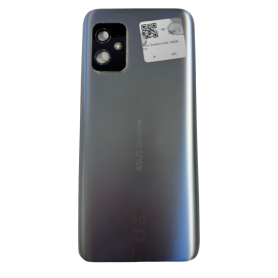
Out-of-Stock
Asus ZenFone 5 5g Silver Back Glass (Original Removed) - Grade A
The Asus ZenFone 5 5G Silver Rear Glass (Original Removed) - Grade A is a premium replacement component designed for the discerning user. Key features include:
High-Quality Construction: Crafted from durable materials, this rear glass ensures longevity and resilience, providing protection and maintaining the sleek aesthetics of your device.
Original Manufacturing Quality: As an original removed piece, it offers a near-perfect fit and finish, seamlessly integrating with the Asus ZenFone 5 5G, restoring its original appearance.
Grade A Condition: This component has been meticulously inspected and deemed to be in excellent condition, free from any significant scratches, chips, or damage, offering an almost-new look.
Precision Fit: Engineered to the exact specifications of the ZenFone 5 5G, it guarantees precise alignment with the camera module, buttons, and ports, ensuring full functionality without compromise.
Sleek Silver Finish: The elegant silver color complements the modern design ethos of the ZenFone series, adding a touch of sophistication and style to your phone.
Easy Installation: Designed for straightforward installation, replacing your rear glass is hassle-free, minimizing downtime and allowing you to enjoy your phone looking as good as new quickly.
This replacement part is an ideal choice for users looking to maintain their device's aesthetic allure while ensuring robust protection.
High-Quality Construction: Crafted from durable materials, this rear glass ensures longevity and resilience, providing protection and maintaining the sleek aesthetics of your device.
Original Manufacturing Quality: As an original removed piece, it offers a near-perfect fit and finish, seamlessly integrating with the Asus ZenFone 5 5G, restoring its original appearance.
Grade A Condition: This component has been meticulously inspected and deemed to be in excellent condition, free from any significant scratches, chips, or damage, offering an almost-new look.
Precision Fit: Engineered to the exact specifications of the ZenFone 5 5G, it guarantees precise alignment with the camera module, buttons, and ports, ensuring full functionality without compromise.
Sleek Silver Finish: The elegant silver color complements the modern design ethos of the ZenFone series, adding a touch of sophistication and style to your phone.
Easy Installation: Designed for straightforward installation, replacing your rear glass is hassle-free, minimizing downtime and allowing you to enjoy your phone looking as good as new quickly.
This replacement part is an ideal choice for users looking to maintain their device's aesthetic allure while ensuring robust protection.
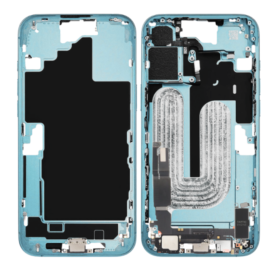
iPhone 16 Rear Chassis Charging Connector without Back Glass without Battery Teal (Original Disassembled) Grade B
Key Features of iPhone 16 Rear Chassis without Rear Glass without Battery Teal (Original Disassembled) Grade B:
Original OEM Part: Sourced directly from original iPhone 16 devices, ensuring compatibility and authenticity for reliable repairs or replacements.
Durable Metal Construction: Crafted from high-quality materials to provide a robust frame, designed to withstand daily wear and protect internal components effectively.
Teal Finish: Unique and eye-catching teal color that adds a distinctive aesthetic touch to your iPhone, making it stand out from standard offerings.
Precision Engineering: Manufactured to the exact specifications of the iPhone 16, ensuring a perfect fit with seamless integration of other components such as the camera, buttons, and ports.
Battery and Glass Excluded: Arrives without a rear glass or battery, offering more flexibility for customized repairs and reducing redundant parts if only the chassis needs replacement.
Grade B Quality: Pre-owned but thoroughly inspected; contains slight cosmetic imperfections that don’t affect functionality, providing a cost-effective repair solution.
Eco-Friendly Option: Recycling parts by opting for disassembled components supports sustainable practices and reduces e-waste impact.
This chassis is ideal for repair professionals or DIY enthusiasts aiming to refurbish or customize their device while maintaining original quality at a more affordable cost.
Original OEM Part: Sourced directly from original iPhone 16 devices, ensuring compatibility and authenticity for reliable repairs or replacements.
Durable Metal Construction: Crafted from high-quality materials to provide a robust frame, designed to withstand daily wear and protect internal components effectively.
Teal Finish: Unique and eye-catching teal color that adds a distinctive aesthetic touch to your iPhone, making it stand out from standard offerings.
Precision Engineering: Manufactured to the exact specifications of the iPhone 16, ensuring a perfect fit with seamless integration of other components such as the camera, buttons, and ports.
Battery and Glass Excluded: Arrives without a rear glass or battery, offering more flexibility for customized repairs and reducing redundant parts if only the chassis needs replacement.
Grade B Quality: Pre-owned but thoroughly inspected; contains slight cosmetic imperfections that don’t affect functionality, providing a cost-effective repair solution.
Eco-Friendly Option: Recycling parts by opting for disassembled components supports sustainable practices and reduces e-waste impact.
This chassis is ideal for repair professionals or DIY enthusiasts aiming to refurbish or customize their device while maintaining original quality at a more affordable cost.
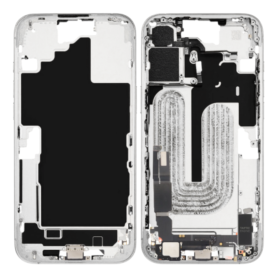
Out-of-Stock
iPhone 16 chassis Charging Connector without back glass or battery, white (original, disassembled), Grade B
Product Key Features: iPhone 16 Chassis without Back Glass or Battery, White (Original, Disassembled), Grade B
Original Quality: This iPhone 16 chassis is an authentic Apple component, ensuring compatibility and a perfect fit with other original iPhone 16 parts.
Disassembled Condition: Offered in a disassembled state, this chassis provides flexibility for custom repairs or refurbishments, allowing technicians to rebuild or repurpose iPhone 16 devices efficiently.
Grade B Condition: As a Grade B product, this chassis shows minor signs of previous use, such as small scratches or scuffs, but it is fully functional, offering a balance between quality and affordability.
Component-Specific Usage: Designed primarily for technicians or DIY enthusiasts who require specific parts for repair projects, this chassis comes without the back glass or battery, allowing for focused component replacement.
Sleek White Finish: The clean, sleek white color of the chassis complements any repair project, promoting a refreshed aesthetic for refurbished devices.
Comprehensive Compatibility: Engineered for the iPhone 16, this chassis is compatible with Apple's internal component standards, making it an essential part for maintaining device integrity and performance.
Cost-Effective Solution: Ideal for repair shops and refurbishment businesses looking to optimize costs, offering a more affordable option for device restoration without compromising on quality.
Original Quality: This iPhone 16 chassis is an authentic Apple component, ensuring compatibility and a perfect fit with other original iPhone 16 parts.
Disassembled Condition: Offered in a disassembled state, this chassis provides flexibility for custom repairs or refurbishments, allowing technicians to rebuild or repurpose iPhone 16 devices efficiently.
Grade B Condition: As a Grade B product, this chassis shows minor signs of previous use, such as small scratches or scuffs, but it is fully functional, offering a balance between quality and affordability.
Component-Specific Usage: Designed primarily for technicians or DIY enthusiasts who require specific parts for repair projects, this chassis comes without the back glass or battery, allowing for focused component replacement.
Sleek White Finish: The clean, sleek white color of the chassis complements any repair project, promoting a refreshed aesthetic for refurbished devices.
Comprehensive Compatibility: Engineered for the iPhone 16, this chassis is compatible with Apple's internal component standards, making it an essential part for maintaining device integrity and performance.
Cost-Effective Solution: Ideal for repair shops and refurbishment businesses looking to optimize costs, offering a more affordable option for device restoration without compromising on quality.
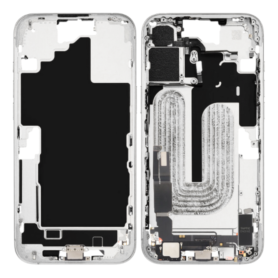
iPhone 16 Rear Chassis Charging Connector without Back Glass without Battery White eSIM US (Original Disassembled) Grade B
Key Features of iPhone 16 Rear Chassis without Rear Glass, without Battery, White, eSIM, US (Original Disassembled), Grade B:
Authentic Original Part: This rear chassis for the iPhone 16 is an original part, ensuring perfect compatibility and fit with all other genuine iPhone 16 components.
Durable Construction: Crafted from high-quality materials, the chassis ensures robust support for internal components, contributing to the device's overall durability and longevity.
White Finish: The sleek white design adds a touch of elegance and allows personalization to match your style, seamless with the rest of your iPhone aesthetics.
eSIM Compatibility: Designed for the US market, this chassis supports eSIM functionality, offering flexibility with network provider choices and convenient dual SIM capability.
Grade B Quality: Representing slight signs of use, Grade B ensures a balance between quality and affordability, ideal for refurbishments without compromising on functionality.
Without Rear Glass and Battery: This component does not include the rear glass or battery, offering a cost-effective option for targeted repairs or replacements.
Easy Integration: Designed for seamless integration, ensuring that experienced technicians can efficiently assemble the device using this chassis.
Ideal for Repairs and Custom Builds: Perfect for repair specialists and tech enthusiasts focused on rebuilding or customizing iPhones to specific needs.
Authentic Original Part: This rear chassis for the iPhone 16 is an original part, ensuring perfect compatibility and fit with all other genuine iPhone 16 components.
Durable Construction: Crafted from high-quality materials, the chassis ensures robust support for internal components, contributing to the device's overall durability and longevity.
White Finish: The sleek white design adds a touch of elegance and allows personalization to match your style, seamless with the rest of your iPhone aesthetics.
eSIM Compatibility: Designed for the US market, this chassis supports eSIM functionality, offering flexibility with network provider choices and convenient dual SIM capability.
Grade B Quality: Representing slight signs of use, Grade B ensures a balance between quality and affordability, ideal for refurbishments without compromising on functionality.
Without Rear Glass and Battery: This component does not include the rear glass or battery, offering a cost-effective option for targeted repairs or replacements.
Easy Integration: Designed for seamless integration, ensuring that experienced technicians can efficiently assemble the device using this chassis.
Ideal for Repairs and Custom Builds: Perfect for repair specialists and tech enthusiasts focused on rebuilding or customizing iPhones to specific needs.
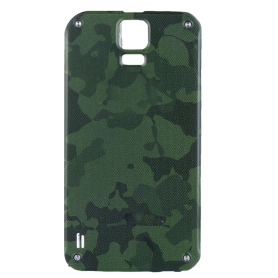
Samsung Galaxy S5 Active Back Glass (Original Removed) Green - Grade A
Sure! Here are the key features for the Samsung Galaxy S5 Active Back Glass (Original Removed) Green - Grade A:
Original Quality: This back glass is an original part that has been removed from a Samsung Galaxy S5 Active device, ensuring a perfect OEM fit.
Condition - Grade A: The back glass is graded as A, meaning it is in excellent condition with minimal signs of wear. It's ideal for refurbishing your phone to its original look.
Color - Green: Stylish green color that complements the rugged design of the Galaxy S5 Active, providing a fresh, sturdy appearance.
Durability: Built to withstand tough conditions, aligning with the S5 Active's rugged specifications, offering reliable protection for the rear components of your phone.
Precision Fit: Designed to fit seamlessly onto your Galaxy S5 Active, ensuring no gaps or misalignments, preserving the phone's water and dust resistance capabilities.
Easy Installation: For those with technical know-how, this back glass can be installed without professional help, although professional installation is recommended to maintain phone integrity.
Eco-Friendly Option: As an original part, using this back glass supports sustainability by reusing quality components.
Please ensure compatibility with your specific model before purchase.
Original Quality: This back glass is an original part that has been removed from a Samsung Galaxy S5 Active device, ensuring a perfect OEM fit.
Condition - Grade A: The back glass is graded as A, meaning it is in excellent condition with minimal signs of wear. It's ideal for refurbishing your phone to its original look.
Color - Green: Stylish green color that complements the rugged design of the Galaxy S5 Active, providing a fresh, sturdy appearance.
Durability: Built to withstand tough conditions, aligning with the S5 Active's rugged specifications, offering reliable protection for the rear components of your phone.
Precision Fit: Designed to fit seamlessly onto your Galaxy S5 Active, ensuring no gaps or misalignments, preserving the phone's water and dust resistance capabilities.
Easy Installation: For those with technical know-how, this back glass can be installed without professional help, although professional installation is recommended to maintain phone integrity.
Eco-Friendly Option: As an original part, using this back glass supports sustainability by reusing quality components.
Please ensure compatibility with your specific model before purchase.
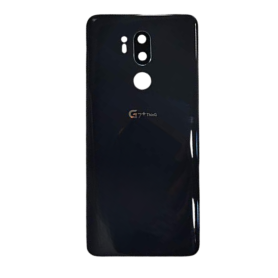
Out-of-Stock
LG G7 ThinQ Black Back Glass (Original Removed) - Grade A
Key Features of LG G7 ThinQ Black Back Glass (Original Removed) - Grade A:
Premium Quality Replacement: The back glass panel is designed specifically for the LG G7 ThinQ, ensuring a perfect fit and finish.
Grade A Condition: This product is categorized as Grade A, highlighting its excellent condition with minimal to no visible signs of previous use, ensuring a like-new appearance.
Authentic Black Finish: The sleek and original black color complements the LG G7 ThinQ’s design, restoring its original look and feel after repair.
Durable Construction: Made from high-quality materials, this back glass offers durability and longevity, providing effective protection against everyday wear and tear.
Easy Installation: Designed for hassle-free installation, the back glass replacement can be installed with the proper tools and adhesive, allowing users to self-repair with ease.
Retained Features: The replacement glass maintains all original sensor cutouts and logos, ensuring complete functionality and aesthetic alignment with the rest of the device.
Cost-Effective Solution: A practical and affordable alternative to complete phone replacement, especially suitable for users looking to refurbish their LG G7 ThinQ devices.
This back glass is ideal for technicians and DIY enthusiasts aiming to restore their device's back panel to pristine condition.
Premium Quality Replacement: The back glass panel is designed specifically for the LG G7 ThinQ, ensuring a perfect fit and finish.
Grade A Condition: This product is categorized as Grade A, highlighting its excellent condition with minimal to no visible signs of previous use, ensuring a like-new appearance.
Authentic Black Finish: The sleek and original black color complements the LG G7 ThinQ’s design, restoring its original look and feel after repair.
Durable Construction: Made from high-quality materials, this back glass offers durability and longevity, providing effective protection against everyday wear and tear.
Easy Installation: Designed for hassle-free installation, the back glass replacement can be installed with the proper tools and adhesive, allowing users to self-repair with ease.
Retained Features: The replacement glass maintains all original sensor cutouts and logos, ensuring complete functionality and aesthetic alignment with the rest of the device.
Cost-Effective Solution: A practical and affordable alternative to complete phone replacement, especially suitable for users looking to refurbish their LG G7 ThinQ devices.
This back glass is ideal for technicians and DIY enthusiasts aiming to restore their device's back panel to pristine condition.
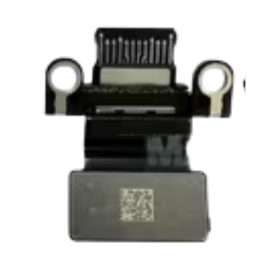
USB-C TYPE C CONNECTOR CABLE FOR MacBook AIR 13" A3113
Key Features of USB-C Type C Connector Cable for MacBook Air 13" A3113:
Seamless Compatibility: Specially designed for the MacBook Air 13" A3113, ensuring perfect compatibility and optimal performance.
High-Speed Data Transfer: Capable of delivering data transfer rates up to 10 Gbps, making it ideal for quick and efficient file transfers, whether you are syncing your latest projects or backing up your data.
Fast Charging: Supports power output up to 100W, providing rapid charging capabilities for your MacBook Air, so you can stay productive without long waits.
Durable Construction: Made with a robust braided exterior and reinforced stress points to withstand daily wear and tear, ensuring long-lasting reliability.
Universal Design: Features a reversible connector that makes plugging in hassle-free, minimizing damage from repeated insertions and disconnections.
Versatile Use: Supports video output, allowing you to connect your MacBook Air to monitors or projectors seamlessly for an enhanced viewing experience, with resolutions up to 4K.
Compact and Portable: Lightweight and easy to carry, making it the perfect companion for business trips, classes, or remote work setups.
Eco-Friendly Packaging: Packaged in eco-friendly materials, aligning with sustainable consumer choices.
This USB-C Type C connector cable combines efficiency, durability, and eco-conscious design, making it an essential accessory for your MacBook Air 13" A3113.
Seamless Compatibility: Specially designed for the MacBook Air 13" A3113, ensuring perfect compatibility and optimal performance.
High-Speed Data Transfer: Capable of delivering data transfer rates up to 10 Gbps, making it ideal for quick and efficient file transfers, whether you are syncing your latest projects or backing up your data.
Fast Charging: Supports power output up to 100W, providing rapid charging capabilities for your MacBook Air, so you can stay productive without long waits.
Durable Construction: Made with a robust braided exterior and reinforced stress points to withstand daily wear and tear, ensuring long-lasting reliability.
Universal Design: Features a reversible connector that makes plugging in hassle-free, minimizing damage from repeated insertions and disconnections.
Versatile Use: Supports video output, allowing you to connect your MacBook Air to monitors or projectors seamlessly for an enhanced viewing experience, with resolutions up to 4K.
Compact and Portable: Lightweight and easy to carry, making it the perfect companion for business trips, classes, or remote work setups.
Eco-Friendly Packaging: Packaged in eco-friendly materials, aligning with sustainable consumer choices.
This USB-C Type C connector cable combines efficiency, durability, and eco-conscious design, making it an essential accessory for your MacBook Air 13" A3113.
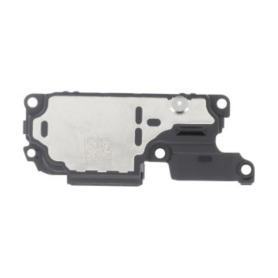
Honor X6a Speaker
The Honor X6a Speaker offers dynamic audio performance tailored for music enthusiasts and on-the-go listeners. Key features include:
Superior Sound Quality: Equipped with high-fidelity audio drivers, the Honor X6a delivers crystal-clear sound with deep bass and balanced acoustics, ensuring an immersive listening experience.
Portable and Compact Design: Its sleek and lightweight structure makes it easy to carry, perfect for outdoor adventures or small gatherings.
Bluetooth Connectivity: The speaker supports seamless Bluetooth 5.0 connectivity, allowing for stable and quick pairing with a wide range of devices including smartphones, tablets, and laptops, up to a 10-meter range.
Long-lasting Battery Life: With up to 10 hours of playtime on a single charge, the Honor X6a ensures uninterrupted music enjoyment throughout the day.
Water-resistant Feature: Designed with a water-resistant enclosure, it withstands splashes and light rain, making it ideal for poolside or beachside use.
Built-in Microphone: Enables hands-free calling directly through the speaker by integrating voice assistant functionalities and ensuring clear communication.
Intuitive Controls: User-friendly buttons allow for easy control over playback, volume, and calls, providing convenience at your fingertips.
Experience unmatched audio quality with the versatile and feature-rich Honor X6a Speaker.
Superior Sound Quality: Equipped with high-fidelity audio drivers, the Honor X6a delivers crystal-clear sound with deep bass and balanced acoustics, ensuring an immersive listening experience.
Portable and Compact Design: Its sleek and lightweight structure makes it easy to carry, perfect for outdoor adventures or small gatherings.
Bluetooth Connectivity: The speaker supports seamless Bluetooth 5.0 connectivity, allowing for stable and quick pairing with a wide range of devices including smartphones, tablets, and laptops, up to a 10-meter range.
Long-lasting Battery Life: With up to 10 hours of playtime on a single charge, the Honor X6a ensures uninterrupted music enjoyment throughout the day.
Water-resistant Feature: Designed with a water-resistant enclosure, it withstands splashes and light rain, making it ideal for poolside or beachside use.
Built-in Microphone: Enables hands-free calling directly through the speaker by integrating voice assistant functionalities and ensuring clear communication.
Intuitive Controls: User-friendly buttons allow for easy control over playback, volume, and calls, providing convenience at your fingertips.
Experience unmatched audio quality with the versatile and feature-rich Honor X6a Speaker.
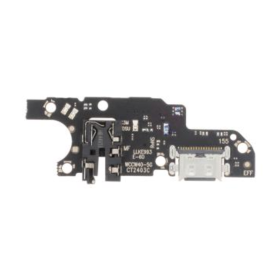
Honor X6a Charging Connector
Key Features of Honor X6a Rear Glass Without Lens Frame (Original Disassembled) Black - Grade A:
Authentic Quality: This rear glass panel is an original part, ensuring a perfect fit and finish identical to the factory specifications of the Honor X6a. It seamlessly matches the device's original design, maintaining the aesthetic integrity of your smartphone.
Grade A Condition: Classified as Grade A, this glass exhibits minimal to no signs of prior usage. It is carefully disassembled and checked to meet high-quality standards, offering a pristine appearance almost indistinguishable from new.
Precision Engineering: Crafted to replace your phone’s rear with precision, this glass panel promises a snug fit. Its accurate dimensions guarantee easy installation without compromising your phone's structural integrity.
Durability and Protection: Made from robust materials, this rear glass not only enhances the look of your phone but also provides an extra layer of protection. It effectively shields the phone’s internal components from dust and scratches.
Stylish Black Finish: The sleek black color of the rear glass adds a touch of elegance and sophistication to your device. It complements any color variation of the Honor X6a, offering a uniform and professional appearance.
Compatibility: Specifically designed for the Honor X6a, ensuring compatibility and easy integration with the phone’s existing components, making it an ideal replacement part for damaged or cracked rear glass.
Eco-Friendly Option: By utilizing an original disassembled component, this product supports environmental sustainability through recycling and reusing quality smartphone parts, reducing electronic waste.
Choose this high-grade replacement to restore your Honor X6a to its original glory with ease and confidence.
Authentic Quality: This rear glass panel is an original part, ensuring a perfect fit and finish identical to the factory specifications of the Honor X6a. It seamlessly matches the device's original design, maintaining the aesthetic integrity of your smartphone.
Grade A Condition: Classified as Grade A, this glass exhibits minimal to no signs of prior usage. It is carefully disassembled and checked to meet high-quality standards, offering a pristine appearance almost indistinguishable from new.
Precision Engineering: Crafted to replace your phone’s rear with precision, this glass panel promises a snug fit. Its accurate dimensions guarantee easy installation without compromising your phone's structural integrity.
Durability and Protection: Made from robust materials, this rear glass not only enhances the look of your phone but also provides an extra layer of protection. It effectively shields the phone’s internal components from dust and scratches.
Stylish Black Finish: The sleek black color of the rear glass adds a touch of elegance and sophistication to your device. It complements any color variation of the Honor X6a, offering a uniform and professional appearance.
Compatibility: Specifically designed for the Honor X6a, ensuring compatibility and easy integration with the phone’s existing components, making it an ideal replacement part for damaged or cracked rear glass.
Eco-Friendly Option: By utilizing an original disassembled component, this product supports environmental sustainability through recycling and reusing quality smartphone parts, reducing electronic waste.
Choose this high-grade replacement to restore your Honor X6a to its original glory with ease and confidence.
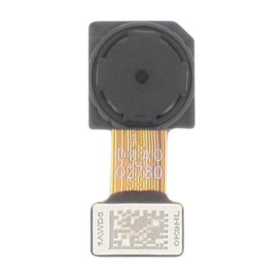
Honor X6a 2MP Macro Rear Camera
The Honor X6a is a versatile smartphone designed to enhance your photography experience with its 2MP Macro Rear Camera. Key features include:
2MP Macro Rear Camera: Dive into the details with the dedicated macro lens, perfect for capturing close-up shots of small objects with remarkable clarity.
Dynamic Photography: The macro camera complements a robust camera system, allowing for versatile photography options, from landscapes to intimate close-ups.
AI Photography: Leverage artificial intelligence enhancements that optimize your photos, ensuring vibrant colors and rich details with every shot.
6.56-inch Display: Enjoy an immersive viewing experience on a large, high-definition screen, perfect for reviewing photos and videos or streaming content.
Powerful Performance: Equipped with a reliable processor and ample RAM, the Honor X6a ensures smooth multitasking and fast app performance.
Long-lasting Battery: Stay powered throughout the day with a long-lasting battery that offers extended usage without frequent recharging.
Sleek Design: A modern and stylish design makes the Honor X6a both attractive and comfortable to hold.
Ample Storage: Store your photos, videos, and apps with generous internal storage options, expandable via microSD.
Designed for photography enthusiasts and everyday use, the Honor X6a offers a balanced blend of features and performance.
2MP Macro Rear Camera: Dive into the details with the dedicated macro lens, perfect for capturing close-up shots of small objects with remarkable clarity.
Dynamic Photography: The macro camera complements a robust camera system, allowing for versatile photography options, from landscapes to intimate close-ups.
AI Photography: Leverage artificial intelligence enhancements that optimize your photos, ensuring vibrant colors and rich details with every shot.
6.56-inch Display: Enjoy an immersive viewing experience on a large, high-definition screen, perfect for reviewing photos and videos or streaming content.
Powerful Performance: Equipped with a reliable processor and ample RAM, the Honor X6a ensures smooth multitasking and fast app performance.
Long-lasting Battery: Stay powered throughout the day with a long-lasting battery that offers extended usage without frequent recharging.
Sleek Design: A modern and stylish design makes the Honor X6a both attractive and comfortable to hold.
Ample Storage: Store your photos, videos, and apps with generous internal storage options, expandable via microSD.
Designed for photography enthusiasts and everyday use, the Honor X6a offers a balanced blend of features and performance.
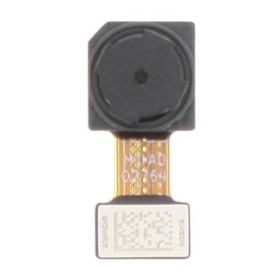
Honor X6a 2MP Rear Camera Depth
Key Features of Honor X6a 2MP Rear Camera Depth:
The Honor X6a features an advanced 2MP Rear Camera Depth sensor designed to enhance your photography experience by capturing stunning portrait shots with precise depth-of-field effects. This additional camera sensor intelligently determines the relative distance between the subject and the background, producing beautifully blurred backgrounds that highlight the subject in every photo.
Portrait Mode: The 2MP depth sensor works in tandem with the primary camera, providing superior edge detection to create professional-grade bokeh effects.
Enhanced Photography: Enables immersive photography experiences, especially in portraits, by delivering sharp and detailed images.
Real-time Depth Processing: The sensor processes depth information in real-time, allowing for accurate focus adjustments and optimized portrait shots.
AI Integration: Integrated AI technology further refines depth estimation, ensuring natural and precise separation of the foreground and background.
Versatile for Close-ups: Ideal for close-up photography, bringing out fine details with enhanced clarity and improved subject isolation.
These features make the Honor X6a perfect for photography enthusiasts looking to capture moments with artistic flair.
The Honor X6a features an advanced 2MP Rear Camera Depth sensor designed to enhance your photography experience by capturing stunning portrait shots with precise depth-of-field effects. This additional camera sensor intelligently determines the relative distance between the subject and the background, producing beautifully blurred backgrounds that highlight the subject in every photo.
Portrait Mode: The 2MP depth sensor works in tandem with the primary camera, providing superior edge detection to create professional-grade bokeh effects.
Enhanced Photography: Enables immersive photography experiences, especially in portraits, by delivering sharp and detailed images.
Real-time Depth Processing: The sensor processes depth information in real-time, allowing for accurate focus adjustments and optimized portrait shots.
AI Integration: Integrated AI technology further refines depth estimation, ensuring natural and precise separation of the foreground and background.
Versatile for Close-ups: Ideal for close-up photography, bringing out fine details with enhanced clarity and improved subject isolation.
These features make the Honor X6a perfect for photography enthusiasts looking to capture moments with artistic flair.
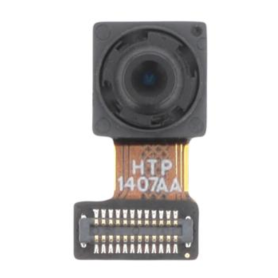
Front Camera Honor X6a
The Front Camera of the Honor X6a boasts several impressive features designed to enhance your selfie experience. With a high-resolution sensor, it captures crisp and clear images, ensuring that every detail is vividly reproduced. The camera is equipped with AI Beauty enhancements, which intelligently apply filters to highlight your natural beauty and deliver stunning portraits.
It also supports HDR mode, allowing you to capture well-balanced selfies even in challenging lighting conditions. The wide-angle lens ensures you can include more background or friends in your shots without losing clarity. Low-light performance is exemplary, thanks to advanced night mode capabilities that enhance image quality in dimly lit environments.
Additionally, the front camera offers seamless integration with social media apps, providing instant editing tools and filters for creative expression. Video features include high-definition recording for smooth and lifelike selfies along with facial recognition technology for quick and secure access to your device. The front camera of the Honor X6a thus provides a comprehensive suite of features for both photography enthusiasts and casual users alike.
It also supports HDR mode, allowing you to capture well-balanced selfies even in challenging lighting conditions. The wide-angle lens ensures you can include more background or friends in your shots without losing clarity. Low-light performance is exemplary, thanks to advanced night mode capabilities that enhance image quality in dimly lit environments.
Additionally, the front camera offers seamless integration with social media apps, providing instant editing tools and filters for creative expression. Video features include high-definition recording for smooth and lifelike selfies along with facial recognition technology for quick and secure access to your device. The front camera of the Honor X6a thus provides a comprehensive suite of features for both photography enthusiasts and casual users alike.
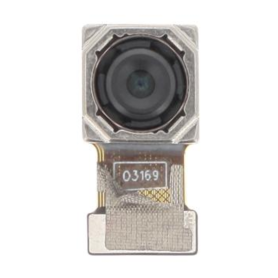
50MP Main Rear Camera Honor X6a
Stunning 50MP Main Camera:Capture life's moments with exceptional clarity and detail using the impressive 50MP main rear camera. It ensures high-resolution photos that showcase vivid colors and sharpness.
AI Photography:Enhance your photography with advanced AI technology, which automatically optimizes settings for perfect shots in various conditions, from low light to backlit scenes.
Versatile Shooting Modes:Explore a variety of shooting modes designed to unleash your creativity, including Portrait, Night Mode, Panorama, and Pro Mode, enabling professional-quality photos effortlessly.
Seamless Video Recording:Record high-definition videos with excellent stabilization, ensuring smooth and professional footage even in dynamic environments.
User-Friendly Camera Interface:Navigate the intuitive camera interface to access features quickly and customize settings to match your photography style, perfect for both beginners and seasoned photographers.
Fast Autofocus:Never miss a moment with fast and accurate autofocus that locks onto subjects swiftly, providing crisp and clear images with minimal effort.
Superb Low Light Performance:Capture bright and detailed images in low-light conditions thanks to innovative sensor technology and enhanced image processing.
Aesthetic Design:Complementing its advanced photography capabilities, the Honor X6a sports a sleek and ergonomic design for comfortable handling during extended shooting sessions.
These features highlight the Honor X6a's ability to provide a superior photography experience, making it a standout choice for photography enthusiasts and casual users alike.
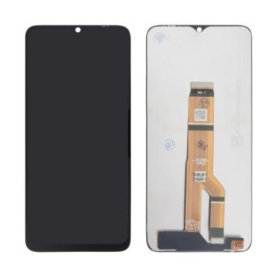
Honor X6a Screen (No Frame)
Honor X6a Screen (No Frame) - Key Features
High-Definition Display: The Honor X6a screen offers a crisp and vibrant 720 x 1600 pixel resolution, delivering stunning clarity and vivid colors to enhance your viewing experience.
Edge-to-Edge Design: With its seamless edge-to-edge design, this screen maximizes display area and provides an immersive viewing experience, ideal for gaming, streaming, and everyday use.
Durable Construction: Crafted from premium materials, the screen is built to withstand daily wear and tear, making it a reliable choice for extended use without compromising quality.
Touch Sensitivity: The screen boasts high touch sensitivity, ensuring smooth and responsive interactions whether you're typing, swiping, or gaming.
Easy Installation: Designed for hassle-free installation, this screen allows for quick replacement without requiring professional assistance, making it a convenient option for DIY enthusiasts.
True-to-Life Colors: Enjoy accurate color reproduction with enhanced contrast and brightness levels, allowing for an authentic and lifelike visual experience.
Protective Coating: Equipped with an anti-fingerprint and anti-scratch coating, the screen stays cleaner and more resistant to everyday smudges and scratches.
Upgrade your device with the Honor X6a Screen for enhanced performance and an exceptional display experience.
High-Definition Display: The Honor X6a screen offers a crisp and vibrant 720 x 1600 pixel resolution, delivering stunning clarity and vivid colors to enhance your viewing experience.
Edge-to-Edge Design: With its seamless edge-to-edge design, this screen maximizes display area and provides an immersive viewing experience, ideal for gaming, streaming, and everyday use.
Durable Construction: Crafted from premium materials, the screen is built to withstand daily wear and tear, making it a reliable choice for extended use without compromising quality.
Touch Sensitivity: The screen boasts high touch sensitivity, ensuring smooth and responsive interactions whether you're typing, swiping, or gaming.
Easy Installation: Designed for hassle-free installation, this screen allows for quick replacement without requiring professional assistance, making it a convenient option for DIY enthusiasts.
True-to-Life Colors: Enjoy accurate color reproduction with enhanced contrast and brightness levels, allowing for an authentic and lifelike visual experience.
Protective Coating: Equipped with an anti-fingerprint and anti-scratch coating, the screen stays cleaner and more resistant to everyday smudges and scratches.
Upgrade your device with the Honor X6a Screen for enhanced performance and an exceptional display experience.
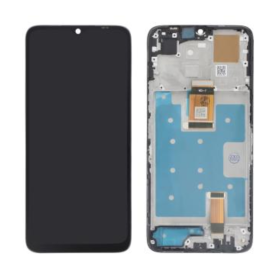
Out-of-Stock
Honor X6a Screen + Black Chassis
Key Features of Honor X6a Screen + Black Chassis:
Vibrant 6.56-inch Display: Experience brilliant visuals with the Honor X6a’s high-resolution screen, offering vibrant colors and sharp details that elevate your viewing pleasure.
Sleek Black Chassis: The elegant black chassis provides a stylish and modern look while ensuring durability and strength, ideal for everyday use.
High-Definition Clarity: Enjoy clear and crisp image quality enhanced by advanced display technology, perfect for streaming, gaming, and browsing.
Durable Construction: Built to last, the Honor X6a features robust construction, providing resistance to scratches and minor impacts, ensuring long-lasting use.
Responsive Touch Sensitivity: Experience smooth and effortless navigation with highly responsive touch sensitivity, catering to efficient and quick interactions.
Customized User Experience: Optimized settings for comfort, including eye-care modes and customizable brightness levels, ensure a pleasant viewing experience in various lighting conditions.
Seamless Integration: Designed to perfectly complement the Honor X6a’s full smartphone lineup, ensuring easy installation and compatibility.
These features combine to deliver an impressive blend of aesthetic appeal and practical functionality, making the Honor X6a Screen + Black Chassis a top choice for those seeking quality and style.
Vibrant 6.56-inch Display: Experience brilliant visuals with the Honor X6a’s high-resolution screen, offering vibrant colors and sharp details that elevate your viewing pleasure.
Sleek Black Chassis: The elegant black chassis provides a stylish and modern look while ensuring durability and strength, ideal for everyday use.
High-Definition Clarity: Enjoy clear and crisp image quality enhanced by advanced display technology, perfect for streaming, gaming, and browsing.
Durable Construction: Built to last, the Honor X6a features robust construction, providing resistance to scratches and minor impacts, ensuring long-lasting use.
Responsive Touch Sensitivity: Experience smooth and effortless navigation with highly responsive touch sensitivity, catering to efficient and quick interactions.
Customized User Experience: Optimized settings for comfort, including eye-care modes and customizable brightness levels, ensure a pleasant viewing experience in various lighting conditions.
Seamless Integration: Designed to perfectly complement the Honor X6a’s full smartphone lineup, ensuring easy installation and compatibility.
These features combine to deliver an impressive blend of aesthetic appeal and practical functionality, making the Honor X6a Screen + Black Chassis a top choice for those seeking quality and style.

Out-of-Stock
Honor X6 Ocean Blue Back Glass (Service Pack) - 9707A ACF
Key Features of Honor X6 Ocean Blue Rear Glass (Service Pack) - 9707A ACF
Premium Aesthetic: Crafted with precision, the Ocean Blue color offers a striking and modern aesthetic that perfectly complements the Honor X6, enhancing both style and elegance.
Perfect Fit: Designed specifically for the Honor X6 model, ensuring a seamless and snug fit that maintains the original device outline, allowing for easy installation without gaps or misalignment.
High-Quality Material: Made from durable and resilient glass, this rear cover provides robust protection, safeguarding your device from scratches, cracks, and daily wear and tear, while maintaining a smooth finish.
Service Pack Convenience: Comes as part of a comprehensive service pack, offering additional tools and accessories to assist in an efficient and hassle-free replacement process.
Enhanced Durability: Engineered to enhance the device's overall structural integrity, offering long-lasting performance and reliability under various conditions.
Original Replacement: Guaranteed as an authentic Honor component, ensuring compatibility and restoration of the device to its original condition without affecting functionality.
Easy Maintenance: Smooth surface is easy to clean, maintaining its vibrant Ocean Blue hue with minimal effort.
This rear glass replacement is ideal for users looking to revive their Honor X6 with quality and style.
Premium Aesthetic: Crafted with precision, the Ocean Blue color offers a striking and modern aesthetic that perfectly complements the Honor X6, enhancing both style and elegance.
Perfect Fit: Designed specifically for the Honor X6 model, ensuring a seamless and snug fit that maintains the original device outline, allowing for easy installation without gaps or misalignment.
High-Quality Material: Made from durable and resilient glass, this rear cover provides robust protection, safeguarding your device from scratches, cracks, and daily wear and tear, while maintaining a smooth finish.
Service Pack Convenience: Comes as part of a comprehensive service pack, offering additional tools and accessories to assist in an efficient and hassle-free replacement process.
Enhanced Durability: Engineered to enhance the device's overall structural integrity, offering long-lasting performance and reliability under various conditions.
Original Replacement: Guaranteed as an authentic Honor component, ensuring compatibility and restoration of the device to its original condition without affecting functionality.
Easy Maintenance: Smooth surface is easy to clean, maintaining its vibrant Ocean Blue hue with minimal effort.
This rear glass replacement is ideal for users looking to revive their Honor X6 with quality and style.

Out-of-Stock
Honor View 20 Screen + Chassis
Key Features of the Honor View 20 Screen + Chassis
Experience seamless design and exceptional performance with the Honor View 20 Screen + Chassis replacement. This product is engineered to restore your device's original aesthetics and functionality with precision.
Quality Display: Featuring a high-definition LCD that delivers vibrant colors and sharp visuals, ensuring your viewing experience is as immersive as the original.
Touch Sensitivity: The capacitive touchscreen is highly responsive, offering smooth navigation and effortless interaction with your smartphone applications.
Durable Construction: Built to withstand daily wear and tear, the chassis is crafted from robust materials, providing solid support and protection for your device's internal components.
Perfect Fit: Precisely designed to fit the Honor View 20 model, ensuring easy installation without the need for modifications. All cutouts for speakers, sensors, and ports align perfectly.
Advanced Compatibility: This screen and chassis combination is specifically tailored for the Honor View 20, maintaining all functionalities including camera quality and device connectivity.
Cost-Effective Solution: Save on expensive repairs with this affordable replacement, restoring your device's appearance and functionality swiftly and effectively.
Revive your smartphone's look and performance with the Honor View 20 Screen + Chassis, combining quality, durability, and precision fitting.
Experience seamless design and exceptional performance with the Honor View 20 Screen + Chassis replacement. This product is engineered to restore your device's original aesthetics and functionality with precision.
Quality Display: Featuring a high-definition LCD that delivers vibrant colors and sharp visuals, ensuring your viewing experience is as immersive as the original.
Touch Sensitivity: The capacitive touchscreen is highly responsive, offering smooth navigation and effortless interaction with your smartphone applications.
Durable Construction: Built to withstand daily wear and tear, the chassis is crafted from robust materials, providing solid support and protection for your device's internal components.
Perfect Fit: Precisely designed to fit the Honor View 20 model, ensuring easy installation without the need for modifications. All cutouts for speakers, sensors, and ports align perfectly.
Advanced Compatibility: This screen and chassis combination is specifically tailored for the Honor View 20, maintaining all functionalities including camera quality and device connectivity.
Cost-Effective Solution: Save on expensive repairs with this affordable replacement, restoring your device's appearance and functionality swiftly and effectively.
Revive your smartphone's look and performance with the Honor View 20 Screen + Chassis, combining quality, durability, and precision fitting.
Motorola Razr 60 Ultra Green Screen (Original Refurbished)
Key Features of Motorola Razr 60 Ultra Green Screen (Original Refurbished):
Sleek Flip Design: Featuring a compact and iconic flip design, the Motorola Razr 60 Ultra combines nostalgic flair with modern technology, making it both stylish and practical.
Green Screen Technology: Stand out with the unique green screen, offering vibrant color display and enhanced viewing experiences for all your multimedia needs.
Refurbished to Perfection: Expertly refurbished to original standards, ensuring top performance and reliability, while offering a sustainable choice for environmentally-conscious consumers.
High-Performance Camera: Equipped with a high-resolution camera for capturing detailed photos and videos, perfect for photography enthusiasts.
Ample Storage: Generous internal storage options provide ample space for apps, photos, and music, keeping your digital life organized and easily accessible.
Intuitive Interface: Enjoy smooth navigation and multitasking capabilities with an intuitive user interface tailored for a seamless user experience.
Durable Build: Constructed with high-quality materials to withstand daily use while maintaining an elegant appearance.
Battery Efficiency: Designed for longevity, offering extended battery life to keep you connected throughout the day without frequent recharging.
Experience the blend of classic charm and cutting-edge technology with the Motorola Razr 60 Ultra Green Screen.
Sleek Flip Design: Featuring a compact and iconic flip design, the Motorola Razr 60 Ultra combines nostalgic flair with modern technology, making it both stylish and practical.
Green Screen Technology: Stand out with the unique green screen, offering vibrant color display and enhanced viewing experiences for all your multimedia needs.
Refurbished to Perfection: Expertly refurbished to original standards, ensuring top performance and reliability, while offering a sustainable choice for environmentally-conscious consumers.
High-Performance Camera: Equipped with a high-resolution camera for capturing detailed photos and videos, perfect for photography enthusiasts.
Ample Storage: Generous internal storage options provide ample space for apps, photos, and music, keeping your digital life organized and easily accessible.
Intuitive Interface: Enjoy smooth navigation and multitasking capabilities with an intuitive user interface tailored for a seamless user experience.
Durable Build: Constructed with high-quality materials to withstand daily use while maintaining an elegant appearance.
Battery Efficiency: Designed for longevity, offering extended battery life to keep you connected throughout the day without frequent recharging.
Experience the blend of classic charm and cutting-edge technology with the Motorola Razr 60 Ultra Green Screen.
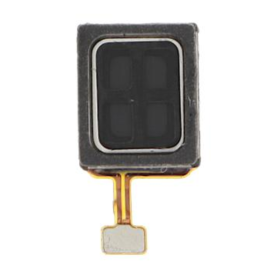
Motorola Razr 60 Internal Earpiece
Key Features of the Motorola Razr 60 Internal Earpiece:
Crystal Clear Sound Quality: Delivers exceptional audio clarity for calls, ensuring every conversation is heard with precise detail.
Perfect Fit: Engineered to seamlessly integrate with the Motorola Razr 60, offering an impeccable fit that maintains the sleek design and aesthetics of the device.
Enhanced Acoustic Design: Utilizes advanced audio technology to minimize noise and ensure rich, natural sound, elevating your calling experience.
Durable Construction: Made from high-quality materials to withstand daily wear and tear, ensuring longevity and consistent performance.
Effortless Installation: Designed for easy installation, allowing users or technicians to replace or repair the earpiece with minimal hassle.
Compatibility: Specifically crafted for the Motorola Razr 60, ensuring full compatibility and optimal performance without compromising device functionality.
Compact and Lightweight: Maintains the ultra-thin profile of the Razr 60, contributing to the device’s overall lightweight and portable design.
Reliable Performance: Focused on providing constant, high-quality audio for an uninterrupted, hands-free communication experience.
Original Equipment Manufacturer (OEM) Part: Guarantees authenticity and compatibility as a genuine Motorola component.
Crystal Clear Sound Quality: Delivers exceptional audio clarity for calls, ensuring every conversation is heard with precise detail.
Perfect Fit: Engineered to seamlessly integrate with the Motorola Razr 60, offering an impeccable fit that maintains the sleek design and aesthetics of the device.
Enhanced Acoustic Design: Utilizes advanced audio technology to minimize noise and ensure rich, natural sound, elevating your calling experience.
Durable Construction: Made from high-quality materials to withstand daily wear and tear, ensuring longevity and consistent performance.
Effortless Installation: Designed for easy installation, allowing users or technicians to replace or repair the earpiece with minimal hassle.
Compatibility: Specifically crafted for the Motorola Razr 60, ensuring full compatibility and optimal performance without compromising device functionality.
Compact and Lightweight: Maintains the ultra-thin profile of the Razr 60, contributing to the device’s overall lightweight and portable design.
Reliable Performance: Focused on providing constant, high-quality audio for an uninterrupted, hands-free communication experience.
Original Equipment Manufacturer (OEM) Part: Guarantees authenticity and compatibility as a genuine Motorola component.
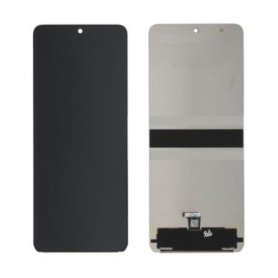
Motorola Razr 60/Razr 50/Razr 50 Ultra Screen Without Frame (Original Refurbished)
Key Features of Motorola Razr 60/Razr 50/Razr 50 Ultra Screen Without Frame (Original Refurbished):
Original Refurbished Quality: Expertly refurbished to ensure optimal performance, matching the original specifications for a seamless fit and superior display experience.
High-Resolution Display: Offers sharp, vibrant visuals with high pixel density, providing stunning clarity and color accuracy for an immersive viewing experience.
Advanced Touch Responsiveness: Enhanced touch sensitivity allows for smooth, accurate, and fluid interactions, perfect for browsing, gaming, and multitasking.
Durable Construction: Built with robust materials to withstand daily wear and tear, ensuring long-lasting performance and durability.
Compatibility: Exclusively designed for Motorola Razr 60, Razr 50, and Razr 50 Ultra models, ensuring perfect integration and functionality.
Easy Installation: Simplified design makes replacement straightforward, minimizing downtime and allowing users to quickly return to enjoying their device.
Eco-Friendly Option: Choosing a refurbished screen promotes sustainability by reducing electronic waste and extending the lifecycle of your device.
Cost-Effective Solution: Provides an affordable alternative to purchasing a new device, without sacrificing quality or performance.
Original Refurbished Quality: Expertly refurbished to ensure optimal performance, matching the original specifications for a seamless fit and superior display experience.
High-Resolution Display: Offers sharp, vibrant visuals with high pixel density, providing stunning clarity and color accuracy for an immersive viewing experience.
Advanced Touch Responsiveness: Enhanced touch sensitivity allows for smooth, accurate, and fluid interactions, perfect for browsing, gaming, and multitasking.
Durable Construction: Built with robust materials to withstand daily wear and tear, ensuring long-lasting performance and durability.
Compatibility: Exclusively designed for Motorola Razr 60, Razr 50, and Razr 50 Ultra models, ensuring perfect integration and functionality.
Easy Installation: Simplified design makes replacement straightforward, minimizing downtime and allowing users to quickly return to enjoying their device.
Eco-Friendly Option: Choosing a refurbished screen promotes sustainability by reducing electronic waste and extending the lifecycle of your device.
Cost-Effective Solution: Provides an affordable alternative to purchasing a new device, without sacrificing quality or performance.
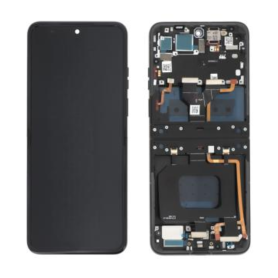
Motorola Razr 60 Black Screen (Original Refurbished)
Key Features of Motorola Razr 60/Razr 50/Razr 50 Ultra Screen Without Frame (Original Refurbished):
Original Refurbished Quality: Expertly refurbished to ensure optimal performance, matching the original specifications for a seamless fit and superior display experience.
High-Resolution Display: Offers sharp, vibrant visuals with high pixel density, providing stunning clarity and color accuracy for an immersive viewing experience.
Advanced Touch Responsiveness: Enhanced touch sensitivity allows for smooth, accurate, and fluid interactions, perfect for browsing, gaming, and multitasking.
Durable Construction: Built with robust materials to withstand daily wear and tear, ensuring long-lasting performance and durability.
Compatibility: Exclusively designed for Motorola Razr 60, Razr 50, and Razr 50 Ultra models, ensuring perfect integration and functionality.
Easy Installation: Simplified design makes replacement straightforward, minimizing downtime and allowing users to quickly return to enjoying their device.
Eco-Friendly Option: Choosing a refurbished screen promotes sustainability by reducing electronic waste and extending the lifecycle of your device.
Cost-Effective Solution: Provides an affordable alternative to purchasing a new device, without sacrificing quality or performance.
Original Refurbished Quality: Expertly refurbished to ensure optimal performance, matching the original specifications for a seamless fit and superior display experience.
High-Resolution Display: Offers sharp, vibrant visuals with high pixel density, providing stunning clarity and color accuracy for an immersive viewing experience.
Advanced Touch Responsiveness: Enhanced touch sensitivity allows for smooth, accurate, and fluid interactions, perfect for browsing, gaming, and multitasking.
Durable Construction: Built with robust materials to withstand daily wear and tear, ensuring long-lasting performance and durability.
Compatibility: Exclusively designed for Motorola Razr 60, Razr 50, and Razr 50 Ultra models, ensuring perfect integration and functionality.
Easy Installation: Simplified design makes replacement straightforward, minimizing downtime and allowing users to quickly return to enjoying their device.
Eco-Friendly Option: Choosing a refurbished screen promotes sustainability by reducing electronic waste and extending the lifecycle of your device.
Cost-Effective Solution: Provides an affordable alternative to purchasing a new device, without sacrificing quality or performance.
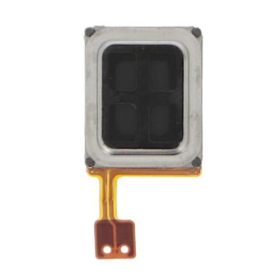
Motorola Razr 50 Ultra Internal Earpiece
Key Features of the Motorola Razr 50 Ultra Internal Earpiece:
Exceptional Sound Clarity: Experience crisp and clear audio for phone calls with the advanced acoustic engineering of the Motorola Razr 50 Ultra Internal Earpiece, designed to minimize distortion and enhance voice clarity.
Compact and Lightweight Design: Specifically engineered for the slim form factor of the Razr 50 Ultra, this internal earpiece is compact and lightweight, offering seamless integration without adding bulk to your device.
Durable Construction: Built with high-quality materials, this earpiece ensures longevity and resilience, providing consistent performance even with regular use.
Noise Isolation: Features effective noise isolation properties that help in reducing ambient noise, ensuring that your conversations remain uninterrupted and crystal clear.
Easy Installation: Designed for hassle-free installation and compatibility with the Motorola Razr 50 Ultra, allowing for straightforward replacement or repair.
Optimal Fit and Comfort: Ergonomically tailored for a comfortable fit within the device, ensuring that the earpiece delivers optimal audio performance without compromising on user comfort.
Enhanced Connectivity: Ensures seamless connectivity and performance with the Razr 50 Ultra’s audio and communication systems for a superior user experience.
This feature set ensures that the Motorola Razr 50 Ultra Internal Earpiece meets the demands of users looking for reliability, clear communication, and excellent design integration.
Exceptional Sound Clarity: Experience crisp and clear audio for phone calls with the advanced acoustic engineering of the Motorola Razr 50 Ultra Internal Earpiece, designed to minimize distortion and enhance voice clarity.
Compact and Lightweight Design: Specifically engineered for the slim form factor of the Razr 50 Ultra, this internal earpiece is compact and lightweight, offering seamless integration without adding bulk to your device.
Durable Construction: Built with high-quality materials, this earpiece ensures longevity and resilience, providing consistent performance even with regular use.
Noise Isolation: Features effective noise isolation properties that help in reducing ambient noise, ensuring that your conversations remain uninterrupted and crystal clear.
Easy Installation: Designed for hassle-free installation and compatibility with the Motorola Razr 50 Ultra, allowing for straightforward replacement or repair.
Optimal Fit and Comfort: Ergonomically tailored for a comfortable fit within the device, ensuring that the earpiece delivers optimal audio performance without compromising on user comfort.
Enhanced Connectivity: Ensures seamless connectivity and performance with the Razr 50 Ultra’s audio and communication systems for a superior user experience.
This feature set ensures that the Motorola Razr 50 Ultra Internal Earpiece meets the demands of users looking for reliability, clear communication, and excellent design integration.
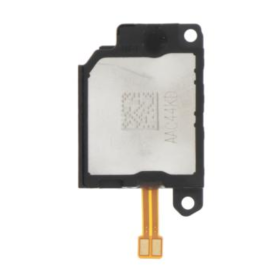
Motorola Razr 50 Ultra Speaker
Key Features of the Motorola Razr 60 Internal Earpiece:
Crystal Clear Sound Quality: Delivers exceptional audio clarity for calls, ensuring every conversation is heard with precise detail.
Perfect Fit: Engineered to seamlessly integrate with the Motorola Razr 60, offering an impeccable fit that maintains the sleek design and aesthetics of the device.
Enhanced Acoustic Design: Utilizes advanced audio technology to minimize noise and ensure rich, natural sound, elevating your calling experience.
Durable Construction: Made from high-quality materials to withstand daily wear and tear, ensuring longevity and consistent performance.
Effortless Installation: Designed for easy installation, allowing users or technicians to replace or repair the earpiece with minimal hassle.
Compatibility: Specifically crafted for the Motorola Razr 60, ensuring full compatibility and optimal performance without compromising device functionality.
Compact and Lightweight: Maintains the ultra-thin profile of the Razr 60, contributing to the device’s overall lightweight and portable design.
Reliable Performance: Focused on providing constant, high-quality audio for an uninterrupted, hands-free communication experience.
Original Equipment Manufacturer (OEM) Part: Guarantees authenticity and compatibility as a genuine Motorola component.
Crystal Clear Sound Quality: Delivers exceptional audio clarity for calls, ensuring every conversation is heard with precise detail.
Perfect Fit: Engineered to seamlessly integrate with the Motorola Razr 60, offering an impeccable fit that maintains the sleek design and aesthetics of the device.
Enhanced Acoustic Design: Utilizes advanced audio technology to minimize noise and ensure rich, natural sound, elevating your calling experience.
Durable Construction: Made from high-quality materials to withstand daily wear and tear, ensuring longevity and consistent performance.
Effortless Installation: Designed for easy installation, allowing users or technicians to replace or repair the earpiece with minimal hassle.
Compatibility: Specifically crafted for the Motorola Razr 60, ensuring full compatibility and optimal performance without compromising device functionality.
Compact and Lightweight: Maintains the ultra-thin profile of the Razr 60, contributing to the device’s overall lightweight and portable design.
Reliable Performance: Focused on providing constant, high-quality audio for an uninterrupted, hands-free communication experience.
Original Equipment Manufacturer (OEM) Part: Guarantees authenticity and compatibility as a genuine Motorola component.
Motorola Razr 50 Ultra Main Cable
Key Features of the Motorola Razr 60 Internal Earpiece:
Crystal Clear Sound Quality: Delivers exceptional audio clarity for calls, ensuring every conversation is heard with precise detail.
Perfect Fit: Engineered to seamlessly integrate with the Motorola Razr 60, offering an impeccable fit that maintains the sleek design and aesthetics of the device.
Enhanced Acoustic Design: Utilizes advanced audio technology to minimize noise and ensure rich, natural sound, elevating your calling experience.
Durable Construction: Made from high-quality materials to withstand daily wear and tear, ensuring longevity and consistent performance.
Effortless Installation: Designed for easy installation, allowing users or technicians to replace or repair the earpiece with minimal hassle.
Compatibility: Specifically crafted for the Motorola Razr 60, ensuring full compatibility and optimal performance without compromising device functionality.
Compact and Lightweight: Maintains the ultra-thin profile of the Razr 60, contributing to the device’s overall lightweight and portable design.
Reliable Performance: Focused on providing constant, high-quality audio for an uninterrupted, hands-free communication experience.
Original Equipment Manufacturer (OEM) Part: Guarantees authenticity and compatibility as a genuine Motorola component.
Crystal Clear Sound Quality: Delivers exceptional audio clarity for calls, ensuring every conversation is heard with precise detail.
Perfect Fit: Engineered to seamlessly integrate with the Motorola Razr 60, offering an impeccable fit that maintains the sleek design and aesthetics of the device.
Enhanced Acoustic Design: Utilizes advanced audio technology to minimize noise and ensure rich, natural sound, elevating your calling experience.
Durable Construction: Made from high-quality materials to withstand daily wear and tear, ensuring longevity and consistent performance.
Effortless Installation: Designed for easy installation, allowing users or technicians to replace or repair the earpiece with minimal hassle.
Compatibility: Specifically crafted for the Motorola Razr 60, ensuring full compatibility and optimal performance without compromising device functionality.
Compact and Lightweight: Maintains the ultra-thin profile of the Razr 60, contributing to the device’s overall lightweight and portable design.
Reliable Performance: Focused on providing constant, high-quality audio for an uninterrupted, hands-free communication experience.
Original Equipment Manufacturer (OEM) Part: Guarantees authenticity and compatibility as a genuine Motorola component.
Out-of-Stock
Motorola Razr 50 Black Screen (Original Refurbished)
Experience the classic appeal of an iconic mobile device with the Motorola Razr 50, featuring a refurbished black screen that combines vintage charm with modern functionality. Key features include:
Iconic Design: Embrace nostalgia with the sleek, retro flip design that the Razr series is renowned for, making a sophisticated statement.
Refurbished Quality: This original refurbished model delivers premium quality and reliable performance, ensuring the longevity and durability of a new device.
Compact Portability: Its compact form factor offers ease of use and portability, fitting comfortably in your hand or pocket.
Crisp Display: The black screen is crafted for clarity and aesthetics, offering sharp visuals and a classic user interface.
Enhanced Connectivity: Stay connected with updated networking capabilities to support modern communication needs.
User-friendly Interface: Operate effortlessly with intuitive navigation and essential features, providing a hassle-free experience.
Eco-friendly Choice: By opting for a refurbished model, you contribute to sustainable practices that reduce electronic waste.
Rediscover the blend of style, practicality, and eco-consciousness with the Motorola Razr 50 Black Screen.
Iconic Design: Embrace nostalgia with the sleek, retro flip design that the Razr series is renowned for, making a sophisticated statement.
Refurbished Quality: This original refurbished model delivers premium quality and reliable performance, ensuring the longevity and durability of a new device.
Compact Portability: Its compact form factor offers ease of use and portability, fitting comfortably in your hand or pocket.
Crisp Display: The black screen is crafted for clarity and aesthetics, offering sharp visuals and a classic user interface.
Enhanced Connectivity: Stay connected with updated networking capabilities to support modern communication needs.
User-friendly Interface: Operate effortlessly with intuitive navigation and essential features, providing a hassle-free experience.
Eco-friendly Choice: By opting for a refurbished model, you contribute to sustainable practices that reduce electronic waste.
Rediscover the blend of style, practicality, and eco-consciousness with the Motorola Razr 50 Black Screen.
Camera Lens Motorola Razr 50
Key Features of the Motorola Razr 50 Camera Lens:
High-Resolution Clarity: Capture stunning photos with extraordinary detail and vibrant colors, thanks to the advanced high-resolution sensor that ensures sharp and clear images.
Ultra-Wide Angle Lens: Expand your photographic perspective with the ultra-wide angle lens, perfect for capturing expansive landscapes and group photos without missing any detail.
Low Light Optimization: Equipped with specialized technology to enhance low-light performance, the camera lens allows you to capture remarkable images even in challenging lighting conditions by reducing noise and improving clarity.
AI-Enhanced Photography: Utilize intelligent scene recognition and automatic adjustments for optimal settings, ensuring each shot is finely tuned for professional-quality outputs with minimal effort.
Durable and Scratch Resistant: Designed with resilience in mind, the lens is made from high-quality, scratch-resistant materials, providing durability for everyday use.
Seamless Integration: Optimized for the Motorola Razr 50, this lens offers seamless integration, ensuring functionality and performance are maximized for an enhanced photography experience.
Sleek and Stylish Design: Complement the modern aesthetic of your device with a sleek and stylish lens design that enhances the overall appearance while providing top-notch functionality.
High-Resolution Clarity: Capture stunning photos with extraordinary detail and vibrant colors, thanks to the advanced high-resolution sensor that ensures sharp and clear images.
Ultra-Wide Angle Lens: Expand your photographic perspective with the ultra-wide angle lens, perfect for capturing expansive landscapes and group photos without missing any detail.
Low Light Optimization: Equipped with specialized technology to enhance low-light performance, the camera lens allows you to capture remarkable images even in challenging lighting conditions by reducing noise and improving clarity.
AI-Enhanced Photography: Utilize intelligent scene recognition and automatic adjustments for optimal settings, ensuring each shot is finely tuned for professional-quality outputs with minimal effort.
Durable and Scratch Resistant: Designed with resilience in mind, the lens is made from high-quality, scratch-resistant materials, providing durability for everyday use.
Seamless Integration: Optimized for the Motorola Razr 50, this lens offers seamless integration, ensuring functionality and performance are maximized for an enhanced photography experience.
Sleek and Stylish Design: Complement the modern aesthetic of your device with a sleek and stylish lens design that enhances the overall appearance while providing top-notch functionality.
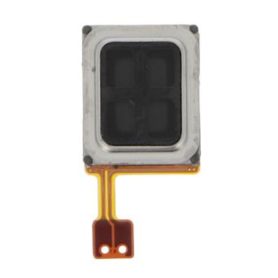
Motorola Razr 50 internal earpiece
Key Features of Motorola Razr 50 Internal Earpiece:
Premium Acoustic Performance: Designed for crystal-clear sound, the Motorola Razr 50 internal earpiece delivers exceptional audio clarity, ensuring you catch every word during calls and enjoy an immersive multimedia experience.
Compact and Lightweight Design: Engineered with a sleek and lightweight profile, this earpiece fits seamlessly within the phone, guaranteeing durability and comfort without adding bulk to the device.
Advanced Noise Cancellation: Features cutting-edge noise-cancellation technology to minimize background noise and enhance sound quality, even in bustling environments.
High Compatibility: Specifically designed for integration with the Motorola Razr 50, ensuring seamless performance and functionality without compromising the phone's aesthetics.
Durable Materials: Constructed from high-quality materials to withstand daily wear and tear, providing long-lasting reliability and performance.
Easy Installation: Designed for straightforward installation, making it accessible for both professional technicians and DIY enthusiasts.
Eco-Friendly Manufacturing: Produced using environmentally friendly processes, aligning with sustainable practices to reduce the product's carbon footprint.
Premium Acoustic Performance: Designed for crystal-clear sound, the Motorola Razr 50 internal earpiece delivers exceptional audio clarity, ensuring you catch every word during calls and enjoy an immersive multimedia experience.
Compact and Lightweight Design: Engineered with a sleek and lightweight profile, this earpiece fits seamlessly within the phone, guaranteeing durability and comfort without adding bulk to the device.
Advanced Noise Cancellation: Features cutting-edge noise-cancellation technology to minimize background noise and enhance sound quality, even in bustling environments.
High Compatibility: Specifically designed for integration with the Motorola Razr 50, ensuring seamless performance and functionality without compromising the phone's aesthetics.
Durable Materials: Constructed from high-quality materials to withstand daily wear and tear, providing long-lasting reliability and performance.
Easy Installation: Designed for straightforward installation, making it accessible for both professional technicians and DIY enthusiasts.
Eco-Friendly Manufacturing: Produced using environmentally friendly processes, aligning with sustainable practices to reduce the product's carbon footprint.
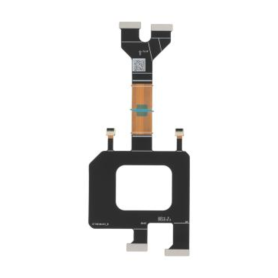
Motorola Razr 50 Main Cable
Motorola Razr 50 Main Cable - Key Features
High-Quality Connectivity: Designed to provide seamless, high-speed data transfer and reliable connectivity for your Motorola Razr 50, ensuring optimal performance and efficiency.
Durable Construction: Crafted with robust materials to withstand daily wear and tear, this main cable is engineered for longevity and consistent use.
Precision Fit: Specifically designed to match the unique configuration of the Motorola Razr 50, ensuring a perfect fit and maintaining the integrity of your device’s connectivity.
Efficient Power Delivery: Supports efficient power delivery to your device, facilitating rapid charging and uninterrupted device use.
Tangle-Free Design: Features a sleek and flexible design that resists tangling, making storage and transport more convenient and hassle-free.
Compact and Portable: Lightweight and easy to carry, this cable is ideal for on-the-go use, whether you're traveling, at work, or at home.
Compatibility: Exclusively compatible with the Motorola Razr 50, ensuring specific performance enhancements while protecting your device from damage typically caused by non-compatible accessories.
Eco-Friendly Packaging: Comes in environmentally sustainable packaging, reflecting Motorola’s commitment to reducing carbon footprint and promoting green practices.
High-Quality Connectivity: Designed to provide seamless, high-speed data transfer and reliable connectivity for your Motorola Razr 50, ensuring optimal performance and efficiency.
Durable Construction: Crafted with robust materials to withstand daily wear and tear, this main cable is engineered for longevity and consistent use.
Precision Fit: Specifically designed to match the unique configuration of the Motorola Razr 50, ensuring a perfect fit and maintaining the integrity of your device’s connectivity.
Efficient Power Delivery: Supports efficient power delivery to your device, facilitating rapid charging and uninterrupted device use.
Tangle-Free Design: Features a sleek and flexible design that resists tangling, making storage and transport more convenient and hassle-free.
Compact and Portable: Lightweight and easy to carry, this cable is ideal for on-the-go use, whether you're traveling, at work, or at home.
Compatibility: Exclusively compatible with the Motorola Razr 50, ensuring specific performance enhancements while protecting your device from damage typically caused by non-compatible accessories.
Eco-Friendly Packaging: Comes in environmentally sustainable packaging, reflecting Motorola’s commitment to reducing carbon footprint and promoting green practices.
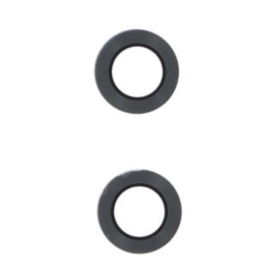
Camera Lens Motorola Razr 40 Ultra
Motorola Razr 50 Main Cable - Key Features
High-Quality Connectivity: Designed to provide seamless, high-speed data transfer and reliable connectivity for your Motorola Razr 50, ensuring optimal performance and efficiency.
Durable Construction: Crafted with robust materials to withstand daily wear and tear, this main cable is engineered for longevity and consistent use.
Precision Fit: Specifically designed to match the unique configuration of the Motorola Razr 50, ensuring a perfect fit and maintaining the integrity of your device’s connectivity.
Efficient Power Delivery: Supports efficient power delivery to your device, facilitating rapid charging and uninterrupted device use.
Tangle-Free Design: Features a sleek and flexible design that resists tangling, making storage and transport more convenient and hassle-free.
Compact and Portable: Lightweight and easy to carry, this cable is ideal for on-the-go use, whether you're traveling, at work, or at home.
Compatibility: Exclusively compatible with the Motorola Razr 50, ensuring specific performance enhancements while protecting your device from damage typically caused by non-compatible accessories.
Eco-Friendly Packaging: Comes in environmentally sustainable packaging, reflecting Motorola’s commitment to reducing carbon footprint and promoting green practices.
High-Quality Connectivity: Designed to provide seamless, high-speed data transfer and reliable connectivity for your Motorola Razr 50, ensuring optimal performance and efficiency.
Durable Construction: Crafted with robust materials to withstand daily wear and tear, this main cable is engineered for longevity and consistent use.
Precision Fit: Specifically designed to match the unique configuration of the Motorola Razr 50, ensuring a perfect fit and maintaining the integrity of your device’s connectivity.
Efficient Power Delivery: Supports efficient power delivery to your device, facilitating rapid charging and uninterrupted device use.
Tangle-Free Design: Features a sleek and flexible design that resists tangling, making storage and transport more convenient and hassle-free.
Compact and Portable: Lightweight and easy to carry, this cable is ideal for on-the-go use, whether you're traveling, at work, or at home.
Compatibility: Exclusively compatible with the Motorola Razr 50, ensuring specific performance enhancements while protecting your device from damage typically caused by non-compatible accessories.
Eco-Friendly Packaging: Comes in environmentally sustainable packaging, reflecting Motorola’s commitment to reducing carbon footprint and promoting green practices.
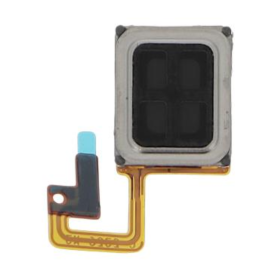
Motorola Razr 40 Ultra Internal Earpiece
Motorola Razr 50 Main Cable - Key Features
High-Quality Connectivity: Designed to provide seamless, high-speed data transfer and reliable connectivity for your Motorola Razr 50, ensuring optimal performance and efficiency.
Durable Construction: Crafted with robust materials to withstand daily wear and tear, this main cable is engineered for longevity and consistent use.
Precision Fit: Specifically designed to match the unique configuration of the Motorola Razr 50, ensuring a perfect fit and maintaining the integrity of your device’s connectivity.
Efficient Power Delivery: Supports efficient power delivery to your device, facilitating rapid charging and uninterrupted device use.
Tangle-Free Design: Features a sleek and flexible design that resists tangling, making storage and transport more convenient and hassle-free.
Compact and Portable: Lightweight and easy to carry, this cable is ideal for on-the-go use, whether you're traveling, at work, or at home.
Compatibility: Exclusively compatible with the Motorola Razr 50, ensuring specific performance enhancements while protecting your device from damage typically caused by non-compatible accessories.
Eco-Friendly Packaging: Comes in environmentally sustainable packaging, reflecting Motorola’s commitment to reducing carbon footprint and promoting green practices.
High-Quality Connectivity: Designed to provide seamless, high-speed data transfer and reliable connectivity for your Motorola Razr 50, ensuring optimal performance and efficiency.
Durable Construction: Crafted with robust materials to withstand daily wear and tear, this main cable is engineered for longevity and consistent use.
Precision Fit: Specifically designed to match the unique configuration of the Motorola Razr 50, ensuring a perfect fit and maintaining the integrity of your device’s connectivity.
Efficient Power Delivery: Supports efficient power delivery to your device, facilitating rapid charging and uninterrupted device use.
Tangle-Free Design: Features a sleek and flexible design that resists tangling, making storage and transport more convenient and hassle-free.
Compact and Portable: Lightweight and easy to carry, this cable is ideal for on-the-go use, whether you're traveling, at work, or at home.
Compatibility: Exclusively compatible with the Motorola Razr 50, ensuring specific performance enhancements while protecting your device from damage typically caused by non-compatible accessories.
Eco-Friendly Packaging: Comes in environmentally sustainable packaging, reflecting Motorola’s commitment to reducing carbon footprint and promoting green practices.
Motorola Razr 40 Ultra Charging Connector
The Motorola Razr 40 Ultra Charging Connector is a premium accessory designed for seamless and efficient power delivery to your device. Key features include:
Fast Charging Capability: Equipped with advanced fast-charging technology, it ensures your Motorola Razr 40 Ultra reaches full battery capacity swiftly, minimizing downtime.
Durable Construction: Crafted with high-quality materials, this connector offers long-lasting durability and resilience against wear and tear, making it a reliable accessory for daily use.
Compact and Portable Design: Its lightweight and compact form factor makes it easy to carry, perfect for travel or on-the-go charging needs.
Universal Compatibility: While optimized for the Razr 40 Ultra, it supports a wide range of USB-C devices, providing versatility and convenience.
Secure Connection: Features a snug fit to ensure a stable and secure connection, reducing the risk of disconnections or power loss during charging.
Enhanced Safety Features: Integrated safety mechanisms protect your device from overcharging, overheating, and power surges, ensuring safe and efficient charging.
Designed for both functionality and style, the Motorola Razr 40 Ultra Charging Connector is the ideal companion for maintaining your device's power needs efficiently and safely.
Fast Charging Capability: Equipped with advanced fast-charging technology, it ensures your Motorola Razr 40 Ultra reaches full battery capacity swiftly, minimizing downtime.
Durable Construction: Crafted with high-quality materials, this connector offers long-lasting durability and resilience against wear and tear, making it a reliable accessory for daily use.
Compact and Portable Design: Its lightweight and compact form factor makes it easy to carry, perfect for travel or on-the-go charging needs.
Universal Compatibility: While optimized for the Razr 40 Ultra, it supports a wide range of USB-C devices, providing versatility and convenience.
Secure Connection: Features a snug fit to ensure a stable and secure connection, reducing the risk of disconnections or power loss during charging.
Enhanced Safety Features: Integrated safety mechanisms protect your device from overcharging, overheating, and power surges, ensuring safe and efficient charging.
Designed for both functionality and style, the Motorola Razr 40 Ultra Charging Connector is the ideal companion for maintaining your device's power needs efficiently and safely.
Motorola Razr 40 Ultra Main Cable
Motorola Razr 50 Main Cable - Key Features
High-Quality Connectivity: Designed to provide seamless, high-speed data transfer and reliable connectivity for your Motorola Razr 50, ensuring optimal performance and efficiency.
Durable Construction: Crafted with robust materials to withstand daily wear and tear, this main cable is engineered for longevity and consistent use.
Precision Fit: Specifically designed to match the unique configuration of the Motorola Razr 50, ensuring a perfect fit and maintaining the integrity of your device’s connectivity.
Efficient Power Delivery: Supports efficient power delivery to your device, facilitating rapid charging and uninterrupted device use.
Tangle-Free Design: Features a sleek and flexible design that resists tangling, making storage and transport more convenient and hassle-free.
Compact and Portable: Lightweight and easy to carry, this cable is ideal for on-the-go use, whether you're traveling, at work, or at home.
Compatibility: Exclusively compatible with the Motorola Razr 50, ensuring specific performance enhancements while protecting your device from damage typically caused by non-compatible accessories.
Eco-Friendly Packaging: Comes in environmentally sustainable packaging, reflecting Motorola’s commitment to reducing carbon footprint and promoting green practices.
High-Quality Connectivity: Designed to provide seamless, high-speed data transfer and reliable connectivity for your Motorola Razr 50, ensuring optimal performance and efficiency.
Durable Construction: Crafted with robust materials to withstand daily wear and tear, this main cable is engineered for longevity and consistent use.
Precision Fit: Specifically designed to match the unique configuration of the Motorola Razr 50, ensuring a perfect fit and maintaining the integrity of your device’s connectivity.
Efficient Power Delivery: Supports efficient power delivery to your device, facilitating rapid charging and uninterrupted device use.
Tangle-Free Design: Features a sleek and flexible design that resists tangling, making storage and transport more convenient and hassle-free.
Compact and Portable: Lightweight and easy to carry, this cable is ideal for on-the-go use, whether you're traveling, at work, or at home.
Compatibility: Exclusively compatible with the Motorola Razr 50, ensuring specific performance enhancements while protecting your device from damage typically caused by non-compatible accessories.
Eco-Friendly Packaging: Comes in environmentally sustainable packaging, reflecting Motorola’s commitment to reducing carbon footprint and promoting green practices.
Motorola Razr 40/Razr 40 Ultra Screen Without Frame (Original Refurbished)
The Motorola Razr 40/Razr 40 Ultra Screen Without Frame (Original Refurbished) offers an exceptional blend of quality and functionality, ideal for restoring your device to excellent condition. Key features include:
Original Refurbished Quality: Sourced from genuine Motorola parts, this screen ensures uncompromised quality and performance, matching the original specifications of the Razr 40/40 Ultra.
OLED Display Technology: Experience vibrant colors, deep blacks, and stunning visuals with the OLED screen, providing an immersive viewing experience that enhances media and daily use.
Seamless Compatibility: Designed to fit perfectly with the Motorola Razr 40/40 Ultra, ensuring straightforward installation and optimal performance without the need for additional adjustments.
High Resolution and Clarity: Enjoy sharp, crystal-clear images and text with high resolution, making it perfect for gaming, streaming, and everyday browsing.
Durability: Built to resist scratches and everyday wear and tear, maintaining the sleek look and feel of your device over time.
Touch Sensitivity: Maintains the responsiveness and fluidity of the touchscreen, ensuring smooth navigation and interaction with your device.
This screen is an excellent choice for users seeking reliable performance paired with the elegance of the original design.
Original Refurbished Quality: Sourced from genuine Motorola parts, this screen ensures uncompromised quality and performance, matching the original specifications of the Razr 40/40 Ultra.
OLED Display Technology: Experience vibrant colors, deep blacks, and stunning visuals with the OLED screen, providing an immersive viewing experience that enhances media and daily use.
Seamless Compatibility: Designed to fit perfectly with the Motorola Razr 40/40 Ultra, ensuring straightforward installation and optimal performance without the need for additional adjustments.
High Resolution and Clarity: Enjoy sharp, crystal-clear images and text with high resolution, making it perfect for gaming, streaming, and everyday browsing.
Durability: Built to resist scratches and everyday wear and tear, maintaining the sleek look and feel of your device over time.
Touch Sensitivity: Maintains the responsiveness and fluidity of the touchscreen, ensuring smooth navigation and interaction with your device.
This screen is an excellent choice for users seeking reliable performance paired with the elegance of the original design.
Out-of-Stock
Motorola Razr 40 Ultra Black Screen (Original Refurbished)
The Motorola Razr 40 Ultra Black Screen (Original Refurbished) is a modern twist on an iconic design, seamlessly blending nostalgia with cutting-edge technology. Key features include:
Foldable Display: Boasting a 6.2-inch flexible OLED screen, this flip phone offers vibrant colors and crisp details, redefining portability without compromising on screen size.
Compact Design: The compact and pocket-friendly design brings back the classic flip phone experience, enriched with modern aesthetics and a robust hinge for durability.
Advanced Camera System: Equipped with a high-resolution camera enhanced by AI technology for stunning photos and videos, even in low-light conditions.
Performance: Powered by a robust processor and ample RAM, the Razr 40 Ultra ensures smooth multitasking and efficient performance across all applications.
Battery Life: Features an all-day battery supported by fast charging technology, ensuring you stay connected longer with minimal downtime.
Refurbished Quality Assurance: Thoroughly tested and certified, this original refurbished model offers premium quality and reliability akin to a new device, at a more accessible price point.
Eco-Friendly Choice: Opting for a refurbished model supports environmental sustainability by reducing electronic waste.
Experience the fusion of vintage charm and futuristic tech with the Motorola Razr 40 Ultra Black Screen.
Foldable Display: Boasting a 6.2-inch flexible OLED screen, this flip phone offers vibrant colors and crisp details, redefining portability without compromising on screen size.
Compact Design: The compact and pocket-friendly design brings back the classic flip phone experience, enriched with modern aesthetics and a robust hinge for durability.
Advanced Camera System: Equipped with a high-resolution camera enhanced by AI technology for stunning photos and videos, even in low-light conditions.
Performance: Powered by a robust processor and ample RAM, the Razr 40 Ultra ensures smooth multitasking and efficient performance across all applications.
Battery Life: Features an all-day battery supported by fast charging technology, ensuring you stay connected longer with minimal downtime.
Refurbished Quality Assurance: Thoroughly tested and certified, this original refurbished model offers premium quality and reliability akin to a new device, at a more accessible price point.
Eco-Friendly Choice: Opting for a refurbished model supports environmental sustainability by reducing electronic waste.
Experience the fusion of vintage charm and futuristic tech with the Motorola Razr 40 Ultra Black Screen.
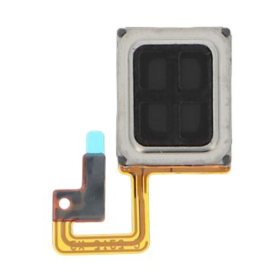
Motorola Razr 40 Internal Earpiece
Motorola Razr 50 Main Cable - Key Features
High-Quality Connectivity: Designed to provide seamless, high-speed data transfer and reliable connectivity for your Motorola Razr 50, ensuring optimal performance and efficiency.
Durable Construction: Crafted with robust materials to withstand daily wear and tear, this main cable is engineered for longevity and consistent use.
Precision Fit: Specifically designed to match the unique configuration of the Motorola Razr 50, ensuring a perfect fit and maintaining the integrity of your device’s connectivity.
Efficient Power Delivery: Supports efficient power delivery to your device, facilitating rapid charging and uninterrupted device use.
Tangle-Free Design: Features a sleek and flexible design that resists tangling, making storage and transport more convenient and hassle-free.
Compact and Portable: Lightweight and easy to carry, this cable is ideal for on-the-go use, whether you're traveling, at work, or at home.
Compatibility: Exclusively compatible with the Motorola Razr 50, ensuring specific performance enhancements while protecting your device from damage typically caused by non-compatible accessories.
Eco-Friendly Packaging: Comes in environmentally sustainable packaging, reflecting Motorola’s commitment to reducing carbon footprint and promoting green practices.
High-Quality Connectivity: Designed to provide seamless, high-speed data transfer and reliable connectivity for your Motorola Razr 50, ensuring optimal performance and efficiency.
Durable Construction: Crafted with robust materials to withstand daily wear and tear, this main cable is engineered for longevity and consistent use.
Precision Fit: Specifically designed to match the unique configuration of the Motorola Razr 50, ensuring a perfect fit and maintaining the integrity of your device’s connectivity.
Efficient Power Delivery: Supports efficient power delivery to your device, facilitating rapid charging and uninterrupted device use.
Tangle-Free Design: Features a sleek and flexible design that resists tangling, making storage and transport more convenient and hassle-free.
Compact and Portable: Lightweight and easy to carry, this cable is ideal for on-the-go use, whether you're traveling, at work, or at home.
Compatibility: Exclusively compatible with the Motorola Razr 50, ensuring specific performance enhancements while protecting your device from damage typically caused by non-compatible accessories.
Eco-Friendly Packaging: Comes in environmentally sustainable packaging, reflecting Motorola’s commitment to reducing carbon footprint and promoting green practices.
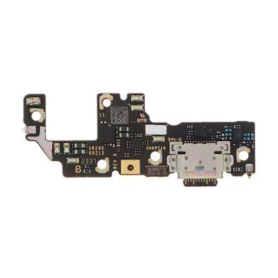
Motorola Razr 40 Charging Connector
Key Features of the Motorola Razr 40 Charging Connector:
Precision Design: Specifically crafted for the Motorola Razr 40, ensuring a perfect fit that guarantees seamless connectivity and optimal performance.
Fast Charging Capability: Supports rapid charging technology, significantly reducing downtime and enabling your phone to power up quickly and efficiently.
Durable Construction: Made with high-quality materials that provide enhanced durability and longevity, standing up to frequent use and reducing wear and tear.
Compact and Lightweight: Its slim and portable design makes it easy to carry, whether you're at home, in the office, or on the go.
Stable Connection: Features a secure locking mechanism to maintain a steady and reliable connection, minimizing interruptions during charging or data transfer.
Universal Compatibility: Equipped with a USB-C interface, it allows for versatile use across various devices, not limited to smartphones but also supporting certain tablets and laptops.
Environmentally Friendly: Built with eco-friendly materials that meet international safety and environmental standards, showing commitment to sustainability.
Enhanced Safety Features: Includes over-voltage, over-current, and short-circuit protection, ensuring safe operation and protecting your device from potential electrical hazards.
Ensure your Motorola Razr 40 is always ready to go with a charging connector designed for speed, reliability, and safety.
Precision Design: Specifically crafted for the Motorola Razr 40, ensuring a perfect fit that guarantees seamless connectivity and optimal performance.
Fast Charging Capability: Supports rapid charging technology, significantly reducing downtime and enabling your phone to power up quickly and efficiently.
Durable Construction: Made with high-quality materials that provide enhanced durability and longevity, standing up to frequent use and reducing wear and tear.
Compact and Lightweight: Its slim and portable design makes it easy to carry, whether you're at home, in the office, or on the go.
Stable Connection: Features a secure locking mechanism to maintain a steady and reliable connection, minimizing interruptions during charging or data transfer.
Universal Compatibility: Equipped with a USB-C interface, it allows for versatile use across various devices, not limited to smartphones but also supporting certain tablets and laptops.
Environmentally Friendly: Built with eco-friendly materials that meet international safety and environmental standards, showing commitment to sustainability.
Enhanced Safety Features: Includes over-voltage, over-current, and short-circuit protection, ensuring safe operation and protecting your device from potential electrical hazards.
Ensure your Motorola Razr 40 is always ready to go with a charging connector designed for speed, reliability, and safety.
Motorola Razr 40 Main Cable
Motorola Razr 50 Main Cable - Key Features
High-Quality Connectivity: Designed to provide seamless, high-speed data transfer and reliable connectivity for your Motorola Razr 50, ensuring optimal performance and efficiency.
Durable Construction: Crafted with robust materials to withstand daily wear and tear, this main cable is engineered for longevity and consistent use.
Precision Fit: Specifically designed to match the unique configuration of the Motorola Razr 50, ensuring a perfect fit and maintaining the integrity of your device’s connectivity.
Efficient Power Delivery: Supports efficient power delivery to your device, facilitating rapid charging and uninterrupted device use.
Tangle-Free Design: Features a sleek and flexible design that resists tangling, making storage and transport more convenient and hassle-free.
Compact and Portable: Lightweight and easy to carry, this cable is ideal for on-the-go use, whether you're traveling, at work, or at home.
Compatibility: Exclusively compatible with the Motorola Razr 50, ensuring specific performance enhancements while protecting your device from damage typically caused by non-compatible accessories.
Eco-Friendly Packaging: Comes in environmentally sustainable packaging, reflecting Motorola’s commitment to reducing carbon footprint and promoting green practices.
High-Quality Connectivity: Designed to provide seamless, high-speed data transfer and reliable connectivity for your Motorola Razr 50, ensuring optimal performance and efficiency.
Durable Construction: Crafted with robust materials to withstand daily wear and tear, this main cable is engineered for longevity and consistent use.
Precision Fit: Specifically designed to match the unique configuration of the Motorola Razr 50, ensuring a perfect fit and maintaining the integrity of your device’s connectivity.
Efficient Power Delivery: Supports efficient power delivery to your device, facilitating rapid charging and uninterrupted device use.
Tangle-Free Design: Features a sleek and flexible design that resists tangling, making storage and transport more convenient and hassle-free.
Compact and Portable: Lightweight and easy to carry, this cable is ideal for on-the-go use, whether you're traveling, at work, or at home.
Compatibility: Exclusively compatible with the Motorola Razr 50, ensuring specific performance enhancements while protecting your device from damage typically caused by non-compatible accessories.
Eco-Friendly Packaging: Comes in environmentally sustainable packaging, reflecting Motorola’s commitment to reducing carbon footprint and promoting green practices.
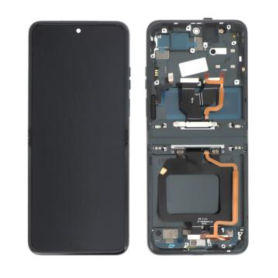
Out-of-Stock
Motorola Razr 40 Black Screen (Original Refurbished)
The Motorola Razr 40 Ultra Black Screen (Original Refurbished) is a modern twist on an iconic design, seamlessly blending nostalgia with cutting-edge technology. Key features include:
Foldable Display: Boasting a 6.2-inch flexible OLED screen, this flip phone offers vibrant colors and crisp details, redefining portability without compromising on screen size.
Compact Design: The compact and pocket-friendly design brings back the classic flip phone experience, enriched with modern aesthetics and a robust hinge for durability.
Advanced Camera System: Equipped with a high-resolution camera enhanced by AI technology for stunning photos and videos, even in low-light conditions.
Performance: Powered by a robust processor and ample RAM, the Razr 40 Ultra ensures smooth multitasking and efficient performance across all applications.
Battery Life: Features an all-day battery supported by fast charging technology, ensuring you stay connected longer with minimal downtime.
Refurbished Quality Assurance: Thoroughly tested and certified, this original refurbished model offers premium quality and reliability akin to a new device, at a more accessible price point.
Eco-Friendly Choice: Opting for a refurbished model supports environmental sustainability by reducing electronic waste.
Experience the fusion of vintage charm and futuristic tech with the Motorola Razr 40 Ultra Black Screen.
Foldable Display: Boasting a 6.2-inch flexible OLED screen, this flip phone offers vibrant colors and crisp details, redefining portability without compromising on screen size.
Compact Design: The compact and pocket-friendly design brings back the classic flip phone experience, enriched with modern aesthetics and a robust hinge for durability.
Advanced Camera System: Equipped with a high-resolution camera enhanced by AI technology for stunning photos and videos, even in low-light conditions.
Performance: Powered by a robust processor and ample RAM, the Razr 40 Ultra ensures smooth multitasking and efficient performance across all applications.
Battery Life: Features an all-day battery supported by fast charging technology, ensuring you stay connected longer with minimal downtime.
Refurbished Quality Assurance: Thoroughly tested and certified, this original refurbished model offers premium quality and reliability akin to a new device, at a more accessible price point.
Eco-Friendly Choice: Opting for a refurbished model supports environmental sustainability by reducing electronic waste.
Experience the fusion of vintage charm and futuristic tech with the Motorola Razr 40 Ultra Black Screen.
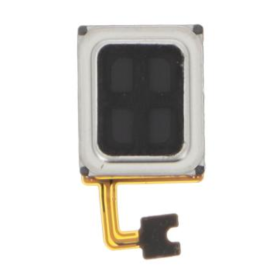
Motorola Edge 60 Internal Earpiece
Key Features of Motorola Edge 60 Internal Earpiece:
High-Quality Sound Output: Designed to deliver crisp and clear audio, ensuring excellent call quality and media listening experiences.
Perfect Compatibility: Specifically engineered for seamless integration with the Motorola Edge 60, ensuring optimal performance without the need for any modifications.
Durable Build: Constructed with premium materials to withstand daily wear and tear, providing longevity and reliability.
Compact and Lightweight Design: Ensures comfort during extended use, fitting discreetly within the device without adding unnecessary bulk.
Ease of Installation: Facilitates hassle-free replacement or repair, making it user-friendly for tech-savvy consumers and professionals alike.
Noise Isolation: Minimizes background interference, allowing for clearer communication and an immersive audio experience.
OEM Compliance: Meets original equipment manufacturer standards, guaranteeing quality and performance consistency.
Enhanced Connectivity: Offers stable and uninterrupted audio reception, crucial for maintaining connectivity during important calls or media sessions.
These features make the Motorola Edge 60 Internal Earpiece a vital component for maintaining the device’s superior communication capabilities.
High-Quality Sound Output: Designed to deliver crisp and clear audio, ensuring excellent call quality and media listening experiences.
Perfect Compatibility: Specifically engineered for seamless integration with the Motorola Edge 60, ensuring optimal performance without the need for any modifications.
Durable Build: Constructed with premium materials to withstand daily wear and tear, providing longevity and reliability.
Compact and Lightweight Design: Ensures comfort during extended use, fitting discreetly within the device without adding unnecessary bulk.
Ease of Installation: Facilitates hassle-free replacement or repair, making it user-friendly for tech-savvy consumers and professionals alike.
Noise Isolation: Minimizes background interference, allowing for clearer communication and an immersive audio experience.
OEM Compliance: Meets original equipment manufacturer standards, guaranteeing quality and performance consistency.
Enhanced Connectivity: Offers stable and uninterrupted audio reception, crucial for maintaining connectivity during important calls or media sessions.
These features make the Motorola Edge 60 Internal Earpiece a vital component for maintaining the device’s superior communication capabilities.
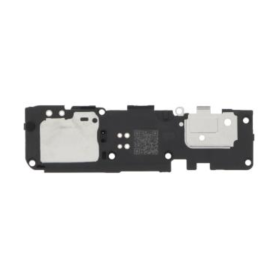
Motorola Edge 60 Speaker
Introducing the Motorola Edge 60 Speaker, designed for audiophiles seeking an immersive audio experience. This cutting-edge speaker combines sleek style with powerful performance, delivering superior sound quality in any environment.
Key Features:
Exceptional Audio Performance: Equipped with advanced acoustics, the Motorola Edge 60 ensures crystal-clear sound and deep bass, providing a rich and immersive listening experience.
Bluetooth Connectivity: Seamlessly pair with any Bluetooth-enabled device for wireless streaming, offering convenience and freedom from tangled cords.
Long-lasting Battery Life: Enjoy up to 12 hours of uninterrupted playtime on a single charge, perfect for day-long events or extended listening sessions.
Durable Design: Featuring a robust build and sleek design, this speaker boasts water and dust resistance, making it ideal for both indoor and outdoor use.
Smart Assistant Integration: Easily connect to voice assistants like Alexa or Google Assistant, enabling hands-free control over your music and smart home devices.
Built-in Microphone: Take calls with ease using the integrated microphone, ensuring clear and crisp voice quality.
Compact & Portable: Lightweight and easy to carry, the Edge 60 is perfect for on-the-go use, fitting seamlessly into any backpack or travel bag.
Elevate your audio experience with the Motorola Edge 60 Speaker, where innovation meets exceptional sound quality.
Key Features:
Exceptional Audio Performance: Equipped with advanced acoustics, the Motorola Edge 60 ensures crystal-clear sound and deep bass, providing a rich and immersive listening experience.
Bluetooth Connectivity: Seamlessly pair with any Bluetooth-enabled device for wireless streaming, offering convenience and freedom from tangled cords.
Long-lasting Battery Life: Enjoy up to 12 hours of uninterrupted playtime on a single charge, perfect for day-long events or extended listening sessions.
Durable Design: Featuring a robust build and sleek design, this speaker boasts water and dust resistance, making it ideal for both indoor and outdoor use.
Smart Assistant Integration: Easily connect to voice assistants like Alexa or Google Assistant, enabling hands-free control over your music and smart home devices.
Built-in Microphone: Take calls with ease using the integrated microphone, ensuring clear and crisp voice quality.
Compact & Portable: Lightweight and easy to carry, the Edge 60 is perfect for on-the-go use, fitting seamlessly into any backpack or travel bag.
Elevate your audio experience with the Motorola Edge 60 Speaker, where innovation meets exceptional sound quality.
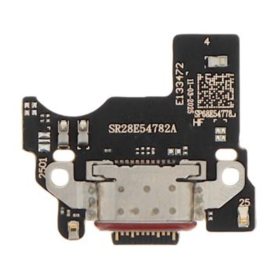
Motorola Edge 60 Charging Connector
Key Features of Motorola Edge 60 Internal Earpiece:
High-Quality Sound Output: Designed to deliver crisp and clear audio, ensuring excellent call quality and media listening experiences.
Perfect Compatibility: Specifically engineered for seamless integration with the Motorola Edge 60, ensuring optimal performance without the need for any modifications.
Durable Build: Constructed with premium materials to withstand daily wear and tear, providing longevity and reliability.
Compact and Lightweight Design: Ensures comfort during extended use, fitting discreetly within the device without adding unnecessary bulk.
Ease of Installation: Facilitates hassle-free replacement or repair, making it user-friendly for tech-savvy consumers and professionals alike.
Noise Isolation: Minimizes background interference, allowing for clearer communication and an immersive audio experience.
OEM Compliance: Meets original equipment manufacturer standards, guaranteeing quality and performance consistency.
Enhanced Connectivity: Offers stable and uninterrupted audio reception, crucial for maintaining connectivity during important calls or media sessions.
These features make the Motorola Edge 60 Internal Earpiece a vital component for maintaining the device’s superior communication capabilities.
High-Quality Sound Output: Designed to deliver crisp and clear audio, ensuring excellent call quality and media listening experiences.
Perfect Compatibility: Specifically engineered for seamless integration with the Motorola Edge 60, ensuring optimal performance without the need for any modifications.
Durable Build: Constructed with premium materials to withstand daily wear and tear, providing longevity and reliability.
Compact and Lightweight Design: Ensures comfort during extended use, fitting discreetly within the device without adding unnecessary bulk.
Ease of Installation: Facilitates hassle-free replacement or repair, making it user-friendly for tech-savvy consumers and professionals alike.
Noise Isolation: Minimizes background interference, allowing for clearer communication and an immersive audio experience.
OEM Compliance: Meets original equipment manufacturer standards, guaranteeing quality and performance consistency.
Enhanced Connectivity: Offers stable and uninterrupted audio reception, crucial for maintaining connectivity during important calls or media sessions.
These features make the Motorola Edge 60 Internal Earpiece a vital component for maintaining the device’s superior communication capabilities.
Motorola Edge 60 Main Ribbon Cable
Key Features of Motorola Edge 60 Internal Earpiece:
High-Quality Sound Output: Designed to deliver crisp and clear audio, ensuring excellent call quality and media listening experiences.
Perfect Compatibility: Specifically engineered for seamless integration with the Motorola Edge 60, ensuring optimal performance without the need for any modifications.
Durable Build: Constructed with premium materials to withstand daily wear and tear, providing longevity and reliability.
Compact and Lightweight Design: Ensures comfort during extended use, fitting discreetly within the device without adding unnecessary bulk.
Ease of Installation: Facilitates hassle-free replacement or repair, making it user-friendly for tech-savvy consumers and professionals alike.
Noise Isolation: Minimizes background interference, allowing for clearer communication and an immersive audio experience.
OEM Compliance: Meets original equipment manufacturer standards, guaranteeing quality and performance consistency.
Enhanced Connectivity: Offers stable and uninterrupted audio reception, crucial for maintaining connectivity during important calls or media sessions.
These features make the Motorola Edge 60 Internal Earpiece a vital component for maintaining the device’s superior communication capabilities.
High-Quality Sound Output: Designed to deliver crisp and clear audio, ensuring excellent call quality and media listening experiences.
Perfect Compatibility: Specifically engineered for seamless integration with the Motorola Edge 60, ensuring optimal performance without the need for any modifications.
Durable Build: Constructed with premium materials to withstand daily wear and tear, providing longevity and reliability.
Compact and Lightweight Design: Ensures comfort during extended use, fitting discreetly within the device without adding unnecessary bulk.
Ease of Installation: Facilitates hassle-free replacement or repair, making it user-friendly for tech-savvy consumers and professionals alike.
Noise Isolation: Minimizes background interference, allowing for clearer communication and an immersive audio experience.
OEM Compliance: Meets original equipment manufacturer standards, guaranteeing quality and performance consistency.
Enhanced Connectivity: Offers stable and uninterrupted audio reception, crucial for maintaining connectivity during important calls or media sessions.
These features make the Motorola Edge 60 Internal Earpiece a vital component for maintaining the device’s superior communication capabilities.
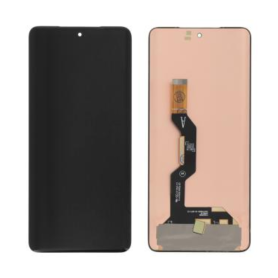
Out-of-Stock
Motorola Edge 60 Screen Without Frame (Original Refurbished)
Key Features of Motorola Edge 60 Screen Without Frame (Original Refurbished):
Original Refurbished Quality: Experience the assurance of genuine Motorola components, carefully refurbished to meet original specifications, ensuring exceptional performance and reliability.
Edge-to-Edge Display: Enjoy an immersive viewing experience with the sleek and nearly bezel-less design that offers vibrant colors and sharp details, enhancing every interaction on your device.
Compatibility: Specifically designed for the Motorola Edge 60, ensuring a perfect fit and seamless integration with your device’s functions and aesthetics.
High-Resolution Clarity: Boasts superior clarity and resolution, making every image and video come to life with precise detail and vivid color reproduction.
Touch Sensitivity: Responsive touch capabilities provide smooth and accurate control, ensuring you can navigate your device with ease and precision.
Durability: Crafted with high-quality materials, this screen is resistant to scratches and wear, ensuring long-lasting durability and a pristine appearance over time.
Easy Installation: Although professional installation is recommended, this screen is designed for straightforward installation with proper tools and expertise, minimizing downtime.
This replacement screen offers a cost-effective solution to restore your device’s display functionality while maintaining original quality standards.
Original Refurbished Quality: Experience the assurance of genuine Motorola components, carefully refurbished to meet original specifications, ensuring exceptional performance and reliability.
Edge-to-Edge Display: Enjoy an immersive viewing experience with the sleek and nearly bezel-less design that offers vibrant colors and sharp details, enhancing every interaction on your device.
Compatibility: Specifically designed for the Motorola Edge 60, ensuring a perfect fit and seamless integration with your device’s functions and aesthetics.
High-Resolution Clarity: Boasts superior clarity and resolution, making every image and video come to life with precise detail and vivid color reproduction.
Touch Sensitivity: Responsive touch capabilities provide smooth and accurate control, ensuring you can navigate your device with ease and precision.
Durability: Crafted with high-quality materials, this screen is resistant to scratches and wear, ensuring long-lasting durability and a pristine appearance over time.
Easy Installation: Although professional installation is recommended, this screen is designed for straightforward installation with proper tools and expertise, minimizing downtime.
This replacement screen offers a cost-effective solution to restore your device’s display functionality while maintaining original quality standards.
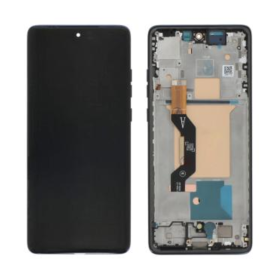
Out-of-Stock
Motorola Edge 60 Blue Screen (Original Refurbished)
Key Features of Motorola Edge 60 Screen Without Frame (Original Refurbished):
Original Refurbished Quality: Experience the assurance of genuine Motorola components, carefully refurbished to meet original specifications, ensuring exceptional performance and reliability.
Edge-to-Edge Display: Enjoy an immersive viewing experience with the sleek and nearly bezel-less design that offers vibrant colors and sharp details, enhancing every interaction on your device.
Compatibility: Specifically designed for the Motorola Edge 60, ensuring a perfect fit and seamless integration with your device’s functions and aesthetics.
High-Resolution Clarity: Boasts superior clarity and resolution, making every image and video come to life with precise detail and vivid color reproduction.
Touch Sensitivity: Responsive touch capabilities provide smooth and accurate control, ensuring you can navigate your device with ease and precision.
Durability: Crafted with high-quality materials, this screen is resistant to scratches and wear, ensuring long-lasting durability and a pristine appearance over time.
Easy Installation: Although professional installation is recommended, this screen is designed for straightforward installation with proper tools and expertise, minimizing downtime.
This replacement screen offers a cost-effective solution to restore your device’s display functionality while maintaining original quality standards.
Original Refurbished Quality: Experience the assurance of genuine Motorola components, carefully refurbished to meet original specifications, ensuring exceptional performance and reliability.
Edge-to-Edge Display: Enjoy an immersive viewing experience with the sleek and nearly bezel-less design that offers vibrant colors and sharp details, enhancing every interaction on your device.
Compatibility: Specifically designed for the Motorola Edge 60, ensuring a perfect fit and seamless integration with your device’s functions and aesthetics.
High-Resolution Clarity: Boasts superior clarity and resolution, making every image and video come to life with precise detail and vivid color reproduction.
Touch Sensitivity: Responsive touch capabilities provide smooth and accurate control, ensuring you can navigate your device with ease and precision.
Durability: Crafted with high-quality materials, this screen is resistant to scratches and wear, ensuring long-lasting durability and a pristine appearance over time.
Easy Installation: Although professional installation is recommended, this screen is designed for straightforward installation with proper tools and expertise, minimizing downtime.
This replacement screen offers a cost-effective solution to restore your device’s display functionality while maintaining original quality standards.
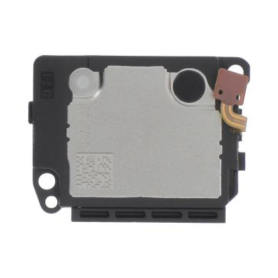
Motorola Edge 50 Ultra Speaker
Key Features of the Motorola Edge 50 Ultra Speaker: Discover a cutting-edge sound experience with the Motorola Edge 50 Ultra Speaker. Its elegant and compact design is ideal for seamless integration into any space, while delivering exceptional audio power. Equipped with Bluetooth 5.3 technology, it ensures reliable connectivity with all your devices, guaranteeing smooth and continuous sound playback. Thanks to its noise reduction function, enjoy crystal-clear sound without outside distractions. The Edge 50 Ultra is equipped with an enhanced bass system, delivering deep, rich lows that envelop the listener in an immersive atmosphere. With an impressive 24-hour battery life, it is perfect for busy days or long musical evenings. Its IP67 water-resistant design allows for safe outdoor use. In addition, the built-in voice assistant function offers remarkable convenience of use. Choose the Motorola Edge 50 Ultra Speaker for unmatched sound performance and advanced technology at your fingertips.
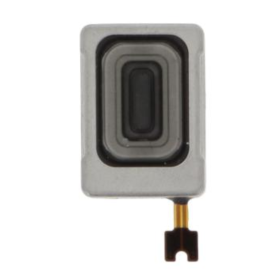
Motorola Edge 50 Ultra Internal Earpiece
The Motorola Edge 50 Ultra Internal Earpiece is a high-performance audio component designed to enhance your smartphone experience. Key features include:
Superior Sound Quality: Engineered to deliver clear and crisp audio, ensuring an immersive sound experience for calls and media playback.
Compact Design: The sleek and minimalist design ensures it seamlessly integrates within the smartphone structure without adding any bulk.
Durable Construction: Made from high-quality materials to withstand daily wear and tear, ensuring long-lasting performance.
Efficient Noise Isolation: Provides excellent noise isolation, reducing background distractions for clearer communication.
High Compatibility: Specifically designed for the Motorola Edge 50 Ultra, ensuring perfect fit and optimal functionality.
Easy Installation: Comes with detailed instructions for hassle-free installation, allowing for quick and effortless replacement.
Enhanced Voice Clarity: Optimized for voice frequencies to ensure every conversation is as clear and natural as possible.
This earpiece is an essential component for anyone looking to maintain the superior performance of their Motorola Edge 50 Ultra smartphone.
Superior Sound Quality: Engineered to deliver clear and crisp audio, ensuring an immersive sound experience for calls and media playback.
Compact Design: The sleek and minimalist design ensures it seamlessly integrates within the smartphone structure without adding any bulk.
Durable Construction: Made from high-quality materials to withstand daily wear and tear, ensuring long-lasting performance.
Efficient Noise Isolation: Provides excellent noise isolation, reducing background distractions for clearer communication.
High Compatibility: Specifically designed for the Motorola Edge 50 Ultra, ensuring perfect fit and optimal functionality.
Easy Installation: Comes with detailed instructions for hassle-free installation, allowing for quick and effortless replacement.
Enhanced Voice Clarity: Optimized for voice frequencies to ensure every conversation is as clear and natural as possible.
This earpiece is an essential component for anyone looking to maintain the superior performance of their Motorola Edge 50 Ultra smartphone.
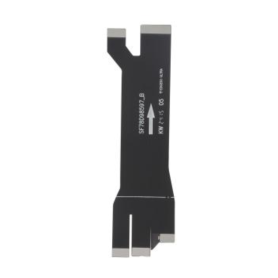
Motorola Edge 50 Ultra Main Flex Cable
Key Features of Motorola Edge 50 Ultra Main Flex Cable
High-Quality Material: Crafted with durable materials to ensure longevity and excellent conductivity, offering the reliability needed for optimal device performance.
Precision Engineering: Designed to fit perfectly in the Motorola Edge 50 Ultra, maintaining the integrity of the device with seamless installation.
Essential Component: Serves as a crucial link between the mainboard and various components of your smartphone, facilitating smooth data transmission and power flow.
Enhanced Compatibility: Specifically engineered for the Motorola Edge 50 Ultra model, ensuring full compatibility and efficient operation without glitches.
Easy Installation: Comes with a user-friendly design that supports hassle-free installation, ideal for both professionals and skilled DIY enthusiasts.
Restores Functionality: Perfect replacement part to restore your device’s functionality if experiencing issues with connectivity or component failures.
Cost-Effective Solution: Offers a budget-friendly option to extend the lifespan of your smartphone without the need for complete device replacement.
Compact Design: The slim and lightweight structure maintains the sleek profile of the Motorola Edge 50 Ultra, fitting neatly within the device chassis.
By choosing the Motorola Edge 50 Ultra Main Flex Cable, you ensure the continued performance and reliability of your smartphone.
High-Quality Material: Crafted with durable materials to ensure longevity and excellent conductivity, offering the reliability needed for optimal device performance.
Precision Engineering: Designed to fit perfectly in the Motorola Edge 50 Ultra, maintaining the integrity of the device with seamless installation.
Essential Component: Serves as a crucial link between the mainboard and various components of your smartphone, facilitating smooth data transmission and power flow.
Enhanced Compatibility: Specifically engineered for the Motorola Edge 50 Ultra model, ensuring full compatibility and efficient operation without glitches.
Easy Installation: Comes with a user-friendly design that supports hassle-free installation, ideal for both professionals and skilled DIY enthusiasts.
Restores Functionality: Perfect replacement part to restore your device’s functionality if experiencing issues with connectivity or component failures.
Cost-Effective Solution: Offers a budget-friendly option to extend the lifespan of your smartphone without the need for complete device replacement.
Compact Design: The slim and lightweight structure maintains the sleek profile of the Motorola Edge 50 Ultra, fitting neatly within the device chassis.
By choosing the Motorola Edge 50 Ultra Main Flex Cable, you ensure the continued performance and reliability of your smartphone.
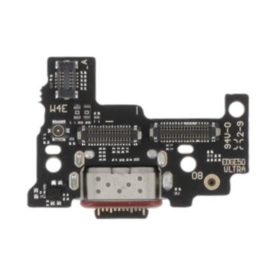
Motorola Edge 50 Ultra Charging Connector
Main Features of the Motorola Edge 50 Ultra Charging Connector: Discover the Charging Connector for Motorola Edge 50 Ultra, an essential accessory to ensure efficient and fast charging of your smartphone. Specifically designed for the Edge 50 Ultra model, this connector guarantees perfect compatibility and optimal performance. Perfect Compatibility: Specially designed for the Motorola Edge 50 Ultra, ensuring seamless integration. Fast Charging: Supports fast charging technologies to minimize charging time and maximize energy efficiency. Enhanced Durability: Made from high-quality materials for increased resistance to daily wear and exceptional longevity. Optimal Safety: Equipped with protections against overheating, overvoltage, and short circuits to protect your device while charging. Easy Installation: User-friendly design for simple and quick installation, without the need for specialized tools. Compact and Lightweight: Discreet design and minimal weight, ideal for use at home or on the go. Choose reliability and performance with this charging connector dedicated to your Motorola Edge 50 Ultra.
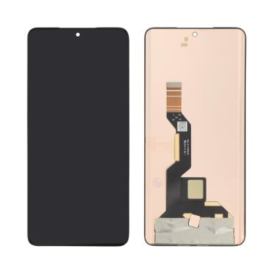
Out-of-Stock
Edge 50 Ultra Monitor (Original Refurbished)
Edge 50 Ultra Monitor (Original Refurbished) - Key Features
Experience excellence with the Edge 50 Ultra Monitor, now available in an expertly refurbished edition for unbeatable quality and value. This 50-inch display offers stunning 4K Ultra HD resolution, ensuring breathtaking clarity and vibrant color accuracy for an immersive viewing experience whether for work or play.
Refurbished to Perfection: Each unit has been meticulously restored to pristine condition by certified technicians, offering excellent performance and reliability.
Ultra-Wide Viewing Angle: Enjoy consistent, high-quality visuals from any seat in the room with a 178-degree viewing angle.
High Dynamic Range (HDR) Support: Delivering deeper blacks and brighter whites for dynamic, true-to-life images.
Versatile Connectivity: Equipped with HDMI, DisplayPort, and USB-C ports, this monitor provides seamless connections to various devices for effortless multitasking.
Ergonomic Design: Features an adjustable stand for personalized height and angle settings, alongside a sleek, bezel-less frame to maximize screen space.
Energy Efficient: Designed with power-saving technology to reduce energy consumption without compromising performance.
Comprehensive Testing & Warranty: Backed by rigorous quality testing, ensuring optimal operation and backed by a warranty for peace of mind.
Upgrade your viewing experience with the Edge 50 Ultra Monitor, where cutting-edge technology meets affordability.
Experience excellence with the Edge 50 Ultra Monitor, now available in an expertly refurbished edition for unbeatable quality and value. This 50-inch display offers stunning 4K Ultra HD resolution, ensuring breathtaking clarity and vibrant color accuracy for an immersive viewing experience whether for work or play.
Refurbished to Perfection: Each unit has been meticulously restored to pristine condition by certified technicians, offering excellent performance and reliability.
Ultra-Wide Viewing Angle: Enjoy consistent, high-quality visuals from any seat in the room with a 178-degree viewing angle.
High Dynamic Range (HDR) Support: Delivering deeper blacks and brighter whites for dynamic, true-to-life images.
Versatile Connectivity: Equipped with HDMI, DisplayPort, and USB-C ports, this monitor provides seamless connections to various devices for effortless multitasking.
Ergonomic Design: Features an adjustable stand for personalized height and angle settings, alongside a sleek, bezel-less frame to maximize screen space.
Energy Efficient: Designed with power-saving technology to reduce energy consumption without compromising performance.
Comprehensive Testing & Warranty: Backed by rigorous quality testing, ensuring optimal operation and backed by a warranty for peace of mind.
Upgrade your viewing experience with the Edge 50 Ultra Monitor, where cutting-edge technology meets affordability.
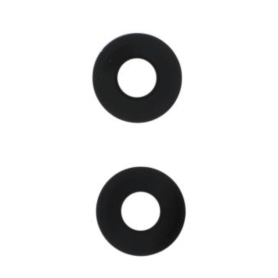
Camera Lens Motorola Edge 50 Fusion
Key Features of the Motorola Edge 50 Fusion Camera Lens:
High-Resolution Sensor: Boasting a state-of-the-art 108MP sensor, this lens captures ultra-clear, detailed images that highlight even the finest details, ensuring professional-grade photography.
Ultra-Wide Angle Lens: With a 120-degree field of view, the ultra-wide angle lens allows you to capture expansive landscapes and large group shots without missing any elements.
Advanced Night Vision Mode: Equipped with enhanced low-light technology, this lens excels in nighttime photography, delivering vivid and sharp images without the need for flash, even in the darkest environments.
AI-Powered Features: Leverage cutting-edge artificial intelligence to enhance image quality with features such as scene optimization, auto smile capture, and intelligent composition suggestions for perfect shots every time.
Optical Image Stabilization (OIS): Minimize motion blur and achieve crisp photos and videos, even on the move, thanks to built-in OIS technology that compensates for hand movements.
Fast Autofocus: Benefit from instant focus capabilities with the advanced phase detection autofocus system, ensuring your subject is always in sharp focus, whether in action shots or fast-changing scenes.
Macro Vision: Get up close and personal with a dedicated macro vision lens that lets you explore intricate details and textures at just 2cm distance, perfect for nature and close-up photography.
Seamless Integration: Tailored for the Motorola Edge 50, the lens integrates seamlessly with the phone's camera app, offering an intuitive shooting experience with customizable settings and updates for optimal performance.
Robust Build: Designed with high-quality materials for durability, ensuring longevity and resistance against everyday wear and tear.
High-Resolution Sensor: Boasting a state-of-the-art 108MP sensor, this lens captures ultra-clear, detailed images that highlight even the finest details, ensuring professional-grade photography.
Ultra-Wide Angle Lens: With a 120-degree field of view, the ultra-wide angle lens allows you to capture expansive landscapes and large group shots without missing any elements.
Advanced Night Vision Mode: Equipped with enhanced low-light technology, this lens excels in nighttime photography, delivering vivid and sharp images without the need for flash, even in the darkest environments.
AI-Powered Features: Leverage cutting-edge artificial intelligence to enhance image quality with features such as scene optimization, auto smile capture, and intelligent composition suggestions for perfect shots every time.
Optical Image Stabilization (OIS): Minimize motion blur and achieve crisp photos and videos, even on the move, thanks to built-in OIS technology that compensates for hand movements.
Fast Autofocus: Benefit from instant focus capabilities with the advanced phase detection autofocus system, ensuring your subject is always in sharp focus, whether in action shots or fast-changing scenes.
Macro Vision: Get up close and personal with a dedicated macro vision lens that lets you explore intricate details and textures at just 2cm distance, perfect for nature and close-up photography.
Seamless Integration: Tailored for the Motorola Edge 50, the lens integrates seamlessly with the phone's camera app, offering an intuitive shooting experience with customizable settings and updates for optimal performance.
Robust Build: Designed with high-quality materials for durability, ensuring longevity and resistance against everyday wear and tear.
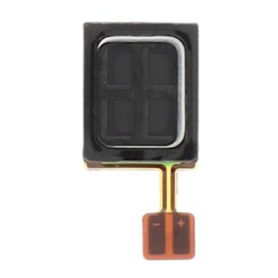
Motorola Edge 50 Fusion Internal Earpiece
Key Features of Motorola Edge 50 Fusion Internal Earpiece:
Premium Sound Quality: Delivering clear and balanced audio, the Motorola Edge 50 Fusion internal earpiece ensures crisp voice calls and a superior listening experience.
Advanced Noise Isolation: Engineered with advanced noise isolation technology, it minimizes ambient noise for clearer communication and immersive sound.
Perfect Fit Design: Custom-designed specifically for the Motorola Edge 50 Fusion, ensuring seamless integration and a snug fit within the device.
Durable Construction: Manufactured with high-quality materials to withstand daily wear and tear, providing longevity and consistent performance.
Easy Installation: Comes with an intuitive design that facilitates quick and hassle-free installation, reducing downtime for repairs and replacements.
Enhanced Microphone Clarity: Features an improved microphone component providing enhanced clarity, essential for high-quality hands-free conversations.
Optimized Compatibility: Fully compatible and optimized for the Motorola Edge 50 Fusion, ensuring that all audio features function without compromise.
Lightweight and Compact: Engineered to be lightweight and unobtrusive, maintaining the slim profile of your device without adding bulk.
Reliable Performance: Designed to meet Motorola’s rigorous quality standards, offering reliable performance and maximum customer satisfaction.
Premium Sound Quality: Delivering clear and balanced audio, the Motorola Edge 50 Fusion internal earpiece ensures crisp voice calls and a superior listening experience.
Advanced Noise Isolation: Engineered with advanced noise isolation technology, it minimizes ambient noise for clearer communication and immersive sound.
Perfect Fit Design: Custom-designed specifically for the Motorola Edge 50 Fusion, ensuring seamless integration and a snug fit within the device.
Durable Construction: Manufactured with high-quality materials to withstand daily wear and tear, providing longevity and consistent performance.
Easy Installation: Comes with an intuitive design that facilitates quick and hassle-free installation, reducing downtime for repairs and replacements.
Enhanced Microphone Clarity: Features an improved microphone component providing enhanced clarity, essential for high-quality hands-free conversations.
Optimized Compatibility: Fully compatible and optimized for the Motorola Edge 50 Fusion, ensuring that all audio features function without compromise.
Lightweight and Compact: Engineered to be lightweight and unobtrusive, maintaining the slim profile of your device without adding bulk.
Reliable Performance: Designed to meet Motorola’s rigorous quality standards, offering reliable performance and maximum customer satisfaction.
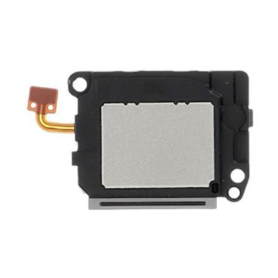
Motorola Edge 50 Fusion Speaker
Key Features of the Motorola Edge 50 Fusion Camera Lens:
High-Resolution Sensor: Boasting a state-of-the-art 108MP sensor, this lens captures ultra-clear, detailed images that highlight even the finest details, ensuring professional-grade photography.
Ultra-Wide Angle Lens: With a 120-degree field of view, the ultra-wide angle lens allows you to capture expansive landscapes and large group shots without missing any elements.
Advanced Night Vision Mode: Equipped with enhanced low-light technology, this lens excels in nighttime photography, delivering vivid and sharp images without the need for flash, even in the darkest environments.
AI-Powered Features: Leverage cutting-edge artificial intelligence to enhance image quality with features such as scene optimization, auto smile capture, and intelligent composition suggestions for perfect shots every time.
Optical Image Stabilization (OIS): Minimize motion blur and achieve crisp photos and videos, even on the move, thanks to built-in OIS technology that compensates for hand movements.
Fast Autofocus: Benefit from instant focus capabilities with the advanced phase detection autofocus system, ensuring your subject is always in sharp focus, whether in action shots or fast-changing scenes.
Macro Vision: Get up close and personal with a dedicated macro vision lens that lets you explore intricate details and textures at just 2cm distance, perfect for nature and close-up photography.
Seamless Integration: Tailored for the Motorola Edge 50, the lens integrates seamlessly with the phone's camera app, offering an intuitive shooting experience with customizable settings and updates for optimal performance.
Robust Build: Designed with high-quality materials for durability, ensuring longevity and resistance against everyday wear and tear.
High-Resolution Sensor: Boasting a state-of-the-art 108MP sensor, this lens captures ultra-clear, detailed images that highlight even the finest details, ensuring professional-grade photography.
Ultra-Wide Angle Lens: With a 120-degree field of view, the ultra-wide angle lens allows you to capture expansive landscapes and large group shots without missing any elements.
Advanced Night Vision Mode: Equipped with enhanced low-light technology, this lens excels in nighttime photography, delivering vivid and sharp images without the need for flash, even in the darkest environments.
AI-Powered Features: Leverage cutting-edge artificial intelligence to enhance image quality with features such as scene optimization, auto smile capture, and intelligent composition suggestions for perfect shots every time.
Optical Image Stabilization (OIS): Minimize motion blur and achieve crisp photos and videos, even on the move, thanks to built-in OIS technology that compensates for hand movements.
Fast Autofocus: Benefit from instant focus capabilities with the advanced phase detection autofocus system, ensuring your subject is always in sharp focus, whether in action shots or fast-changing scenes.
Macro Vision: Get up close and personal with a dedicated macro vision lens that lets you explore intricate details and textures at just 2cm distance, perfect for nature and close-up photography.
Seamless Integration: Tailored for the Motorola Edge 50, the lens integrates seamlessly with the phone's camera app, offering an intuitive shooting experience with customizable settings and updates for optimal performance.
Robust Build: Designed with high-quality materials for durability, ensuring longevity and resistance against everyday wear and tear.
Motorola Edge 50 Fusion Main Ribbon Cable
Key Features of the Motorola Edge 50 Fusion Camera Lens:
High-Resolution Sensor: Boasting a state-of-the-art 108MP sensor, this lens captures ultra-clear, detailed images that highlight even the finest details, ensuring professional-grade photography.
Ultra-Wide Angle Lens: With a 120-degree field of view, the ultra-wide angle lens allows you to capture expansive landscapes and large group shots without missing any elements.
Advanced Night Vision Mode: Equipped with enhanced low-light technology, this lens excels in nighttime photography, delivering vivid and sharp images without the need for flash, even in the darkest environments.
AI-Powered Features: Leverage cutting-edge artificial intelligence to enhance image quality with features such as scene optimization, auto smile capture, and intelligent composition suggestions for perfect shots every time.
Optical Image Stabilization (OIS): Minimize motion blur and achieve crisp photos and videos, even on the move, thanks to built-in OIS technology that compensates for hand movements.
Fast Autofocus: Benefit from instant focus capabilities with the advanced phase detection autofocus system, ensuring your subject is always in sharp focus, whether in action shots or fast-changing scenes.
Macro Vision: Get up close and personal with a dedicated macro vision lens that lets you explore intricate details and textures at just 2cm distance, perfect for nature and close-up photography.
Seamless Integration: Tailored for the Motorola Edge 50, the lens integrates seamlessly with the phone's camera app, offering an intuitive shooting experience with customizable settings and updates for optimal performance.
Robust Build: Designed with high-quality materials for durability, ensuring longevity and resistance against everyday wear and tear.
High-Resolution Sensor: Boasting a state-of-the-art 108MP sensor, this lens captures ultra-clear, detailed images that highlight even the finest details, ensuring professional-grade photography.
Ultra-Wide Angle Lens: With a 120-degree field of view, the ultra-wide angle lens allows you to capture expansive landscapes and large group shots without missing any elements.
Advanced Night Vision Mode: Equipped with enhanced low-light technology, this lens excels in nighttime photography, delivering vivid and sharp images without the need for flash, even in the darkest environments.
AI-Powered Features: Leverage cutting-edge artificial intelligence to enhance image quality with features such as scene optimization, auto smile capture, and intelligent composition suggestions for perfect shots every time.
Optical Image Stabilization (OIS): Minimize motion blur and achieve crisp photos and videos, even on the move, thanks to built-in OIS technology that compensates for hand movements.
Fast Autofocus: Benefit from instant focus capabilities with the advanced phase detection autofocus system, ensuring your subject is always in sharp focus, whether in action shots or fast-changing scenes.
Macro Vision: Get up close and personal with a dedicated macro vision lens that lets you explore intricate details and textures at just 2cm distance, perfect for nature and close-up photography.
Seamless Integration: Tailored for the Motorola Edge 50, the lens integrates seamlessly with the phone's camera app, offering an intuitive shooting experience with customizable settings and updates for optimal performance.
Robust Build: Designed with high-quality materials for durability, ensuring longevity and resistance against everyday wear and tear.
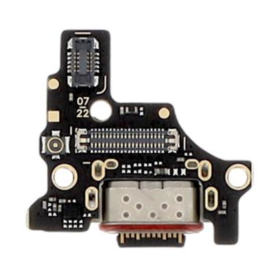
Motorola Edge 50 Fusion Charging Connector
Key Features of the Motorola Edge 50 Fusion Camera Lens:
High-Resolution Sensor: Boasting a state-of-the-art 108MP sensor, this lens captures ultra-clear, detailed images that highlight even the finest details, ensuring professional-grade photography.
Ultra-Wide Angle Lens: With a 120-degree field of view, the ultra-wide angle lens allows you to capture expansive landscapes and large group shots without missing any elements.
Advanced Night Vision Mode: Equipped with enhanced low-light technology, this lens excels in nighttime photography, delivering vivid and sharp images without the need for flash, even in the darkest environments.
AI-Powered Features: Leverage cutting-edge artificial intelligence to enhance image quality with features such as scene optimization, auto smile capture, and intelligent composition suggestions for perfect shots every time.
Optical Image Stabilization (OIS): Minimize motion blur and achieve crisp photos and videos, even on the move, thanks to built-in OIS technology that compensates for hand movements.
Fast Autofocus: Benefit from instant focus capabilities with the advanced phase detection autofocus system, ensuring your subject is always in sharp focus, whether in action shots or fast-changing scenes.
Macro Vision: Get up close and personal with a dedicated macro vision lens that lets you explore intricate details and textures at just 2cm distance, perfect for nature and close-up photography.
Seamless Integration: Tailored for the Motorola Edge 50, the lens integrates seamlessly with the phone's camera app, offering an intuitive shooting experience with customizable settings and updates for optimal performance.
Robust Build: Designed with high-quality materials for durability, ensuring longevity and resistance against everyday wear and tear.
High-Resolution Sensor: Boasting a state-of-the-art 108MP sensor, this lens captures ultra-clear, detailed images that highlight even the finest details, ensuring professional-grade photography.
Ultra-Wide Angle Lens: With a 120-degree field of view, the ultra-wide angle lens allows you to capture expansive landscapes and large group shots without missing any elements.
Advanced Night Vision Mode: Equipped with enhanced low-light technology, this lens excels in nighttime photography, delivering vivid and sharp images without the need for flash, even in the darkest environments.
AI-Powered Features: Leverage cutting-edge artificial intelligence to enhance image quality with features such as scene optimization, auto smile capture, and intelligent composition suggestions for perfect shots every time.
Optical Image Stabilization (OIS): Minimize motion blur and achieve crisp photos and videos, even on the move, thanks to built-in OIS technology that compensates for hand movements.
Fast Autofocus: Benefit from instant focus capabilities with the advanced phase detection autofocus system, ensuring your subject is always in sharp focus, whether in action shots or fast-changing scenes.
Macro Vision: Get up close and personal with a dedicated macro vision lens that lets you explore intricate details and textures at just 2cm distance, perfect for nature and close-up photography.
Seamless Integration: Tailored for the Motorola Edge 50, the lens integrates seamlessly with the phone's camera app, offering an intuitive shooting experience with customizable settings and updates for optimal performance.
Robust Build: Designed with high-quality materials for durability, ensuring longevity and resistance against everyday wear and tear.
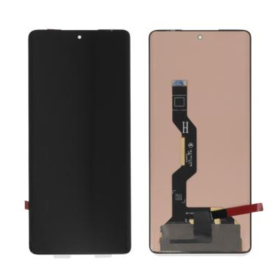
Out-of-Stock
Motorola Edge 50 Fusion Screen Without Frame (Original Refurbished)
Edge 50 Ultra Monitor (Original Refurbished) - Key Features
Experience excellence with the Edge 50 Ultra Monitor, now available in an expertly refurbished edition for unbeatable quality and value. This 50-inch display offers stunning 4K Ultra HD resolution, ensuring breathtaking clarity and vibrant color accuracy for an immersive viewing experience whether for work or play.
Refurbished to Perfection: Each unit has been meticulously restored to pristine condition by certified technicians, offering excellent performance and reliability.
Ultra-Wide Viewing Angle: Enjoy consistent, high-quality visuals from any seat in the room with a 178-degree viewing angle.
High Dynamic Range (HDR) Support: Delivering deeper blacks and brighter whites for dynamic, true-to-life images.
Versatile Connectivity: Equipped with HDMI, DisplayPort, and USB-C ports, this monitor provides seamless connections to various devices for effortless multitasking.
Ergonomic Design: Features an adjustable stand for personalized height and angle settings, alongside a sleek, bezel-less frame to maximize screen space.
Energy Efficient: Designed with power-saving technology to reduce energy consumption without compromising performance.
Comprehensive Testing & Warranty: Backed by rigorous quality testing, ensuring optimal operation and backed by a warranty for peace of mind.
Upgrade your viewing experience with the Edge 50 Ultra Monitor, where cutting-edge technology meets affordability.
Experience excellence with the Edge 50 Ultra Monitor, now available in an expertly refurbished edition for unbeatable quality and value. This 50-inch display offers stunning 4K Ultra HD resolution, ensuring breathtaking clarity and vibrant color accuracy for an immersive viewing experience whether for work or play.
Refurbished to Perfection: Each unit has been meticulously restored to pristine condition by certified technicians, offering excellent performance and reliability.
Ultra-Wide Viewing Angle: Enjoy consistent, high-quality visuals from any seat in the room with a 178-degree viewing angle.
High Dynamic Range (HDR) Support: Delivering deeper blacks and brighter whites for dynamic, true-to-life images.
Versatile Connectivity: Equipped with HDMI, DisplayPort, and USB-C ports, this monitor provides seamless connections to various devices for effortless multitasking.
Ergonomic Design: Features an adjustable stand for personalized height and angle settings, alongside a sleek, bezel-less frame to maximize screen space.
Energy Efficient: Designed with power-saving technology to reduce energy consumption without compromising performance.
Comprehensive Testing & Warranty: Backed by rigorous quality testing, ensuring optimal operation and backed by a warranty for peace of mind.
Upgrade your viewing experience with the Edge 50 Ultra Monitor, where cutting-edge technology meets affordability.
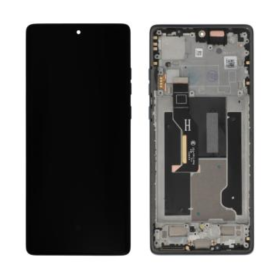
Motorola Edge 50 Fusion Blue Screen + Chassis (Original Refurbished)
Edge 50 Ultra Monitor (Original Refurbished) - Key Features
Experience excellence with the Edge 50 Ultra Monitor, now available in an expertly refurbished edition for unbeatable quality and value. This 50-inch display offers stunning 4K Ultra HD resolution, ensuring breathtaking clarity and vibrant color accuracy for an immersive viewing experience whether for work or play.
Refurbished to Perfection: Each unit has been meticulously restored to pristine condition by certified technicians, offering excellent performance and reliability.
Ultra-Wide Viewing Angle: Enjoy consistent, high-quality visuals from any seat in the room with a 178-degree viewing angle.
High Dynamic Range (HDR) Support: Delivering deeper blacks and brighter whites for dynamic, true-to-life images.
Versatile Connectivity: Equipped with HDMI, DisplayPort, and USB-C ports, this monitor provides seamless connections to various devices for effortless multitasking.
Ergonomic Design: Features an adjustable stand for personalized height and angle settings, alongside a sleek, bezel-less frame to maximize screen space.
Energy Efficient: Designed with power-saving technology to reduce energy consumption without compromising performance.
Comprehensive Testing & Warranty: Backed by rigorous quality testing, ensuring optimal operation and backed by a warranty for peace of mind.
Upgrade your viewing experience with the Edge 50 Ultra Monitor, where cutting-edge technology meets affordability.
Experience excellence with the Edge 50 Ultra Monitor, now available in an expertly refurbished edition for unbeatable quality and value. This 50-inch display offers stunning 4K Ultra HD resolution, ensuring breathtaking clarity and vibrant color accuracy for an immersive viewing experience whether for work or play.
Refurbished to Perfection: Each unit has been meticulously restored to pristine condition by certified technicians, offering excellent performance and reliability.
Ultra-Wide Viewing Angle: Enjoy consistent, high-quality visuals from any seat in the room with a 178-degree viewing angle.
High Dynamic Range (HDR) Support: Delivering deeper blacks and brighter whites for dynamic, true-to-life images.
Versatile Connectivity: Equipped with HDMI, DisplayPort, and USB-C ports, this monitor provides seamless connections to various devices for effortless multitasking.
Ergonomic Design: Features an adjustable stand for personalized height and angle settings, alongside a sleek, bezel-less frame to maximize screen space.
Energy Efficient: Designed with power-saving technology to reduce energy consumption without compromising performance.
Comprehensive Testing & Warranty: Backed by rigorous quality testing, ensuring optimal operation and backed by a warranty for peace of mind.
Upgrade your viewing experience with the Edge 50 Ultra Monitor, where cutting-edge technology meets affordability.
Camera Lens Motorola Edge 50 Pro
Key Features of the Motorola Edge 50 Pro Camera Lens:
Triple Lens System: Equipped with a versatile triple lens setup, providing a 108MP main sensor for ultra-clear photography, complemented by a 12MP telephoto lens for detailed zoom shots and a 16MP ultra-wide lens for expansive views.
Advanced Night Vision: Capture stunning low-light photos with enhanced Night Vision technology, ensuring brighter and sharper images even in dimly lit environments.
Optical Image Stabilization (OIS): Minimize blurriness and achieve smooth, professional-quality photos and videos, thanks to built-in OIS that reduces motion blur.
AI-Powered Features: Leverage AI enhancements for real-time scene recognition, optimizing settings for each shot and offering smart composition suggestions for enhanced framing.
4K Video Recording: Record cinematic videos in 4K resolution at 60fps, ensuring crystal-clear clarity and seamless playback.
Fast Focus Technology: Quickly lock onto subjects with precise autofocus, perfect for capturing fast-moving actions or candid moments.
Macro Vision: Get up close with the Macro Vision lens, which allows you to focus on objects as close as 2 centimeters, capturing intricate details.
Pro Mode: Manual controls available for photographers looking to tweak ISO, shutter speed, and exposure for personalized shooting experiences.
High Dynamic Range (HDR): Produce balanced images with HDR technology, which enhances details in both highlights and shadows.
Elegant Design: Sleek and durable, crafted to blend seamlessly with the Motorola Edge 50 Pro’s aesthetics.
These features make the Motorola Edge 50 Pro Camera Lens ideal for photography enthusiasts seeking versatility and high performance.
Triple Lens System: Equipped with a versatile triple lens setup, providing a 108MP main sensor for ultra-clear photography, complemented by a 12MP telephoto lens for detailed zoom shots and a 16MP ultra-wide lens for expansive views.
Advanced Night Vision: Capture stunning low-light photos with enhanced Night Vision technology, ensuring brighter and sharper images even in dimly lit environments.
Optical Image Stabilization (OIS): Minimize blurriness and achieve smooth, professional-quality photos and videos, thanks to built-in OIS that reduces motion blur.
AI-Powered Features: Leverage AI enhancements for real-time scene recognition, optimizing settings for each shot and offering smart composition suggestions for enhanced framing.
4K Video Recording: Record cinematic videos in 4K resolution at 60fps, ensuring crystal-clear clarity and seamless playback.
Fast Focus Technology: Quickly lock onto subjects with precise autofocus, perfect for capturing fast-moving actions or candid moments.
Macro Vision: Get up close with the Macro Vision lens, which allows you to focus on objects as close as 2 centimeters, capturing intricate details.
Pro Mode: Manual controls available for photographers looking to tweak ISO, shutter speed, and exposure for personalized shooting experiences.
High Dynamic Range (HDR): Produce balanced images with HDR technology, which enhances details in both highlights and shadows.
Elegant Design: Sleek and durable, crafted to blend seamlessly with the Motorola Edge 50 Pro’s aesthetics.
These features make the Motorola Edge 50 Pro Camera Lens ideal for photography enthusiasts seeking versatility and high performance.
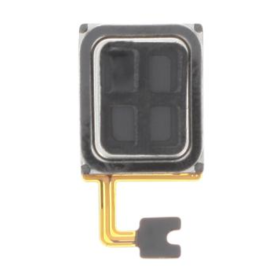
Edge 50 Pro Internal Earphone
Key Features of the Motorola Edge 50 Pro Camera Lens:
Triple Lens System: Equipped with a versatile triple lens setup, providing a 108MP main sensor for ultra-clear photography, complemented by a 12MP telephoto lens for detailed zoom shots and a 16MP ultra-wide lens for expansive views.
Advanced Night Vision: Capture stunning low-light photos with enhanced Night Vision technology, ensuring brighter and sharper images even in dimly lit environments.
Optical Image Stabilization (OIS): Minimize blurriness and achieve smooth, professional-quality photos and videos, thanks to built-in OIS that reduces motion blur.
AI-Powered Features: Leverage AI enhancements for real-time scene recognition, optimizing settings for each shot and offering smart composition suggestions for enhanced framing.
4K Video Recording: Record cinematic videos in 4K resolution at 60fps, ensuring crystal-clear clarity and seamless playback.
Fast Focus Technology: Quickly lock onto subjects with precise autofocus, perfect for capturing fast-moving actions or candid moments.
Macro Vision: Get up close with the Macro Vision lens, which allows you to focus on objects as close as 2 centimeters, capturing intricate details.
Pro Mode: Manual controls available for photographers looking to tweak ISO, shutter speed, and exposure for personalized shooting experiences.
High Dynamic Range (HDR): Produce balanced images with HDR technology, which enhances details in both highlights and shadows.
Elegant Design: Sleek and durable, crafted to blend seamlessly with the Motorola Edge 50 Pro’s aesthetics.
These features make the Motorola Edge 50 Pro Camera Lens ideal for photography enthusiasts seeking versatility and high performance.
Triple Lens System: Equipped with a versatile triple lens setup, providing a 108MP main sensor for ultra-clear photography, complemented by a 12MP telephoto lens for detailed zoom shots and a 16MP ultra-wide lens for expansive views.
Advanced Night Vision: Capture stunning low-light photos with enhanced Night Vision technology, ensuring brighter and sharper images even in dimly lit environments.
Optical Image Stabilization (OIS): Minimize blurriness and achieve smooth, professional-quality photos and videos, thanks to built-in OIS that reduces motion blur.
AI-Powered Features: Leverage AI enhancements for real-time scene recognition, optimizing settings for each shot and offering smart composition suggestions for enhanced framing.
4K Video Recording: Record cinematic videos in 4K resolution at 60fps, ensuring crystal-clear clarity and seamless playback.
Fast Focus Technology: Quickly lock onto subjects with precise autofocus, perfect for capturing fast-moving actions or candid moments.
Macro Vision: Get up close with the Macro Vision lens, which allows you to focus on objects as close as 2 centimeters, capturing intricate details.
Pro Mode: Manual controls available for photographers looking to tweak ISO, shutter speed, and exposure for personalized shooting experiences.
High Dynamic Range (HDR): Produce balanced images with HDR technology, which enhances details in both highlights and shadows.
Elegant Design: Sleek and durable, crafted to blend seamlessly with the Motorola Edge 50 Pro’s aesthetics.
These features make the Motorola Edge 50 Pro Camera Lens ideal for photography enthusiasts seeking versatility and high performance.
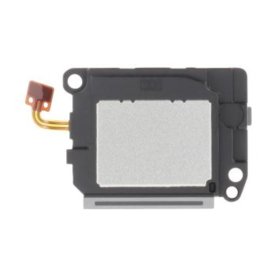
Edge 50 Pro Speaker
Key Features of the Motorola Edge 50 Pro Camera Lens:
Triple Lens System: Equipped with a versatile triple lens setup, providing a 108MP main sensor for ultra-clear photography, complemented by a 12MP telephoto lens for detailed zoom shots and a 16MP ultra-wide lens for expansive views.
Advanced Night Vision: Capture stunning low-light photos with enhanced Night Vision technology, ensuring brighter and sharper images even in dimly lit environments.
Optical Image Stabilization (OIS): Minimize blurriness and achieve smooth, professional-quality photos and videos, thanks to built-in OIS that reduces motion blur.
AI-Powered Features: Leverage AI enhancements for real-time scene recognition, optimizing settings for each shot and offering smart composition suggestions for enhanced framing.
4K Video Recording: Record cinematic videos in 4K resolution at 60fps, ensuring crystal-clear clarity and seamless playback.
Fast Focus Technology: Quickly lock onto subjects with precise autofocus, perfect for capturing fast-moving actions or candid moments.
Macro Vision: Get up close with the Macro Vision lens, which allows you to focus on objects as close as 2 centimeters, capturing intricate details.
Pro Mode: Manual controls available for photographers looking to tweak ISO, shutter speed, and exposure for personalized shooting experiences.
High Dynamic Range (HDR): Produce balanced images with HDR technology, which enhances details in both highlights and shadows.
Elegant Design: Sleek and durable, crafted to blend seamlessly with the Motorola Edge 50 Pro’s aesthetics.
These features make the Motorola Edge 50 Pro Camera Lens ideal for photography enthusiasts seeking versatility and high performance.
Triple Lens System: Equipped with a versatile triple lens setup, providing a 108MP main sensor for ultra-clear photography, complemented by a 12MP telephoto lens for detailed zoom shots and a 16MP ultra-wide lens for expansive views.
Advanced Night Vision: Capture stunning low-light photos with enhanced Night Vision technology, ensuring brighter and sharper images even in dimly lit environments.
Optical Image Stabilization (OIS): Minimize blurriness and achieve smooth, professional-quality photos and videos, thanks to built-in OIS that reduces motion blur.
AI-Powered Features: Leverage AI enhancements for real-time scene recognition, optimizing settings for each shot and offering smart composition suggestions for enhanced framing.
4K Video Recording: Record cinematic videos in 4K resolution at 60fps, ensuring crystal-clear clarity and seamless playback.
Fast Focus Technology: Quickly lock onto subjects with precise autofocus, perfect for capturing fast-moving actions or candid moments.
Macro Vision: Get up close with the Macro Vision lens, which allows you to focus on objects as close as 2 centimeters, capturing intricate details.
Pro Mode: Manual controls available for photographers looking to tweak ISO, shutter speed, and exposure for personalized shooting experiences.
High Dynamic Range (HDR): Produce balanced images with HDR technology, which enhances details in both highlights and shadows.
Elegant Design: Sleek and durable, crafted to blend seamlessly with the Motorola Edge 50 Pro’s aesthetics.
These features make the Motorola Edge 50 Pro Camera Lens ideal for photography enthusiasts seeking versatility and high performance.
Motorola Edge 50 Pro Main Flex Cable
Key Features of Motorola Edge 50 Pro Main Flex Cable:
High-Quality Material: Manufactured using premium materials to ensure durability and long-lasting performance, providing a reliable connection within your device.
Perfect Compatibility: Specifically designed for the Motorola Edge 50 Pro, ensuring a precise fit and optimal functionality without any compromise on performance.
Seamless Connectivity: Maintains robust and stable connections between different components of your smartphone, crucial for the device’s operation and signal integrity.
Easy Installation: Engineered for straightforward installation, allowing for replacements to be made with minimal tools and technical expertise, reducing downtime.
Essential Repair Component: Ideal for repairing damaged or non-functional flex cables, restoring your device’s operational capability and extending its usability.
Reliable Performance: Tested rigorously to meet high standards of quality and performance, ensuring continuous and efficient operation of your device.
Cost-Effective Solution: Offers an economical way to fix connectivity issues caused by a damaged flex cable, avoiding the need for more costly repairs or device replacement.
By choosing the Motorola Edge 50 Pro Main Flex Cable, you can ensure your smartphone maintains its peak performance with a component that guarantees compatibility and reliability.
High-Quality Material: Manufactured using premium materials to ensure durability and long-lasting performance, providing a reliable connection within your device.
Perfect Compatibility: Specifically designed for the Motorola Edge 50 Pro, ensuring a precise fit and optimal functionality without any compromise on performance.
Seamless Connectivity: Maintains robust and stable connections between different components of your smartphone, crucial for the device’s operation and signal integrity.
Easy Installation: Engineered for straightforward installation, allowing for replacements to be made with minimal tools and technical expertise, reducing downtime.
Essential Repair Component: Ideal for repairing damaged or non-functional flex cables, restoring your device’s operational capability and extending its usability.
Reliable Performance: Tested rigorously to meet high standards of quality and performance, ensuring continuous and efficient operation of your device.
Cost-Effective Solution: Offers an economical way to fix connectivity issues caused by a damaged flex cable, avoiding the need for more costly repairs or device replacement.
By choosing the Motorola Edge 50 Pro Main Flex Cable, you can ensure your smartphone maintains its peak performance with a component that guarantees compatibility and reliability.
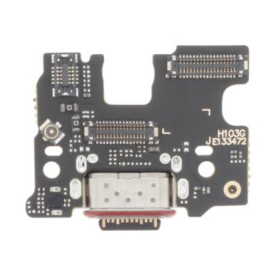
Out-of-Stock
Edge 50 Pro Charging Connector
Key Features of the Motorola Edge 50 Pro Camera Lens:
Triple Lens System: Equipped with a versatile triple lens setup, providing a 108MP main sensor for ultra-clear photography, complemented by a 12MP telephoto lens for detailed zoom shots and a 16MP ultra-wide lens for expansive views.
Advanced Night Vision: Capture stunning low-light photos with enhanced Night Vision technology, ensuring brighter and sharper images even in dimly lit environments.
Optical Image Stabilization (OIS): Minimize blurriness and achieve smooth, professional-quality photos and videos, thanks to built-in OIS that reduces motion blur.
AI-Powered Features: Leverage AI enhancements for real-time scene recognition, optimizing settings for each shot and offering smart composition suggestions for enhanced framing.
4K Video Recording: Record cinematic videos in 4K resolution at 60fps, ensuring crystal-clear clarity and seamless playback.
Fast Focus Technology: Quickly lock onto subjects with precise autofocus, perfect for capturing fast-moving actions or candid moments.
Macro Vision: Get up close with the Macro Vision lens, which allows you to focus on objects as close as 2 centimeters, capturing intricate details.
Pro Mode: Manual controls available for photographers looking to tweak ISO, shutter speed, and exposure for personalized shooting experiences.
High Dynamic Range (HDR): Produce balanced images with HDR technology, which enhances details in both highlights and shadows.
Elegant Design: Sleek and durable, crafted to blend seamlessly with the Motorola Edge 50 Pro’s aesthetics.
These features make the Motorola Edge 50 Pro Camera Lens ideal for photography enthusiasts seeking versatility and high performance.
Triple Lens System: Equipped with a versatile triple lens setup, providing a 108MP main sensor for ultra-clear photography, complemented by a 12MP telephoto lens for detailed zoom shots and a 16MP ultra-wide lens for expansive views.
Advanced Night Vision: Capture stunning low-light photos with enhanced Night Vision technology, ensuring brighter and sharper images even in dimly lit environments.
Optical Image Stabilization (OIS): Minimize blurriness and achieve smooth, professional-quality photos and videos, thanks to built-in OIS that reduces motion blur.
AI-Powered Features: Leverage AI enhancements for real-time scene recognition, optimizing settings for each shot and offering smart composition suggestions for enhanced framing.
4K Video Recording: Record cinematic videos in 4K resolution at 60fps, ensuring crystal-clear clarity and seamless playback.
Fast Focus Technology: Quickly lock onto subjects with precise autofocus, perfect for capturing fast-moving actions or candid moments.
Macro Vision: Get up close with the Macro Vision lens, which allows you to focus on objects as close as 2 centimeters, capturing intricate details.
Pro Mode: Manual controls available for photographers looking to tweak ISO, shutter speed, and exposure for personalized shooting experiences.
High Dynamic Range (HDR): Produce balanced images with HDR technology, which enhances details in both highlights and shadows.
Elegant Design: Sleek and durable, crafted to blend seamlessly with the Motorola Edge 50 Pro’s aesthetics.
These features make the Motorola Edge 50 Pro Camera Lens ideal for photography enthusiasts seeking versatility and high performance.
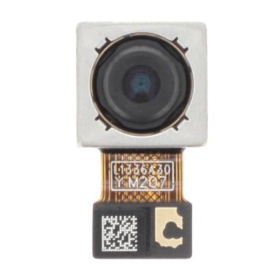
10MP Telephoto Rear Camera Edge 50 Pro
Key Features of the Motorola Edge 50 Pro Camera Lens:
Triple Lens System: Equipped with a versatile triple lens setup, providing a 108MP main sensor for ultra-clear photography, complemented by a 12MP telephoto lens for detailed zoom shots and a 16MP ultra-wide lens for expansive views.
Advanced Night Vision: Capture stunning low-light photos with enhanced Night Vision technology, ensuring brighter and sharper images even in dimly lit environments.
Optical Image Stabilization (OIS): Minimize blurriness and achieve smooth, professional-quality photos and videos, thanks to built-in OIS that reduces motion blur.
AI-Powered Features: Leverage AI enhancements for real-time scene recognition, optimizing settings for each shot and offering smart composition suggestions for enhanced framing.
4K Video Recording: Record cinematic videos in 4K resolution at 60fps, ensuring crystal-clear clarity and seamless playback.
Fast Focus Technology: Quickly lock onto subjects with precise autofocus, perfect for capturing fast-moving actions or candid moments.
Macro Vision: Get up close with the Macro Vision lens, which allows you to focus on objects as close as 2 centimeters, capturing intricate details.
Pro Mode: Manual controls available for photographers looking to tweak ISO, shutter speed, and exposure for personalized shooting experiences.
High Dynamic Range (HDR): Produce balanced images with HDR technology, which enhances details in both highlights and shadows.
Elegant Design: Sleek and durable, crafted to blend seamlessly with the Motorola Edge 50 Pro’s aesthetics.
These features make the Motorola Edge 50 Pro Camera Lens ideal for photography enthusiasts seeking versatility and high performance.
Triple Lens System: Equipped with a versatile triple lens setup, providing a 108MP main sensor for ultra-clear photography, complemented by a 12MP telephoto lens for detailed zoom shots and a 16MP ultra-wide lens for expansive views.
Advanced Night Vision: Capture stunning low-light photos with enhanced Night Vision technology, ensuring brighter and sharper images even in dimly lit environments.
Optical Image Stabilization (OIS): Minimize blurriness and achieve smooth, professional-quality photos and videos, thanks to built-in OIS that reduces motion blur.
AI-Powered Features: Leverage AI enhancements for real-time scene recognition, optimizing settings for each shot and offering smart composition suggestions for enhanced framing.
4K Video Recording: Record cinematic videos in 4K resolution at 60fps, ensuring crystal-clear clarity and seamless playback.
Fast Focus Technology: Quickly lock onto subjects with precise autofocus, perfect for capturing fast-moving actions or candid moments.
Macro Vision: Get up close with the Macro Vision lens, which allows you to focus on objects as close as 2 centimeters, capturing intricate details.
Pro Mode: Manual controls available for photographers looking to tweak ISO, shutter speed, and exposure for personalized shooting experiences.
High Dynamic Range (HDR): Produce balanced images with HDR technology, which enhances details in both highlights and shadows.
Elegant Design: Sleek and durable, crafted to blend seamlessly with the Motorola Edge 50 Pro’s aesthetics.
These features make the Motorola Edge 50 Pro Camera Lens ideal for photography enthusiasts seeking versatility and high performance.
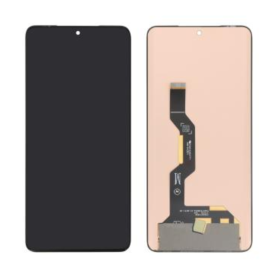
Out-of-Stock
Edge 50 Pro Screen Without Frame (Original Refurbished)
Edge 50 Pro Screen Without Frame (Original Refurbished): Key Features
Original Refurbished Quality: Enjoy the premium feel and performance of an original Edge 50 Pro screen, meticulously refurbished to ensure functionality that rivals brand-new displays.
Seamless Compatibility: Specifically designed for the Edge 50 Pro, ensuring a perfect fit and full compatibility with your device's features and hardware.
Vibrant Display: Experience stunning visuals with high-resolution clarity, offering vibrant colors and sharp contrasts for an enhanced viewing experience.
Responsive Touch Sensitivity: Maintain smooth interaction with your phone through precise touch sensitivity, whether you're browsing, gaming, or multitasking.
Durable Construction: Manufactured with robust materials to withstand daily wear and tear, ensuring longevity and reliability.
Cost-Effective Solution: A perfect choice for those seeking a budget-friendly replacement option without compromising on quality and performance.
Easy Installation: Simplified installation process allows for quick and hassle-free screen replacement, getting your device back to optimal performance in no time.
Eco-Friendly Option: By choosing a refurbished screen, support sustainable practices through effective recycling and reduced electronic waste.
Revitalize your Edge 50 Pro with this high-quality refurbished screen and enjoy exceptional performance and visuals once more!
Original Refurbished Quality: Enjoy the premium feel and performance of an original Edge 50 Pro screen, meticulously refurbished to ensure functionality that rivals brand-new displays.
Seamless Compatibility: Specifically designed for the Edge 50 Pro, ensuring a perfect fit and full compatibility with your device's features and hardware.
Vibrant Display: Experience stunning visuals with high-resolution clarity, offering vibrant colors and sharp contrasts for an enhanced viewing experience.
Responsive Touch Sensitivity: Maintain smooth interaction with your phone through precise touch sensitivity, whether you're browsing, gaming, or multitasking.
Durable Construction: Manufactured with robust materials to withstand daily wear and tear, ensuring longevity and reliability.
Cost-Effective Solution: A perfect choice for those seeking a budget-friendly replacement option without compromising on quality and performance.
Easy Installation: Simplified installation process allows for quick and hassle-free screen replacement, getting your device back to optimal performance in no time.
Eco-Friendly Option: By choosing a refurbished screen, support sustainable practices through effective recycling and reduced electronic waste.
Revitalize your Edge 50 Pro with this high-quality refurbished screen and enjoy exceptional performance and visuals once more!
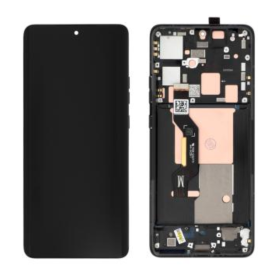
Out-of-Stock
Motorola Edge 50 Pro Black Screen + Chassis (Original Refurbished)
Edge 50 Pro Screen Without Frame (Original Refurbished): Key Features
Original Refurbished Quality: Enjoy the premium feel and performance of an original Edge 50 Pro screen, meticulously refurbished to ensure functionality that rivals brand-new displays.
Seamless Compatibility: Specifically designed for the Edge 50 Pro, ensuring a perfect fit and full compatibility with your device's features and hardware.
Vibrant Display: Experience stunning visuals with high-resolution clarity, offering vibrant colors and sharp contrasts for an enhanced viewing experience.
Responsive Touch Sensitivity: Maintain smooth interaction with your phone through precise touch sensitivity, whether you're browsing, gaming, or multitasking.
Durable Construction: Manufactured with robust materials to withstand daily wear and tear, ensuring longevity and reliability.
Cost-Effective Solution: A perfect choice for those seeking a budget-friendly replacement option without compromising on quality and performance.
Easy Installation: Simplified installation process allows for quick and hassle-free screen replacement, getting your device back to optimal performance in no time.
Eco-Friendly Option: By choosing a refurbished screen, support sustainable practices through effective recycling and reduced electronic waste.
Revitalize your Edge 50 Pro with this high-quality refurbished screen and enjoy exceptional performance and visuals once more!
Original Refurbished Quality: Enjoy the premium feel and performance of an original Edge 50 Pro screen, meticulously refurbished to ensure functionality that rivals brand-new displays.
Seamless Compatibility: Specifically designed for the Edge 50 Pro, ensuring a perfect fit and full compatibility with your device's features and hardware.
Vibrant Display: Experience stunning visuals with high-resolution clarity, offering vibrant colors and sharp contrasts for an enhanced viewing experience.
Responsive Touch Sensitivity: Maintain smooth interaction with your phone through precise touch sensitivity, whether you're browsing, gaming, or multitasking.
Durable Construction: Manufactured with robust materials to withstand daily wear and tear, ensuring longevity and reliability.
Cost-Effective Solution: A perfect choice for those seeking a budget-friendly replacement option without compromising on quality and performance.
Easy Installation: Simplified installation process allows for quick and hassle-free screen replacement, getting your device back to optimal performance in no time.
Eco-Friendly Option: By choosing a refurbished screen, support sustainable practices through effective recycling and reduced electronic waste.
Revitalize your Edge 50 Pro with this high-quality refurbished screen and enjoy exceptional performance and visuals once more!

Out-of-Stock
Camera Lens Motorola Edge 50
Key Features of the Motorola Edge 50 Pro Camera Lens:
Triple Lens System: Equipped with a versatile triple lens setup, providing a 108MP main sensor for ultra-clear photography, complemented by a 12MP telephoto lens for detailed zoom shots and a 16MP ultra-wide lens for expansive views.
Advanced Night Vision: Capture stunning low-light photos with enhanced Night Vision technology, ensuring brighter and sharper images even in dimly lit environments.
Optical Image Stabilization (OIS): Minimize blurriness and achieve smooth, professional-quality photos and videos, thanks to built-in OIS that reduces motion blur.
AI-Powered Features: Leverage AI enhancements for real-time scene recognition, optimizing settings for each shot and offering smart composition suggestions for enhanced framing.
4K Video Recording: Record cinematic videos in 4K resolution at 60fps, ensuring crystal-clear clarity and seamless playback.
Fast Focus Technology: Quickly lock onto subjects with precise autofocus, perfect for capturing fast-moving actions or candid moments.
Macro Vision: Get up close with the Macro Vision lens, which allows you to focus on objects as close as 2 centimeters, capturing intricate details.
Pro Mode: Manual controls available for photographers looking to tweak ISO, shutter speed, and exposure for personalized shooting experiences.
High Dynamic Range (HDR): Produce balanced images with HDR technology, which enhances details in both highlights and shadows.
Elegant Design: Sleek and durable, crafted to blend seamlessly with the Motorola Edge 50 Pro’s aesthetics.
These features make the Motorola Edge 50 Pro Camera Lens ideal for photography enthusiasts seeking versatility and high performance.
Triple Lens System: Equipped with a versatile triple lens setup, providing a 108MP main sensor for ultra-clear photography, complemented by a 12MP telephoto lens for detailed zoom shots and a 16MP ultra-wide lens for expansive views.
Advanced Night Vision: Capture stunning low-light photos with enhanced Night Vision technology, ensuring brighter and sharper images even in dimly lit environments.
Optical Image Stabilization (OIS): Minimize blurriness and achieve smooth, professional-quality photos and videos, thanks to built-in OIS that reduces motion blur.
AI-Powered Features: Leverage AI enhancements for real-time scene recognition, optimizing settings for each shot and offering smart composition suggestions for enhanced framing.
4K Video Recording: Record cinematic videos in 4K resolution at 60fps, ensuring crystal-clear clarity and seamless playback.
Fast Focus Technology: Quickly lock onto subjects with precise autofocus, perfect for capturing fast-moving actions or candid moments.
Macro Vision: Get up close with the Macro Vision lens, which allows you to focus on objects as close as 2 centimeters, capturing intricate details.
Pro Mode: Manual controls available for photographers looking to tweak ISO, shutter speed, and exposure for personalized shooting experiences.
High Dynamic Range (HDR): Produce balanced images with HDR technology, which enhances details in both highlights and shadows.
Elegant Design: Sleek and durable, crafted to blend seamlessly with the Motorola Edge 50 Pro’s aesthetics.
These features make the Motorola Edge 50 Pro Camera Lens ideal for photography enthusiasts seeking versatility and high performance.