

 Ugreen
 .png) Devia
Devia  Mayline
  (1).png) D-power
D-power .png) Araree
Araree  Apple Original
  Samsung Original
 .svg.png) Xiaomi
Xiaomi  LinQ
LinQ  JBL
JBL .png) Belkin
Belkin  1More
1More  Techmade
  Benks
Benks Clearance






Repair Parts
There are 23784 products.
Out-of-Stock
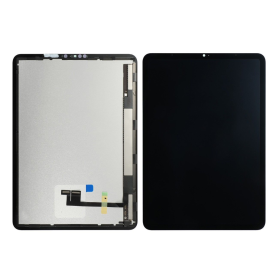
Complete Screen iPad Pro 11" (3rd/4th) (A2377/A2459/A2301/A2460/A2301/A2377/A2759/A2761) (Original Refurbished)
Complete Screen for the iPad Pro 11" (3rd/4th) model (A2377/A2459/A2301/A2460/A2759/A2761).
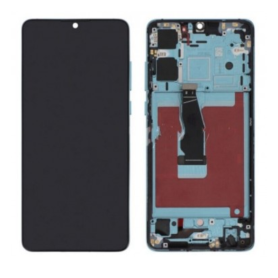
Huawei P30 Screen + Crystal Frame (OLED)
Huawei P30 Black Screen (OLED)
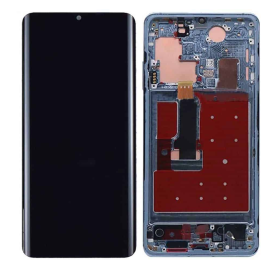
Huawei P30 screen + Aurora chassis (OLED)
Huawei P30 Black Screen (OLED)
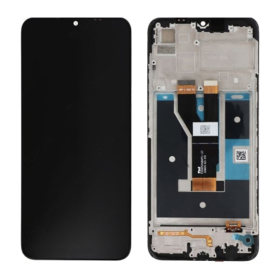
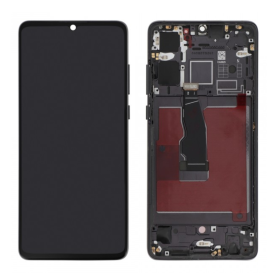
Huawei P30 Screen + Black Chassis (OLED)
Huawei P30 Black Screen (OLED)
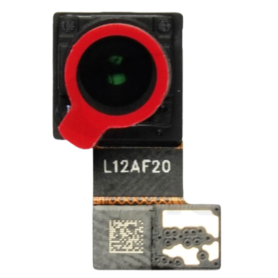
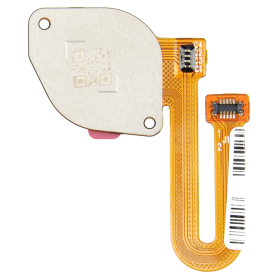
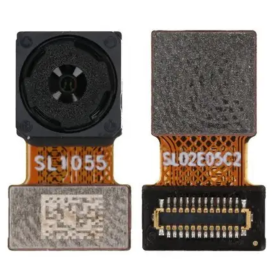
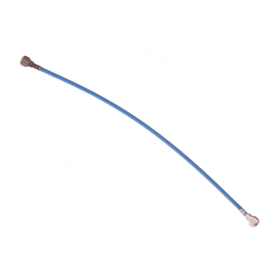
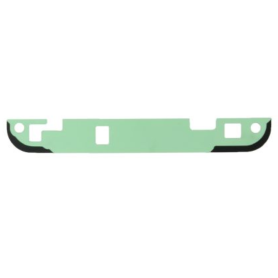
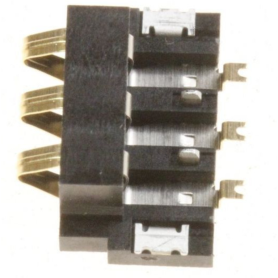
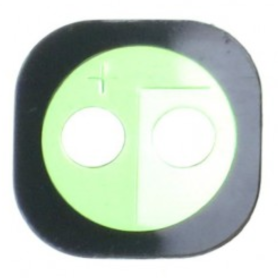
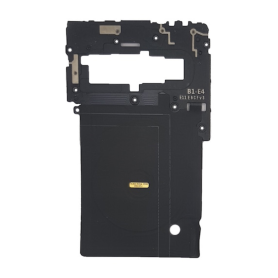
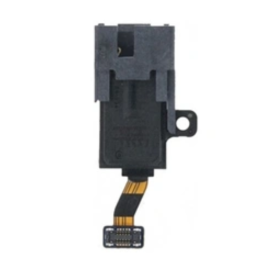
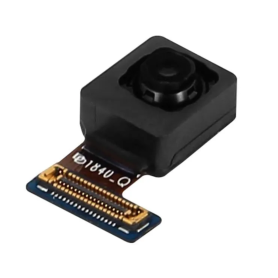
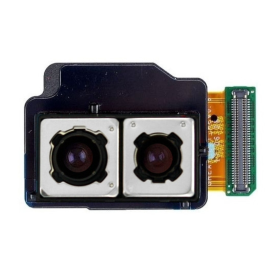
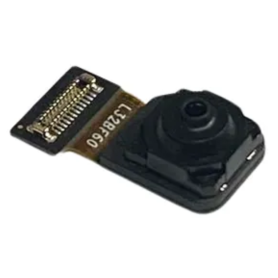
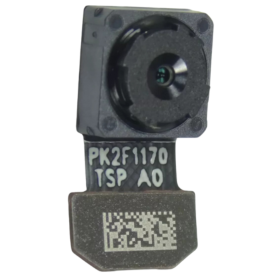
Front Camera Samsung Galaxy Note9 (N960F)
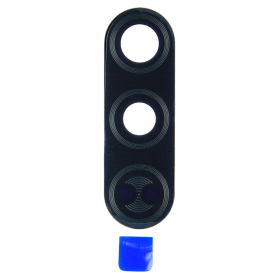
Rear camera glass Samsung Galaxy Note9 (N960F) Black Frame + Cover glass
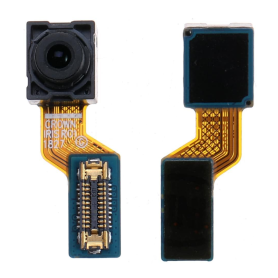
Front Camera IRIS Samsung Galaxy Note9 (N960F)
Rear camera glass Samsung Galaxy Note9 (N960F) Black Frame + Cover glass
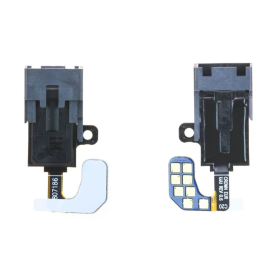
Jack Flex Cable Samsung Galaxy Note9 (N960F)
Rear camera glass Samsung Galaxy Note9 (N960F) Black Frame + Cover glass
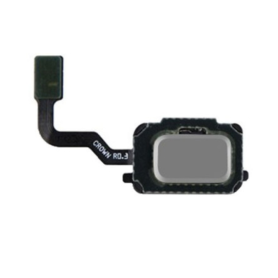
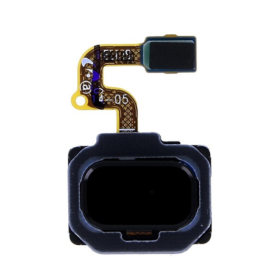
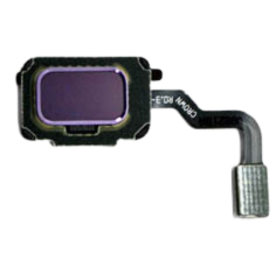
Fingerprint Reader Tablecloth Black Samsung Galaxy Note9 (N960F)
Rear camera glass Samsung Galaxy Note9 (N960F) Black Frame + Cover glass
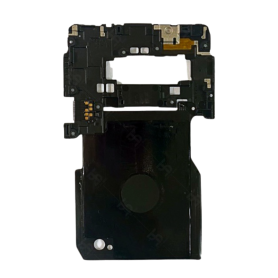
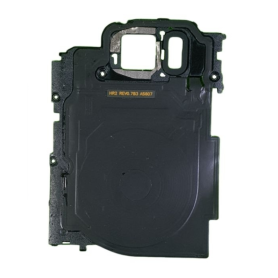
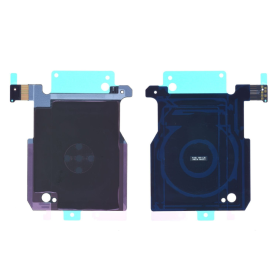
Wireless charging module Samsung Galaxy Note9 (N960F)
Rear camera glass Samsung Galaxy Note9 (N960F) Black Frame + Cover glass
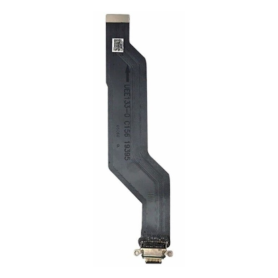
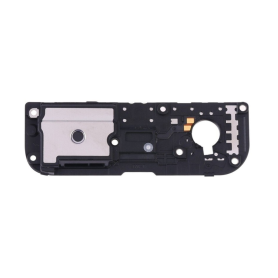
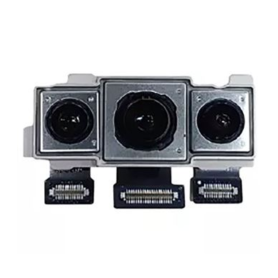
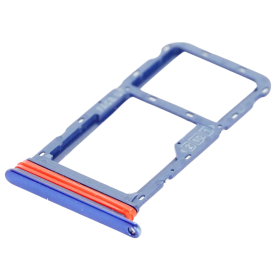
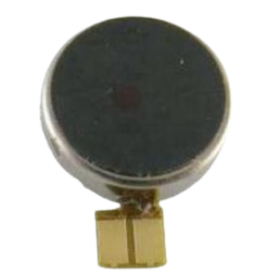
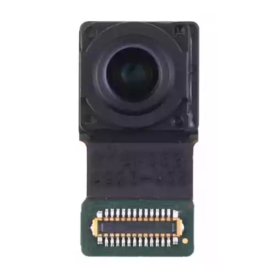
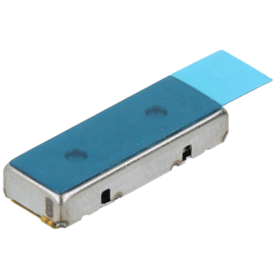
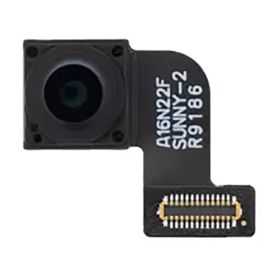
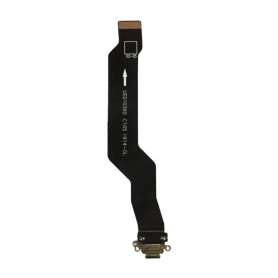
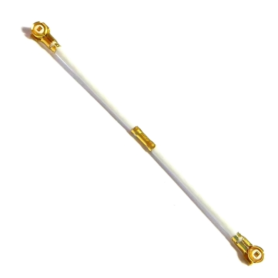
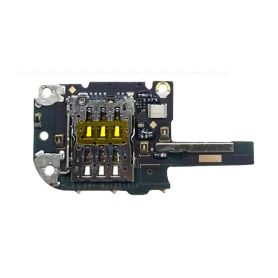
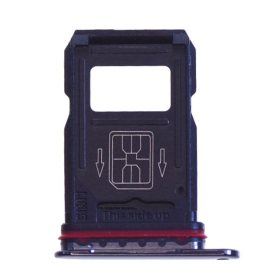
Out-of-Stock

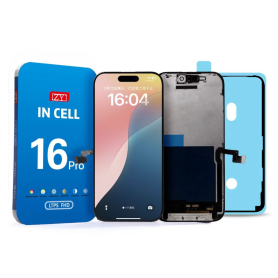
Screen iPhone 16 Pro (INCELL) ZY - LTPS - FHD1080p - 120Hz
Advantages LTPS TFT OLED Pixel resolution FHD1080p Same as original HD 720p Same as original Power consumption 10% power savings compared to TFT quality Normal power consumption 20% power savings compared to TFT quality. Response time Fast response Normal response Response same as original Image quality High image quality with vivid colors. Normal display More vivid colors, perfect blacks. Cost Excellent quality and cost. Best cost Steadily decreasing production cost. After-sales feedback After-sales service rate 0.1% After-sales service rate 0.3% After-sales service rate 0.2% Phone thickness with screen (7.65 mm original) 7.75 mm 7.80 mm 7.65 mm
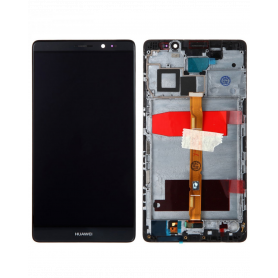
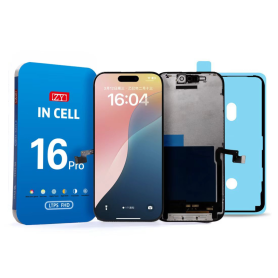
Screen iPhone 16 Pro Max (INCELL) ZY - LTPS - FHD1080p - 120Hz
Advantages LTPS TFT OLED Pixel resolution FHD1080p Same as original HD 720p Same as original Power consumption 10% power savings compared to TFT quality Normal power consumption 20% power savings compared to TFT quality. Response time Fast response Normal response Response same as original Image quality High image quality with vivid colors. Normal display More vivid colors, perfect blacks. Cost Excellent quality and cost. Best cost Steadily decreasing production cost. After-sales feedback After-sales service rate 0.1% After-sales service rate 0.3% After-sales service rate 0.2% Phone thickness with screen (7.65 mm original) 7.75 mm 7.80 mm 7.65 mm
Out-of-Stock
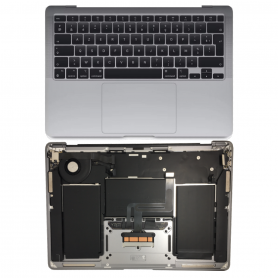
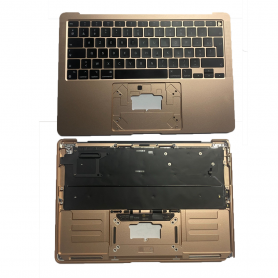
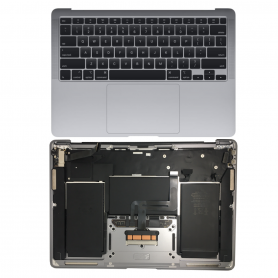
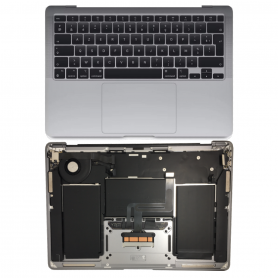
Apple MacBook Air 13″ Gold A2337 Full Chassis - Chassis + Battery + QWERTY Keyboard - Grade B
COMPATIBILITY: MACBOOK AIR 13" MODEL: A2337
Out-of-Stock
Complete Chassis Apple MacBook Air 13 ″ Silver A1465 - Chassis + QWERTY Keyboard - Grade A
COMPATIBILITÉ : MACBOOK AIR 13"
MODÈLE : A2179
MODÈLE : A2179
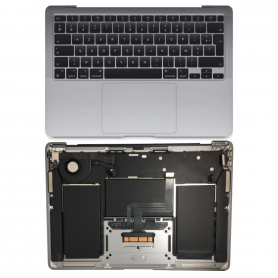
Complete Chassis Apple MacBook Air 13 ″ Silver A1465 - Chassis + QWERTY Keyboard - Grade AB
COMPATIBILITÉ : MACBOOK AIR 13"
MODÈLE : A2179
MODÈLE : A2179
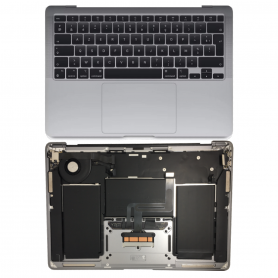
Complete Chassis Apple MacBook Air 13 ″ Silver A1465 - Chassis + QWERTY Keyboard - Grade B
COMPATIBILITÉ : MACBOOK AIR 13"
MODÈLE : A2179
MODÈLE : A2179
Out-of-Stock
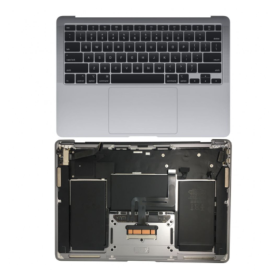
Complete Apple MacBook Pro 15 Silver A1990 Chassis - Chassis + QWERTY Keyboard (Original Dismantled) - Grade AB
COMPATIBILITÉ : MACBOOK AIR 13"
MODÈLE : A1989
MODÈLE : A1989
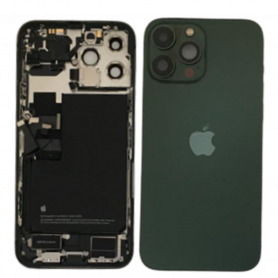
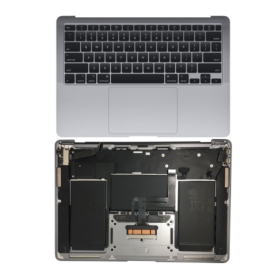
Apple MacBook Pro 15 Grey A1990 Full Chassis - Chassis + QWERTY Keyboard (Original Dismantled) - Grade A
COMPATIBILITÉ : MACBOOK AIR 13"
MODÈLE : A1989
MODÈLE : A1989
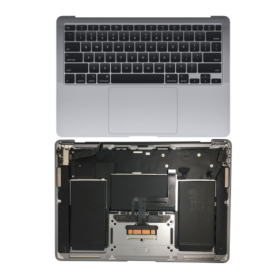
Apple MacBook Pro 15 Grey A1990 Full Chassis - Chassis + QWERTY Keyboard (Original Dismantled) - Grade AB
COMPATIBILITÉ : MACBOOK AIR 13"
MODÈLE : A1989
MODÈLE : A1989

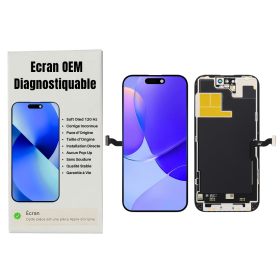
Screen iPhone 13 Pro (OEM) Soft Oled - Diagnosable - No Pop-up - 120Hz
Use Repair Assistant to Finish an iPhone or iPad Repair
On an iPhone 12 or later running iOS 18, when a new Apple screen is installed,“Finish Repair” will appear next to Screen until you complete the repair using the Repair Assistant.
On an iPhone 12 or later running iOS 18, it is possible to reuse an original Apple screen on another iPhone of the same model.
The date of first use and the condition of the screen can be found in Settings > General > About > Parts & Service History.
How to Run Diagnostics & Finish Repair for iPhone Screen
1. Ensure your device is updated to iOS 18
2. Go to Settings > General > About > Parts & Service History
3. Tap "Restart & Finish Repair" to activate the Repair Assistant
4. Follow the on-screen instructions to complete the calibration
After completing this process, your screen will be fully functional, and there will be no pop-up warning about non-genuine parts.
Important Notes:
Your iPhone must be connected to Wi-Fi
Your battery level should be above 20%
If the process fails, restart your device and try again
If the repair is not completed, the screen may not function optimally, and some features (True Tone, Face ID) may be disabled until calibration is finalized

Screen iPhone 13 Pro Max (OEM) Soft Oled - Diagnosable - No Pop-up - 120Hz
Use Repair Assistant to Finish an iPhone or iPad Repair
On an iPhone 12 or later running iOS 18, when a new Apple screen is installed,“Finish Repair” will appear next to Screen until you complete the repair using the Repair Assistant.
On an iPhone 12 or later running iOS 18, it is possible to reuse an original Apple screen on another iPhone of the same model.
The date of first use and the condition of the screen can be found in Settings > General > About > Parts & Service History.
How to Run Diagnostics & Finish Repair for iPhone Screen
1. Ensure your device is updated to iOS 18
2. Go to Settings > General > About > Parts & Service History
3. Tap "Restart & Finish Repair" to activate the Repair Assistant
4. Follow the on-screen instructions to complete the calibration
After completing this process, your screen will be fully functional, and there will be no pop-up warning about non-genuine parts.
Important Notes:
Your iPhone must be connected to Wi-Fi
Your battery level should be above 20%
If the process fails, restart your device and try again
If the repair is not completed, the screen may not function optimally, and some features (True Tone, Face ID) may be disabled until calibration is finalized

Screen iPhone 14 (OEM) Soft Oled - Diagnosable - No Pop-up
Use Repair Assistant to Finish an iPhone or iPad Repair
On an iPhone 12 or later running iOS 18, when a new Apple screen is installed,“Finish Repair” will appear next to Screen until you complete the repair using the Repair Assistant.
On an iPhone 12 or later running iOS 18, it is possible to reuse an original Apple screen on another iPhone of the same model.
The date of first use and the condition of the screen can be found in Settings > General > About > Parts & Service History.
How to Run Diagnostics & Finish Repair for iPhone Screen
1. Ensure your device is updated to iOS 18
2. Go to Settings > General > About > Parts & Service History
3. Tap "Restart & Finish Repair" to activate the Repair Assistant
4. Follow the on-screen instructions to complete the calibration
After completing this process, your screen will be fully functional, and there will be no pop-up warning about non-genuine parts.
Important Notes:
Your iPhone must be connected to Wi-Fi
Your battery level should be above 20%
If the process fails, restart your device and try again
If the repair is not completed, the screen may not function optimally, and some features (True Tone, Face ID) may be disabled until calibration is finalized
Screen iPhone 14 Pro (OEM) Soft Oled - Diagnosable - No Pop-up - 120Hz
Use Repair Assistant to Finish an iPhone or iPad Repair
On an iPhone 12 or later running iOS 18, when a new Apple screen is installed,“Finish Repair” will appear next to Screen until you complete the repair using the Repair Assistant.
On an iPhone 12 or later running iOS 18, it is possible to reuse an original Apple screen on another iPhone of the same model.
The date of first use and the condition of the screen can be found in Settings > General > About > Parts & Service History.
How to Run Diagnostics & Finish Repair for iPhone Screen
1. Ensure your device is updated to iOS 18
2. Go to Settings > General > About > Parts & Service History
3. Tap "Restart & Finish Repair" to activate the Repair Assistant
4. Follow the on-screen instructions to complete the calibration
After completing this process, your screen will be fully functional, and there will be no pop-up warning about non-genuine parts.
Important Notes:
Your iPhone must be connected to Wi-Fi
Your battery level should be above 20%
If the process fails, restart your device and try again
If the repair is not completed, the screen may not function optimally, and some features (True Tone, Face ID) may be disabled until calibration is finalized
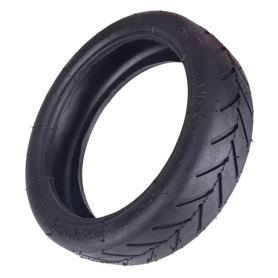

Screen iPhone 14 Pro Max (OEM) Soft Oled - Diagnosable - No Pop-up - 120Hz
Use Repair Assistant to Finish an iPhone or iPad Repair
On an iPhone 12 or later running iOS 18, when a new Apple screen is installed,“Finish Repair” will appear next to Screen until you complete the repair using the Repair Assistant.
On an iPhone 12 or later running iOS 18, it is possible to reuse an original Apple screen on another iPhone of the same model.
The date of first use and the condition of the screen can be found in Settings > General > About > Parts & Service History.
How to Run Diagnostics & Finish Repair for iPhone Screen
1. Ensure your device is updated to iOS 18
2. Go to Settings > General > About > Parts & Service History
3. Tap "Restart & Finish Repair" to activate the Repair Assistant
4. Follow the on-screen instructions to complete the calibration
After completing this process, your screen will be fully functional, and there will be no pop-up warning about non-genuine parts.
Important Notes:
Your iPhone must be connected to Wi-Fi
Your battery level should be above 20%
If the process fails, restart your device and try again
If the repair is not completed, the screen may not function optimally, and some features (True Tone, Face ID) may be disabled until calibration is finalized
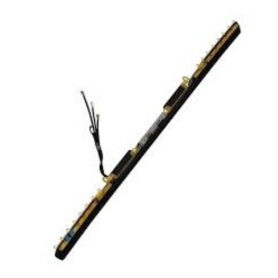
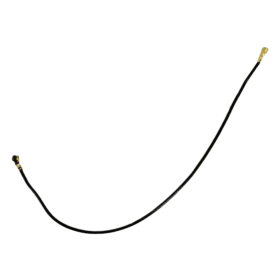
Wifi Airport Bluetooth Network Antenna For MacBook Pro 15 A1990
Name:Touchpad Cable Laptop Model:A1990 Year:2018 2019 PPN: 821-01669-A APN: N/A Packing: Plastic Bag+Bubbles
Out-of-Stock
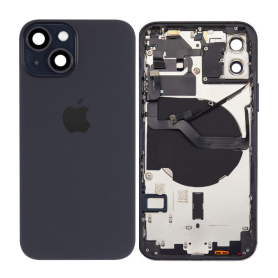
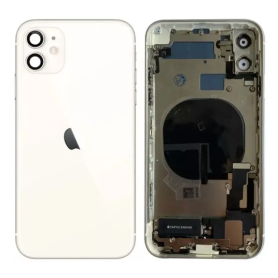
Out-of-Stock
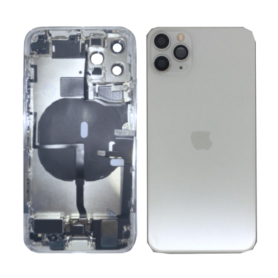
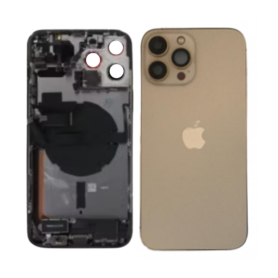
Out-of-Stock
Back Cover Housing iPhone 13 Pro Max Gold - Charging Connector without Battery (Original Dismantled) Grade A
Main Features of the Full Housing iPhone 13 Pro Max Gold - Charging Connector without Battery (Origine Disassembled) Grade A Optimal compatibility: Specifically designed for the iPhone 13 Pro Max, this housing ensures a perfect fit and maintains the structural integrity of your device. Ideal for precise, high-quality repairs. Premium materials: Made from high-quality materials, this housing guarantees durability and resistance to damage, thereby extending the lifespan of your iPhone. Elegant design: Coated with an elegant Gold finish, this part preserves the luxurious aesthetic of your phone while giving it a renewed touch of sophistication. Origine disassembled - Grade A: Each housing has been expertly disassembled and inspected, classified Grade A to guarantee the absence of major defects and an almost new appearance. Integrated charging connector: Supplied with a built-in charging connector, allowing for a simpler installation and avoiding additional complications during replacement. Without battery: Note that this housing is supplied without a battery, allowing you to keep or integrate an existing battery, thus enabling customization according to your needs. Easy installation: Designed to simplify the replacement process, this housing allows for smooth installation, although we recommend professional intervention for an optimal result. Economical solution: An advantageous alternative to renew the appearance and functionality of your device without investing in a new model. Note: Always check compatibility and technical expertise before installation to ensure the proper functioning and safety of your device.