
 Ugreen
 .png) Devia
Devia  Mayline
  (1).png) D-power
D-power .png) Araree
Araree  Apple Original
  Samsung Original
 .svg.png) Xiaomi
Xiaomi  LinQ
LinQ  JBL
JBL .png) Belkin
Belkin  1More
1More  Techmade
  Benks
Benks Clearance





Repair Parts
There are 23784 products.



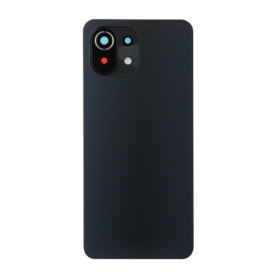

Out-of-Stock
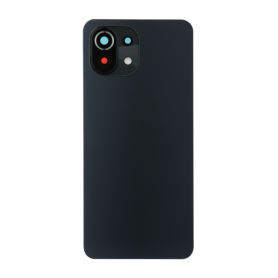

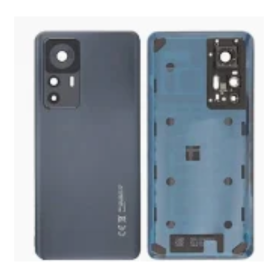

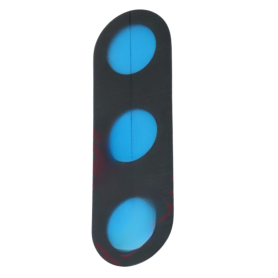
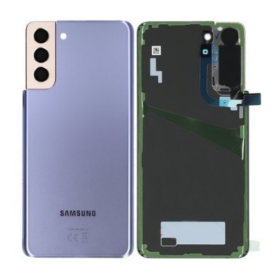
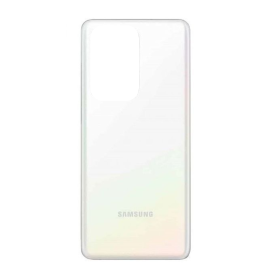
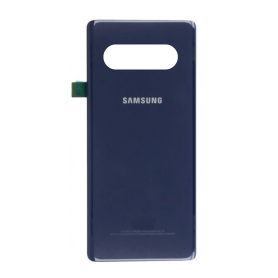
Back Glass Samsung Galaxy S21 5G (G991B) Phantom Black Without Lens Contour (Original Disassembled) Grade AB
"Non-original" product without the brand logo
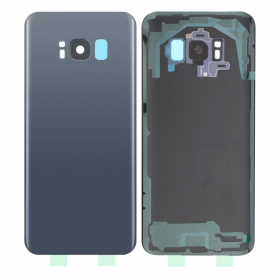
Out-of-Stock

Out-of-Stock
Out-of-Stock

Out-of-Stock
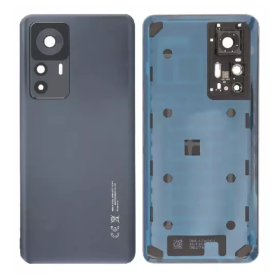
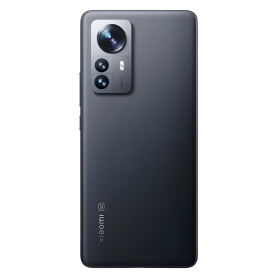
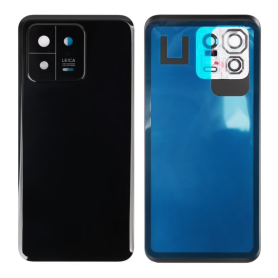
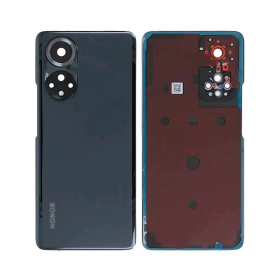
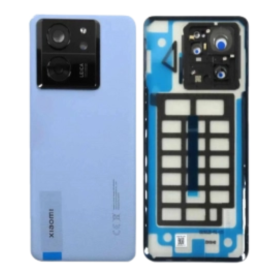
Xiaomi 13T / 13T Pro Back Glass Black (Original Disassembled) - Grade A
Key Features of Xiaomi 13T / 13T Pro Rear Window Black (Original Disassembled) - Grade A:
Authentic Quality: This rear window component is original and disassembled, ensuring it matches the high-quality standards of the Xiaomi 13T and 13T Pro models.
Grade A Condition: It is classified as Grade A, indicating it is in excellent condition with minimal signs of wear, maintaining the aesthetic integrity of your device.
Perfect Compatibility: Designed specifically for Xiaomi 13T and 13T Pro models, ensuring a precise fit and seamless integration with existing components.
Sleek Black Finish: The sleek black finish not only complements the design of your phone but also provides a sophisticated and modern look.
Durability: Made from high-quality materials, this rear window offers enhanced durability, providing long-lasting protection for the internal components of your device.
Easy Installation: Designed for easy installation, allowing you to replace your phone's rear window with minimal hassle and without professional assistance.
Warranty Assurance: Comes with a warranty, offering peace of mind and assurance of its authenticity and performance.
Enhance your Xiaomi 13T or 13T Pro with this original, top-grade rear window replacement, ensuring your device looks and functions like new.
Authentic Quality: This rear window component is original and disassembled, ensuring it matches the high-quality standards of the Xiaomi 13T and 13T Pro models.
Grade A Condition: It is classified as Grade A, indicating it is in excellent condition with minimal signs of wear, maintaining the aesthetic integrity of your device.
Perfect Compatibility: Designed specifically for Xiaomi 13T and 13T Pro models, ensuring a precise fit and seamless integration with existing components.
Sleek Black Finish: The sleek black finish not only complements the design of your phone but also provides a sophisticated and modern look.
Durability: Made from high-quality materials, this rear window offers enhanced durability, providing long-lasting protection for the internal components of your device.
Easy Installation: Designed for easy installation, allowing you to replace your phone's rear window with minimal hassle and without professional assistance.
Warranty Assurance: Comes with a warranty, offering peace of mind and assurance of its authenticity and performance.
Enhance your Xiaomi 13T or 13T Pro with this original, top-grade rear window replacement, ensuring your device looks and functions like new.
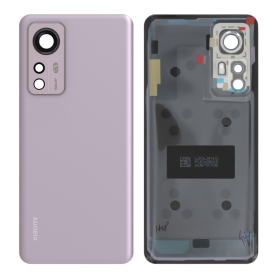

Out-of-Stock
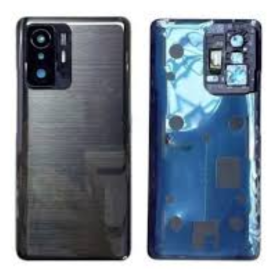

Out-of-Stock

Out-of-Stock
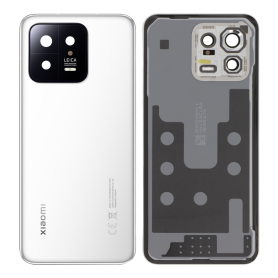

Out-of-Stock
Out-of-Stock


Out-of-Stock


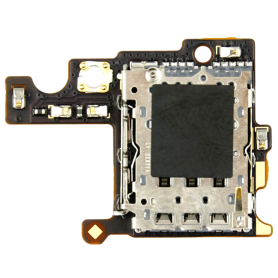

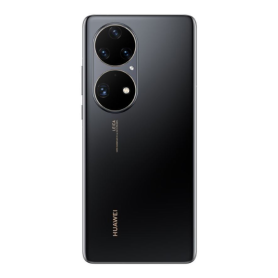


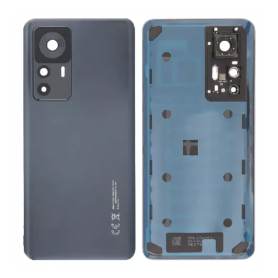


Out-of-Stock

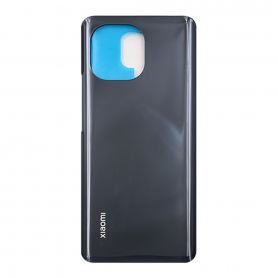



Out-of-Stock
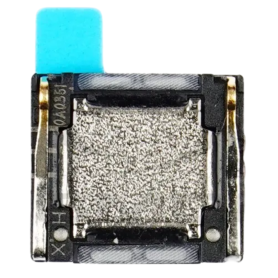

Out-of-Stock
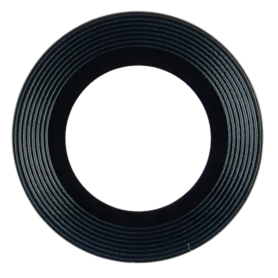

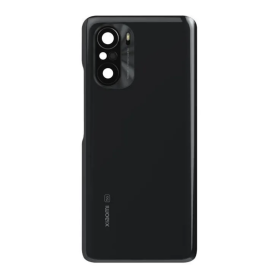
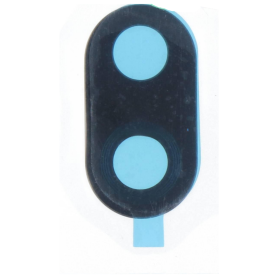
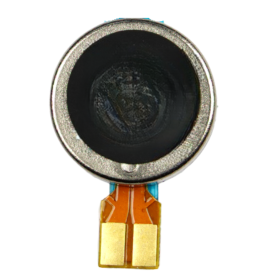

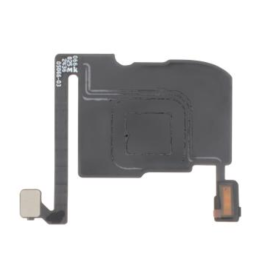
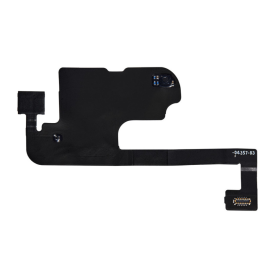
Proximity Sensor Flex Cable iPhone 16 Pro Max
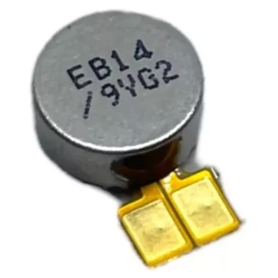
Proximity sensor flex for iPhone 16 Pro Max, a replacement part for phone repair.

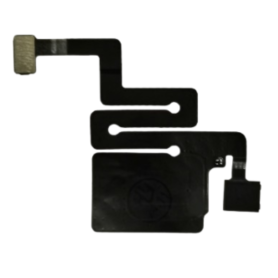


Out-of-Stock
Out-of-Stock
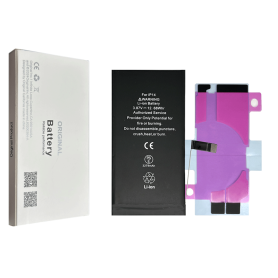
Battery A3018 3349mAh iPhone 15 (OEM) Diagnostic Show Genuine
Use Repair Assistant to Finish an iPhone or iPad Repair
This Battery Without Logo
On an iPhone 12 or later running iOS 18, when a new Apple battery is installed,“Finish Repair” will appear next to Battery until you complete the repair using the Repair Assistant.
On an iPhone 12 or later running iOS 18, it is possible to reuse an original Apple battery on another iPhone of the same model.
The date of first use, capacity, and cycle count of your battery can be found in Settings > Battery > Battery Health.
How to Run Diagnostics & Finish Repair for iPhone Battery
1. Ensure your device is updated to iOS 18
2. Go to Settings > General > About > Parts & Service History
3. Tap "Restart & Finish Repair" to activate the Repair Assistant
4. Follow the on-screen instructions to complete the calibration
After completing this process, your battery will display 100% health, and there will be no pop-up warning about non-genuine parts.
Important Notes:
Your iPhone must be connected to Wi-Fi
Your battery level should be above 20%
If the process fails, restart your device and try again
If the repair is not completed, the battery may not function optimally, and some features (Face ID, Touch ID) may be disabled until calibration is finalized
Out-of-Stock
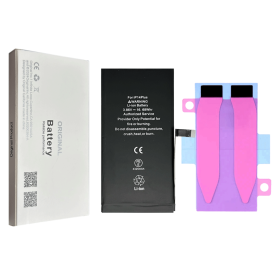
Battery A3018 3349mAh iPhone 15 Plus (OEM) Diagnostic Show Genuine
Use Repair Assistant to Finish an iPhone or iPad Repair
This Battery Without Logo
On an iPhone 12 or later running iOS 18, when a new Apple battery is installed,“Finish Repair” will appear next to Battery until you complete the repair using the Repair Assistant.
On an iPhone 12 or later running iOS 18, it is possible to reuse an original Apple battery on another iPhone of the same model.
The date of first use, capacity, and cycle count of your battery can be found in Settings > Battery > Battery Health.
How to Run Diagnostics & Finish Repair for iPhone Battery
1. Ensure your device is updated to iOS 18
2. Go to Settings > General > About > Parts & Service History
3. Tap "Restart & Finish Repair" to activate the Repair Assistant
4. Follow the on-screen instructions to complete the calibration
After completing this process, your battery will display 100% health, and there will be no pop-up warning about non-genuine parts.
Important Notes:
Your iPhone must be connected to Wi-Fi
Your battery level should be above 20%
If the process fails, restart your device and try again
If the repair is not completed, the battery may not function optimally, and some features (Face ID, Touch ID) may be disabled until calibration is finalized
Out-of-Stock
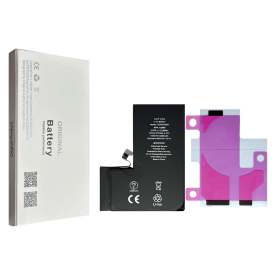
Battery A3011 3274mAh iPhone 15 Pro (OEM) Diagnostic Show Genuine
Use Repair Assistant to Finish an iPhone or iPad Repair
This Battery Without Logo
On an iPhone 12 or later running iOS 18, when a new Apple battery is installed,“Finish Repair” will appear next to Battery until you complete the repair using the Repair Assistant.
On an iPhone 12 or later running iOS 18, it is possible to reuse an original Apple battery on another iPhone of the same model.
The date of first use, capacity, and cycle count of your battery can be found in Settings > Battery > Battery Health.
How to Run Diagnostics & Finish Repair for iPhone Battery
1. Ensure your device is updated to iOS 18
2. Go to Settings > General > About > Parts & Service History
3. Tap "Restart & Finish Repair" to activate the Repair Assistant
4. Follow the on-screen instructions to complete the calibration
After completing this process, your battery will display 100% health, and there will be no pop-up warning about non-genuine parts.
Important Notes:
Your iPhone must be connected to Wi-Fi
Your battery level should be above 20%
If the process fails, restart your device and try again
If the repair is not completed, the battery may not function optimally, and some features (Face ID, Touch ID) may be disabled until calibration is finalized
Out-of-Stock
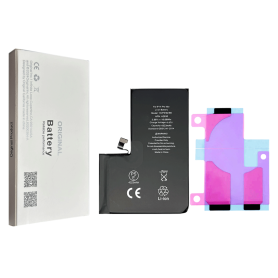
Battery A3121 4422mAh iPhone 15 Pro Max (OEM) Diagnostic Show Genuine
Use Repair Assistant to Finish an iPhone or iPad Repair
This Battery Without Logo
On an iPhone 12 or later running iOS 18, when a new Apple battery is installed,“Finish Repair” will appear next to Battery until you complete the repair using the Repair Assistant.
On an iPhone 12 or later running iOS 18, it is possible to reuse an original Apple battery on another iPhone of the same model.
The date of first use, capacity, and cycle count of your battery can be found in Settings > Battery > Battery Health.
How to Run Diagnostics & Finish Repair for iPhone Battery
1. Ensure your device is updated to iOS 18
2. Go to Settings > General > About > Parts & Service History
3. Tap "Restart & Finish Repair" to activate the Repair Assistant
4. Follow the on-screen instructions to complete the calibration
After completing this process, your battery will display 100% health, and there will be no pop-up warning about non-genuine parts.
Important Notes:
Your iPhone must be connected to Wi-Fi
Your battery level should be above 20%
If the process fails, restart your device and try again
If the repair is not completed, the battery may not function optimally, and some features (Face ID, Touch ID) may be disabled until calibration is finalized
Out-of-Stock
Out-of-Stock
Out-of-Stock
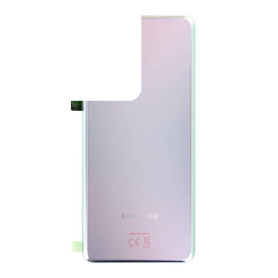
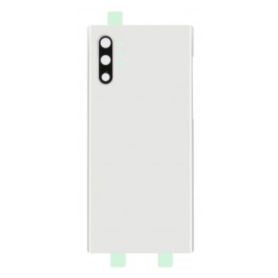
Back Glass Samsung Galaxy S21 5G (G991B) Phantom Silver Without Contour lens (Original Disassembled) Grade AB
"Non-original" product without the brand logo
Out-of-Stock
Out-of-Stock