
 Ugreen
 .png) Devia
Devia  Mayline
  (1).png) D-power
D-power .png) Araree
Araree  Apple Original
  Samsung Original
 .svg.png) Xiaomi
Xiaomi  LinQ
LinQ  JBL
JBL .png) Belkin
Belkin  1More
1More  Techmade
  Benks
Benks Clearance









Repair Parts
There are 23782 products.





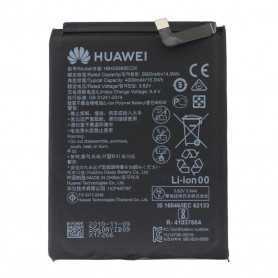
Battery HB576675EEW Huawei Mate 40 Pro
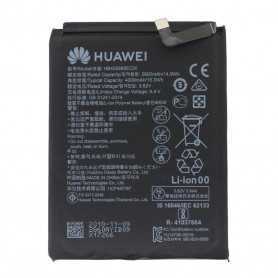
Battery HB406689ECW Huawei Mate 9 / Mate 9 Pro/Y7 2019/Y7 Prime/Y9 2019 EAN;8002126280795
Out-of-Stock
Battery HB446486ECW Huawei Honor 9X Pro
Battery HB406689ECW Huawei Mate 9 / Mate 9 Pro/Y7 2019/Y7 Prime/Y9 2019 EAN;8002126280795
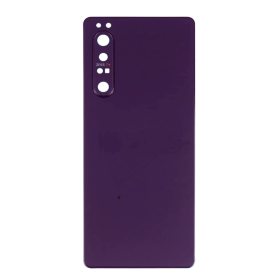
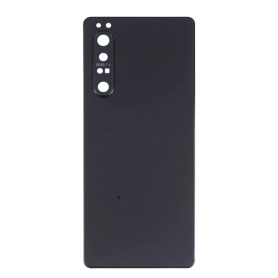
Sony Xperia 1 III Back Glass Purple (Original Disassembled) - Grade AB
EAN:8002126282560
Out-of-Stock
Out-of-Stock
Huawei Mate S Black Screen
Complete Screen Huawei Mate S Black LCD + Touch Glass on Chassis Original EAN: 6002761248497
Out-of-Stock
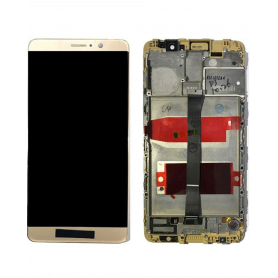
Huawei Mate 9 Gold Screen
Touch glass and LCD screen assembly, original, for Huawei Mate 9 Gold EAN: 7907613232374
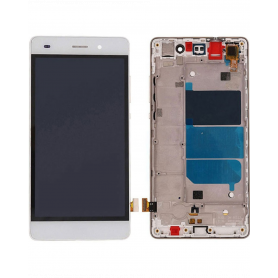
Huawei P8 Lite White Screen
Original touch glass and LCD screen assembly with frame, for Huawei P8 Lite White EAN: 6169957564981
Out-of-Stock
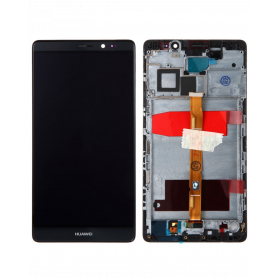
Huawei Mate 7 Black Screen
Huawei Mate 8 Black LCD+ Touch Glass Screen EAN:7907613232275

Out-of-Stock
Huawei Honor 6C Pro Gold Screen
Huawei Honor 6C Pro Black Screen
EAN:8414717537742
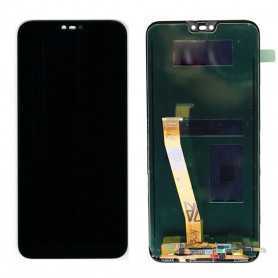
Huawei Honor 10 Black Screen
With fingerprint identification chip
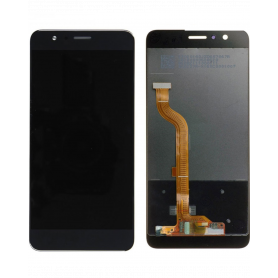
Huawei Honor 8 Lite screen
Touch glass and LCD screen assembly, original, for Huawei Honor 8 black EAN: 6169957566268
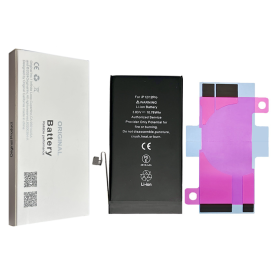
Battery A2479 2815mAh iPhone 12 / 12 Pro (OEM) Diagnostic Show Genuine
Use Repair Assistant to Finish an iPhone or iPad Repair
This Battery Without Logo
On an iPhone 12 or later running iOS 18, when a new Apple battery is installed,“Finish Repair” will appear next to Battery until you complete the repair using the Repair Assistant.
On an iPhone 12 or later running iOS 18, it is possible to reuse an original Apple battery on another iPhone of the same model.
The date of first use, capacity, and cycle count of your battery can be found in Settings > Battery > Battery Health.
How to Run Diagnostics & Finish Repair for iPhone Battery
1. Ensure your device is updated to iOS 18
2. Go to Settings > General > About > Parts & Service History
3. Tap "Restart & Finish Repair" to activate the Repair Assistant
4. Follow the on-screen instructions to complete the calibration
After completing this process, your battery will display 100% health, and there will be no pop-up warning about non-genuine parts.
Important Notes:
Your iPhone must be connected to Wi-Fi
Your battery level should be above 20%
If the process fails, restart your device and try again
If the repair is not completed, the battery may not function optimally, and some features (Face ID, Touch ID) may be disabled until calibration is finalized
Out-of-Stock
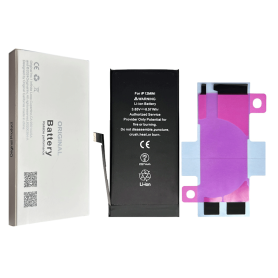
Battery A2471 2227mAh iPhone 12 mini (OEM) Diagnostic Show Genuine
Use Repair Assistant to Finish an iPhone or iPad Repair
This Battery Without Logo
On an iPhone 12 or later running iOS 18, when a new Apple battery is installed,“Finish Repair” will appear next to Battery until you complete the repair using the Repair Assistant.
On an iPhone 12 or later running iOS 18, it is possible to reuse an original Apple battery on another iPhone of the same model.
The date of first use, capacity, and cycle count of your battery can be found in Settings > Battery > Battery Health.
How to Run Diagnostics & Finish Repair for iPhone Battery
1. Ensure your device is updated to iOS 18
2. Go to Settings > General > About > Parts & Service History
3. Tap "Restart & Finish Repair" to activate the Repair Assistant
4. Follow the on-screen instructions to complete the calibration
After completing this process, your battery will display 100% health, and there will be no pop-up warning about non-genuine parts.
Important Notes:
Your iPhone must be connected to Wi-Fi
Your battery level should be above 20%
If the process fails, restart your device and try again
If the repair is not completed, the battery may not function optimally, and some features (Face ID, Touch ID) may be disabled until calibration is finalized
Out-of-Stock
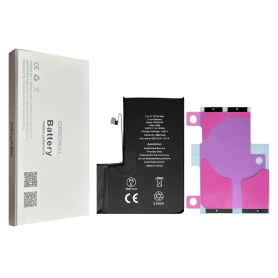
Battery A2466 3687mAh iPhone 12 Pro Max (OEM) Direct Installation - No Pop-up / Health 100%
Use Repair Assistant to Finish an iPhone or iPad Repair
This Battery Without Logo
On an iPhone 12 or later running iOS 18, when a new Apple battery is installed,“Finish Repair” will appear next to Battery until you complete the repair using the Repair Assistant.
On an iPhone 12 or later running iOS 18, it is possible to reuse an original Apple battery on another iPhone of the same model.
The date of first use, capacity, and cycle count of your battery can be found in Settings > Battery > Battery Health.
How to Run Diagnostics & Finish Repair for iPhone Battery
1. Ensure your device is updated to iOS 18
2. Go to Settings > General > About > Parts & Service History
3. Tap "Restart & Finish Repair" to activate the Repair Assistant
4. Follow the on-screen instructions to complete the calibration
After completing this process, your battery will display 100% health, and there will be no pop-up warning about non-genuine parts.
Important Notes:
Your iPhone must be connected to Wi-Fi
Your battery level should be above 20%
If the process fails, restart your device and try again
If the repair is not completed, the battery may not function optimally, and some features (Face ID, Touch ID) may be disabled until calibration is finalized

Out-of-Stock
Battery A2655 3232mAh iPhone 13 (OEM) Diagnostic Show Genuine
Use Repair Assistant to Finish an iPhone or iPad Repair
This Battery Without Logo
On an iPhone 12 or later running iOS 18, when a new Apple battery is installed,“Finish Repair” will appear next to Battery until you complete the repair using the Repair Assistant.
On an iPhone 12 or later running iOS 18, it is possible to reuse an original Apple battery on another iPhone of the same model.
The date of first use, capacity, and cycle count of your battery can be found in Settings > Battery > Battery Health.
How to Run Diagnostics & Finish Repair for iPhone Battery
1. Ensure your device is updated to iOS 18
2. Go to Settings > General > About > Parts & Service History
3. Tap "Restart & Finish Repair" to activate the Repair Assistant
4. Follow the on-screen instructions to complete the calibration
After completing this process, your battery will display 100% health, and there will be no pop-up warning about non-genuine parts.
Important Notes:
Your iPhone must be connected to Wi-Fi
Your battery level should be above 20%
If the process fails, restart your device and try again
If the repair is not completed, the battery may not function optimally, and some features (Face ID, Touch ID) may be disabled until calibration is finalized
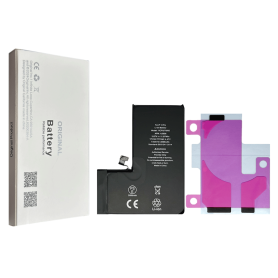
Battery A2656 3095mAh iPhone 13 Pro (OEM) Diagnostic Show Genuine
Use Repair Assistant to Finish an iPhone or iPad Repair
This Battery Without Logo
On an iPhone 12 or later running iOS 18, when a new Apple battery is installed,“Finish Repair” will appear next to Battery until you complete the repair using the Repair Assistant.
On an iPhone 12 or later running iOS 18, it is possible to reuse an original Apple battery on another iPhone of the same model.
The date of first use, capacity, and cycle count of your battery can be found in Settings > Battery > Battery Health.
How to Run Diagnostics & Finish Repair for iPhone Battery
1. Ensure your device is updated to iOS 18
2. Go to Settings > General > About > Parts & Service History
3. Tap "Restart & Finish Repair" to activate the Repair Assistant
4. Follow the on-screen instructions to complete the calibration
After completing this process, your battery will display 100% health, and there will be no pop-up warning about non-genuine parts.
Important Notes:
Your iPhone must be connected to Wi-Fi
Your battery level should be above 20%
If the process fails, restart your device and try again
If the repair is not completed, the battery may not function optimally, and some features (Face ID, Touch ID) may be disabled until calibration is finalized
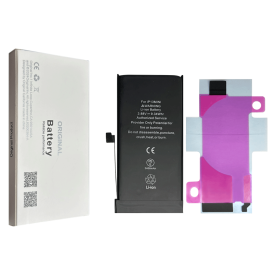
Battery A2660 2406mAh iPhone 13 mini (OEM) Diagnostic Show Genuine
Use Repair Assistant to Finish an iPhone or iPad Repair
This Battery Without Logo
On an iPhone 12 or later running iOS 18, when a new Apple battery is installed,“Finish Repair” will appear next to Battery until you complete the repair using the Repair Assistant.
On an iPhone 12 or later running iOS 18, it is possible to reuse an original Apple battery on another iPhone of the same model.
The date of first use, capacity, and cycle count of your battery can be found in Settings > Battery > Battery Health.
How to Run Diagnostics & Finish Repair for iPhone Battery
1. Ensure your device is updated to iOS 18
2. Go to Settings > General > About > Parts & Service History
3. Tap "Restart & Finish Repair" to activate the Repair Assistant
4. Follow the on-screen instructions to complete the calibration
After completing this process, your battery will display 100% health, and there will be no pop-up warning about non-genuine parts.
Important Notes:
Your iPhone must be connected to Wi-Fi
Your battery level should be above 20%
If the process fails, restart your device and try again
If the repair is not completed, the battery may not function optimally, and some features (Face ID, Touch ID) may be disabled until calibration is finalized
Out-of-Stock
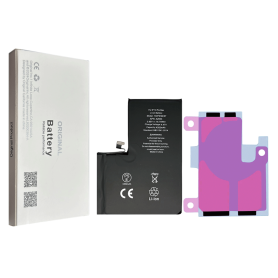
Battery A2653 4352mAh iPhone 13 Pro Max (OEM) Diagnostic Show Genuine
Use Repair Assistant to Finish an iPhone or iPad Repair
This Battery Without Logo
On an iPhone 12 or later running iOS 18, when a new Apple battery is installed,“Finish Repair” will appear next to Battery until you complete the repair using the Repair Assistant.
On an iPhone 12 or later running iOS 18, it is possible to reuse an original Apple battery on another iPhone of the same model.
The date of first use, capacity, and cycle count of your battery can be found in Settings > Battery > Battery Health.
How to Run Diagnostics & Finish Repair for iPhone Battery
1. Ensure your device is updated to iOS 18
2. Go to Settings > General > About > Parts & Service History
3. Tap "Restart & Finish Repair" to activate the Repair Assistant
4. Follow the on-screen instructions to complete the calibration
After completing this process, your battery will display 100% health, and there will be no pop-up warning about non-genuine parts.
Important Notes:
Your iPhone must be connected to Wi-Fi
Your battery level should be above 20%
If the process fails, restart your device and try again
If the repair is not completed, the battery may not function optimally, and some features (Face ID, Touch ID) may be disabled until calibration is finalized
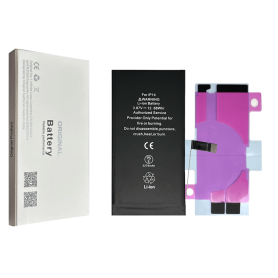
Out-of-Stock
Battery A2863 3279mAh iPhone 14 (OEM) Diagnostic Show Genuine
Use Repair Assistant to Finish an iPhone or iPad Repair
This Battery Without Logo
On an iPhone 12 or later running iOS 18, when a new Apple battery is installed,“Finish Repair” will appear next to Battery until you complete the repair using the Repair Assistant.
On an iPhone 12 or later running iOS 18, it is possible to reuse an original Apple battery on another iPhone of the same model.
The date of first use, capacity, and cycle count of your battery can be found in Settings > Battery > Battery Health.
How to Run Diagnostics & Finish Repair for iPhone Battery
1. Ensure your device is updated to iOS 18
2. Go to Settings > General > About > Parts & Service History
3. Tap "Restart & Finish Repair" to activate the Repair Assistant
4. Follow the on-screen instructions to complete the calibration
After completing this process, your battery will display 100% health, and there will be no pop-up warning about non-genuine parts.
Important Notes:
Your iPhone must be connected to Wi-Fi
Your battery level should be above 20%
If the process fails, restart your device and try again
If the repair is not completed, the battery may not function optimally, and some features (Face ID, Touch ID) may be disabled until calibration is finalized
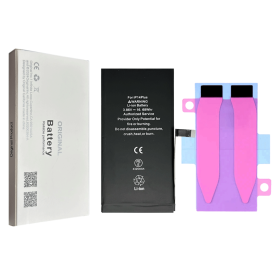
Out-of-Stock
Battery A2850 4325mAh iPhone 14 Plus (OEM) Diagnostic Show Genuine
Use Repair Assistant to Finish an iPhone or iPad Repair
This Battery Without Logo
On an iPhone 12 or later running iOS 18, when a new Apple battery is installed,“Finish Repair” will appear next to Battery until you complete the repair using the Repair Assistant.
On an iPhone 12 or later running iOS 18, it is possible to reuse an original Apple battery on another iPhone of the same model.
The date of first use, capacity, and cycle count of your battery can be found in Settings > Battery > Battery Health.
How to Run Diagnostics & Finish Repair for iPhone Battery
1. Ensure your device is updated to iOS 18
2. Go to Settings > General > About > Parts & Service History
3. Tap "Restart & Finish Repair" to activate the Repair Assistant
4. Follow the on-screen instructions to complete the calibration
After completing this process, your battery will display 100% health, and there will be no pop-up warning about non-genuine parts.
Important Notes:
Your iPhone must be connected to Wi-Fi
Your battery level should be above 20%
If the process fails, restart your device and try again
If the repair is not completed, the battery may not function optimally, and some features (Face ID, Touch ID) may be disabled until calibration is finalized


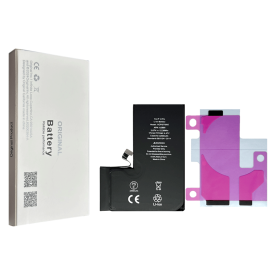
Battery A2866 3200mAh iPhone 14 Pro (OEM) Diagnostic Show Genuine
Use Repair Assistant to Finish an iPhone or iPad Repair
This Battery Without Logo
On an iPhone 12 or later running iOS 18, when a new Apple battery is installed,“Finish Repair” will appear next to Battery until you complete the repair using the Repair Assistant.
On an iPhone 12 or later running iOS 18, it is possible to reuse an original Apple battery on another iPhone of the same model.
The date of first use, capacity, and cycle count of your battery can be found in Settings > Battery > Battery Health.
How to Run Diagnostics & Finish Repair for iPhone Battery
1. Ensure your device is updated to iOS 18
2. Go to Settings > General > About > Parts & Service History
3. Tap "Restart & Finish Repair" to activate the Repair Assistant
4. Follow the on-screen instructions to complete the calibration
After completing this process, your battery will display 100% health, and there will be no pop-up warning about non-genuine parts.
Important Notes:
Your iPhone must be connected to Wi-Fi
Your battery level should be above 20%
If the process fails, restart your device and try again
If the repair is not completed, the battery may not function optimally, and some features (Face ID, Touch ID) may be disabled until calibration is finalized
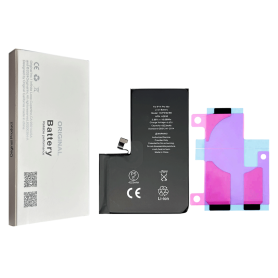
Out-of-Stock
Battery A2830 4323mAh iPhone 14 Pro Max (OEM) Diagnostic Show Genuine
Use Repair Assistant to Finish an iPhone or iPad Repair
This Battery Without Logo
On an iPhone 12 or later running iOS 18, when a new Apple battery is installed,“Finish Repair” will appear next to Battery until you complete the repair using the Repair Assistant.
On an iPhone 12 or later running iOS 18, it is possible to reuse an original Apple battery on another iPhone of the same model.
The date of first use, capacity, and cycle count of your battery can be found in Settings > Battery > Battery Health.
How to Run Diagnostics & Finish Repair for iPhone Battery
1. Ensure your device is updated to iOS 18
2. Go to Settings > General > About > Parts & Service History
3. Tap "Restart & Finish Repair" to activate the Repair Assistant
4. Follow the on-screen instructions to complete the calibration
After completing this process, your battery will display 100% health, and there will be no pop-up warning about non-genuine parts.
Important Notes:
Your iPhone must be connected to Wi-Fi
Your battery level should be above 20%
If the process fails, restart your device and try again
If the repair is not completed, the battery may not function optimally, and some features (Face ID, Touch ID) may be disabled until calibration is finalized
Out-of-Stock
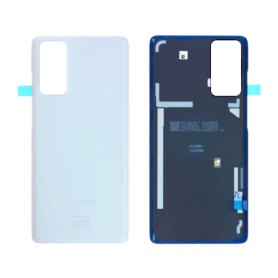

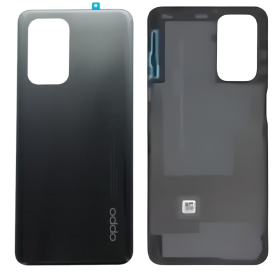
Out-of-Stock
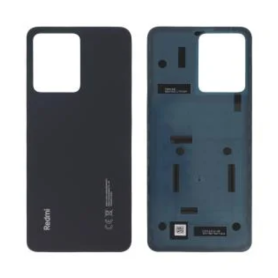
Out-of-Stock
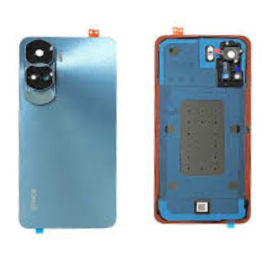



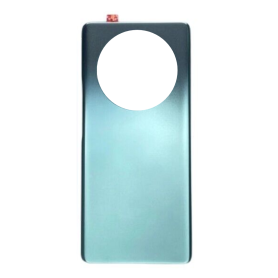

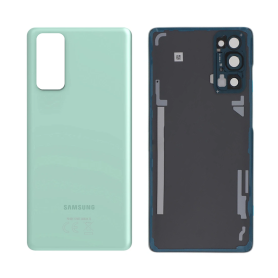
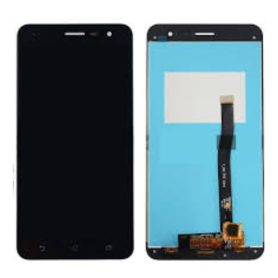
Out-of-Stock
Screen Asus ZenFone 3 ZE552KL Black with Frame
Écran Asus ZenPad 10 (Z301M) Blanc Origine NV101WUM-N52
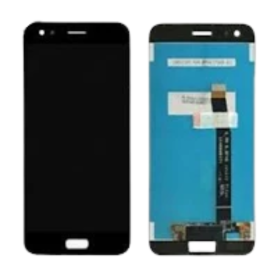
Asus ZenFone 4 ZE554KL Black Screen Without Frame
Écran Asus ZenPad 10 (Z301M) Blanc Origine NV101WUM-N52

Out-of-Stock
Screen Black Asus ZenFone 4 ZE552KL with Frame
Écran Asus ZenPad 10 (Z301M) Blanc Origine NV101WUM-N52

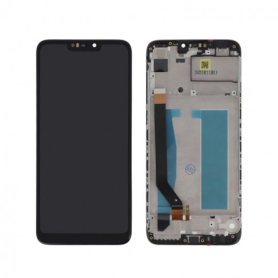
Asus ZenFone Max M2 Full Screen Black with Chassis
Écran Asus ZenPad 10 (Z301M) Blanc Origine NV101WUM-N52
Out-of-Stock
Asus ZenFone 4 Max ZE520KL Full Screen Black with Chassis
Écran Asus ZenPad 10 (Z301M) Blanc Origine NV101WUM-N52
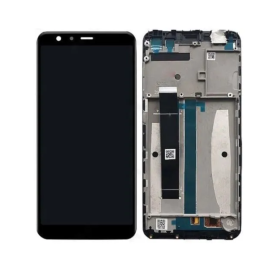
Asus ZenFone Max Pro M1 ZB602KL Full Screen Black with Chassis
Écran Asus ZenPad 10 (Z301M) Blanc Origine NV101WUM-N52
Asus ZenFone Max Pro M1 ZB602KL Full Screen Black
Écran Asus ZenPad 10 (Z301M) Blanc Origine NV101WUM-N52
Out-of-Stock
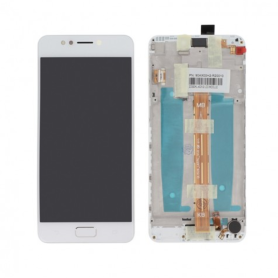
Asus ZenFone 4 Max ZE520KL Full Screen White with Chassis
Écran Asus ZenPad 10 (Z301M) Blanc Origine NV101WUM-N52
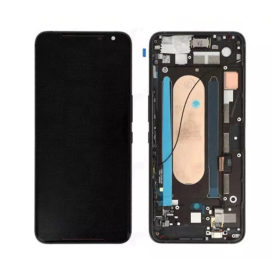
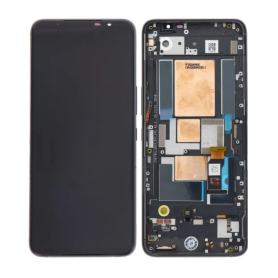
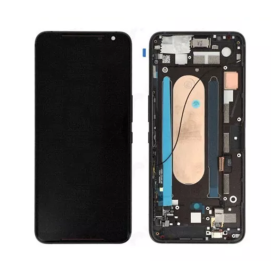
Asus ROG Phone II Full Screen with Chassis
Écran Asus ZenPad 10 (Z301M) Blanc Origine NV101WUM-N52

Out-of-Stock
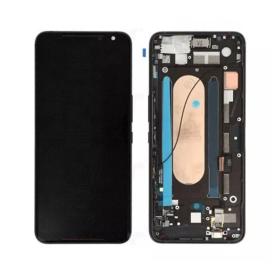
Asus ROG Phone II ZS660KL Full Screen Black
Écran Asus ZenPad 10 (Z301M) Blanc Origine NV101WUM-N52

Out-of-Stock
Asus ROG Phone 5 Full Screen Black with Chassis
Écran Asus ZenPad 10 (Z301M) Blanc Origine NV101WUM-N52
Out-of-Stock
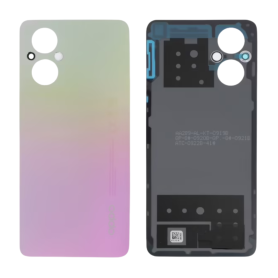
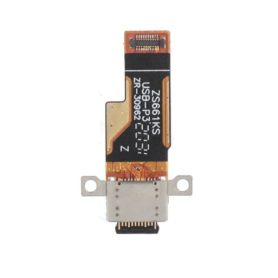
Charging Connector Asus ROG Phone 3 ZS661KS
Écran Asus ZenPad 10 (Z301M) Blanc Origine NV101WUM-N52
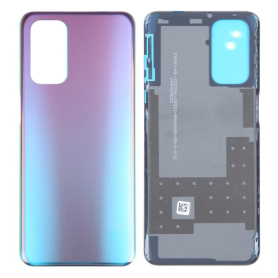
Out-of-Stock
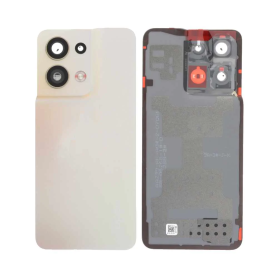
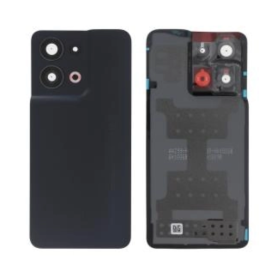
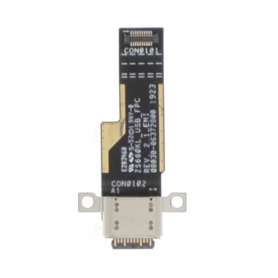
Charging Connector Asus ROG Phone II ZS660KL
Écran Asus ZenPad 10 (Z301M) Blanc Origine NV101WUM-N52
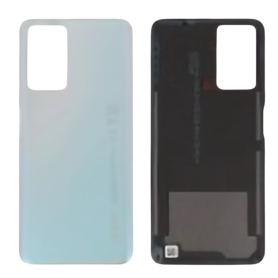
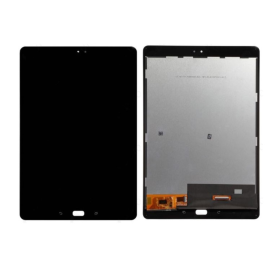
Out-of-Stock
Asus ZenPad 3S 10 Z500M Full Screen Black
Écran Asus ZenPad 10 (Z301M) Blanc Origine NV101WUM-N52
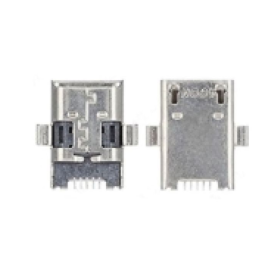
Charging Connector Asus MemoPad 10,0 FHD
Écran Asus ZenPad 10 (Z301M) Blanc Origine NV101WUM-N52
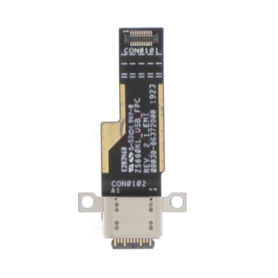
Charging Connector Asus ZenPad 10 Z300
Écran Asus ZenPad 10 (Z301M) Blanc Origine NV101WUM-N52
Out-of-Stock
Blackview A80 Pro Black Screen (Original Refurbished)
Écran Asus ZenPad 10 (Z301M) Blanc Origine NV101WUM-N52


Out-of-Stock

Out-of-Stock
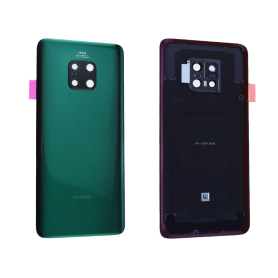
Huawei Mate 20X Back Glass Green (Original Disassembled) - Grade A
Ecran Huawei Mate 20 X Noir